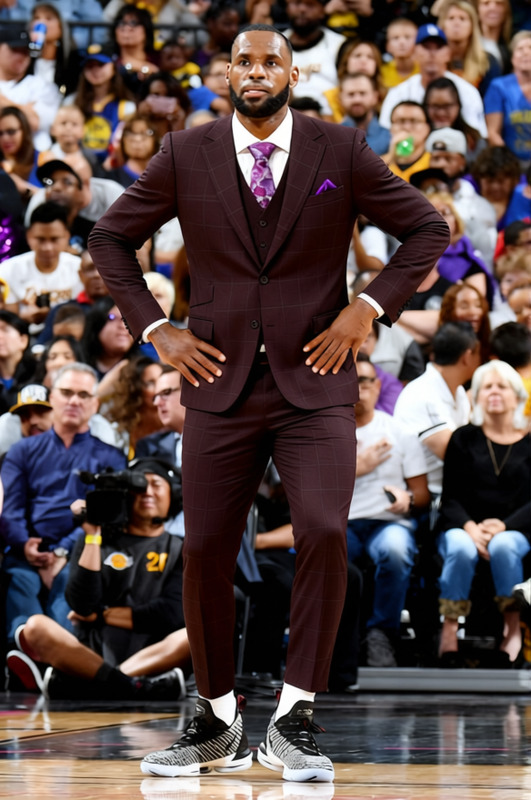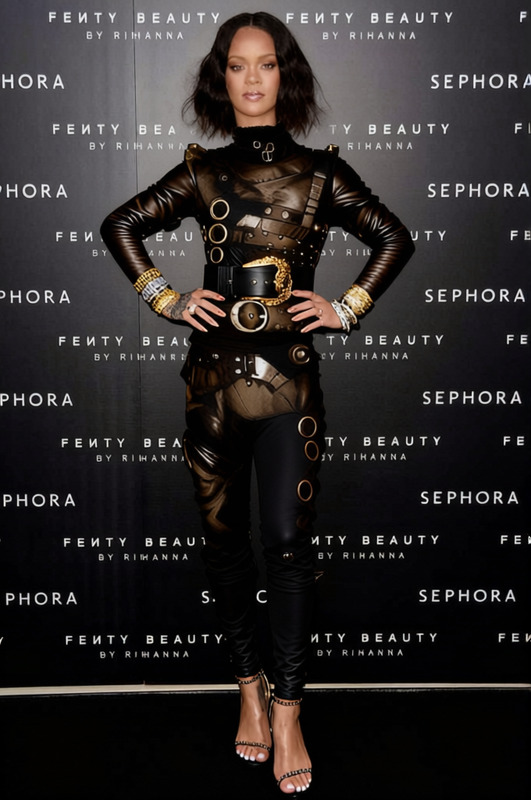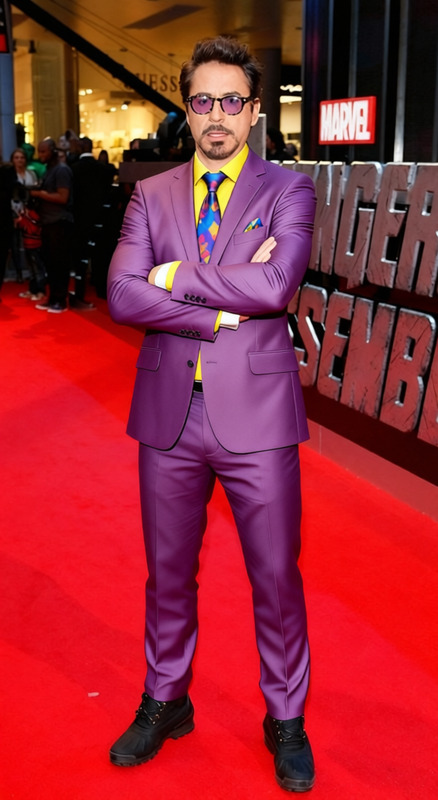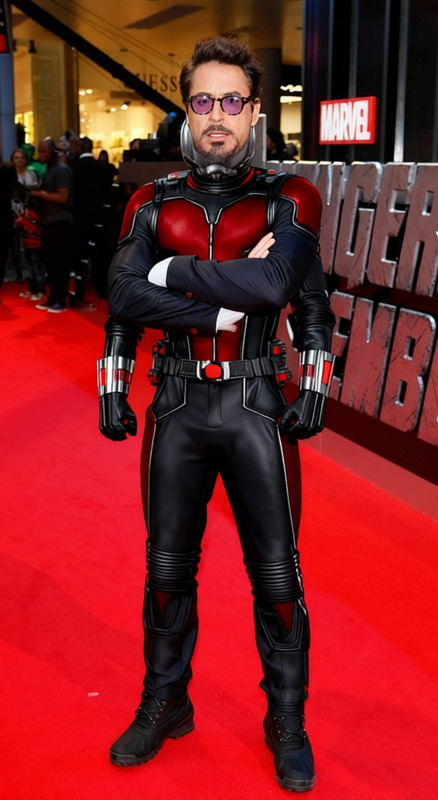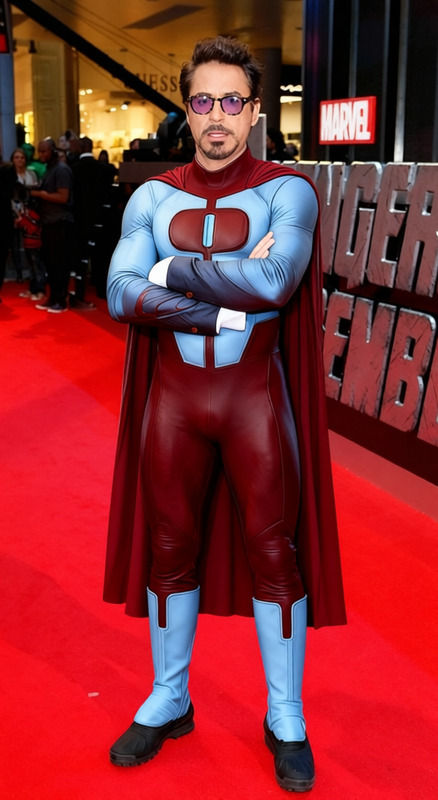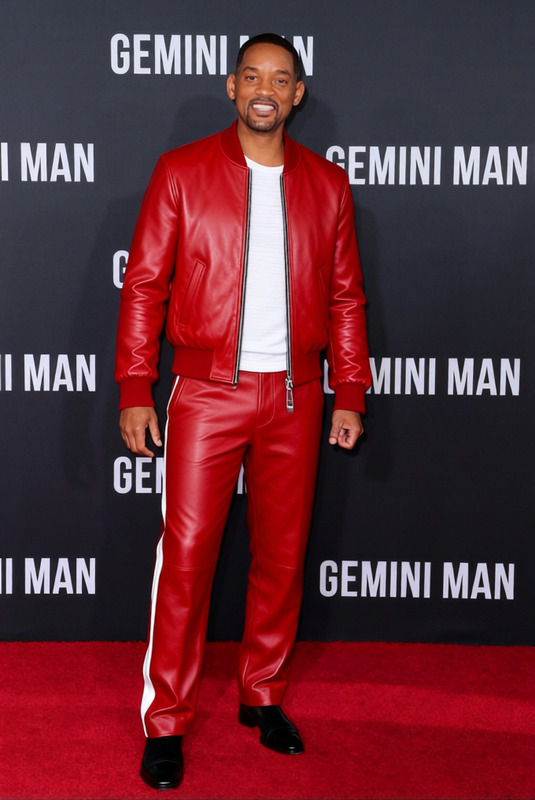
The Weeknd Red Suit With White Face Bandages 2
- Image
- 680 × 1024 px
Any aspect ratio
Overview
The The Weeknd Red Suit With White Face Bandages 2 template allows you to transform your images by altering clothing elements in a unique and creative way. This template is perfect for creating iconic looks for fan-art, social media posts, or digital marketing materials.
What It Does
This tool applies the stylish attire from The Weeknd in its red suit and white face bandages, giving your photos a distinctive and artistic flair. By using the Clothes Changer technology, it modifies the clothing in your images while maintaining the authenticity of the original posture and facial expression.
Explore other transformations with the AI Clothes Changer to broaden the creative potential of your imagery.
Who It's For
This template is ideal for photographers, digital artists, and content creators looking to add celebrity-inspired styles to their works. It can also be useful for marketers aiming to capture attention with visually intriguing images in campaigns across social media platforms.
Summary
Unlock the potential of AI-powered creative expression with the Full Body Generator, and refine those iconic styles with the AI Image Editor. This template is designed to offer a user-friendly experience while providing professional-grade results in image styling.
How-to
Choose Your Template

Customize Your Image

Generate and Download

Use Cases
Fan Art Creations
- Concept artwork
- Celebrity fan art
Social Media Content
- Instagram posts
- TikTok backgrounds
Marketing Campaigns
- Event promotions
- Product launches
Best Practices
Select High-Quality Images
Use images with good resolution to maximize the clarity and detail of the changed clothing.Consistent Lighting Conditions
Ensure the lighting on the subject is even; this helps in maintaining the realism of the final result.Experiment with Angles
Try different angles to find the best aesthetic fit for the outfit; variations can provide unique results.
FAQs
More Like This