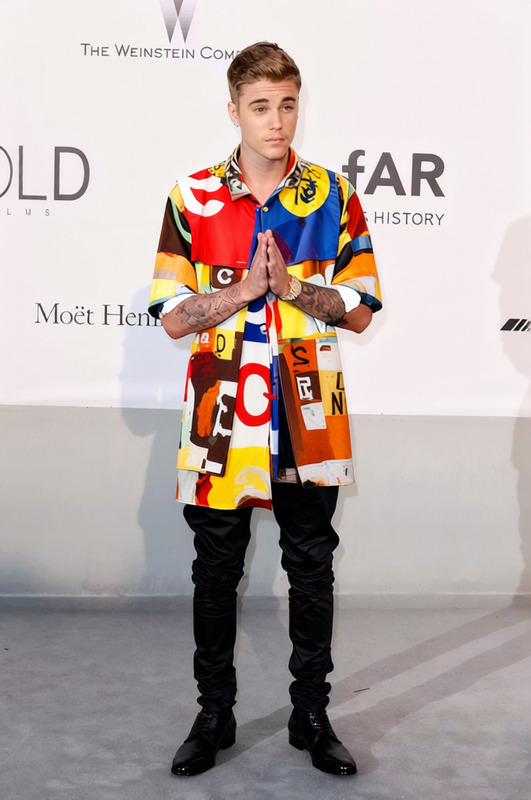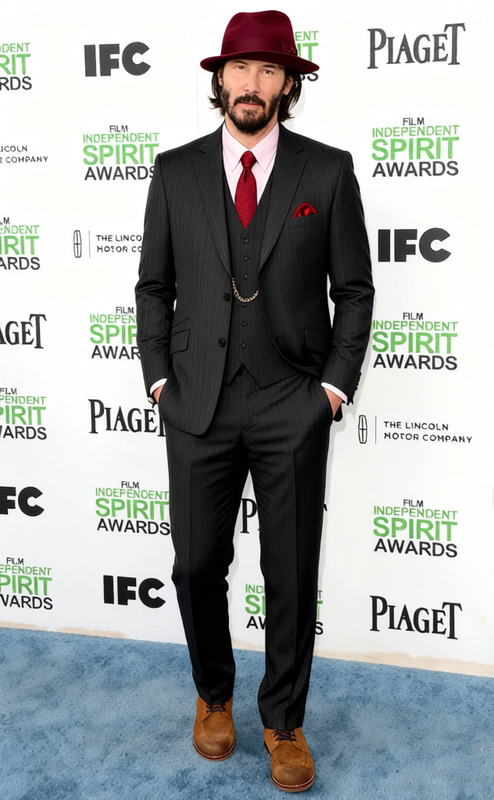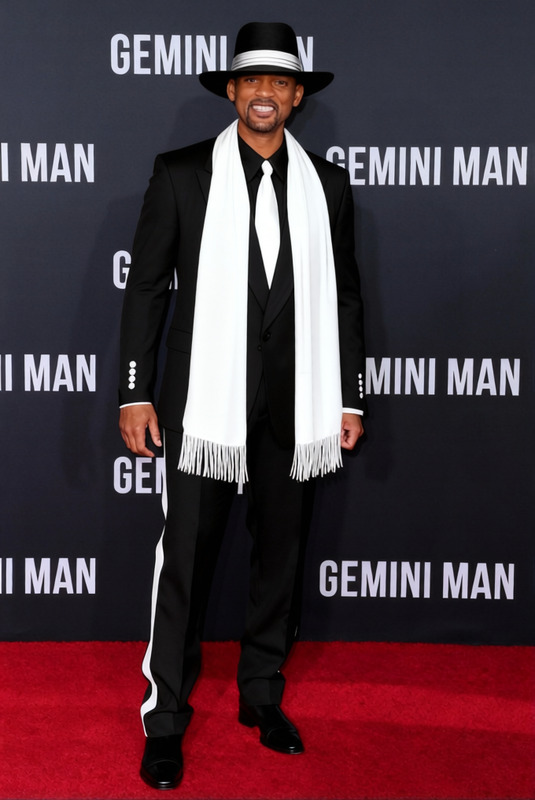
Michael Jackson Smooth Criminal White Suit And Fedora 2
- Image
- 760 × 1024 px
Any aspect ratio
Overview
Transform your photos with the iconic look of Michael Jackson's "Smooth Criminal" ensemble—complete with a white suit and fedora. This AI Clothes Changer template lets you modify clothing styles in your images with precision, bringing smooth criminal vibes to life.
What It Does
The template digitally replaces the subject's current outfit with a striking white suit and fedora, replicating the "Smooth Criminal" look. Whether for a theme party or a social media post, this tool gives you a fresh sartorial edge. It's part of our broader suite of AI Photo Editing tools designed to enhance your digital content.
Who It's For
This template is perfect for fans of Michael Jackson, social media influencers, or anyone preparing for themed events or digital marketing. Fashion-forward users looking to explore innovative image modifications will find this tool invaluable, as will marketers utilizing our AI Ad Creative Generator.
Summary
With the Michael Jackson Smooth Criminal White Suit And Fedora template, you can easily incorporate the essence of MJ's legendary style into your projects. Utilizing cutting-edge image processing technology, it offers a seamless way to diversify your imagery. Combine it with other tools from Magic Hour for comprehensive project enhancements.
How To
Choose Your Template

Customize Your Inputs

Generate Your Image

Use Cases
Event Promotion
- Concerts
- Theme Parties
Social Media Content
- Instagram Reels
- TikTok Videos
Marketing Campaigns
- Fashion Ads
- Product Launches
Best Practices
Select High-Quality Images
Use high-resolution photos for the best results, ensuring that details are not lost during the clothes-changing process.Align The Outfit Properly
Pay attention to the alignment settings to make sure the attire fits naturally on the subject.Combine with Other Tools
Consider using the AI Image Editor for final touch-ups to perfect lighting and shadows.
Frequently asked questions
More Like This