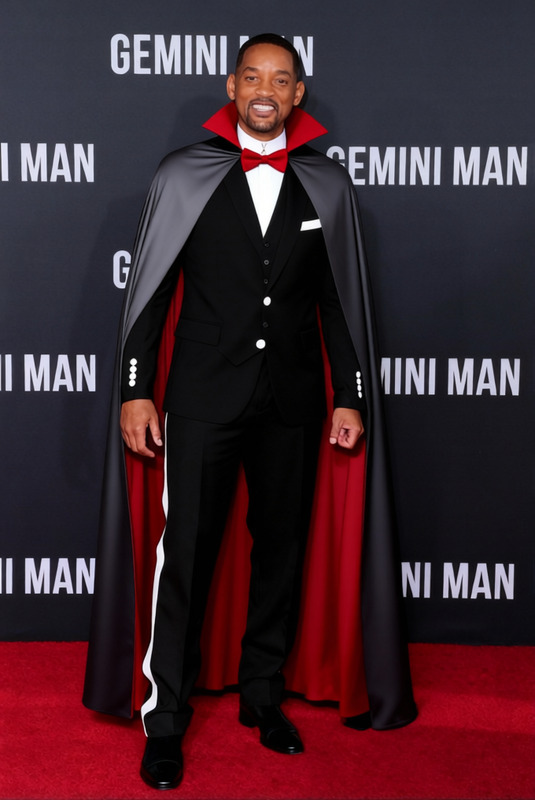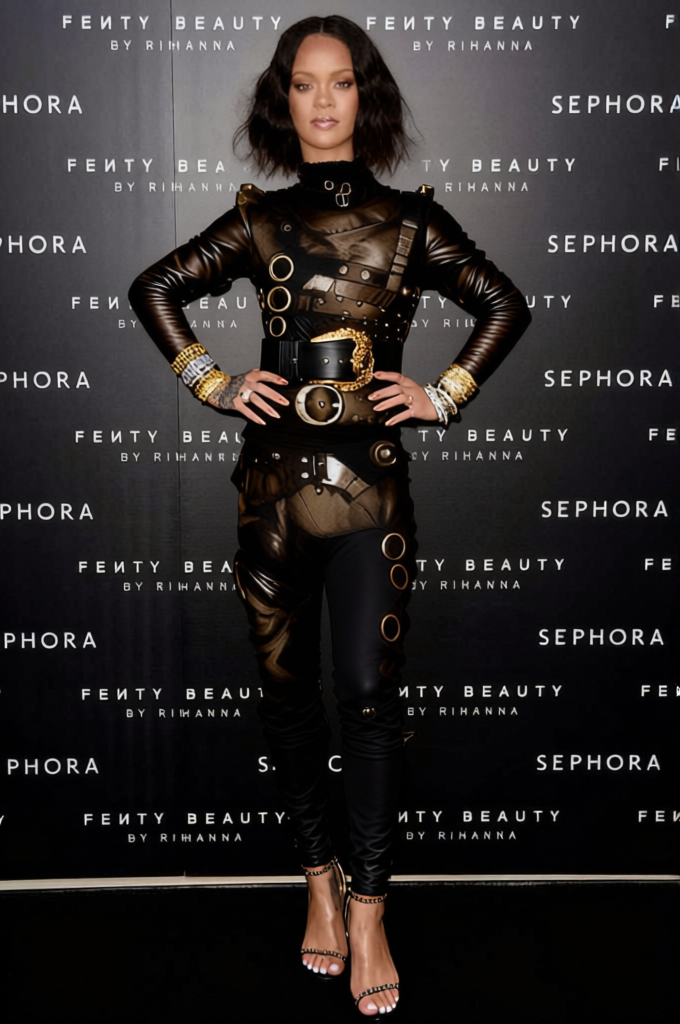
Edward Scissorhands Black Leather Suit With Scissor Hands 2
- Image
- 680 × 1024 px
Any aspect ratio
Overview
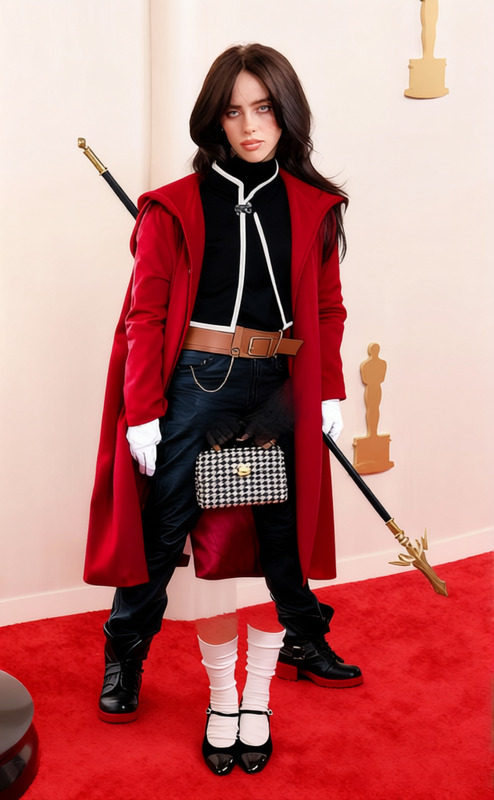
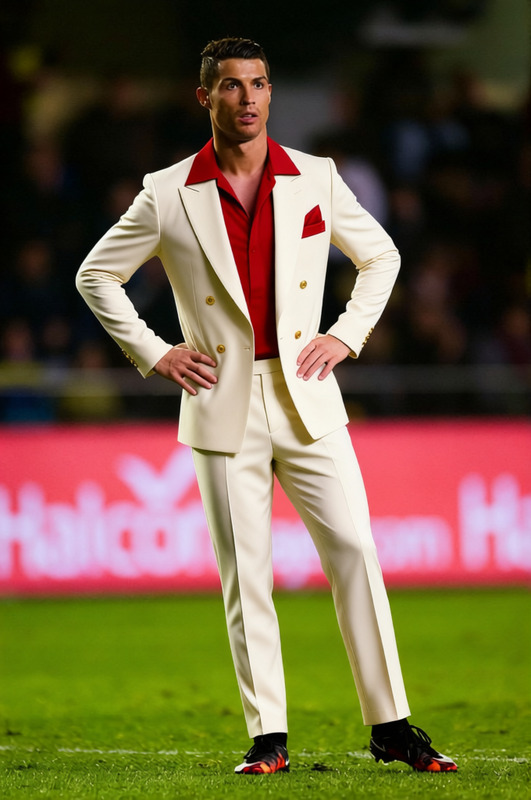
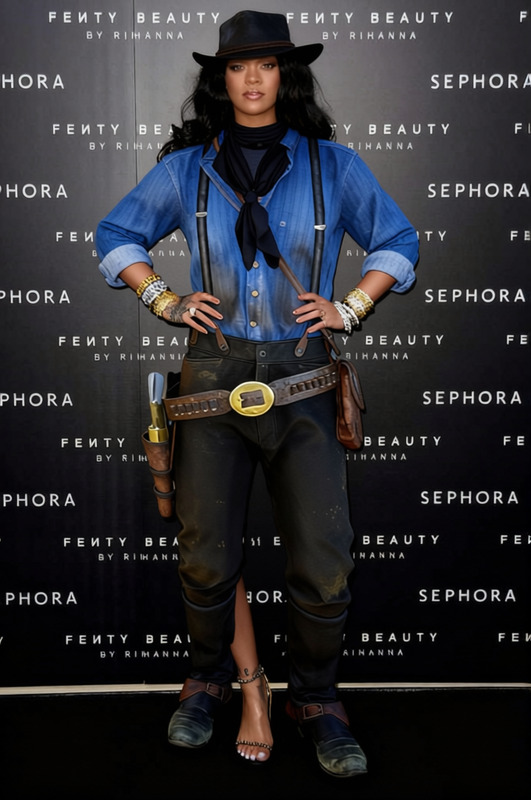
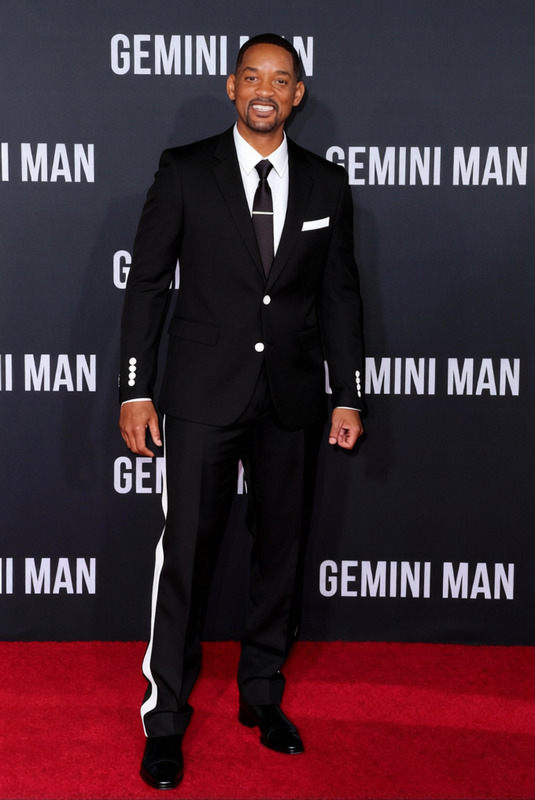
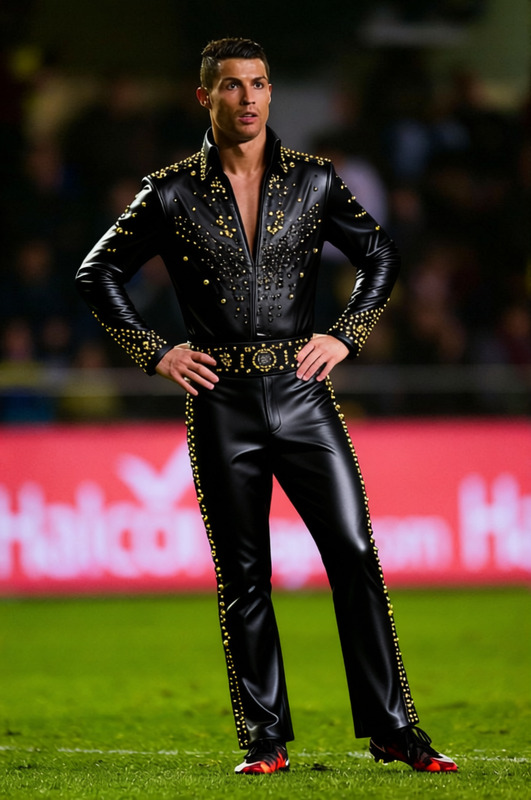
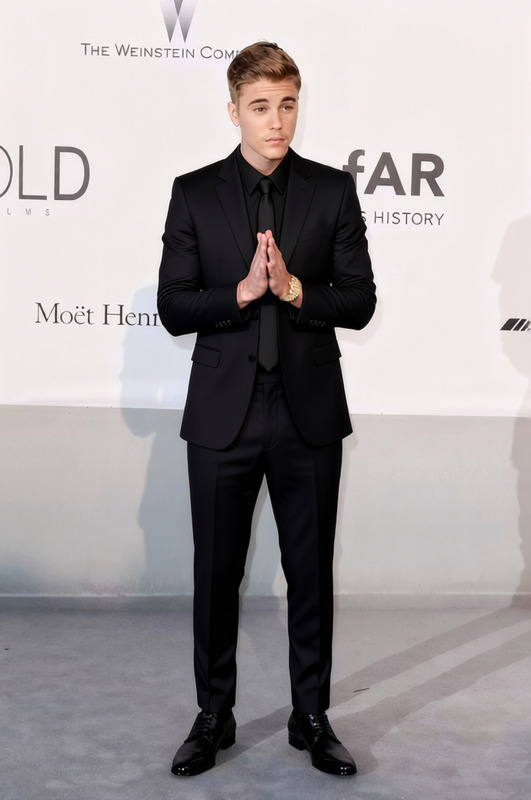
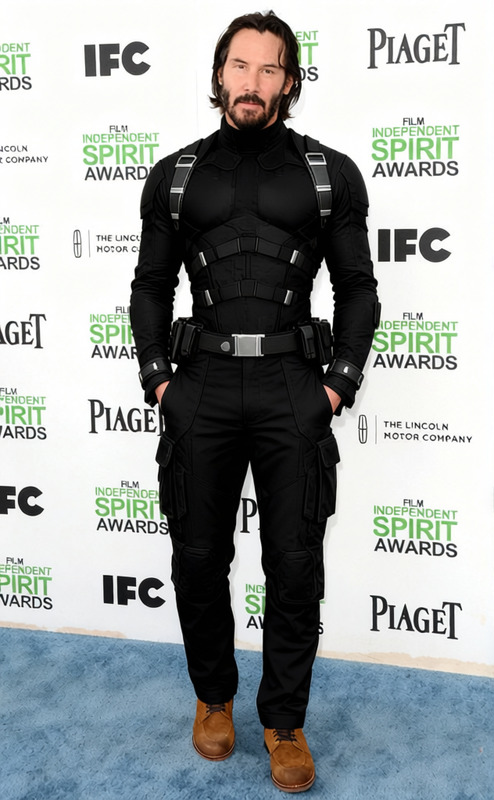
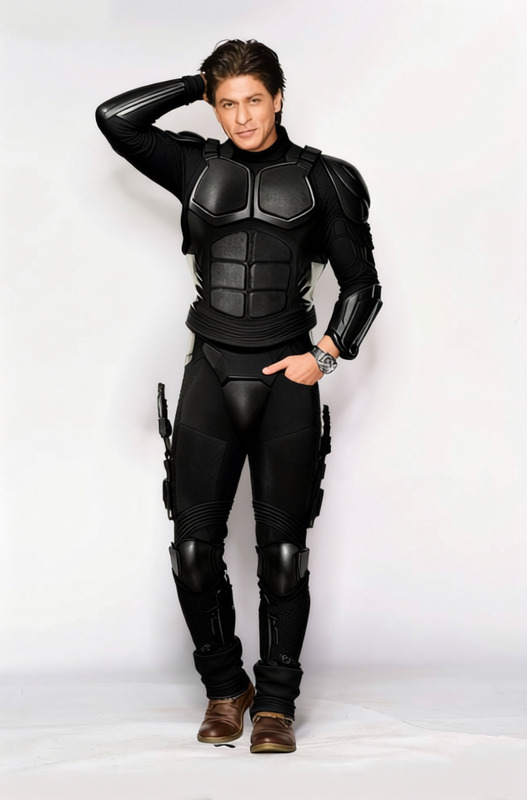
Step into a world of creative transformation with our Edward Scissorhands Black Leather Suit With Scissor Hands 2 clothes changer template. This tool is designed to instantly redefine your photos, giving them the iconic look of Edward Scissorhands. Ideal for film enthusiasts and those looking to infuse a bit of cinematic magic into their images.
What It Does
This clothes changer template swaps the current outfit of the subject in your photo with the distinct black leather suit and scissor hands synonymous with Edward Scissorhands. Ideal for AI Clothes Changer users, it preserves the original posture and stance while overlaying the new outfit, allowing you to create stunning transformations effortlessly.
Who It's For
Perfect for photographers, content creators, and anyone keen to experiment with unique wardrobe changes without manual effort. This template is especially beneficial for those familiar with AI Image Editor tools, providing them with an artistic edge in fashion and cosplay photography.
Summary
This template empowers users to breathe new life into images, offering an engaging way to portray alternate realities. Whether you're producing theatrical content, crafting creative social media posts, or working on a project requiring character visualization, incorporating a touch of fantasy has never been more accessible. Plus, it pairs well with other innovative tools such as the AI Face Editor for holistic creativity.
How To
Choose Template

Customize Inputs

Generate Image

Use Cases
Social Media Content
- Halloween events
- Movie-themed posts
Creative Projects
- Short films
- Photographic art projects
Cosplay Inspiration
- Costume planning
- Character design
Best Practices
Select High-Quality Images
For the best results, use high-resolution images to retain detail when applying the template.Adjust Lighting
Ensure the lighting in the source image complements the dark aesthetic of the suit.Combine with Face Editing
Use tools like the AI Face Editor to further alter facial features for a cohesive character transformation.
Frequently asked questions
More Like This