Ash Williams Army Of Darkness Medieval Blue Tunic With Brown Pants
- Image
- 680 × 1016 px
Any aspect ratio
Overview
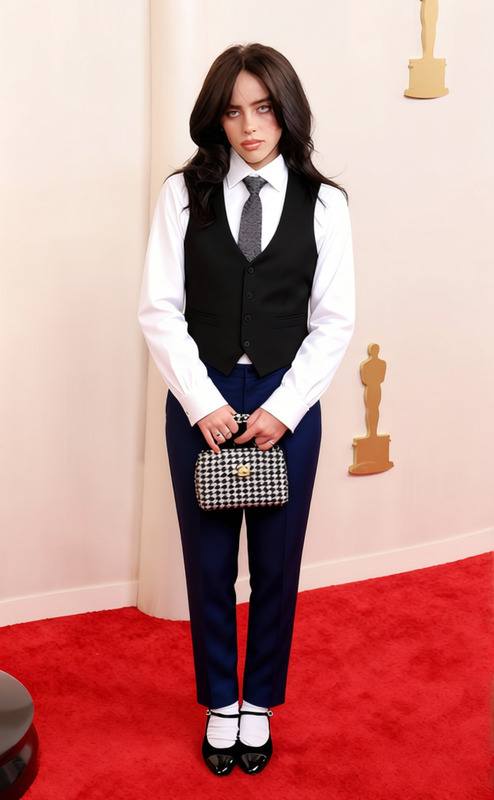
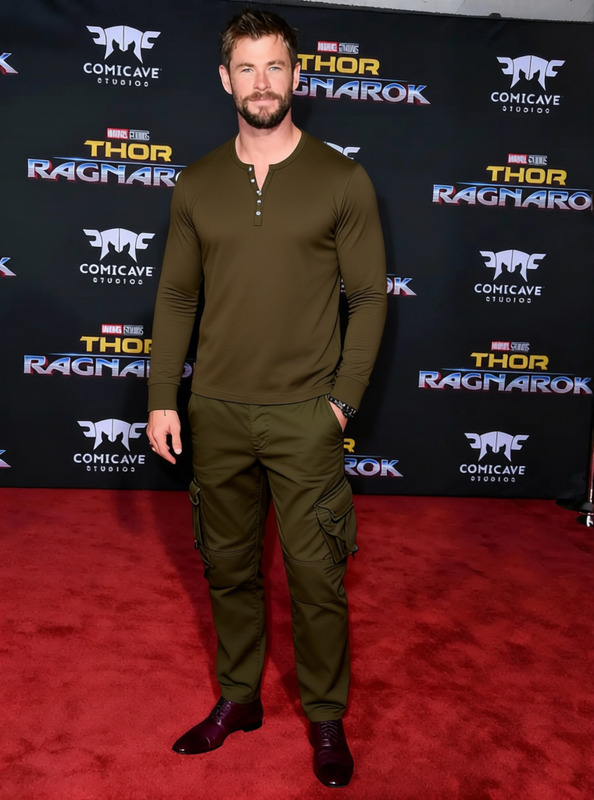
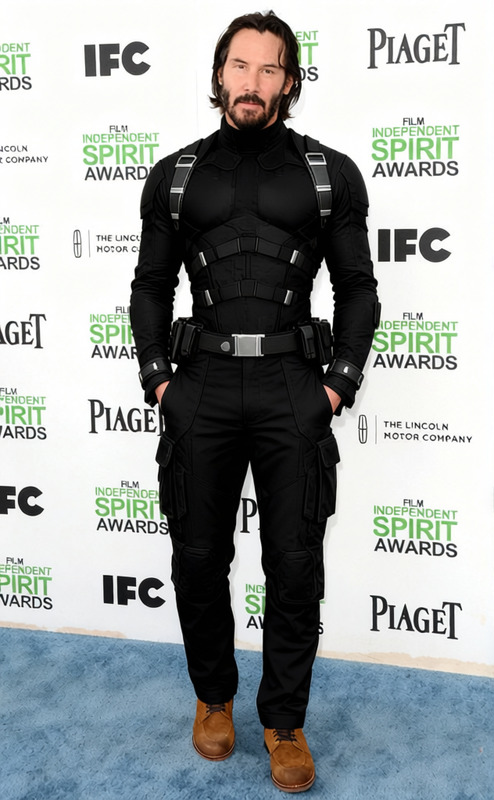
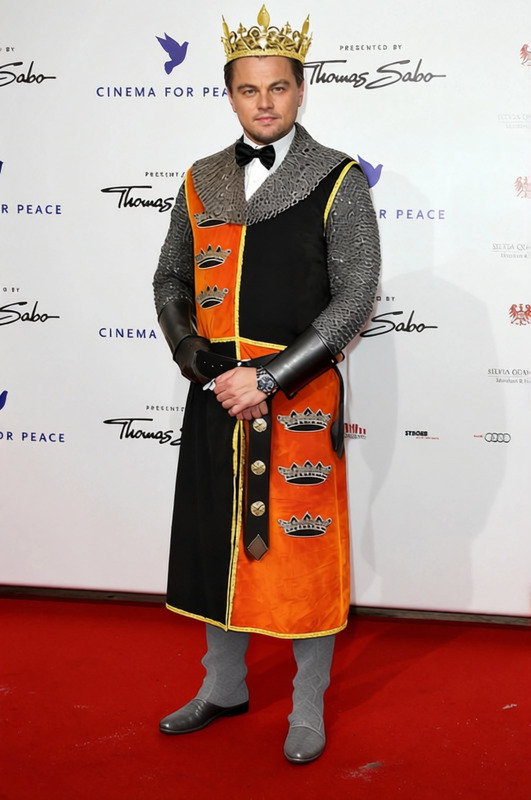
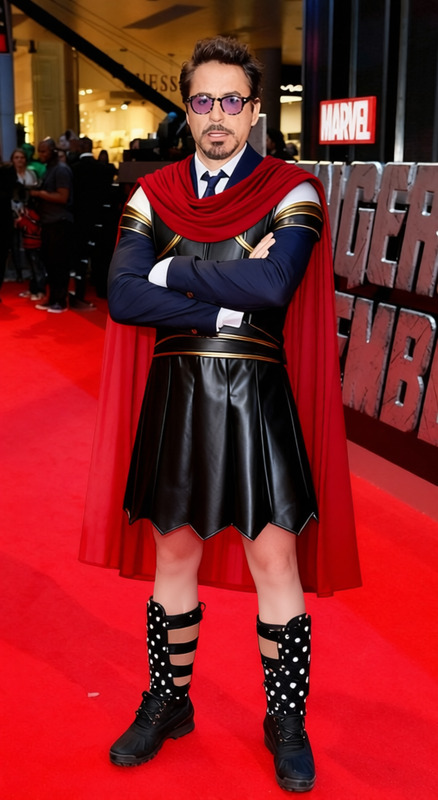
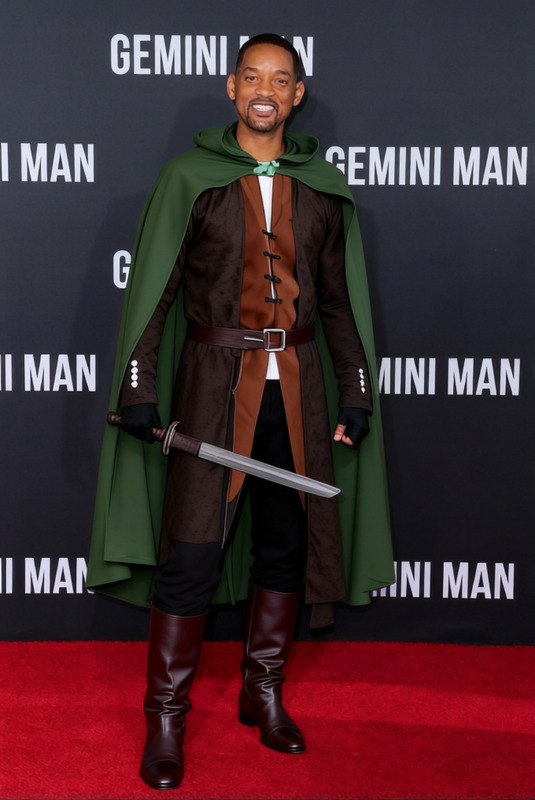
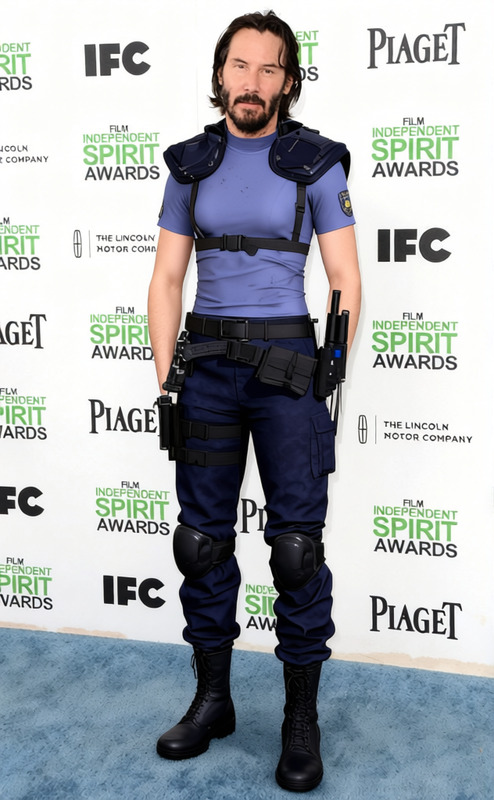
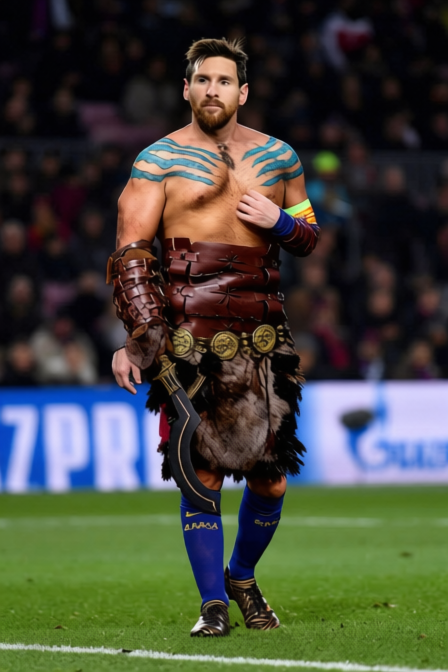
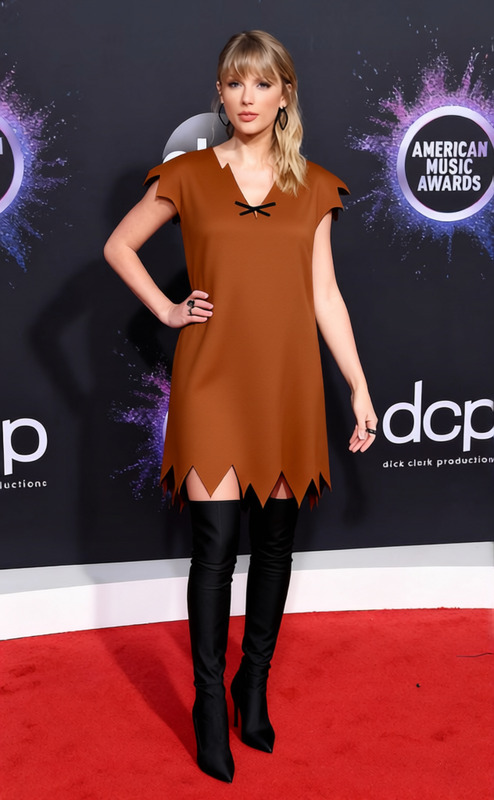
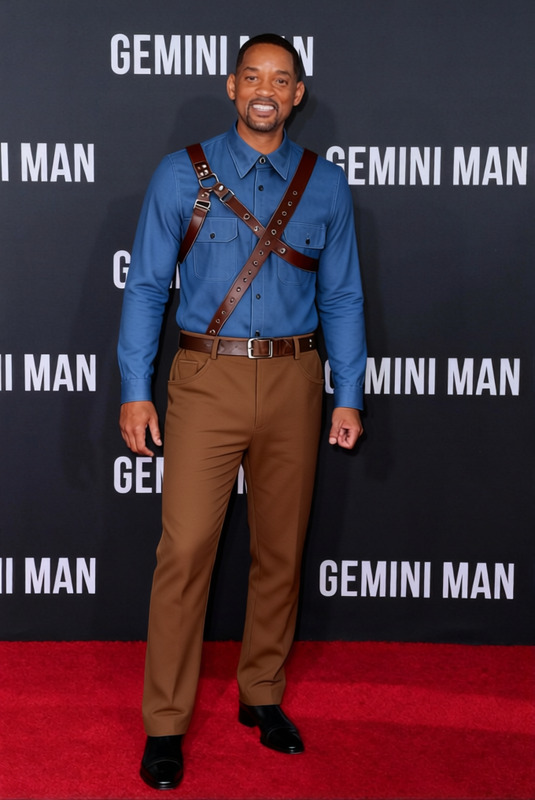
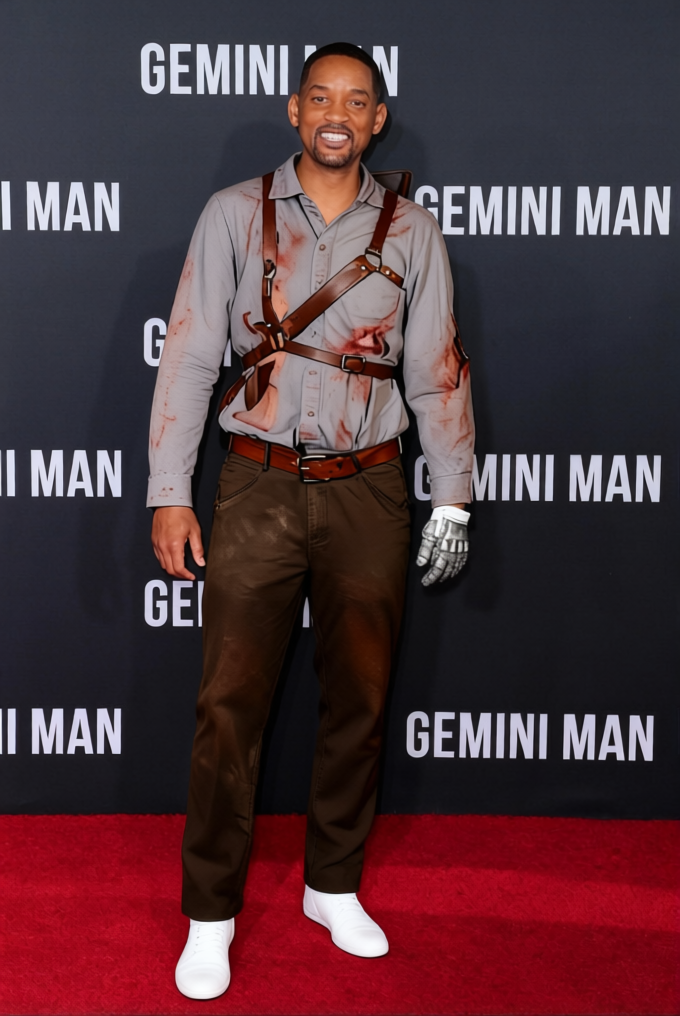
Transform your videos with the iconic look of Ash Williams from "Army Of Darkness" using the Medieval Blue Tunic with Brown Pants template. This AI Clothes Changer template makes it simple to add a touch of classic fantasy style to any character in your scenes.
What It Does
This template applies a virtual costume change, swapping existing attire in your video with a medieval blue tunic and brown pants, reminiscent of Ash Williams' signature look. Designed for flexibility, it works within the Body Swap enabling dynamic clothing changes across different scenes seamlessly.
Who It's For
Perfect for filmmakers, content creators, and designers looking to add a historical or fantasy flair to their videos. Whether you're producing short films, cosplay showcases, or engaging social media content, this template is tailored to enrich visual storytelling with precise clothing alterations.
Summary
Using the Ash Williams template from Magic Hour, you can quickly update character costumes to enhance the historical aesthetic of your project. AI Talking Photo integration is also supported, making it versatile across platforms and use cases.
How-To
Choose Your Template

Customize Your Video

Generate and Download

Use Cases
Film and Video Production
- Short films
- Feature films
- Music videos
Social Media Content
- Cosplay videos
- Historical reenactments
- Fantasy storytelling
Educational Media
- History lessons
- Museum exhibits
- Educational films
Best Practices
Preparing Your Video
Ensure your video subject's movements are clear and defined for optimal clothing adaptation.Adjusting Fit
Use the customize step to fine-tune the fit of the clothing for various body types and poses.Testing Scene Lighting
Test different lighting adjustments to maintain realistic integration of the new attire into your scenes.
Frequently asked questions
More Like This