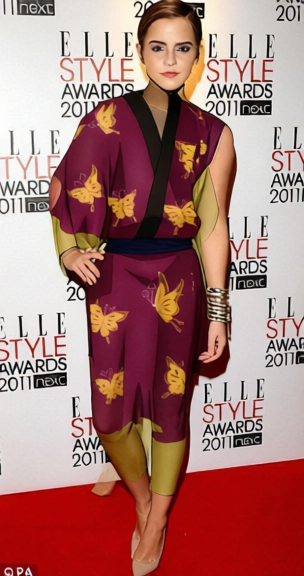
Shinsuke Takasugi Outfit
- Image
- 304 × 576 px
Any aspect ratio
Overview
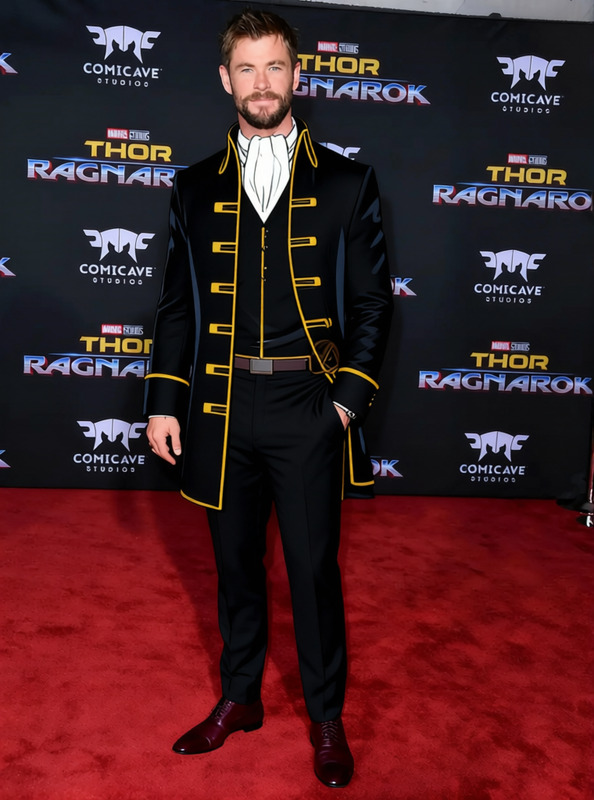
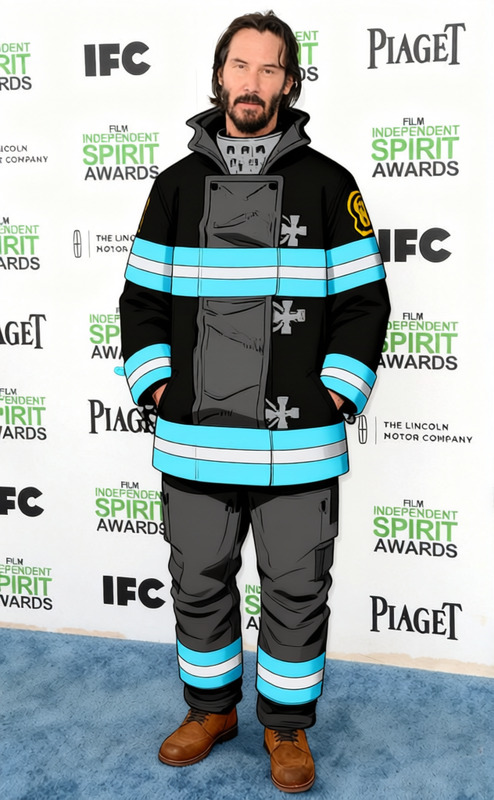
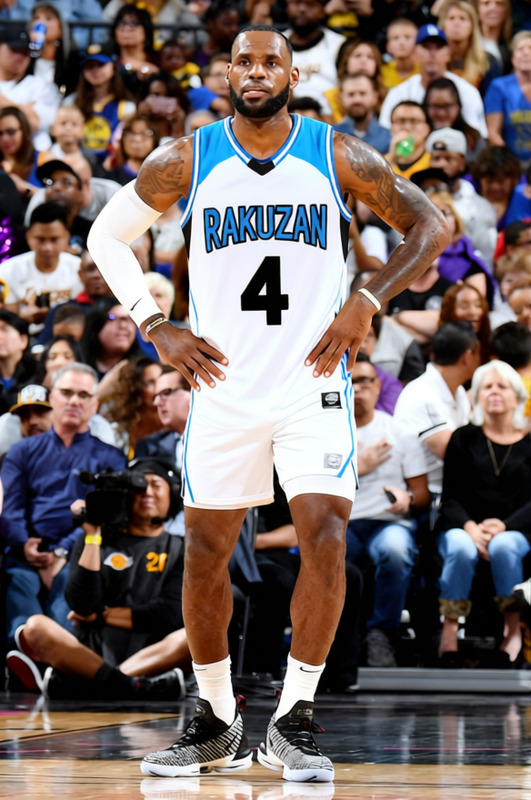
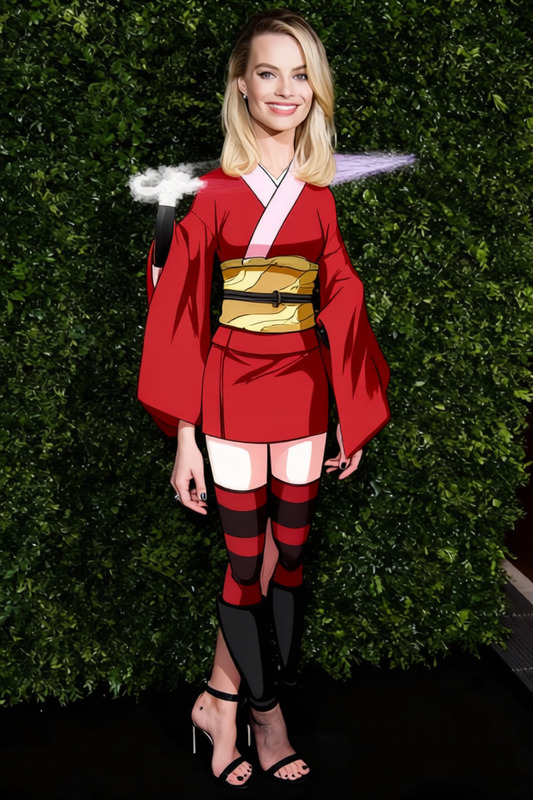
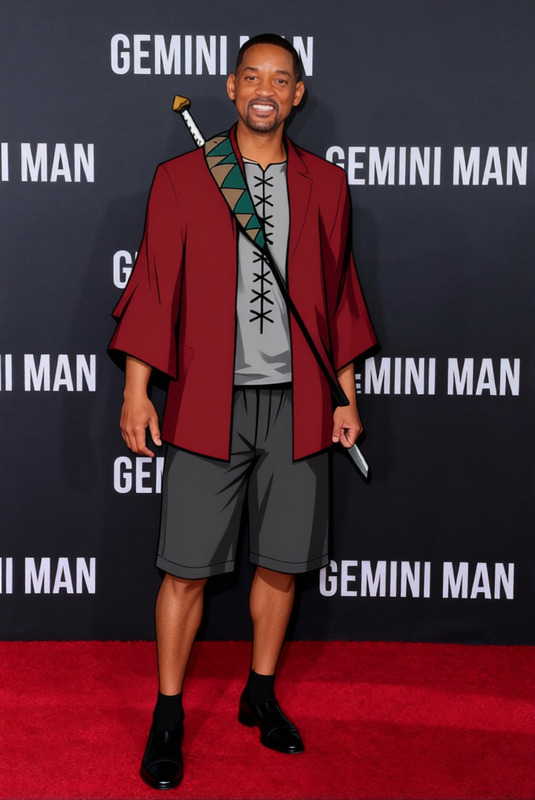
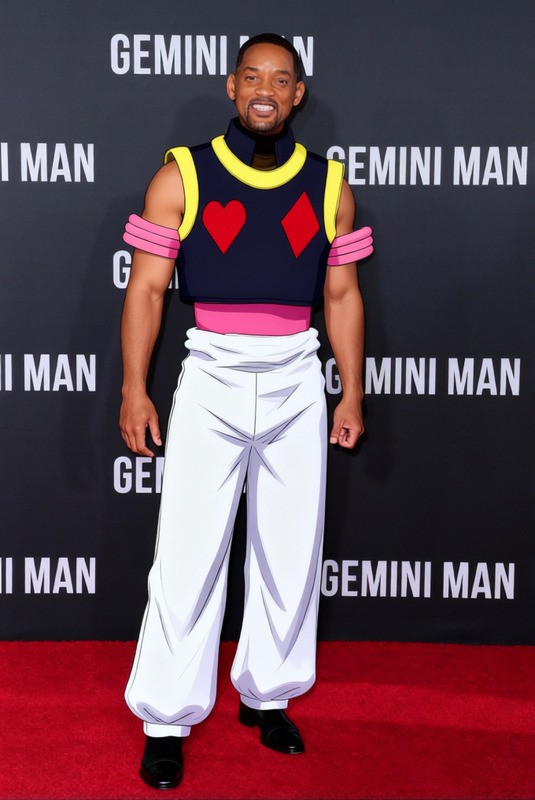
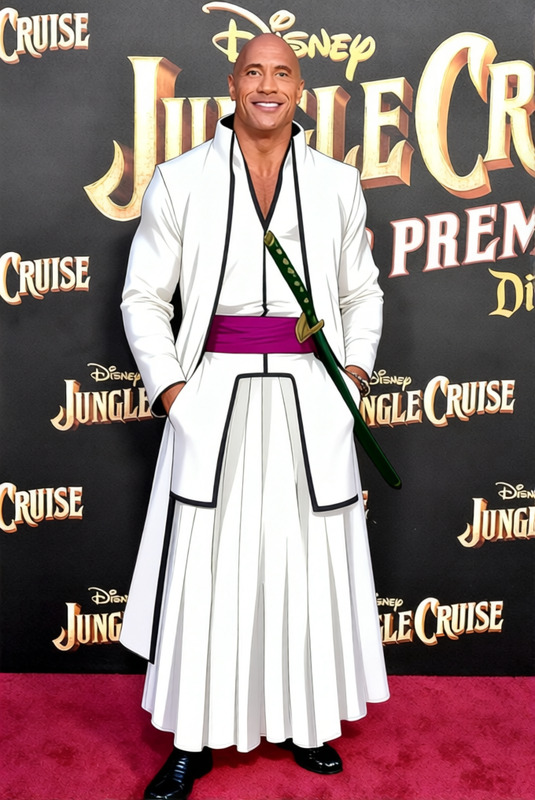
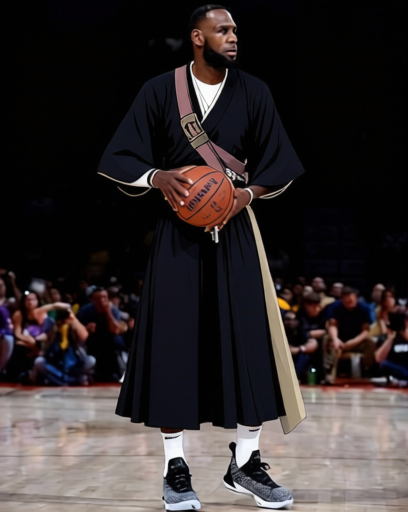
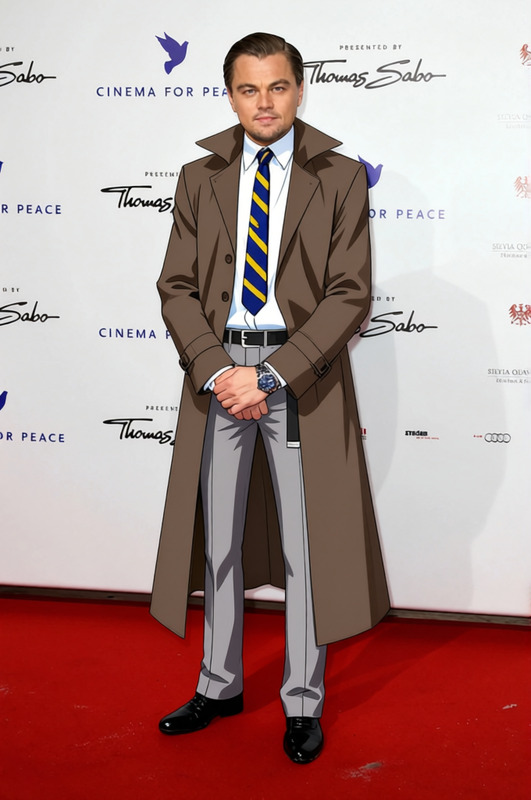
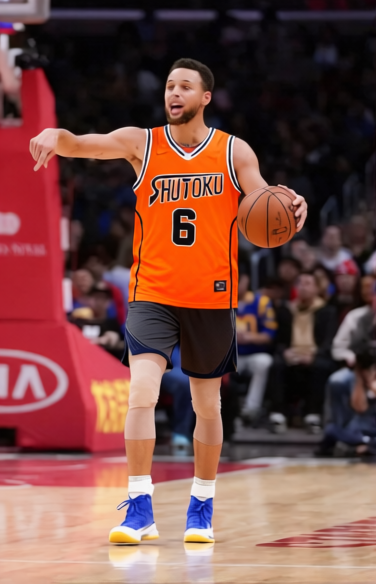
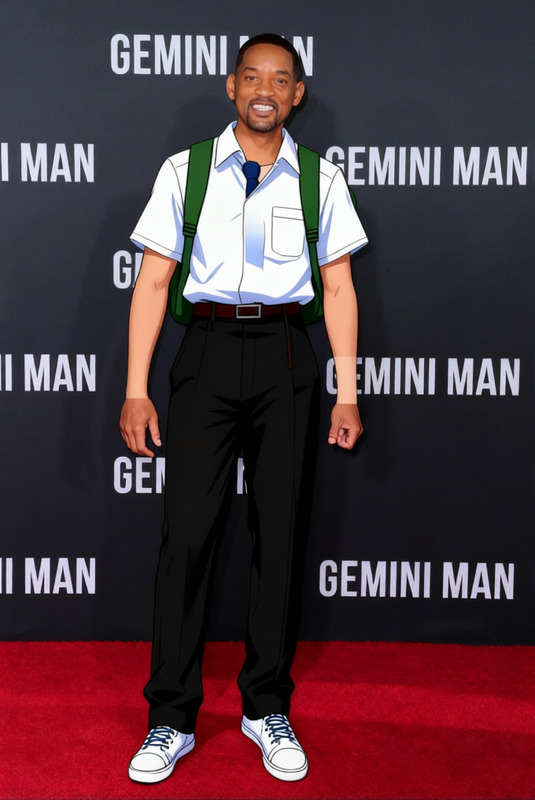
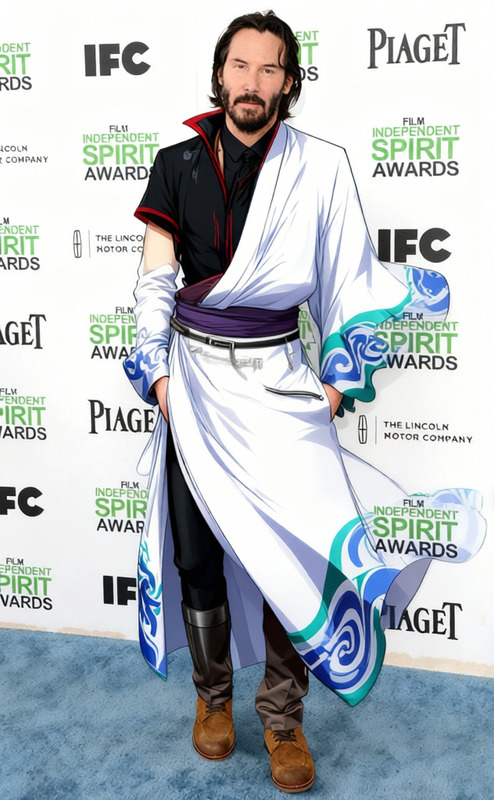
The Shinsuke Takasugi Outfit template is part of the AI Clothes Changer feature on Magic Hour. This template allows users to modify an image by replacing the subject's apparel with a detailed depiction of the Shinsuke Takasugi outfit. Ideal for anime and manga enthusiasts, this tool leverages artificial intelligence to bring characters to life in vivid detail.
What It Does
With the Shinsuke Takasugi Outfit template, you can quickly swap the clothing in a photo to replicate the outfit of the well-known character Shinsuke Takasugi. This transformation is done through advanced AI models, which ensure that the new clothing fits seamlessly onto the subject without compromising image quality.
The template supports multiple input formats, ensuring flexibility in how you use it. Whether you're designing themed artworks or experimenting with character illustrations, this template gets the look just right.
Who It's For
This template is tailor-made for anime artists, manga enthusiasts, and graphic designers looking to experiment with character design. It is also beneficial for content creators and cosplayers wanting to explore virtual costume designs without the need for physical outfits.
Summary
The Shinsuke Takasugi Outfit template on Magic Hour offers a precise digital tool for clothing transformation. This powerful feature enables users to easily recreate the iconic look of Shinsuke Takasugi, making it perfect for specialized design projects and artistic experiments.
To make the most of this template, users can explore other related features such as the AI Clothes Changer and AI Face Editor for a complete character makeover.
How-To
Choose the Template

Customize Your Inputs

Generate Your Image

Use Cases
Anime Character Art
- Design fan art with authentic costume details
- Enhance character portfolios for artists and illustrators
Cosplay Planning
- Plan cosplay designs before production
- Share virtual outfit ideas with community
Content Creation
- Produce themed YouTube videos or TikTok content
- Create engaging anime-themed social media posts
Best Practices
High-Quality Images
Use images with clear resolution and distinct subject outlines to achieve the best transformation results.Detailed Positioning
Ensure the subject is well-positioned within the frame. Full-body images work best for styled clothing changes.Explore Complementary Tools
Combine with the AI Image Editor to enhance or modify facial expressions in line with the new clothing style.
Frequently asked questions
More Like This