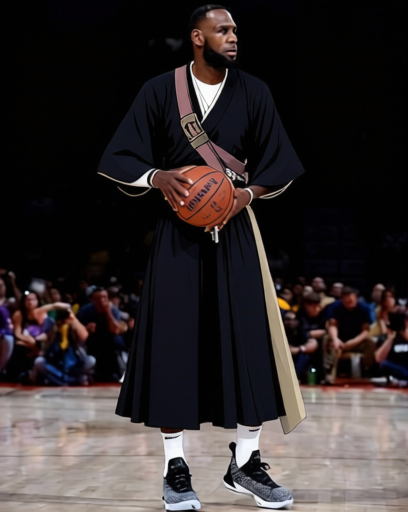
Ichigo Shinigami Costume 1
- Image
- 408 × 512 px
Any aspect ratio
Overview
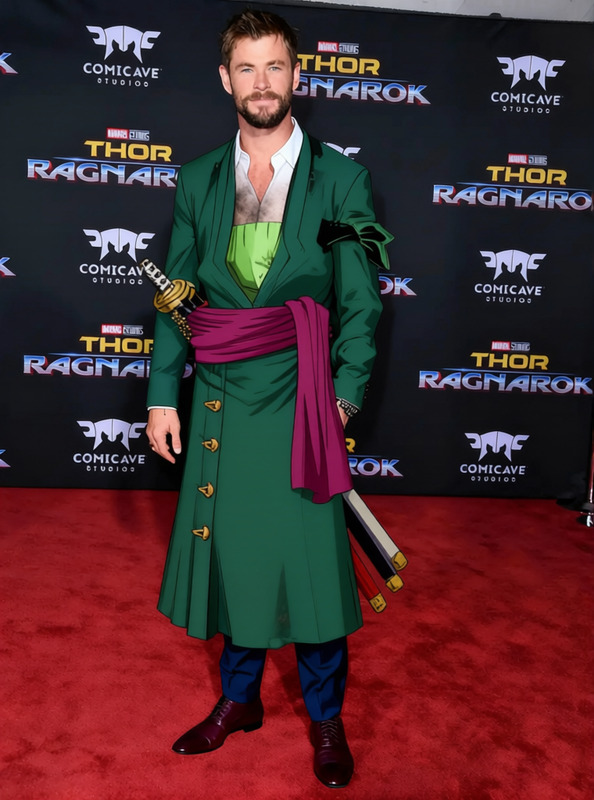
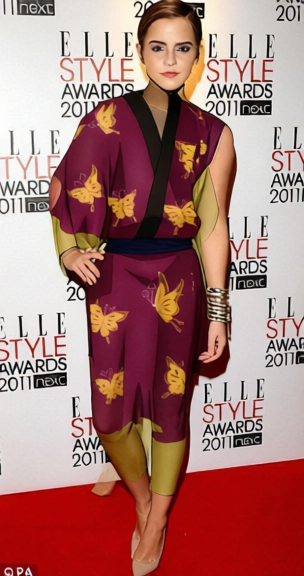
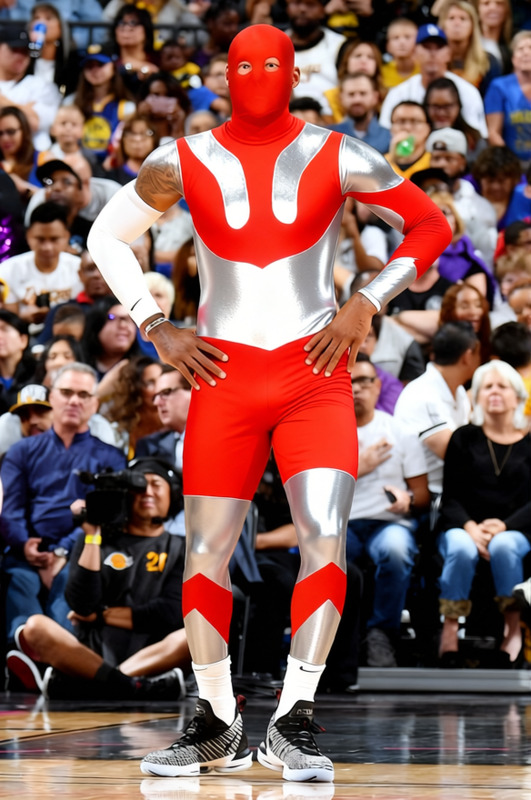
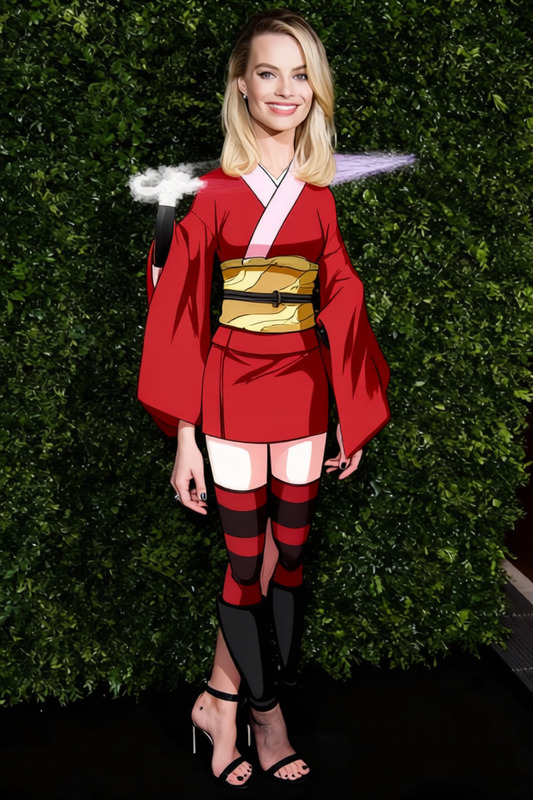
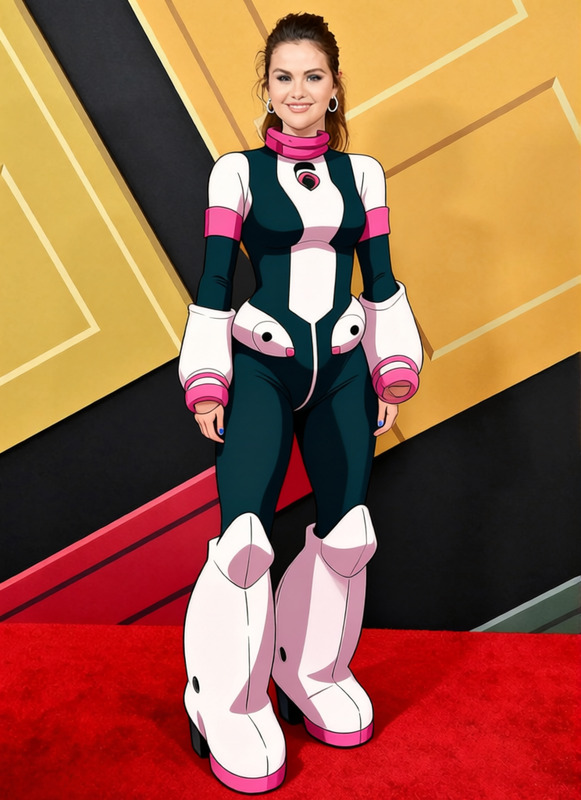
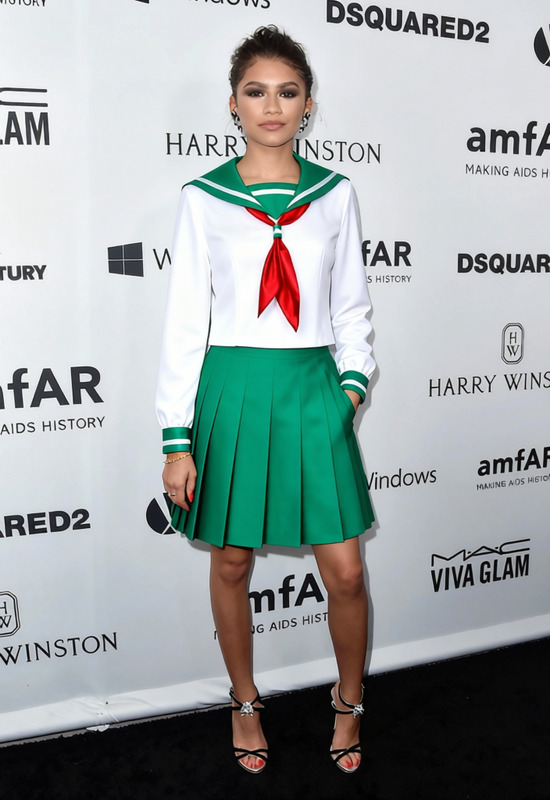
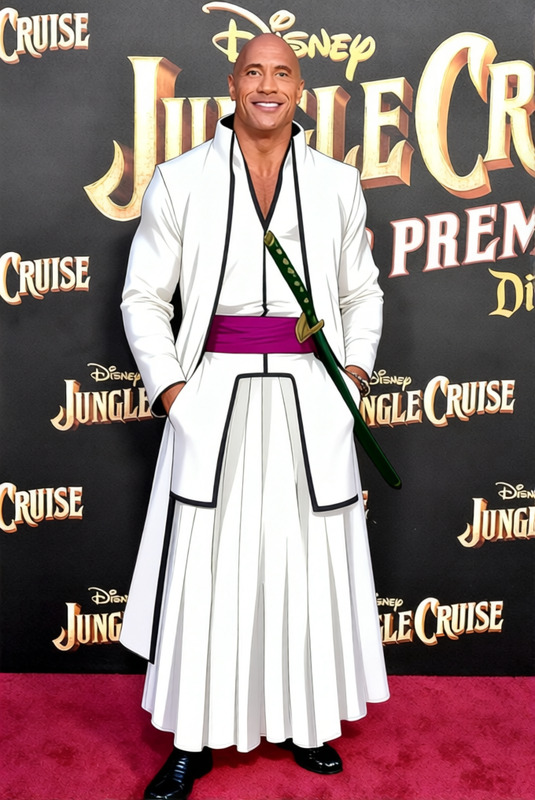
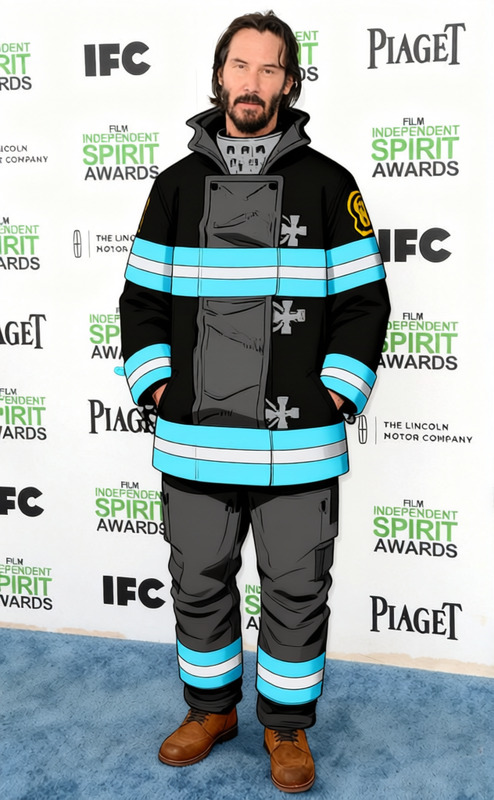
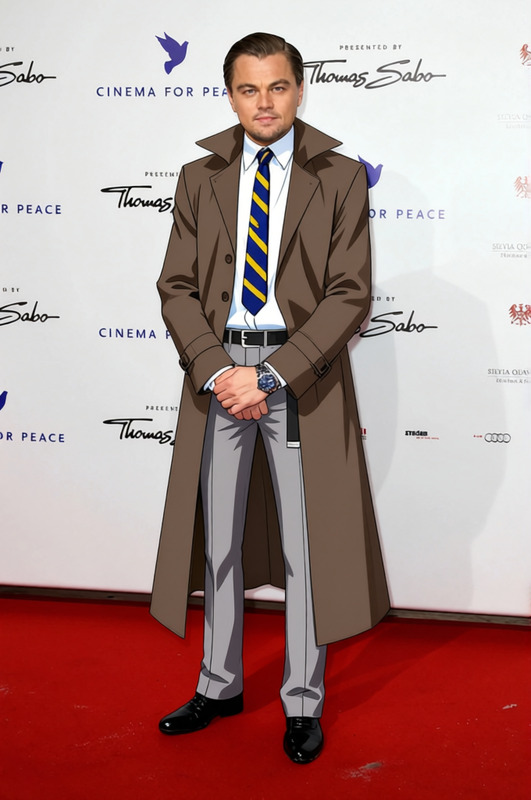
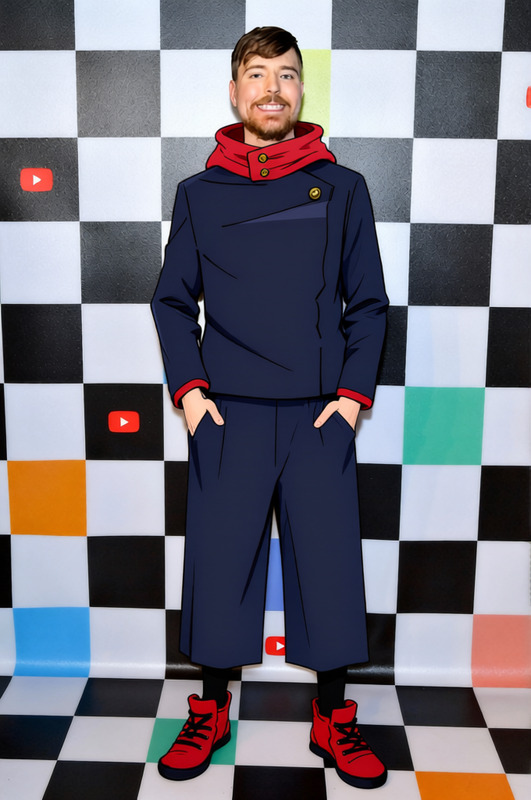
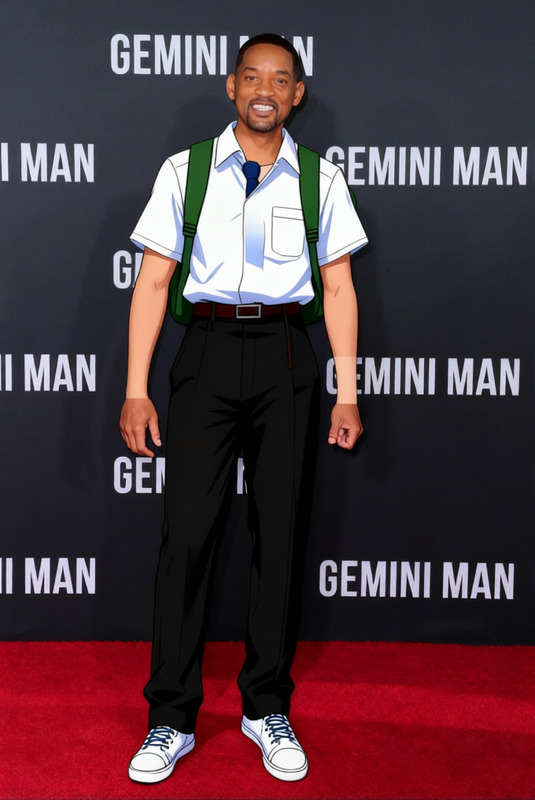
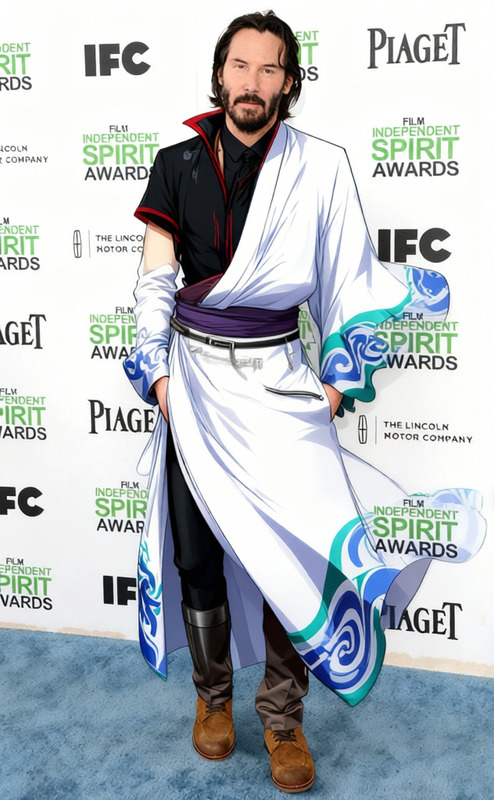
The Ichigo Shinigami Costume 1 template is designed to put your subject in the famous Shinigami outfit from the beloved anime series. Perfect for adding an anime flair to your photos, this clothes changer template lets you visualize how you'd look in Ichigo's iconic garb without the need for physical costumes or elaborate photo shoots.
What It Does
This template allows you to digitally place the Shinigami outfit on any person in a photo. The technology processes the image and overlays the costume seamlessly, preserving natural body contours and proportions. With formats ready for AI Image Editor compatibility, you can ensure the final output matches your project needs.
The AI Clothes Changer simplifies the task of costumed photo creation, saving time for marketers, content creators, and fans alike.
Who It's For
This template is perfect for anime enthusiasts who want to see themselves as Ichigo, as well as marketers and content creators looking to engage with audiences through expressive, themed content. It's also ideal for cosplay fans who need a digital preview before creating physical costumes.
Summary
Whether you're an anime fan looking to immerse in your favorite world, a creator adding excitement to social media posts, or a marketer seeking visually engaging content, the Ichigo Shinigami Costume 1 template offers a compelling, user-friendly solution. With AI Product Photography, your transformed images can be enhanced to professional standards.
How To
Choose a Template

Customize Your Photo

Generate Your Image

Use Cases
Cosplay Previews
- Save time and resources
- Test multiple styles
Social Media Content
- Boost aesthetic appeal
- Attract anime fans
Marketing Promotions
- Create unique promotions
- Develop brand storytelling
Best Practices
Choose High-Quality Images
For optimal results, use clear, well-lit photos to make costume details stand out.Pay Attention to Positioning
Align the costume precisely with the subject to ensure a natural look.Consider Context
Think about the background and setting in the image for improved storytelling impact.
Frequently asked questions
More Like This