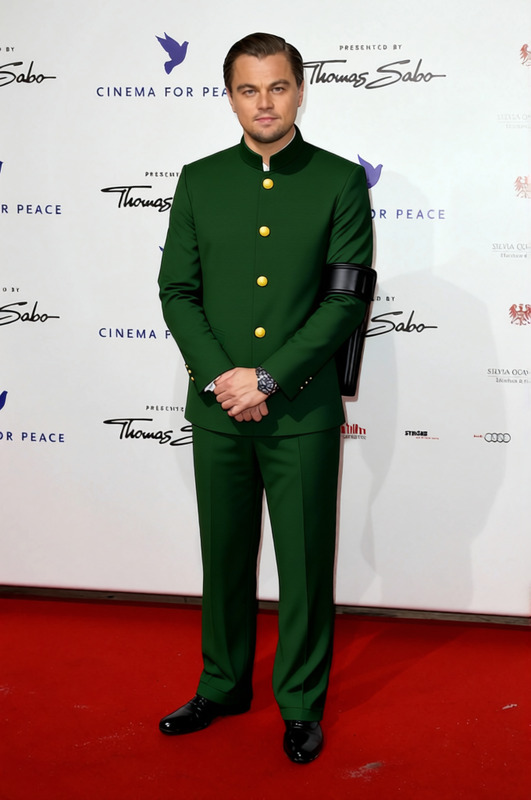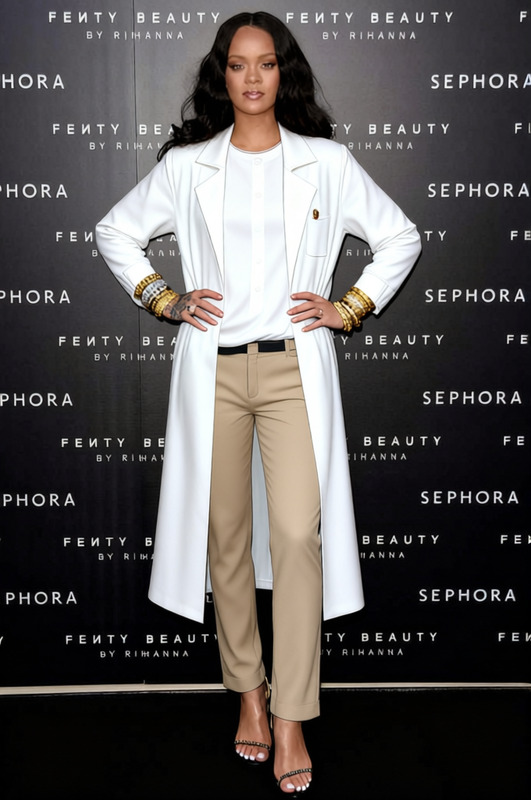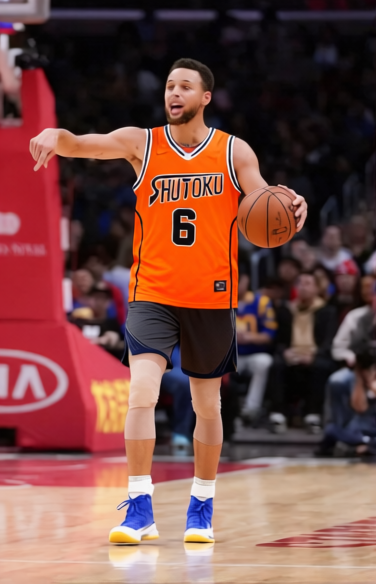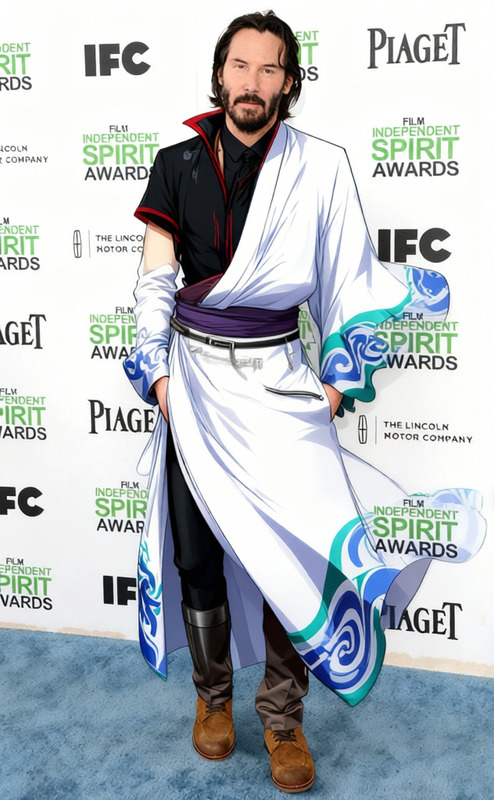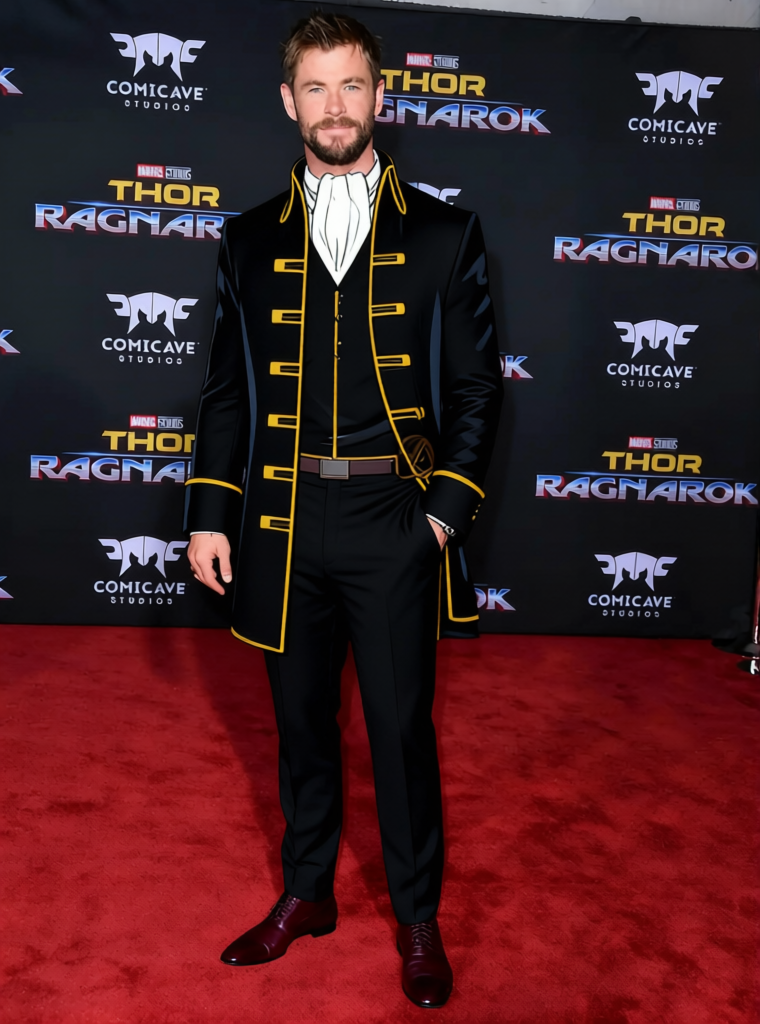
Toushirou Hijikata Outfit
- Image
- 760 × 1024 px
Any aspect ratio
Overview
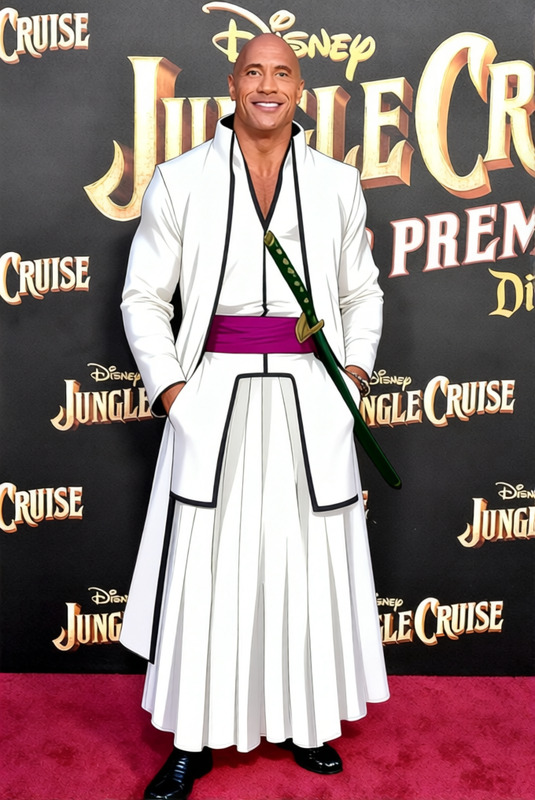
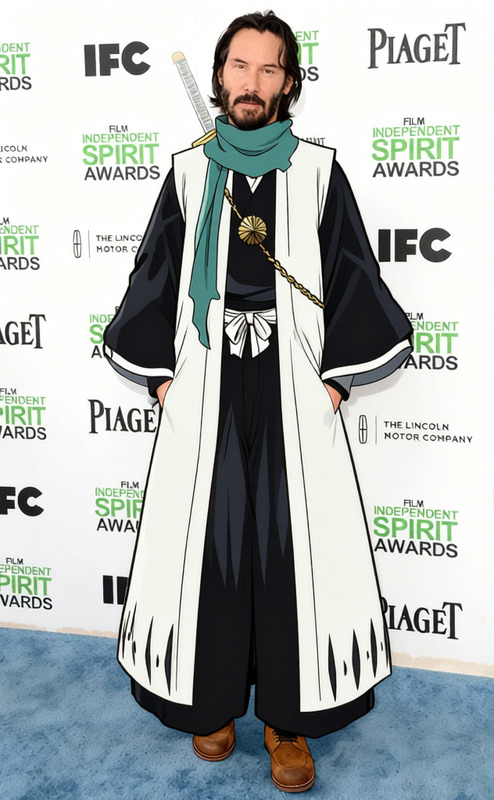
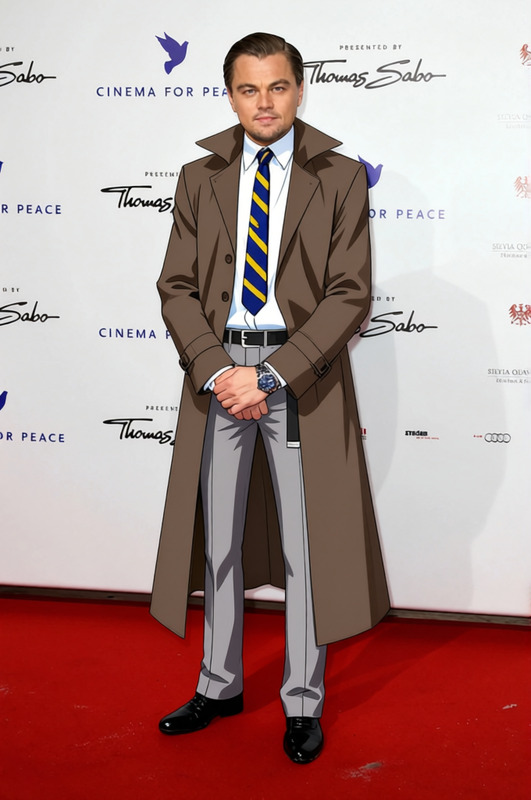
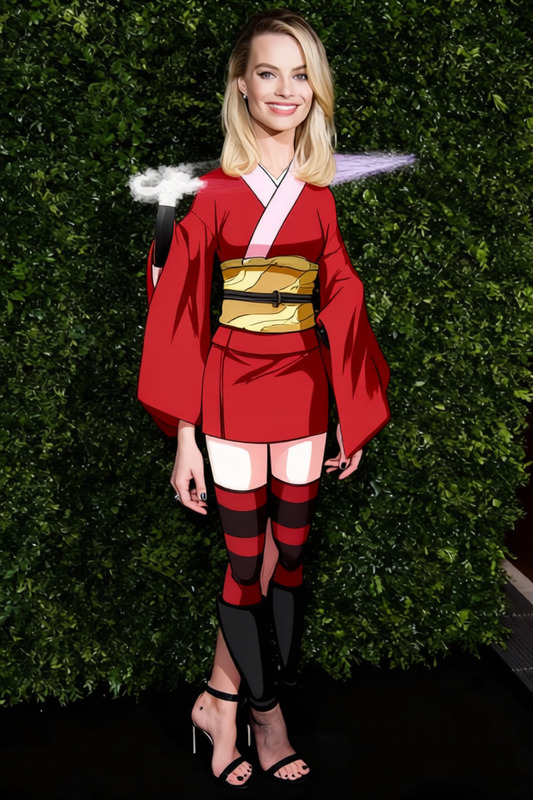
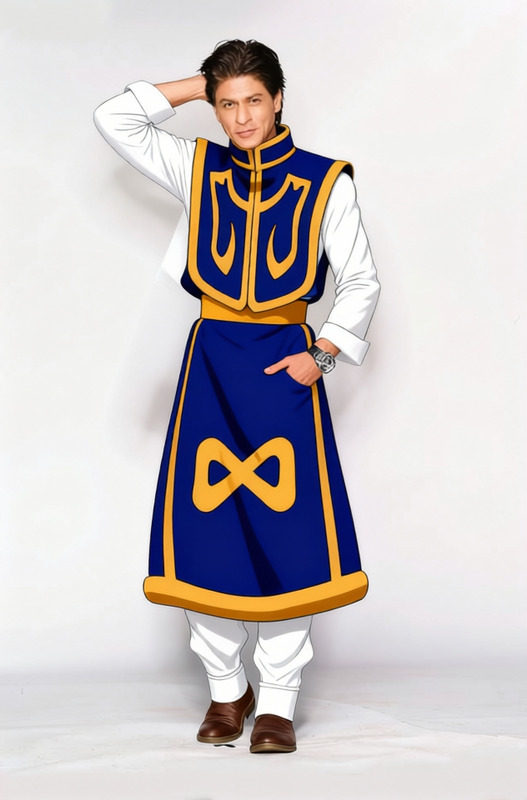
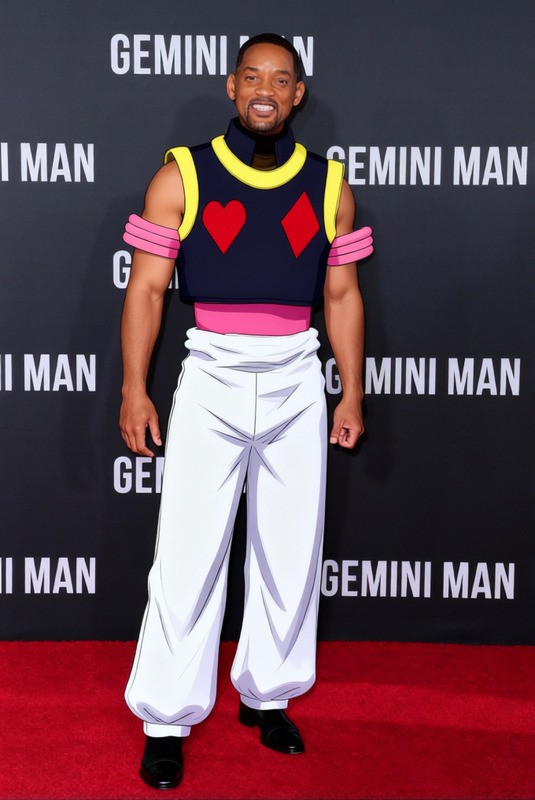
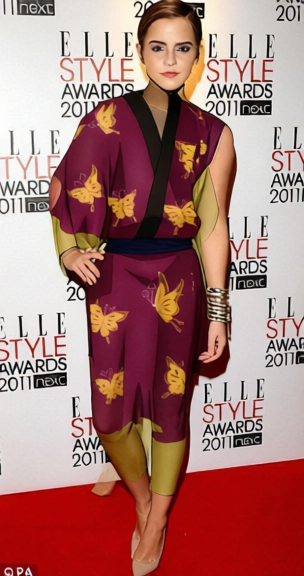
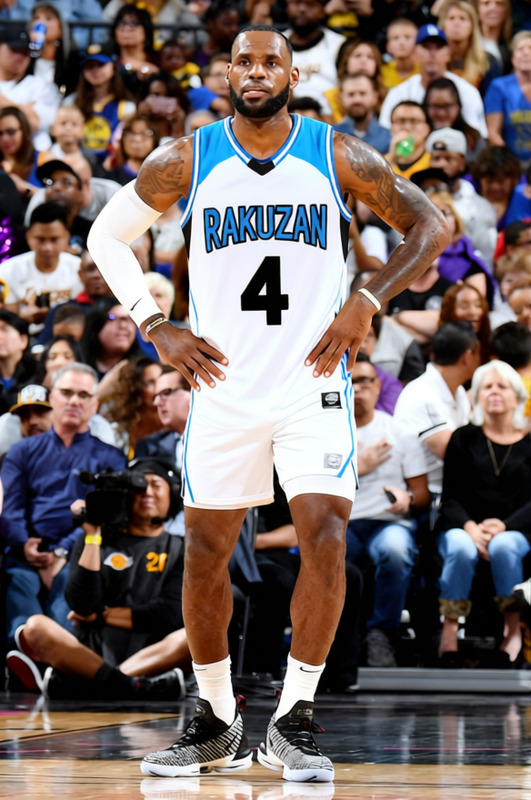
The Toushirou Hijikata Outfit template transforms any portrait or full-body photograph by expertly replacing the subject's outfit with the distinct clothing worn by Toushirou Hijikata from Gintama. This Clothes Changer feature enables quick costume illustrations without the need for physical attire or photoshoots, broadening your wardrobe choices for graphics and imagery.
What It Does
This template leverages AI-driven image processing to overlay Hijikata's iconic attire onto a person's image, retaining the original pose and expressions. It supports common file formats like JPEG and PNG, making it easy to integrate into various creative projects. Additionally, this capability enhances potential outputs in social media content and professional design.
Who It's For
The Toushirou Hijikata Outfit template is specially designed for manga enthusiasts, cosplay aficionados, graphic designers, and social media content creators. If you're looking to create exciting themed visuals without the constraints of physical costumes, this tool is a perfect match. It's perfect for those eager to experiment with digital wardrobe transformations.
Summary
Transform your photos with the Toushirou Hijikata Outfit, utilizing the AI Clothes Changer feature to easily swap attire on any image. Perfect for creative enthusiasts and professionals aiming to expand their storytelling potential through manga-inspired imagery. Maximize your creations with seamless integration into AI Image Editor tools, promising quality and creativity.
How-To Structure
Choose the Template

Customize Your Image

Generate Your Image

Use Cases
Cosplay Planning
Perfect for exploring styles before committing to costume creation.
Manga Fan Art
Aids in creating authentic character depictions.
Social Media Content
Ideal for showcasing creativity and generating conversation.
Best Practices
Choose Appropriate Images
Use clear, high-resolution images with subjects in plain clothing to ensure accurate outfit swapping. This minimizes the risk of conflicting patterns affecting the overlay.Adjust Lighting
Ensure consistent lighting across the image for a more natural integration of new attire. Proper lighting helps in maintaining realistic shadows and highlights.Match Poses Effectively
Select input images where subjects have suitable poses that align with Hijikata's clothing style for an optimal fit in final outputs.