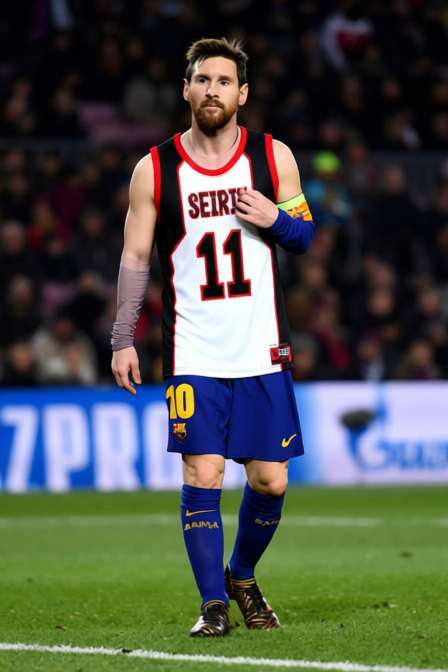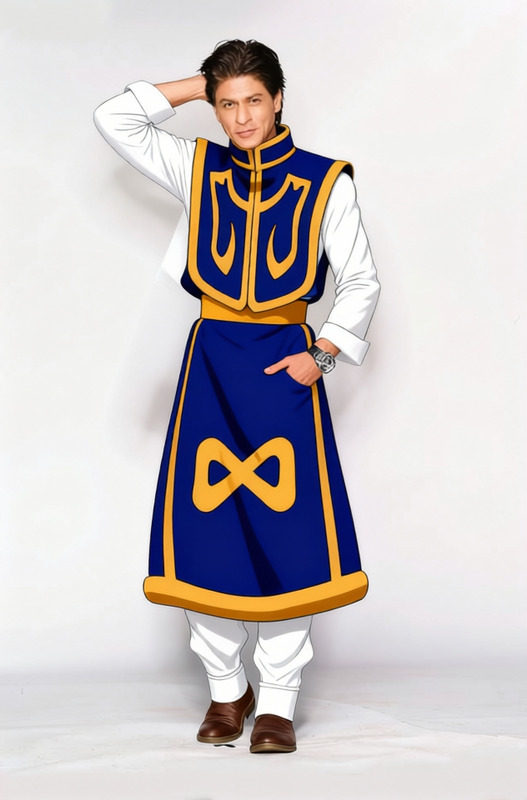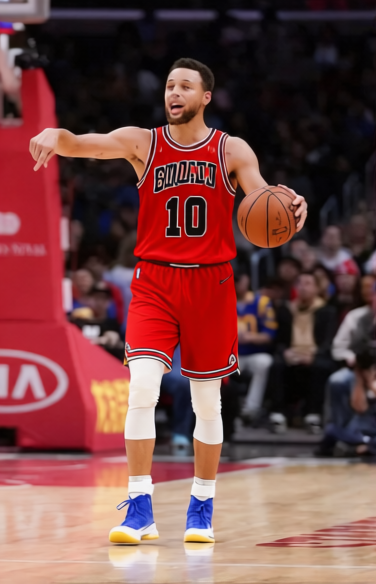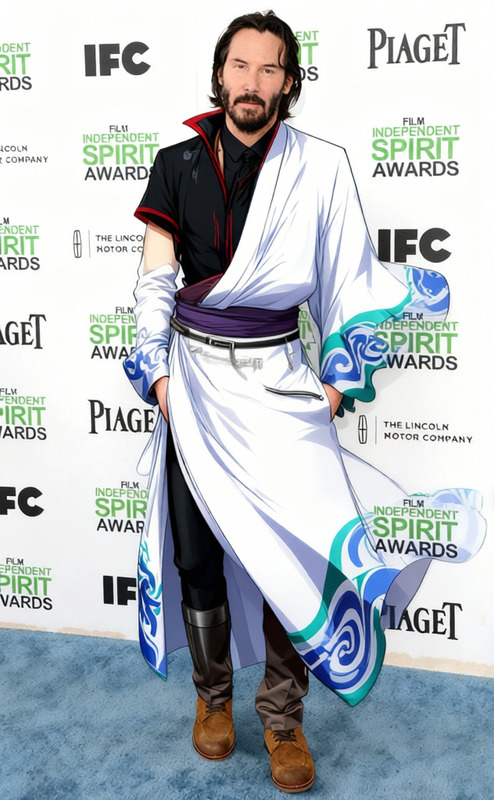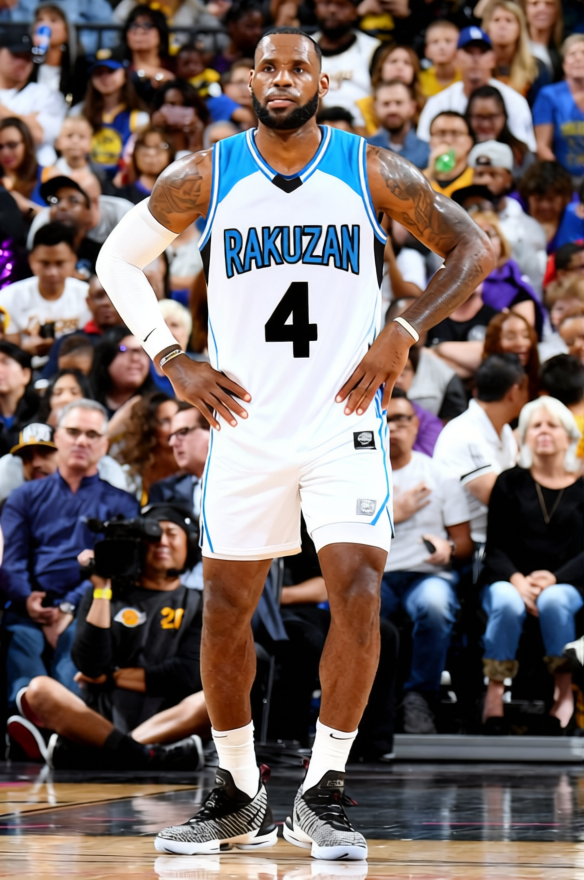
Rakuzan Kuroko_s Basketball Outfit
- Image
- 584 × 880 px
Any aspect ratio
Overview
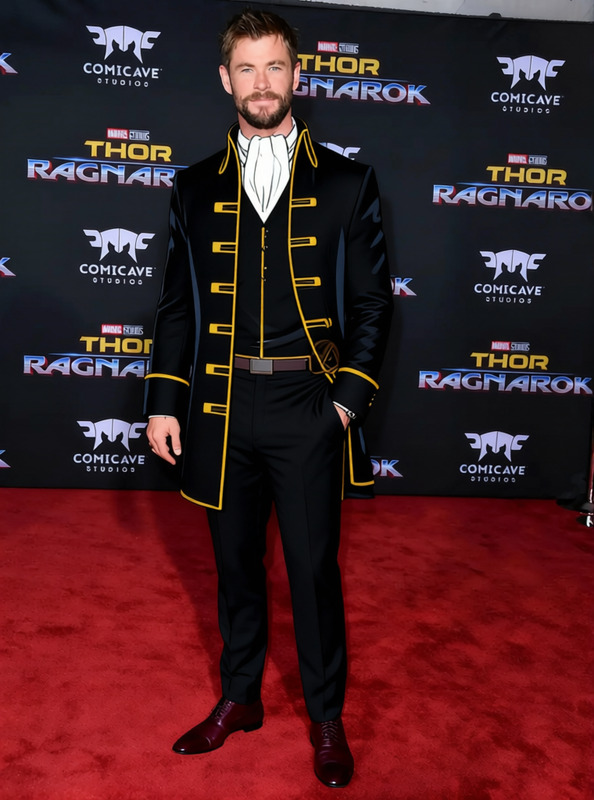
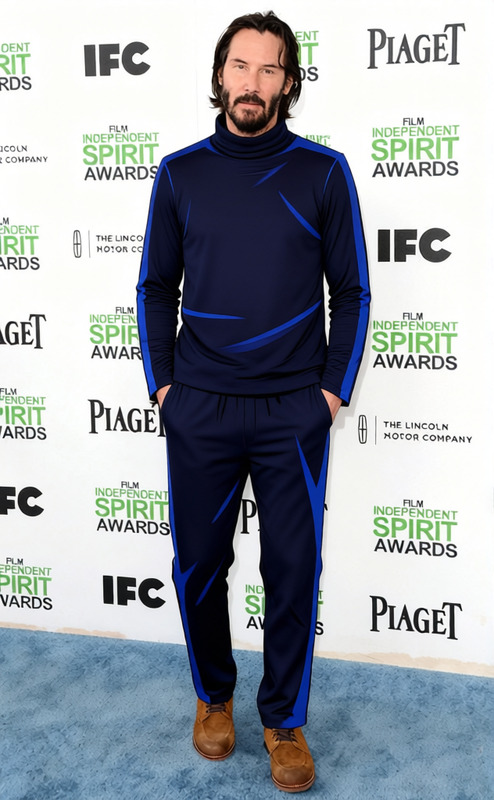
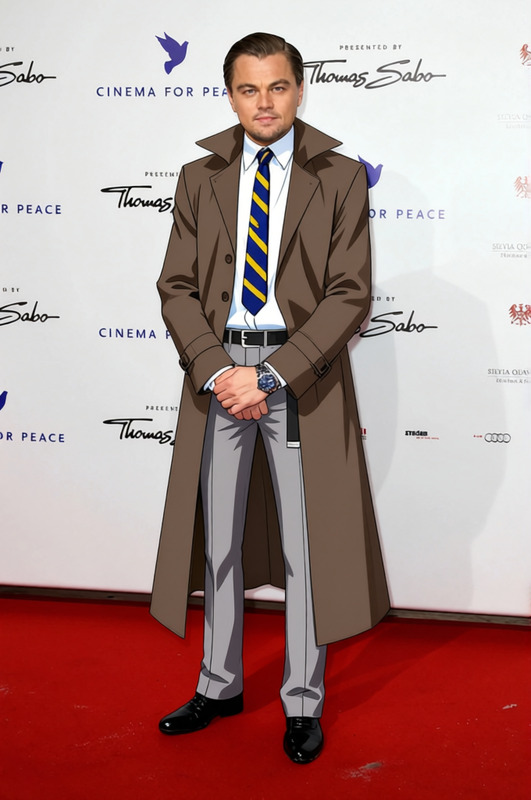
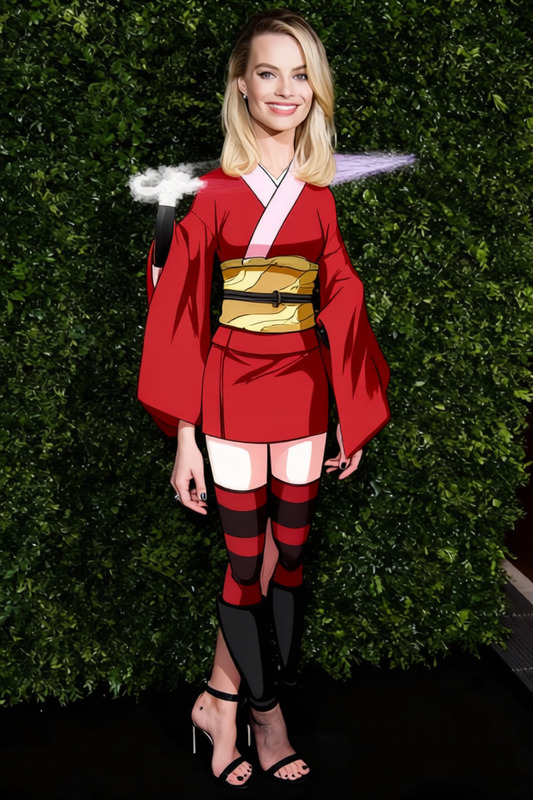
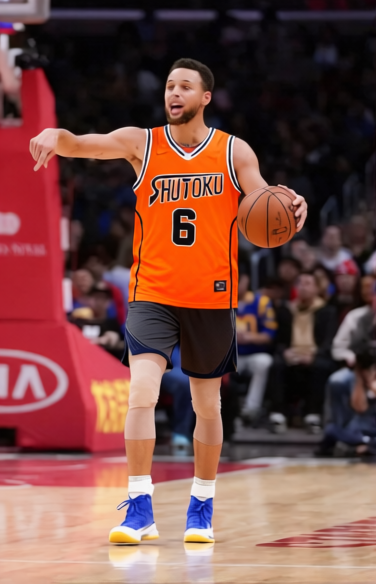
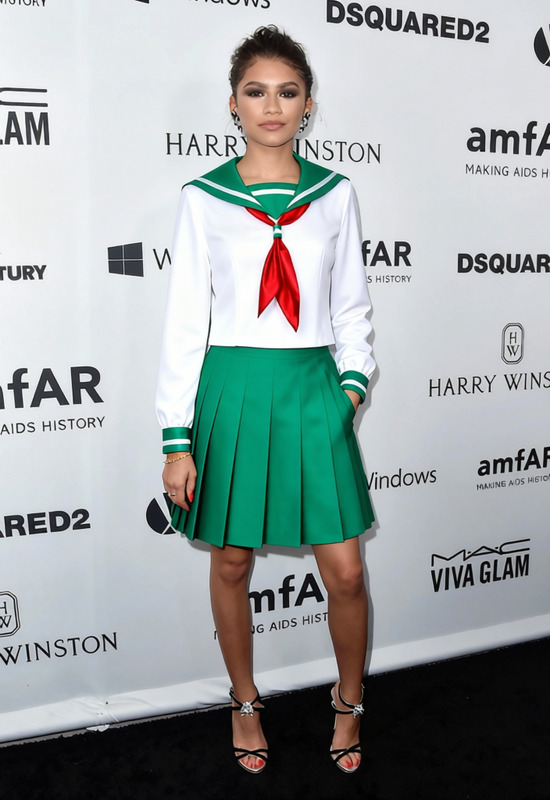
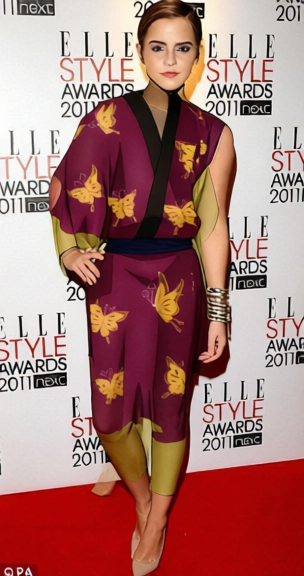
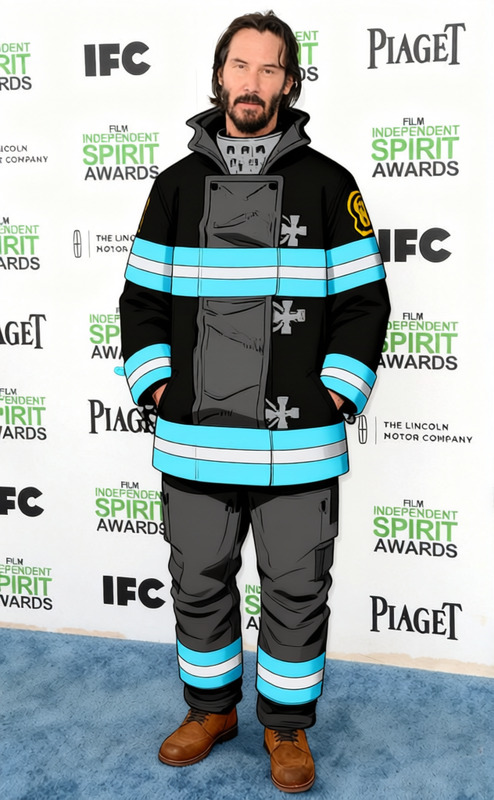
Transform any basketball footage by giving characters a fresh look with the Rakuzan Kuroko's Basketball Outfit. This Clothes Changer template allows you to easily swap the clothing of actors in your basketball videos, creating a unique visual style that stands out. Ideal for fan edits, sports productions, and sports highlight edits, this tool brings your vision to life.
What It Does
This template applies advanced AI to replace characters' outfits with the Rakuzan uniform from Kuroko's Basketball, enhancing the visual appeal of your content. It's an excellent solution for creating themed video clips or mood boards that align with specific styles or narratives. The final result is a polished video that maintains original movements and expressions while featuring updated attire.
Who It's For
Whether you're a sports videographer, a fan of Kuroko's Basketball, or a content creator looking to add flair to your videos, this template is for you. Teams producing sports-themed commercials and creators specializing in anime fan edits will find this tool particularly beneficial for crafting immersive visual experiences.
Summary
The Rakuzan Kuroko's Basketball Outfit template is a powerful tool for altering wardrobe elements in video content. By focusing on sports attire, it facilitates the creation of dynamic, engaging media that captivates viewers. It's part of a suite of tools including other options like the AI Clothes Changer to further expand your creative possibilities.
How To
Choose Your Template

Customize Your Input

Generate and Download

Use Cases
Basketball Fan Edits
- Create tributes to favorite characters
- Highlight scenes with thematic attire
Sports Event Promotions
- Align advertisements with themed events
- Create a cohesive visual narrative
Virtual Cosplay
- Achieve realistic costume rendering
- Experiment with different anime themes
Best Practices
High-Quality Footage
For the best results, use high-resolution video input to ensure that AI accurately changes clothing without degrading video quality.Clear Visibility
Make sure characters are clearly visible and not obscured by objects or shadows, as this could impact the clothes changing effect.Experiment with Lighting
Play around with different lighting conditions in your video to see how the uniform change adapts; sometimes varied lighting can enhance the transformation.
Frequently asked questions
More Like This