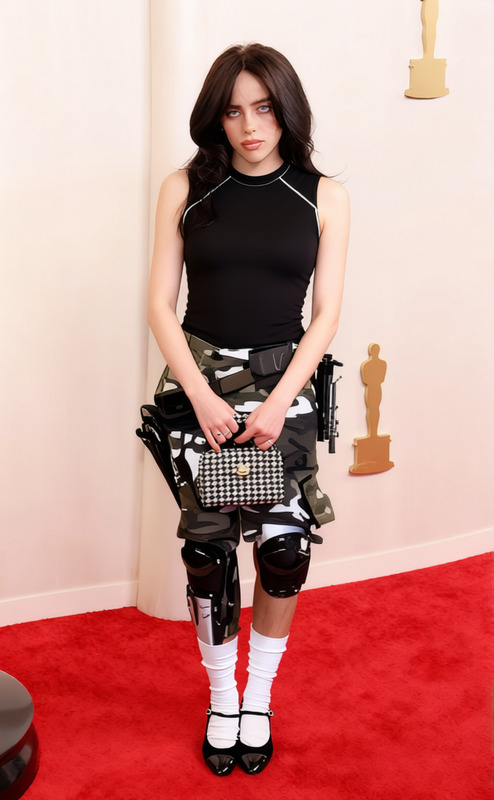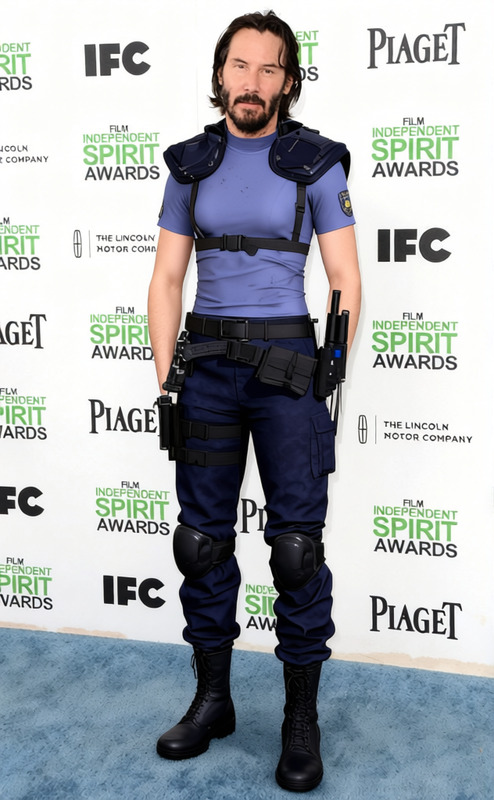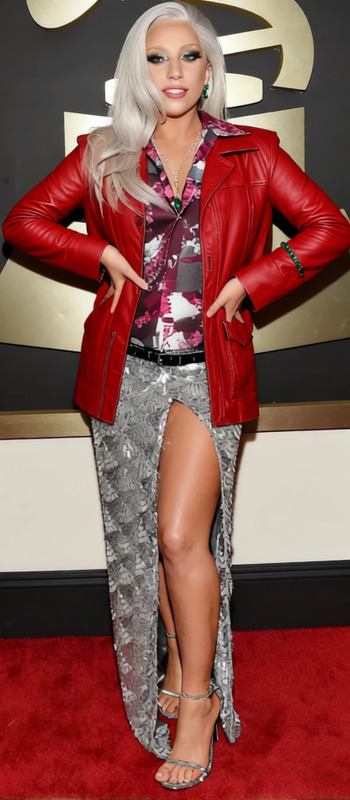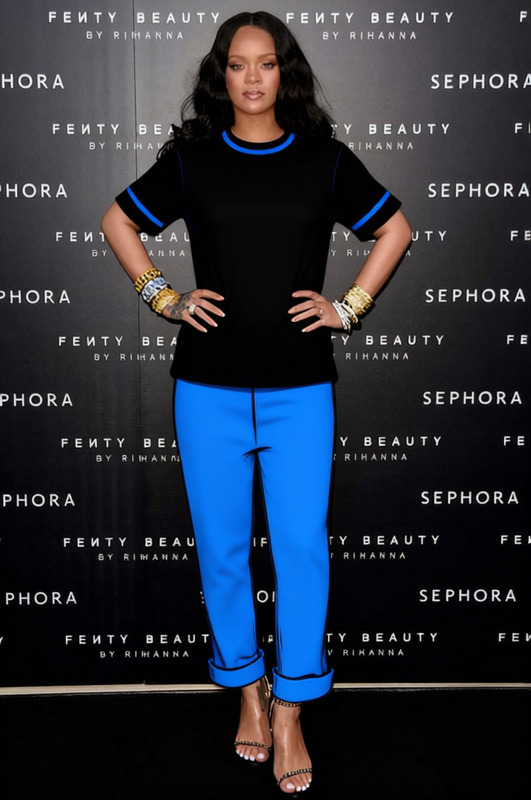
Johnny Silverhand Black Tank Top With Tactical Pants Cyberpunk 2077
- Image
- 680 × 1016 px
Any aspect ratio
Overview
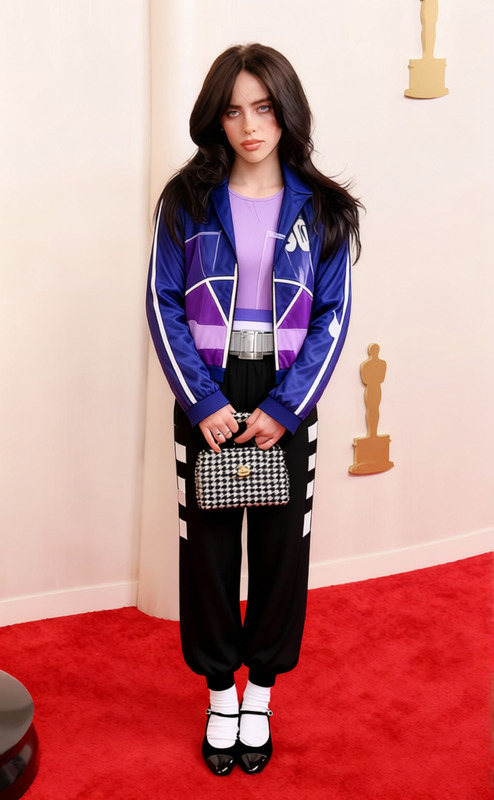
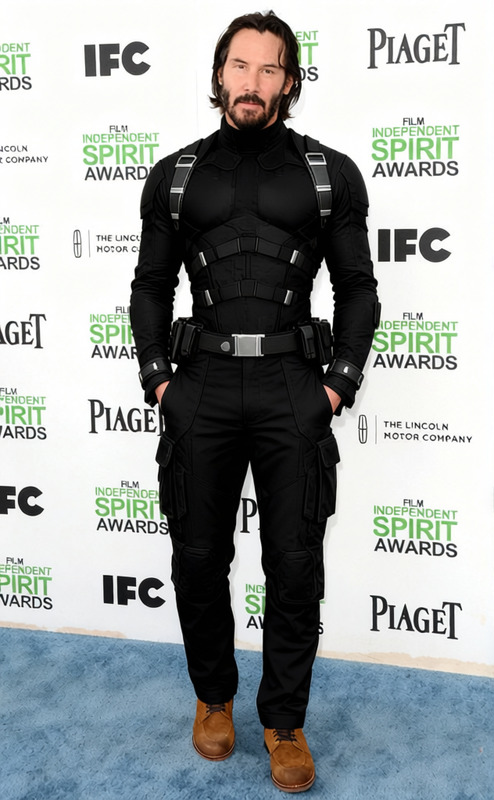
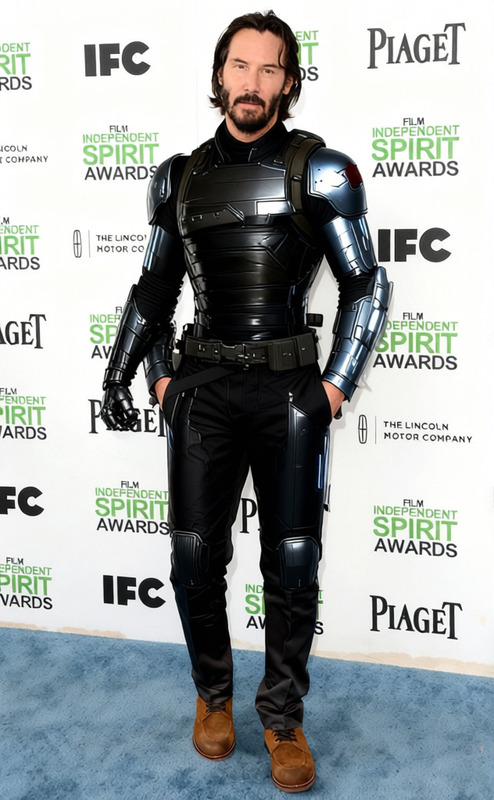
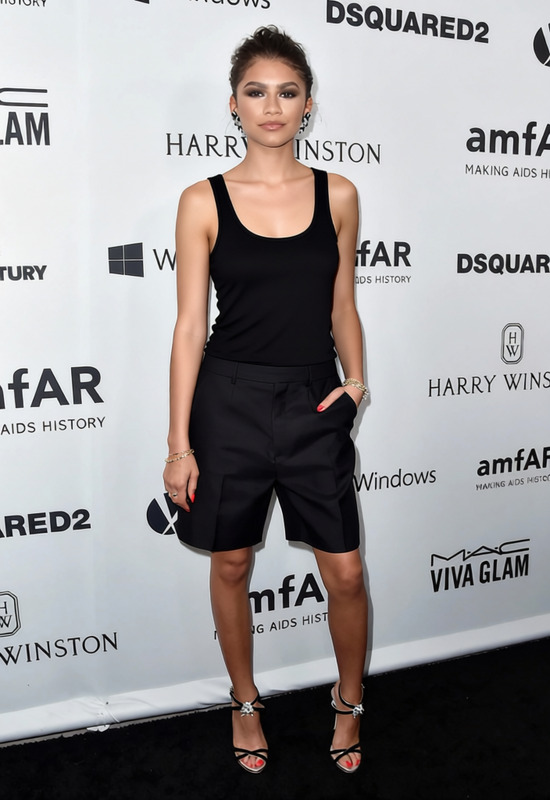
Transform your digital wardrobe with the Johnny Silverhand Black Tank Top and Tactical Pants from Cyberpunk 2077. This template allows you to replace existing clothing in your images with these iconic cyberpunk outfits, bringing edgy style and futuristic vibes to any setting.
What It Does
The Clothes Changer template updates outfits in your photos by applying the Johnny Silverhand look, including his signature black tank top and tactical pants. It leverages advanced AI to precisely match the garments to the person’s body, maintaining realistic proportions and natural folds.
Designed for seamless integration, this tool works with Face Swap and complements other editing techniques to refine your images for creative projects, promotions, or social media.
Who It's For
This template is perfect for designers, content creators, and fans of Cyberpunk 2077 looking to infuse their photos with a unique, sci-fi aesthetic. Whether you're crafting engaging media content or designing personalized avatars, this template caters to your clothing transformation needs.
It pairs well with the AI Talking Photo to create immersive character stories and expressions.
Summary
Enhance your images by swapping everyday clothing with the Johnny Silverhand outfit from Cyberpunk 2077. Our Clothes Changer template provides an intuitive interface and precise clothing transformations that maintain the integrity of your original photos. Use this tool alongside Image to Video tools for dynamic visual storytelling.
How To
Choose Your Template

Customize Your Inputs

Generate Your Image

Use Cases
Social Media Content
- Instagram posts
- Twitter promo images
Character Design
- Concept art
- Visual storytelling
Promotional Materials
- Event posters
- Product launch teasers
Best Practices
Ensure High-Quality Images
For optimal results, use high-resolution photos where the subject's torso is clearly visible. This helps the AI to better align and blend the clothing.Combine with Face Swap
Use the Face Swap tool to create a cohesive look by aligning facial expressions with the new outfit.Adjust Lighting
Match the lighting on the outfit to the lighting in the rest of the image for a natural and realistic appearance.
Frequently asked questions
More Like This