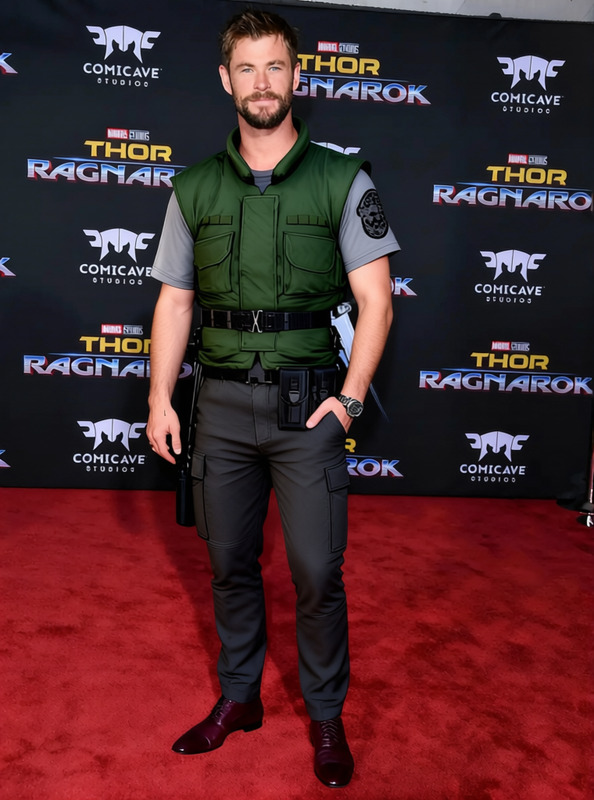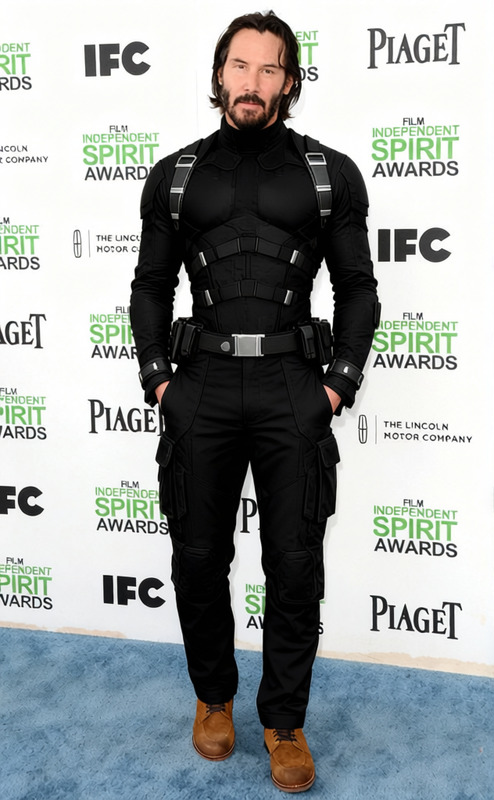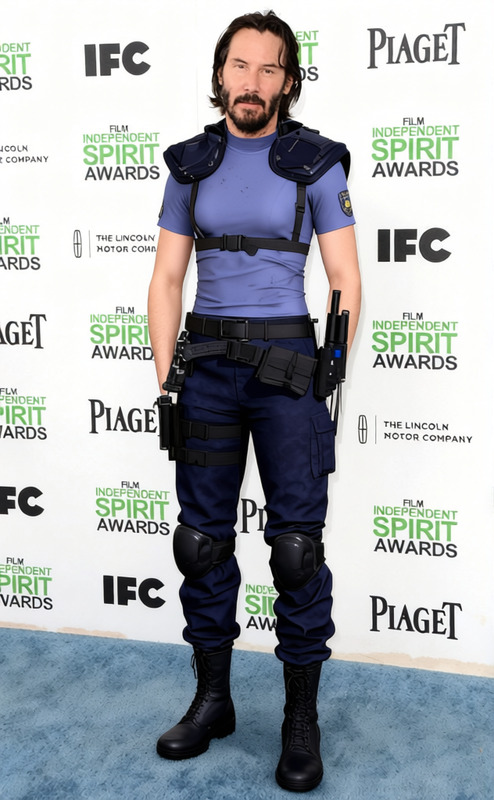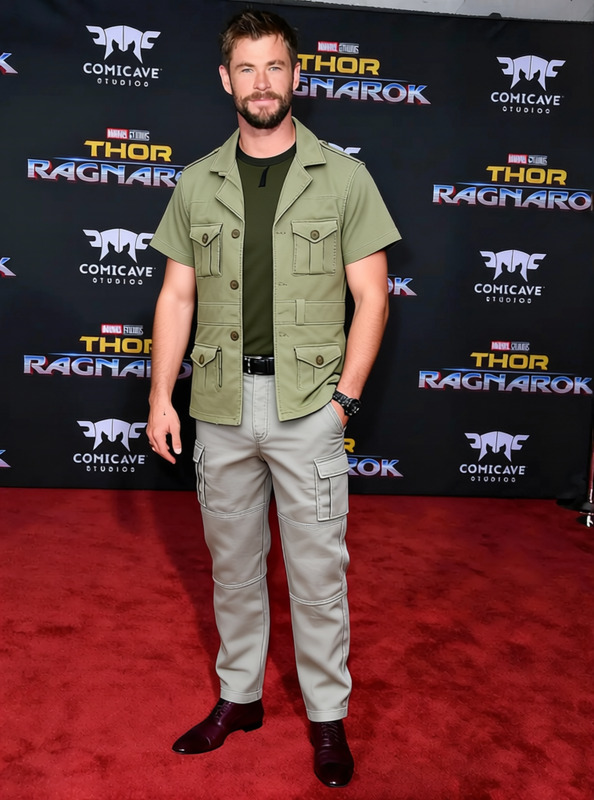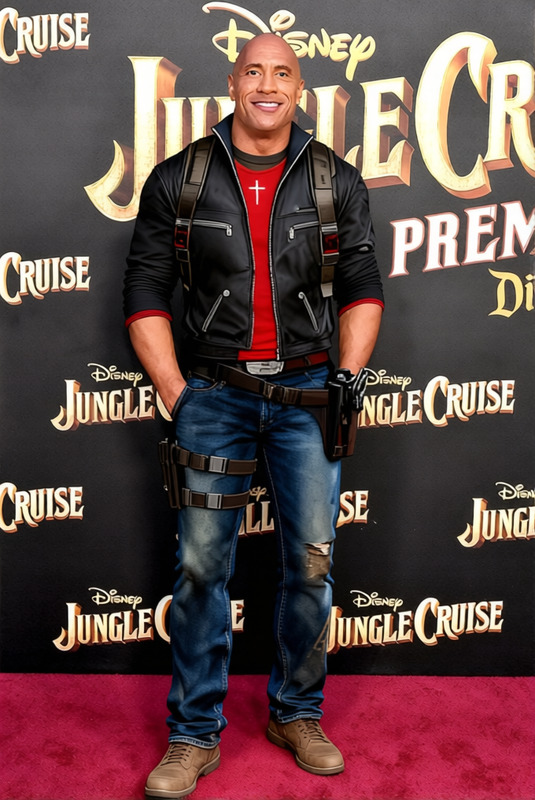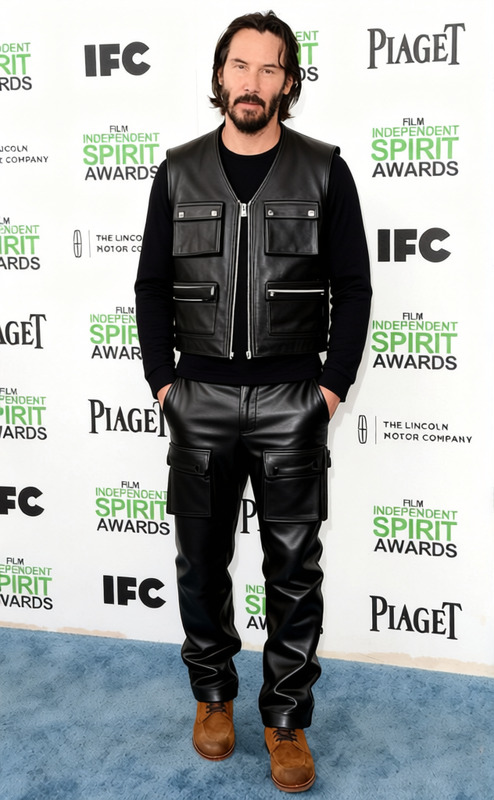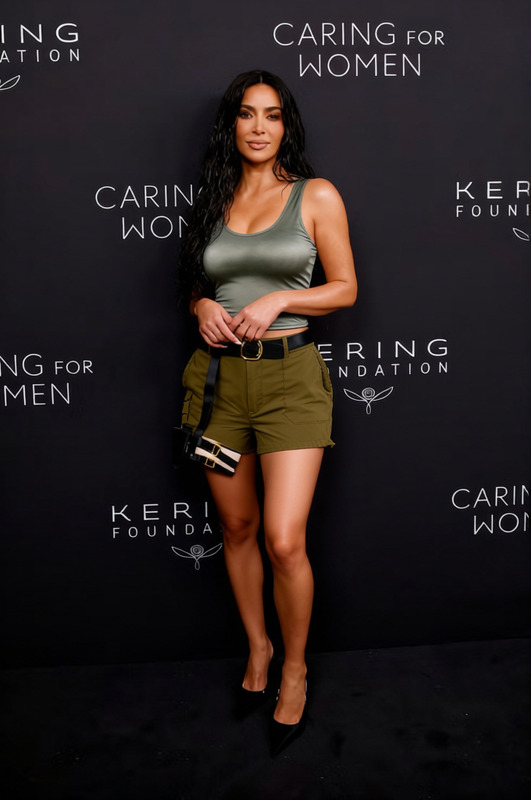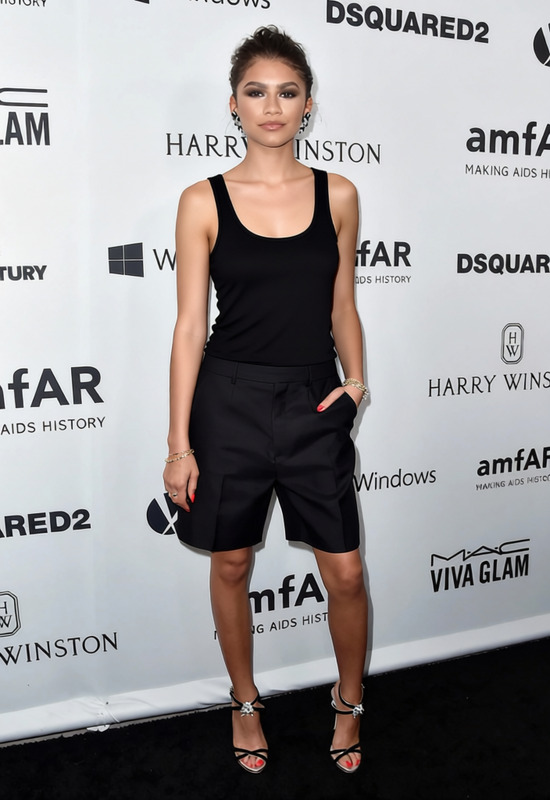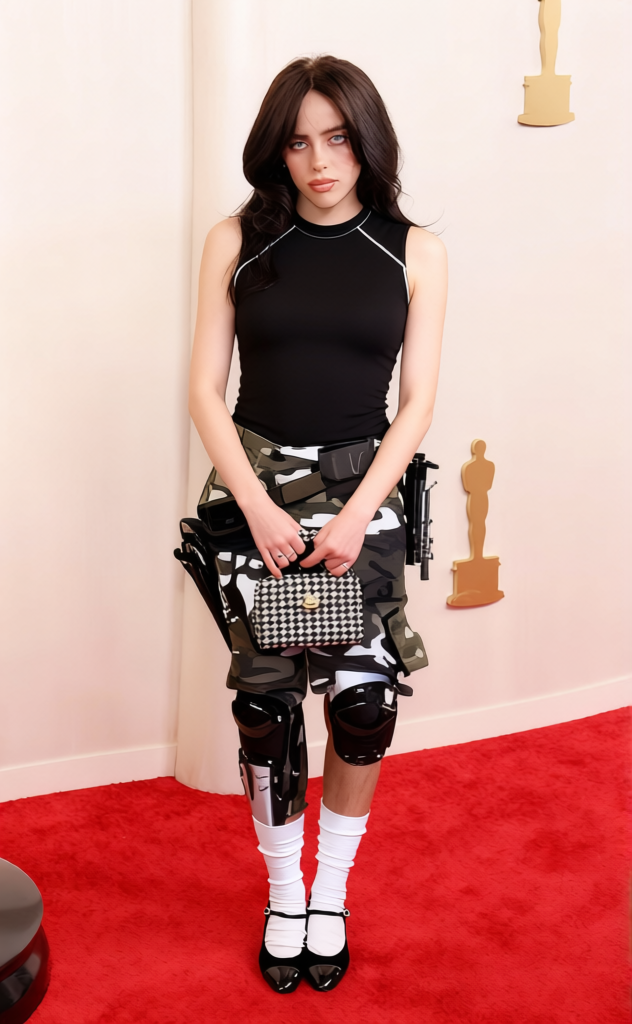
Snake Plissken Black Tank Top With Cargo Pants
- Image
- 632 × 1024 px
Any aspect ratio
Overview
The Snake Plissken Black Tank Top With Cargo Pants template lets you transform the clothing in your images with striking new apparel. Replace outfits in photos with a rugged, iconic black tank top and cargo pants ensemble.
What It Does
This template uses the powerful AI Clothes Changer model to swap existing clothing in your images for a black tank top and cargo pants combination. Upload your photo and see how your appearance changes with different attire.
Who It’s For
Perfect for fashion designers, social media enthusiasts, and anyone looking to experiment with their style. This template is also valuable for marketing professionals and content creators who need versatile looks without multiple photoshoots.
Summary
See your look in new light with our Snake Plissken attire. This application of the Clothes Changer allows instant garment switching. It's an excellent tool for enhancing engagement and creativity in various visual projects.
How to Use
Choose the Template

Customize Your Image

Generate the Output

Use Cases
Fashion Lookbooks
- Perfect for digital catalogs
- Experiment with various styles easily
Social Media Content
- Engage more followers
- Refresh your online wardrobe
Marketing Campaigns
- Adapt campaigns quickly
- Cost-effective creativity
Best Practices
Upload High-Quality Images
For best results, use high-resolution images where the clothing areas are clearly defined.Select the Right Areas
Ensure the selected areas for clothing change are precise to maintain realism.Consider Lighting and Shadows
Pay attention to the original lighting and shadows in your images to enhance the final output.
FAQs
More Like This