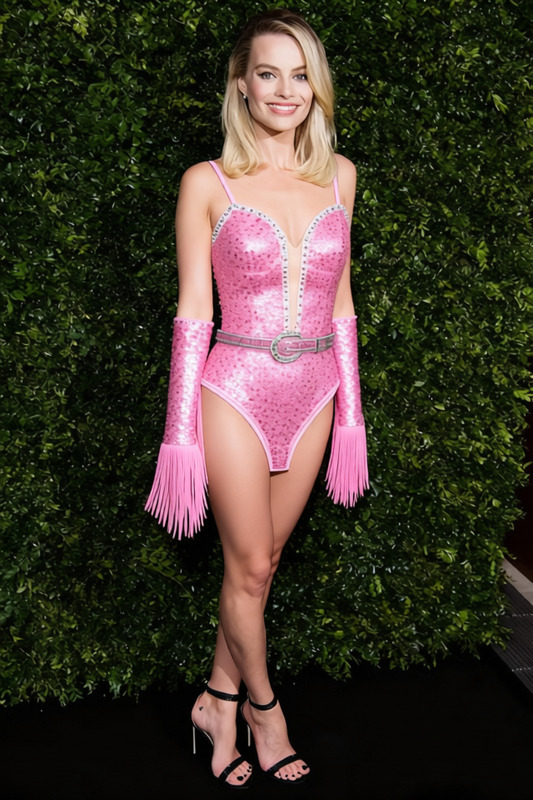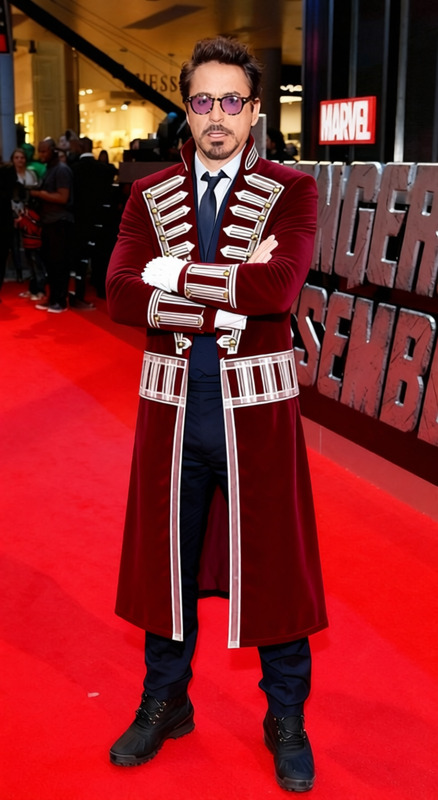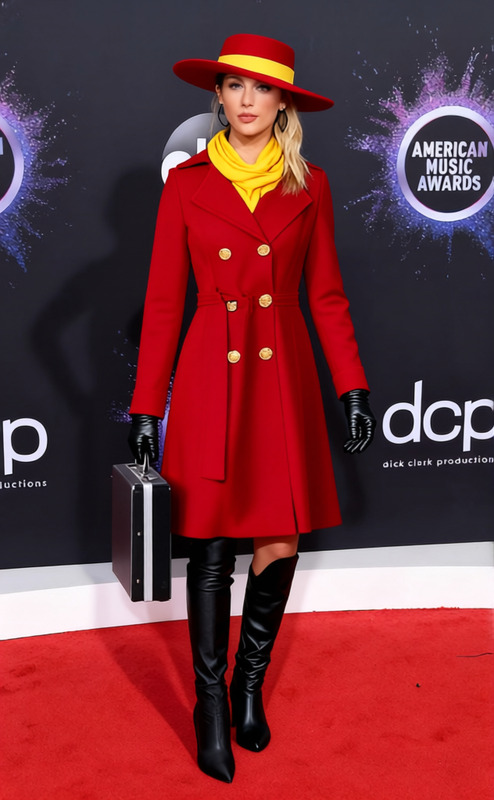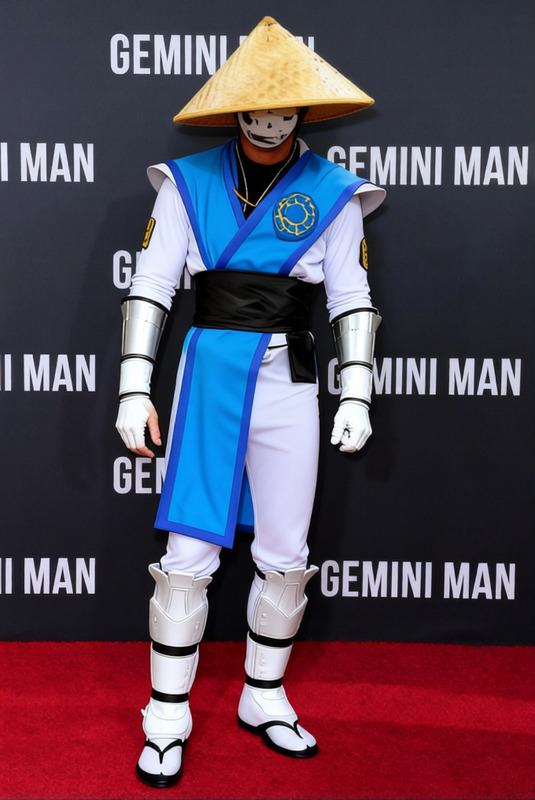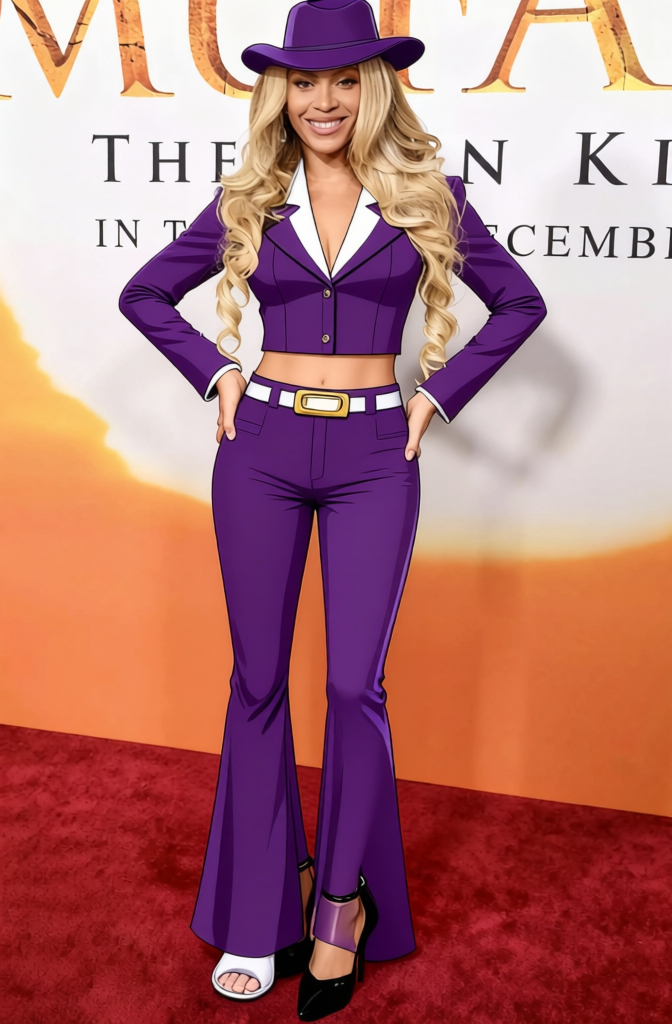
One Piece Nico Robin Purple Cowboy Hat With Coat
- Image
- 672 × 1024 px
Any aspect ratio
Overview
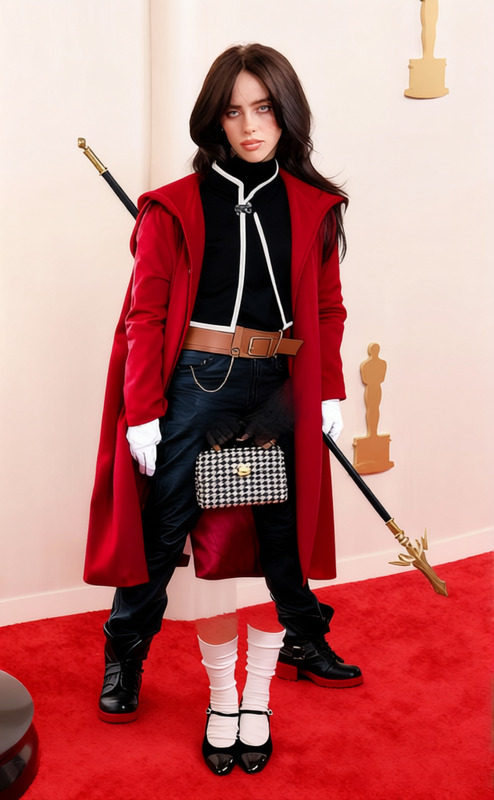
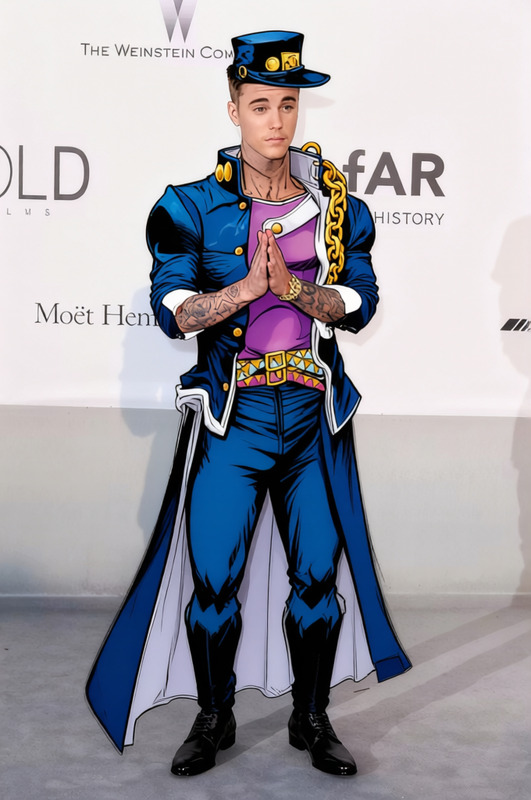
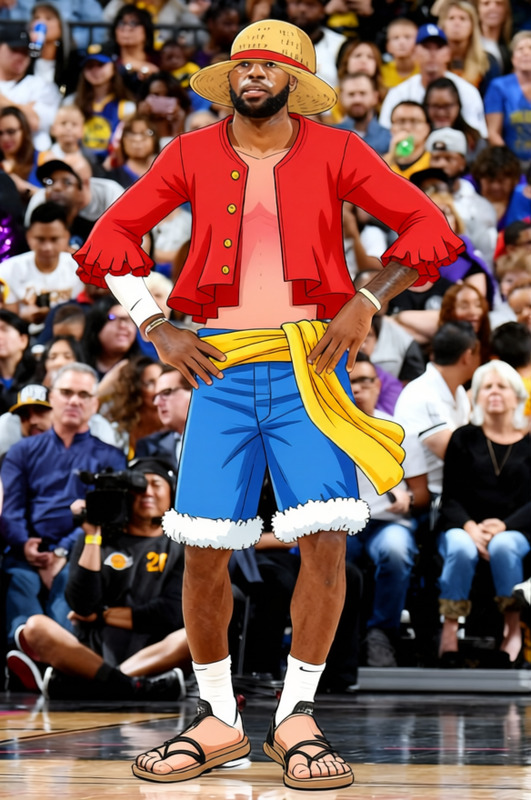
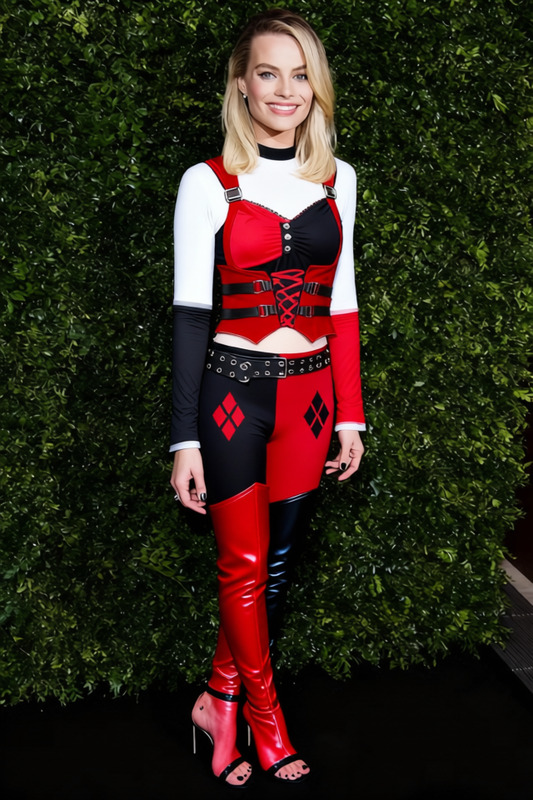
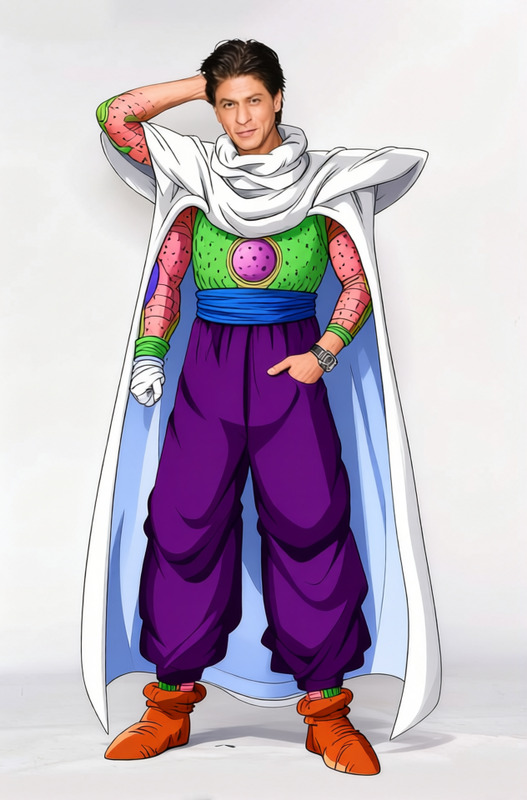
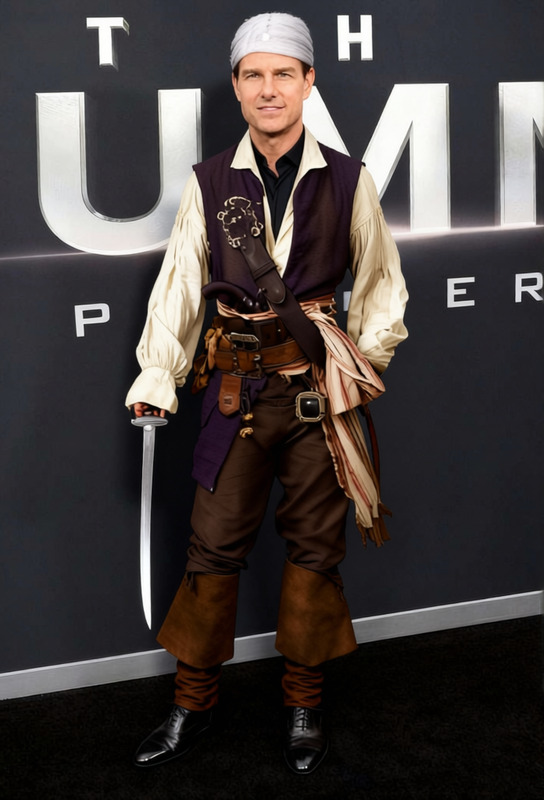
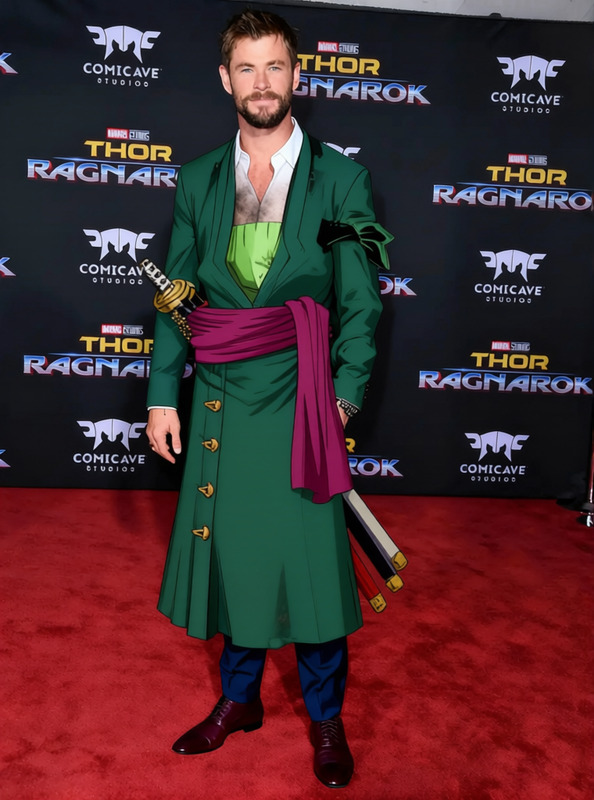
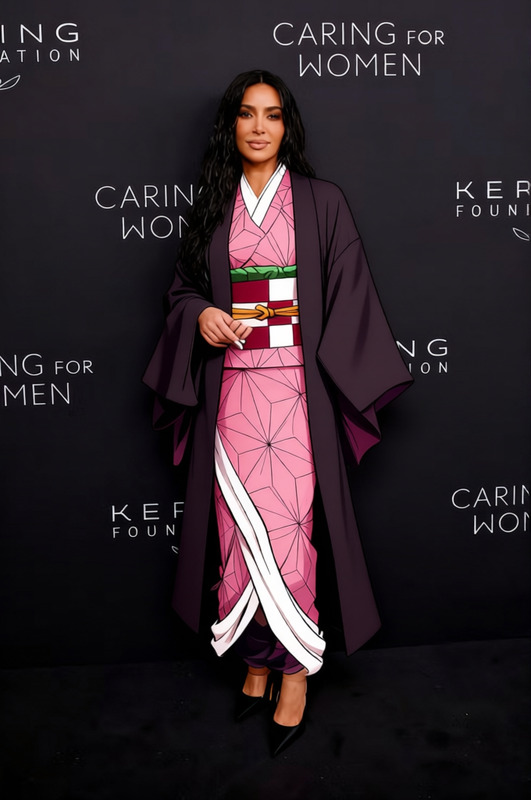
The "One Piece Nico Robin Purple Cowboy Hat With Coat" template empowers creators to add unique fashion elements to images, specifically focusing on transforming clothing and accessories. Ideal for enhancing characters or avatars, this template offers distinctive apparel options inspired by Nico Robin's iconic style from the "One Piece" universe. Try pairing it with our AI Clothes Changer for even more variety.
What It Does
This template allows you to modify an image by overlaying a purple cowboy hat and coat onto subjects, providing a bold and stylish wardrobe change. Choose the best fit from multiple options to ensure the garment aligns perfectly with the character's posture and setting. Enhance your storytelling by integrating outfits from your favorite anime series. Explore additional transformations using our AI Image Editor.
Who It's For
Designed for anime enthusiasts and digital artists, this template is perfect for anyone looking to add a touch of "One Piece" flair to their creations. It's also suitable for social media ads designers wanting to bring a creative twist to visual content. Cosplayers can use this as a tool to experiment with outfit designs before crafting them in real life.
Summary
With the "One Piece Nico Robin Purple Cowboy Hat With Coat" template, you can effortlessly upgrade your digital imagery's style quotient. By utilizing this tool, you achieve a fashionable transformation that resonates with fans of the "One Piece" series. Combine it with our AI Talking Photo to create engaging, animated projects.
How to Use
Choose Your Template

Customize Your Inputs

Generate and Download

Use Cases
Anime Fan Art
- Unique fashion overlays
- Pay homage to "One Piece" characters
Cosplay Planning
- Try different designs digitally
- Save on trial and error in real life
Social Media Content
- Drive engagement with unique imagery
- Explore creative advertising ideas
Best Practices
Ensure Proper Alignment
Adjust the hat and coat to align with your subject’s body and pose for a natural look.Choose High-Resolution Images
Use high-quality images for the best results, minimizing pixelation and ensuring details are crisp.Experiment with Different Styles
Combine this template with others to create varied looks and discover new artistic directions.
Frequently asked questions
More Like This