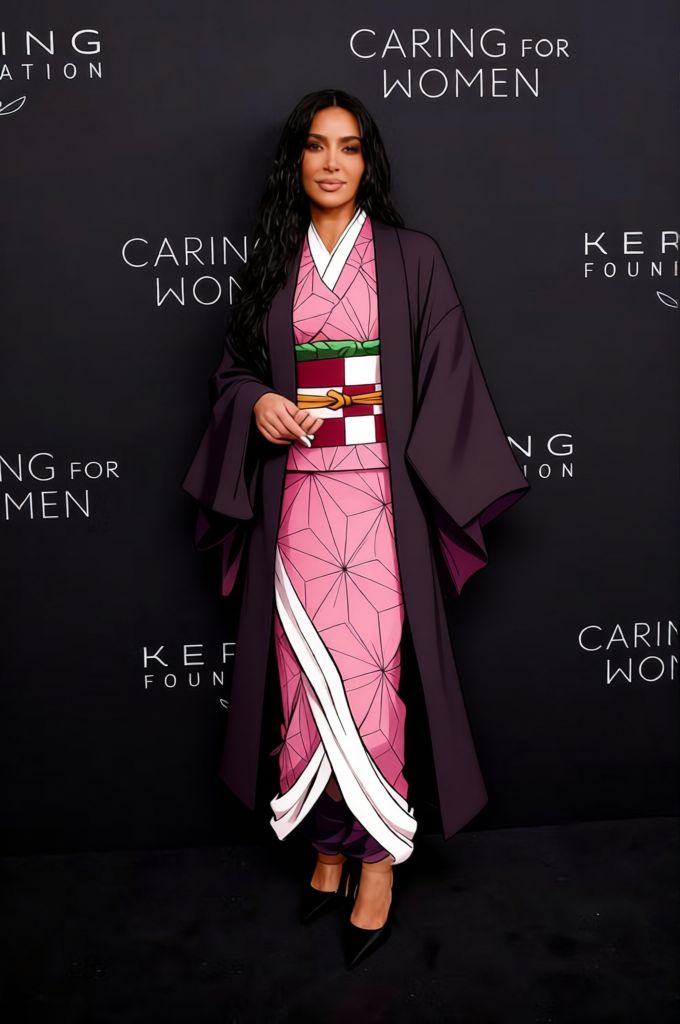
Nezuko Kamado Pink Kimono With Black Coat And Muzzle 2
- Image
- 680 × 1024 px
Any aspect ratio
Overview
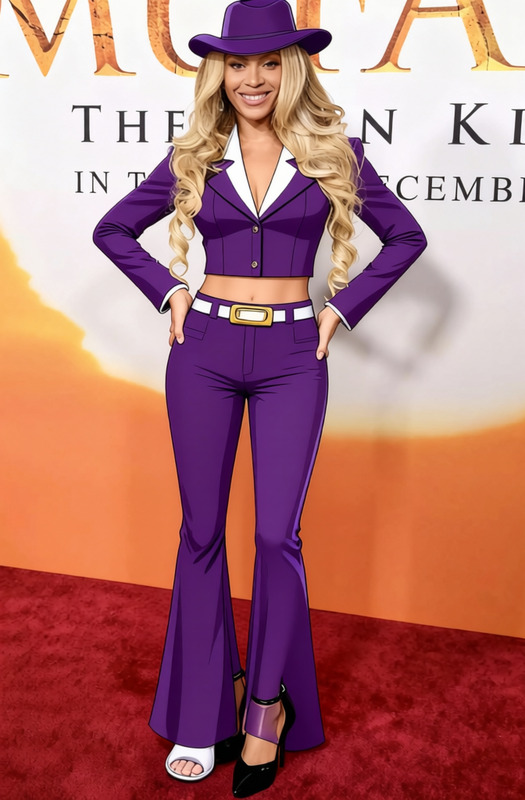
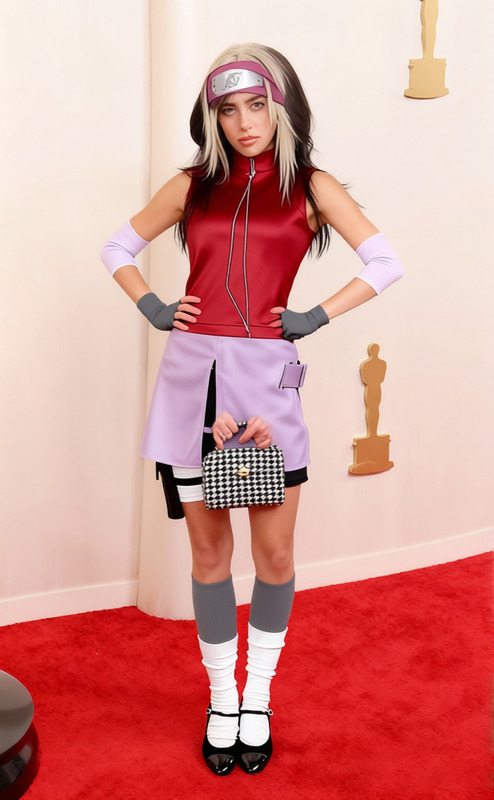
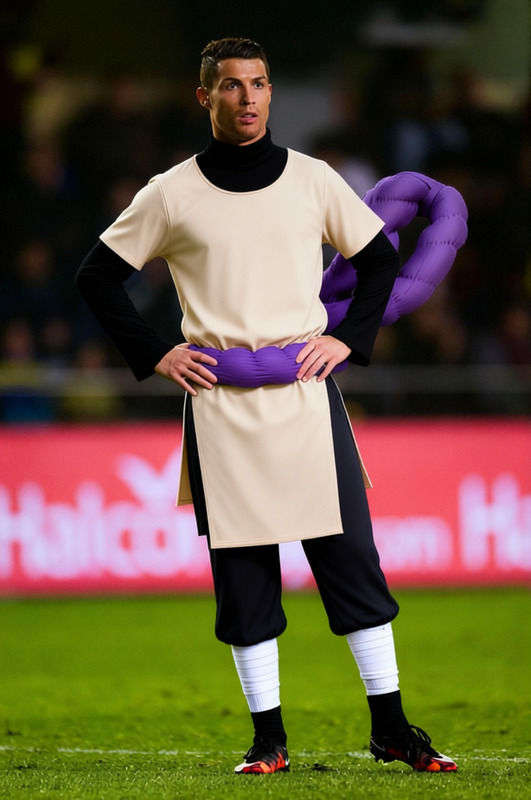
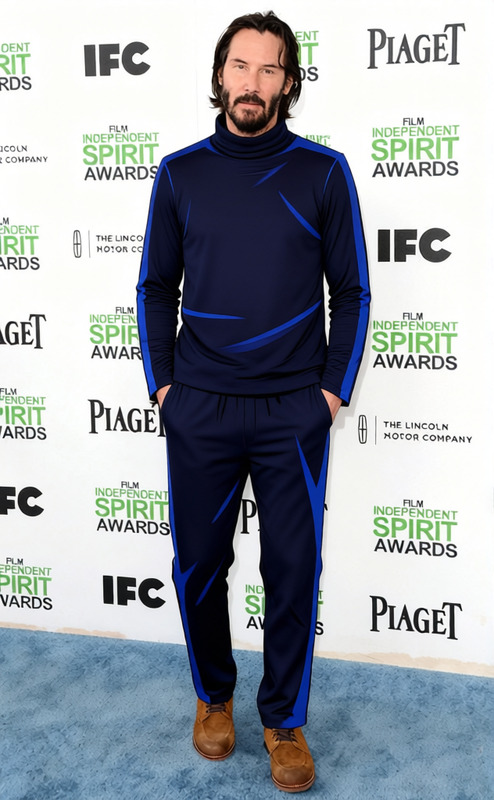
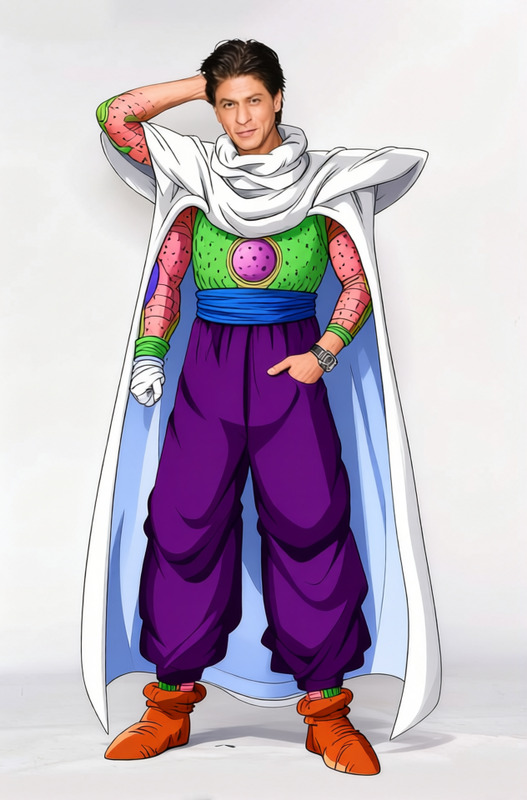
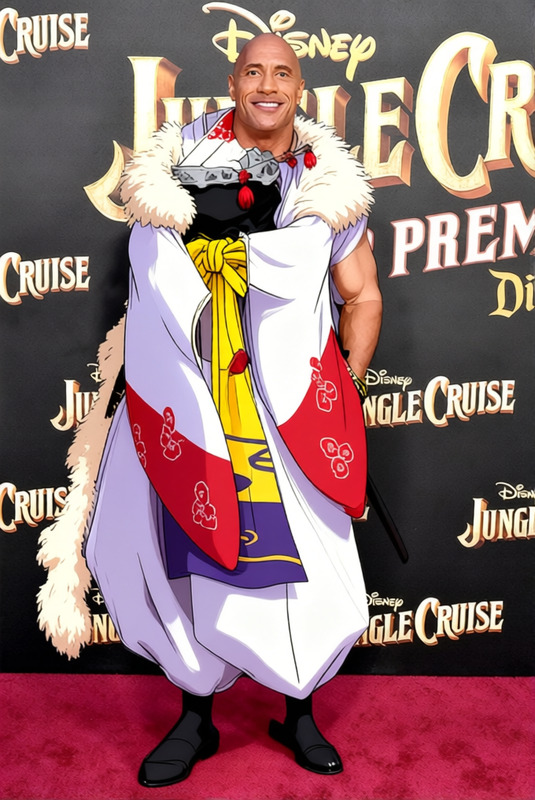
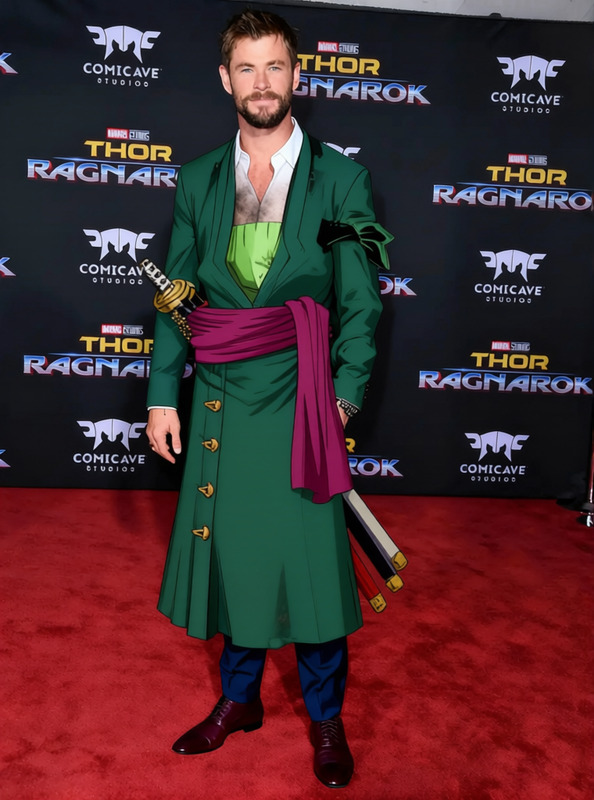
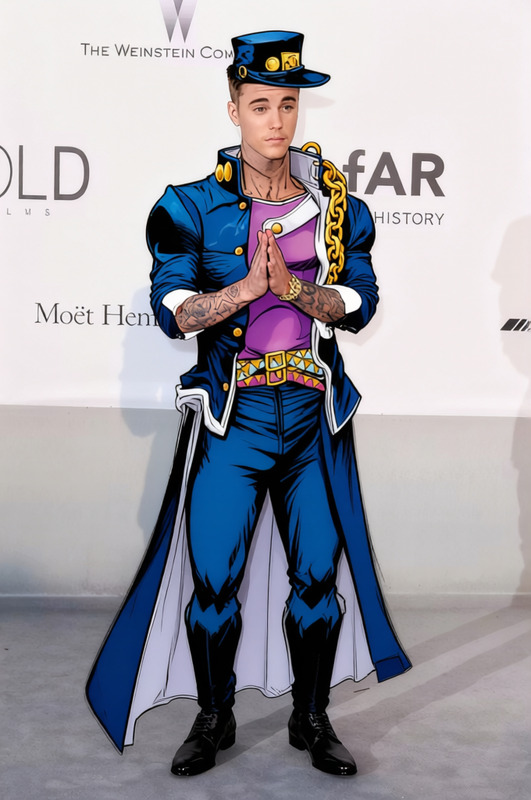
The "Nezuko Kamado Pink Kimono With Black Coat And Muzzle 2" template allows creators to transform character attire within their visual projects. Focusing on clothing attributes, this template provides users the ability to modify outfits in pre-existing images or videos by replacing them with a themed set of garments inspired by Nezuko Kamado.
What It Does
This AI Clothes Changer template swaps the garments of characters in images with a meticulously designed outfit that includes a pink kimono, a black coat, and a muzzle. This feature is part of our robust image-to-image modification tools available on Magic Hour.
Who It's For
The template is designed for animators, cosplayers, and content creators who focus on theme-based storytelling. If you are involved in projects related to anime or need to generate promotional material for themed events, this clothing changer is a suitable tool to explore.
Summary
Integrating the unique Nezuko Kamado outfit into digital media is now achievable with this template. By using the AI Image Editor, creators can easily adjust the details of the swap, ensuring alignment with their project needs. For video projects, consider using tools in our Image to Video suite to add movement and depth.
How To
Choose Template

Customize Settings

Generate Output

Use Cases
Anime Theme Generation
- Design promotional posters
- Develop themed merchandise visuals
Cosplay Event Promotion
- Event banners
- Social media posts
Character Design Experimentation
- Visualizing alternate costume ideas
- Mocked-up versions for client presentation
Best Practices
Select High-Resolution Inputs
Ensure your input images or videos are high resolution for the best output quality.Align Outfits Carefully
Make precise adjustments to align the costume perfectly with the subject for a more realistic appearance. Use the zoom function to fine-tune.Combine with Other Tools
Consider using the AI Video Extender for longer video projects to maintain visual consistency throughout larger campaigns.
Frequently asked questions
More Like This