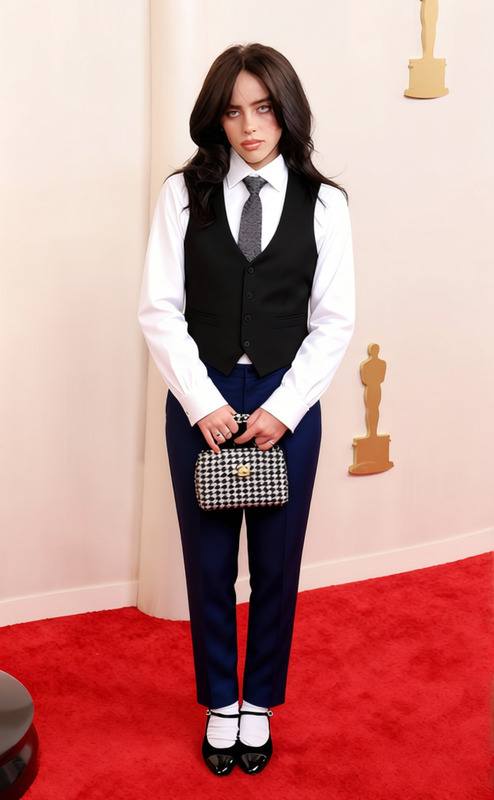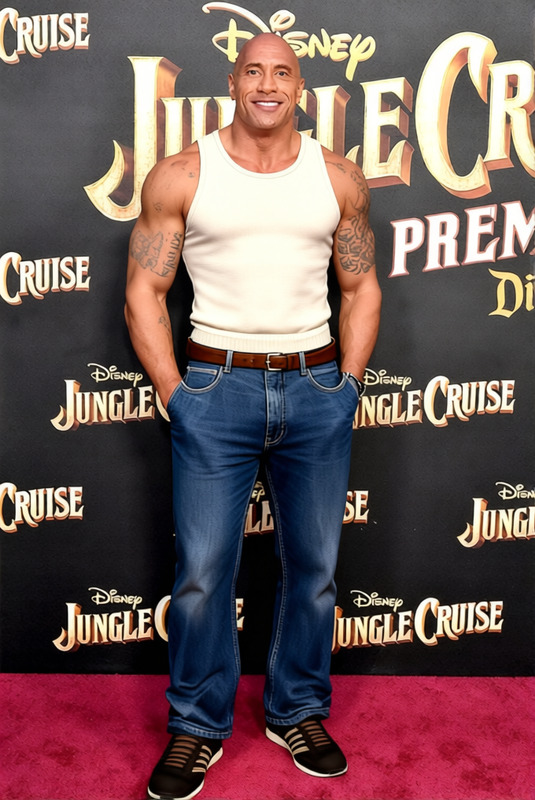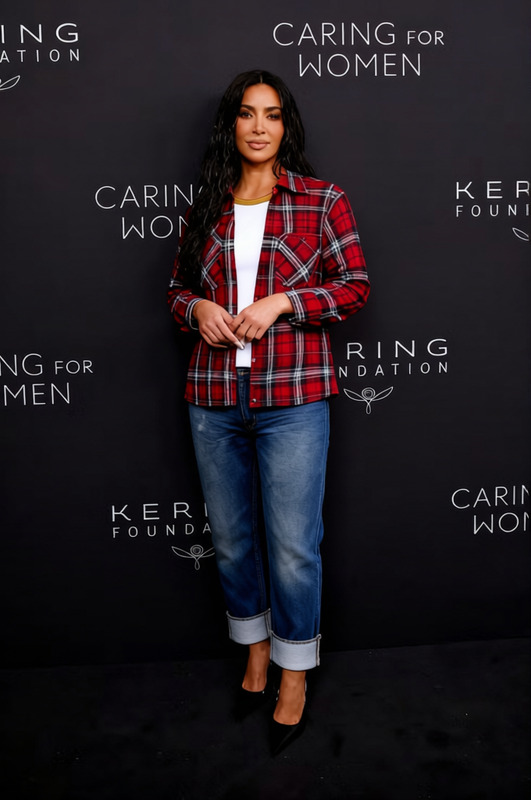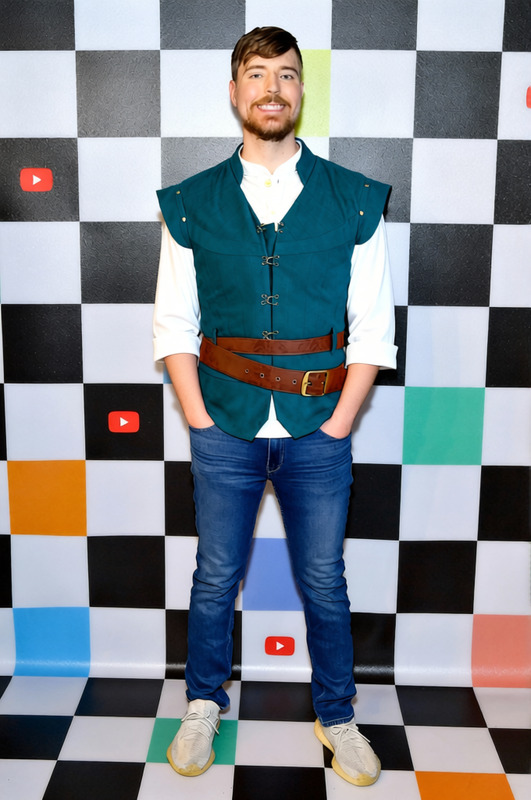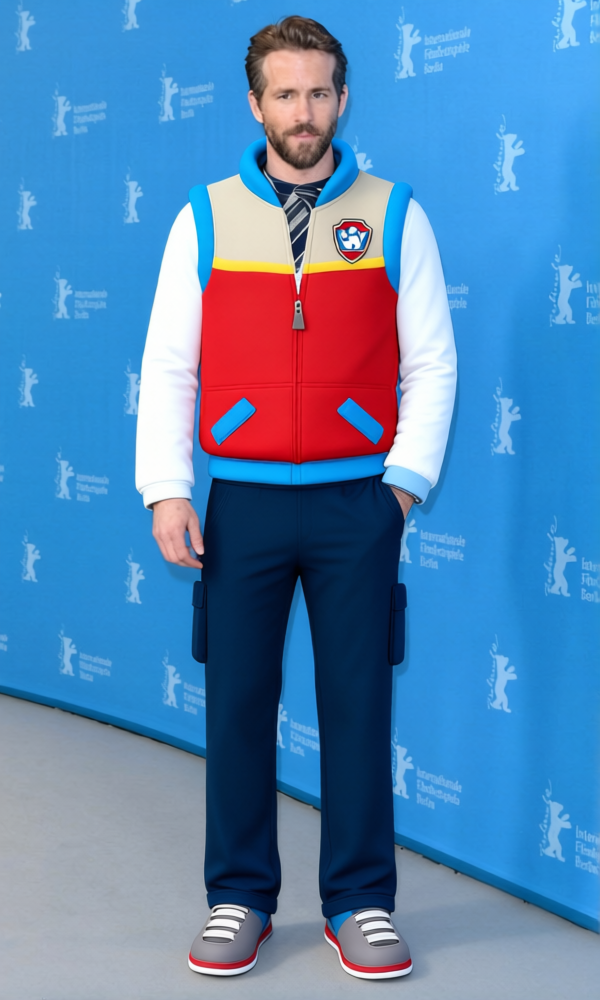
Ryder White Vest And Blue Jeans
- Image
- 600 × 1000 px
Any aspect ratio
Overview
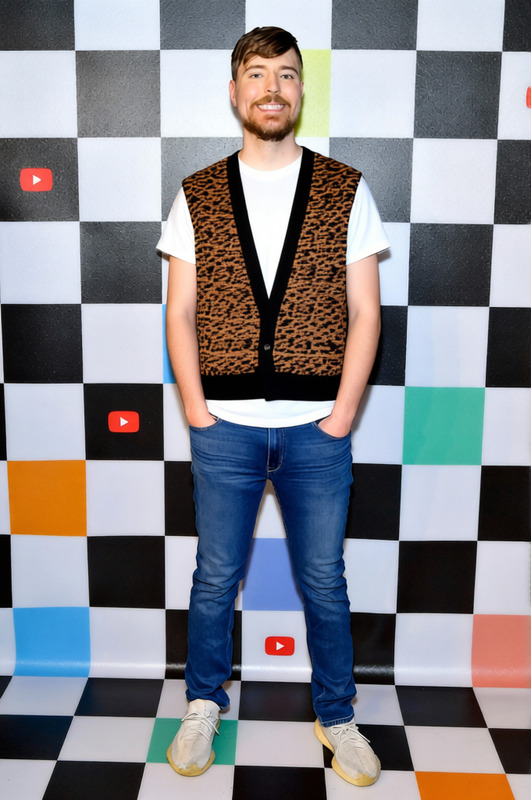
The Ryder White Vest And Blue Jeans template in the AI Clothes Changer range enables you to transform the attire in your photographs with a distinctive and fashionable look. This template delivers high-quality visual output, making it easy to envision different clothing styles on your subjects.
Perfect for fashion editing and creativity, this tool allows you to modify the clothing style without changing the model or background, offering flexibility in design projects.
What It Does
This template changes an individual's outfit in an image to a trendy white vest and blue jeans ensemble. Ideal for AI Image Editor applications, it maintains the original photo's aesthetics while providing a seamlessly natural new look.
Use this for quick fashion imagery updates or to see different styles on-the-go without needing a physical wardrobe change.
Who It’s For
Fashion designers, marketers, or hobbyists looking to showcase different styles will find this template invaluable. It suits those involved in fashion product photography, e-commerce, or any business needing rapid wardrobe changes in visuals.
It also resonates with influencers and social media content creators aiming to keep their content fresh and visually engaging without logistical hassles.
Summary
The Ryder White Vest And Blue Jeans template is a reliable option for anyone in need of fast and efficient clothing changes for digital images. Complement it with the AI Profile Picture Generator to enhance personal branding or product images.
Utilize it to expand your creative options in fashion publishing, social media, or when constructing visually appealing marketing materials.
How to Use
Choose the Template

Customize Your Inputs

Generate and Download

Use Cases
E-commerce Product Photos
- Enhance product appeal
- Offer style variations
Fashion Lookbooks
- Save on modeling costs
- Streamline lookbook updates
Social Media Content
- Improve audience engagement
- Showcase fashion creativity
Best Practices
Ensure High-Quality Input Images
For best results, use images with good resolution and lighting. This ensures that the transformation looks as natural and seamless as possible.Adjust Parameters As Needed
Make use of available settings to tailor the look according to the model's body type and pose. It helps in achieving a more realistic fit.Combine with Other Tools
Integrate with AI Background Changer to diversify your image aesthetics without limitations.
Frequently asked questions
More Like This