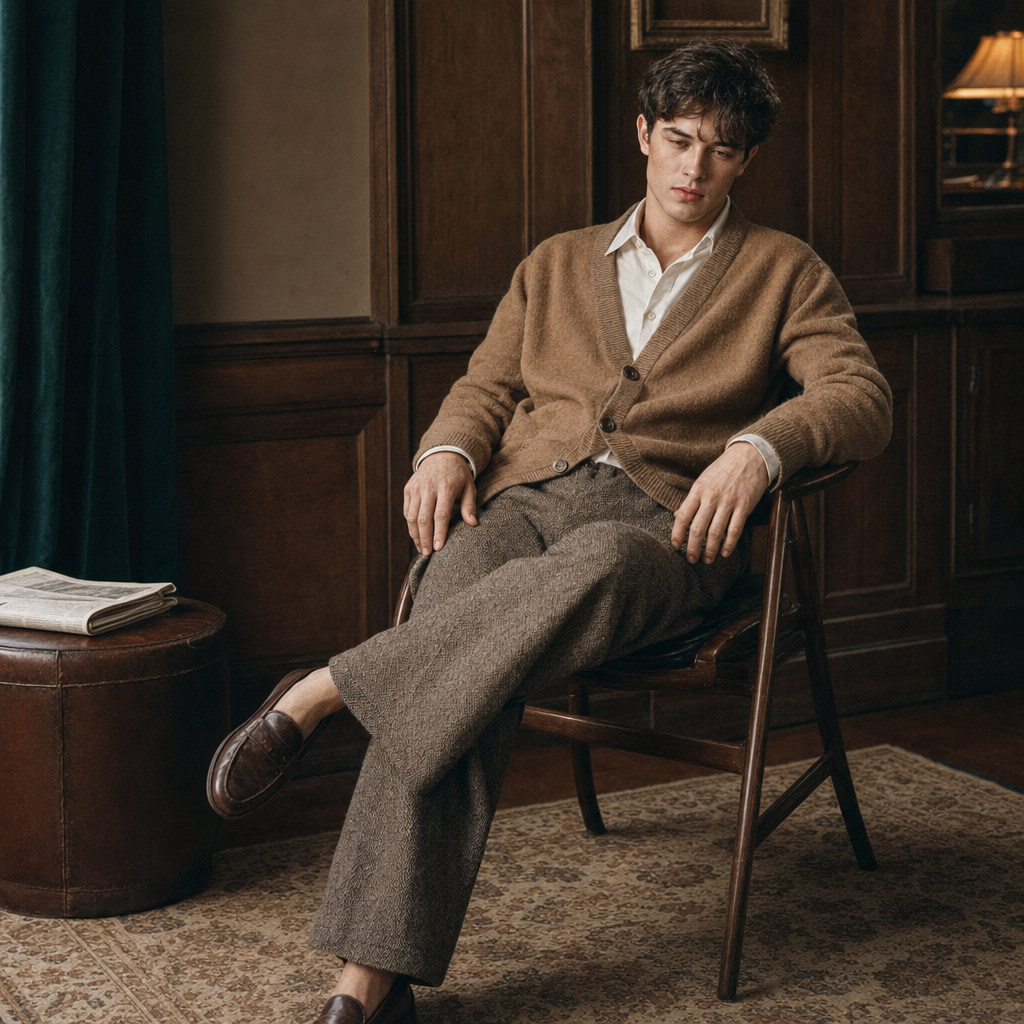
Vintage clothing
- Model
- GPT Image 2
- Image
- 1024 × 1024 px
Prompt
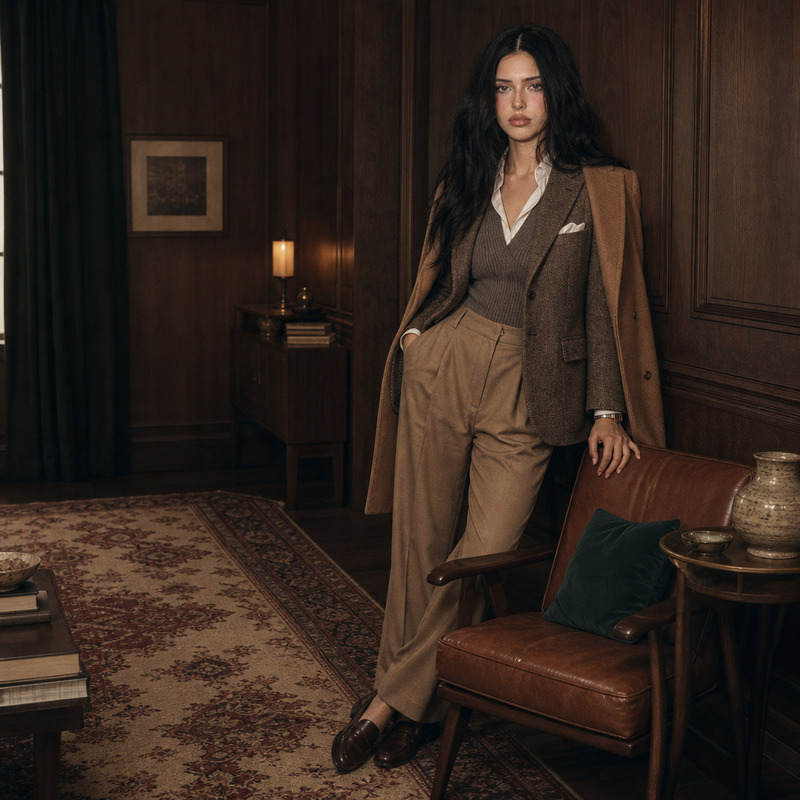
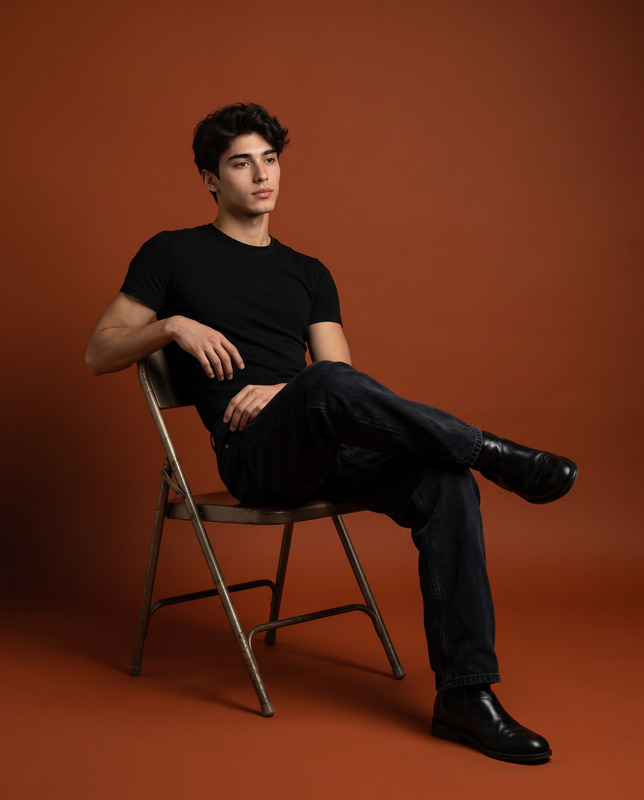
Seated three-quarter portrait of a person on a simple wooden chair, eye-level viewpoint, body slightly reclined with one leg crossed loosely, shoulders relaxed, hands resting naturally and asymmetrically, head tilted slightly and gaze unfocused; they wear relaxed Ivy-prep styling — a camel wool cardigan layered over a crisp off-white cotton shirt, loose pleated tweed trousers and scuffed tobacco leather loafers, casually groomed hair and warm matte skin tones, visible fabric texture and soft leather patina; quiet curated retro interior with walnut paneling and warm wood grain, a green velvet curtain just off-frame, beige patterned rug, a low leather side table with a single folded newspaper, plenty of negative space and minimal, purposeful objects; soft diffused window key light from the side with warm tungsten practicals in the background, diffuse shadows and soft falloff, gentle specular highlights on leather and wood; palette of warm neutrals — espresso, walnut, tobacco, camel, warm gray and cream — with a muted deep teal accent, muted saturation and rich midtones; slightly off-center, unforced composition with architectural lines of paneling providing subtle symmetry, moderate depth of field so the background remains readable, 35–50mm portrait lens feel, crisp but not ultra-sharp focus on the subject; filmic editorial finish with a 35mm vibe: subtle grain, slightly lifted blacks, soft vignette and soft highlight roll-off, understated texture; calm, intimate, quietly confident documentary mood.
Any aspect ratio
Overview
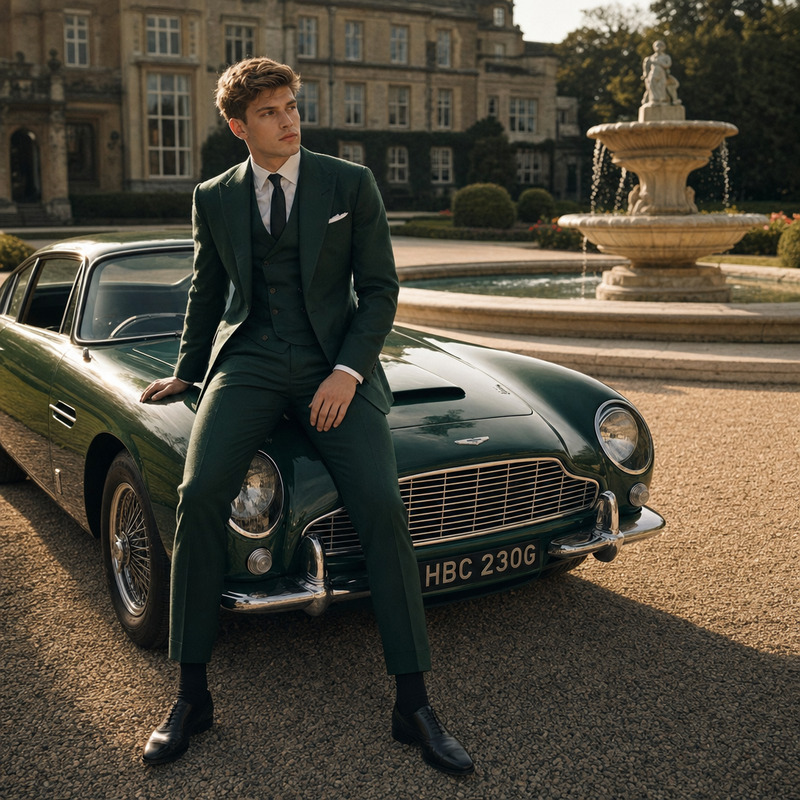
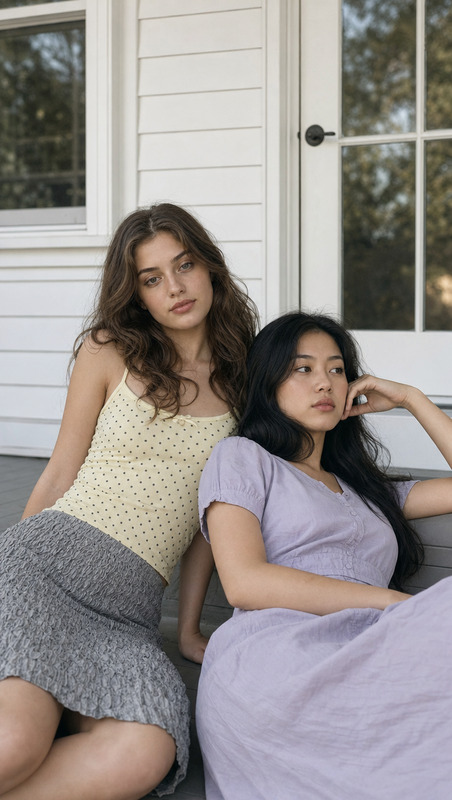
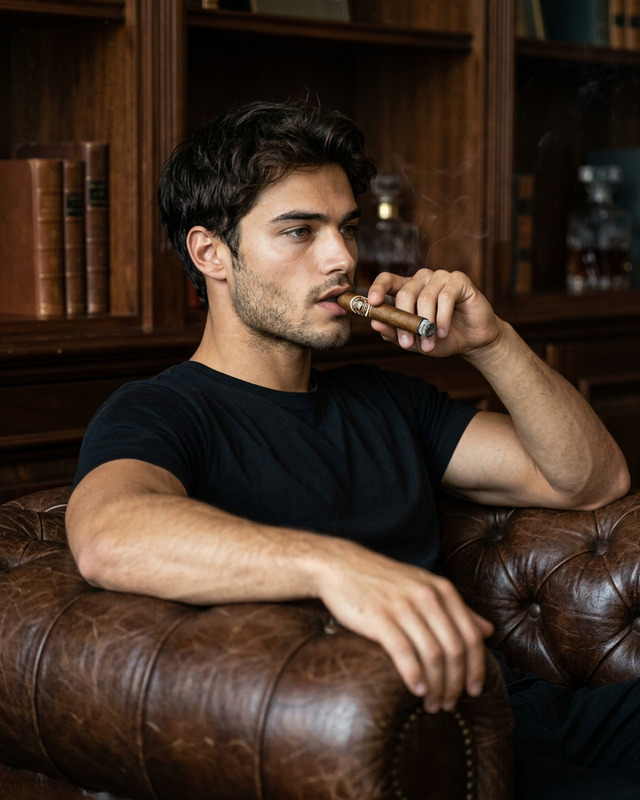
Transport your photos into a different era with the Vintage Clothing template under the AI Image Editor. Built on the power of the gpt-image-2 model, this template allows you to bring the classic charm of vintage fashion and interiors into your imagery.
What it Does
This template transforms modern-day photos into vintage masterpieces, highlighting textured fabrics, soft leather patinas, and warm neutral palettes. By using carefully curated lighting and composition techniques, it creates an editorial, filmic finish that evokes a calm, intimate, and confidently nostalgic mood. The detailed prompt guides the editing process to ensure every aspect of the vintage style is accurately rendered.
Who it's For
The Vintage Clothing template is perfect for photographers, designers, and creatives looking to evoke a sense of nostalgia in their projects. It's ideal for those in the fashion industry or any creative professionals aiming to add a retro-sophisticated touch to their portfolios, marketing materials, or social media content.
Summary
Utilize the AI Image Editor to transform your imagery into vintage-inspired masterpieces with the Vintage Clothing template. This tool is a must-have for anyone looking to enhance their work with a sophisticated retro flair, utilizing specific fashion elements and interior aesthetics to create a visually striking narrative.
How to Use
Choose the Vintage Clothing Template

Customize Your Image

Generate Your Edited Image

Use Cases
Fashion Photography
- Highlight retro fashion garments
- Create a mood that aligns with vintage collections
Interior Design Portfolios
- Emphasize texture and warm lighting
- Create a narrative around vintage décor
Social Media Content
- Develop a unique aesthetic for your feed
- Engage audiences with visually striking content
Best Practices
Focus on Fashion Details
Pay attention to subtle fashion details like fabric textures and color palettes. These elements bring authenticity to your vintage-themed image.Consider Composition
Use the architectural lines of the interior to add subtle symmetry and balance to your composition.Experiment with Lighting
Leverage the provided lighting settings to emphasize the warm, soft tones and gently diffuse shadows, enhancing your photo's vintage feel.