The Quiet Heir
- Model
- Nano Banana 2
- Image
- 921 × 1152 px
Prompt
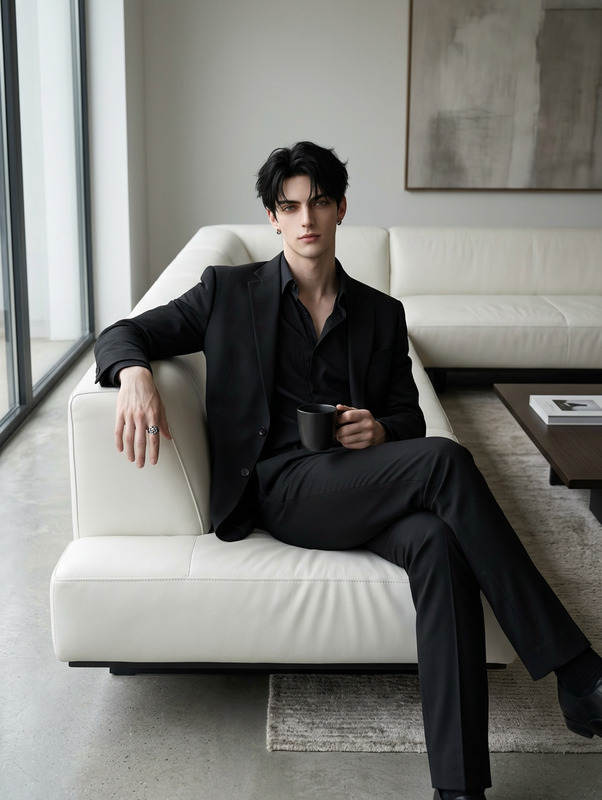
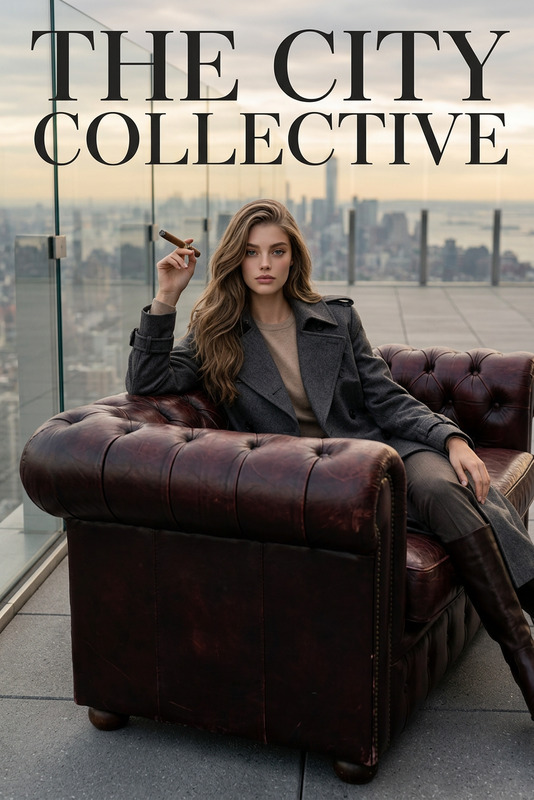
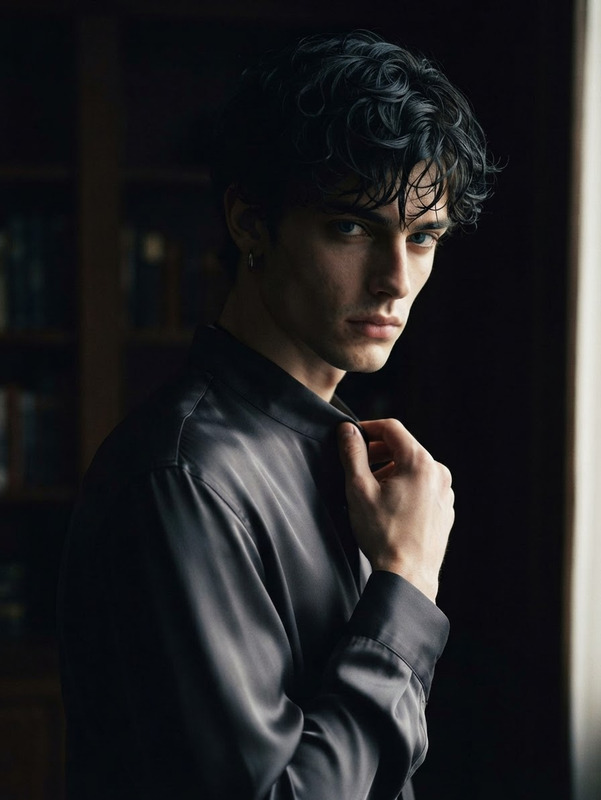
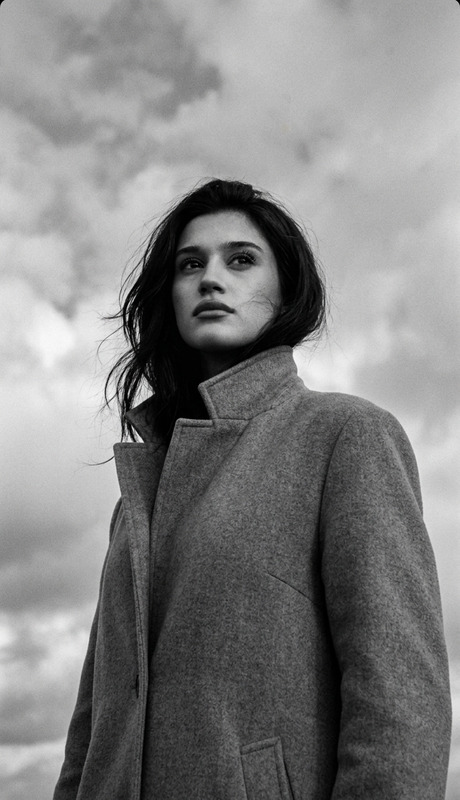
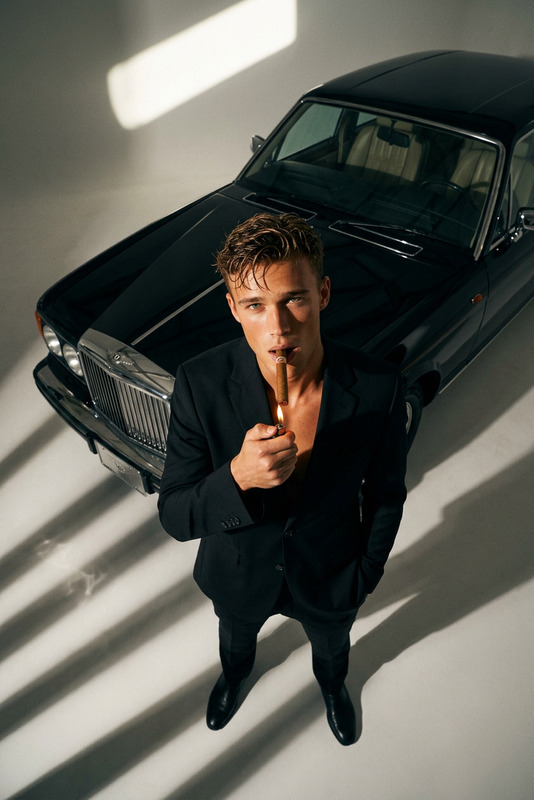
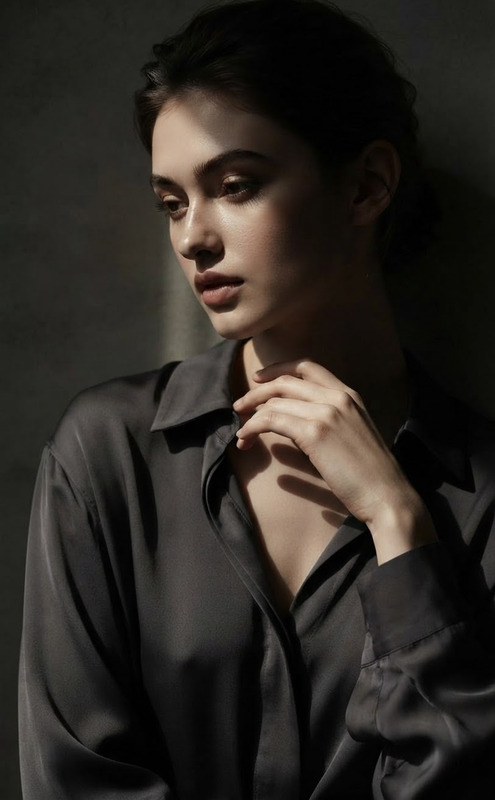
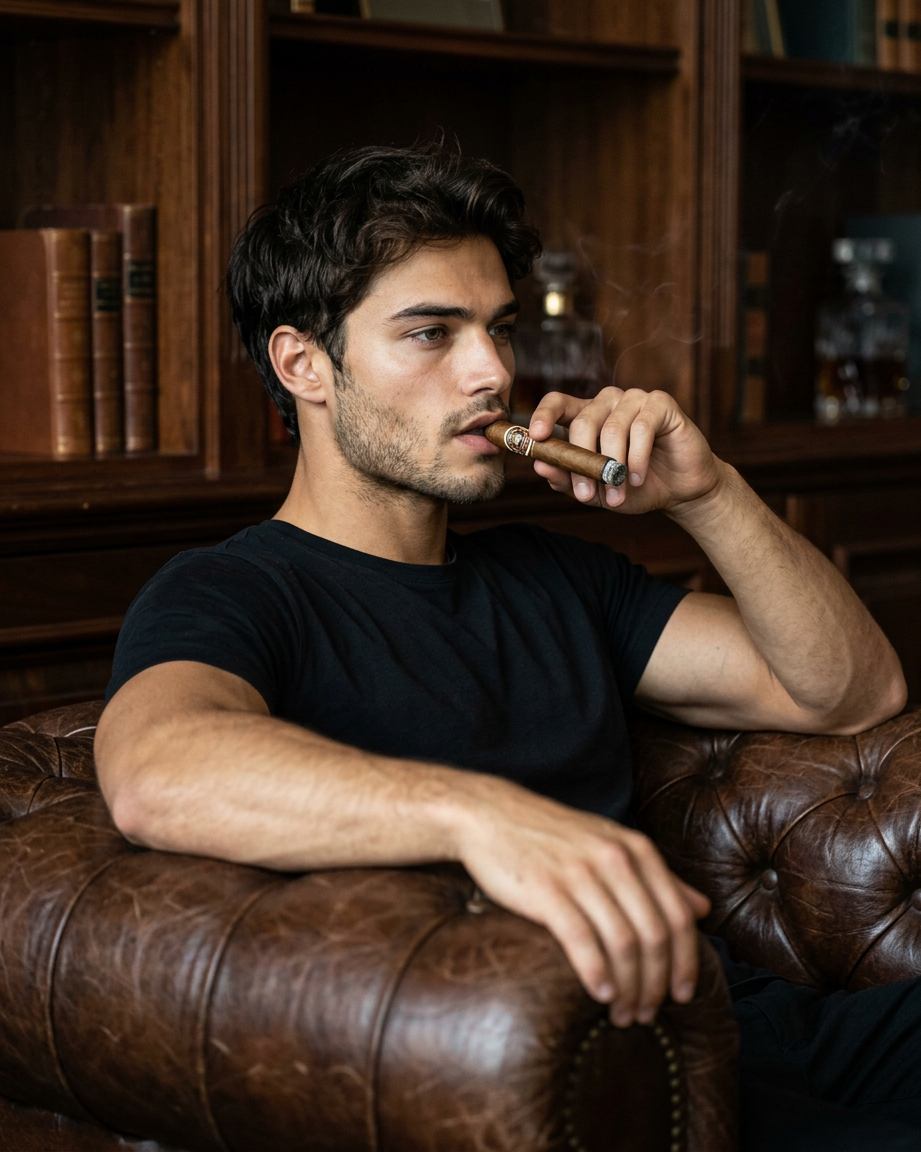
A mid-frame editorial portrait featuring **the subject** seated on a classic English leather sofa, the body angled slightly with a relaxed, effortless lean that conveys quiet confidence and timeless sophistication. One hand is raised naturally near the face, holding a cigar as part of the composition, while the other rests comfortably against the armrest or lap. The framing emphasizes strong symmetry and intentional negative space, creating the visual language of a premium magazine cover. The subject remains the clear focal point, surrounded by rich textures, balanced geometry, and understated luxury. Soft, directional lighting sculpts the face and the aged leather upholstery, revealing realistic material details, subtle highlights, and gentle shadow transitions. The atmosphere feels intimate, refined, and contemplative rather than theatrical. The overall aesthetic combines old-world elegance with contemporary editorial sensibilities: authentic posture, natural expression, sophisticated restraint, and a sense of inherited confidence. High-resolution, photorealistic, magazine-quality portraiture with cinematic composition, realistic textures, and timeless visual storytelling.
Any aspect ratio
Overview
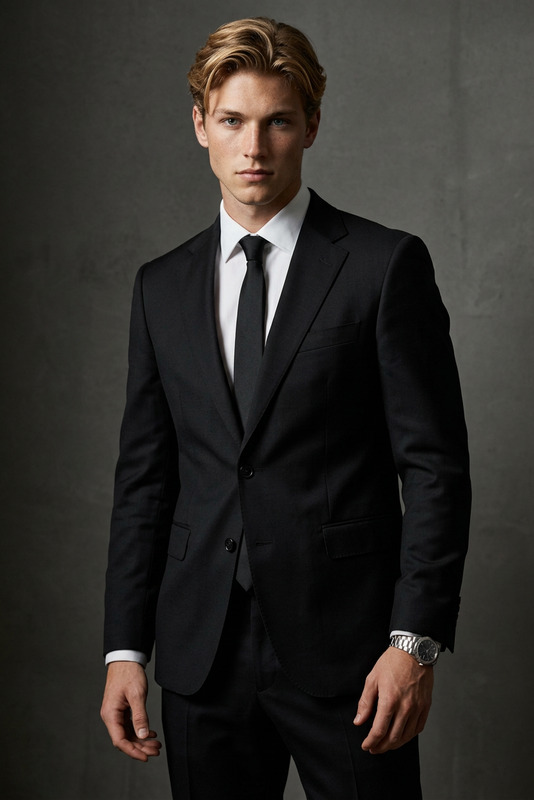
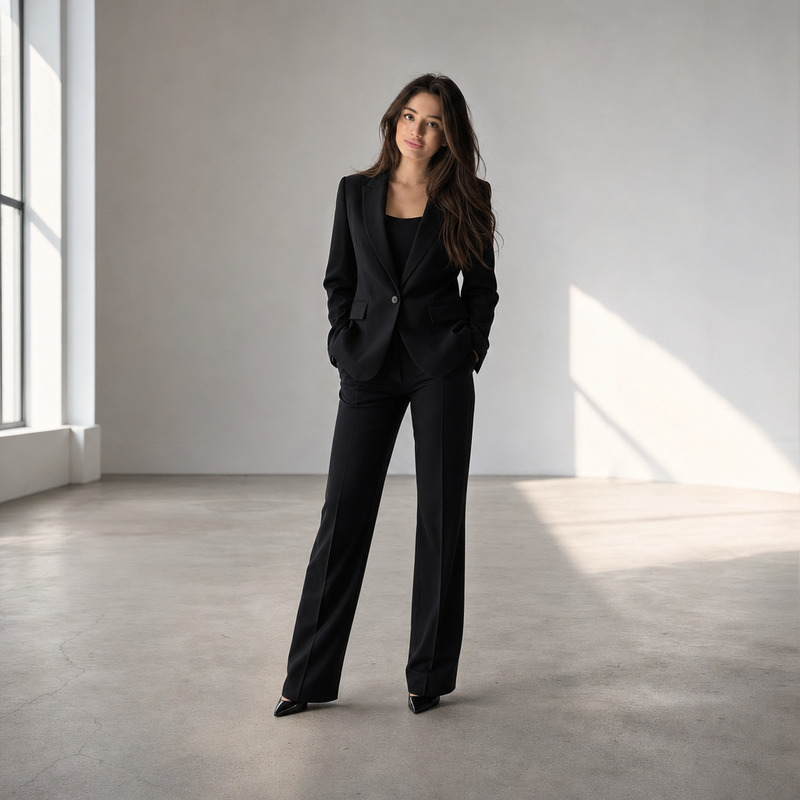
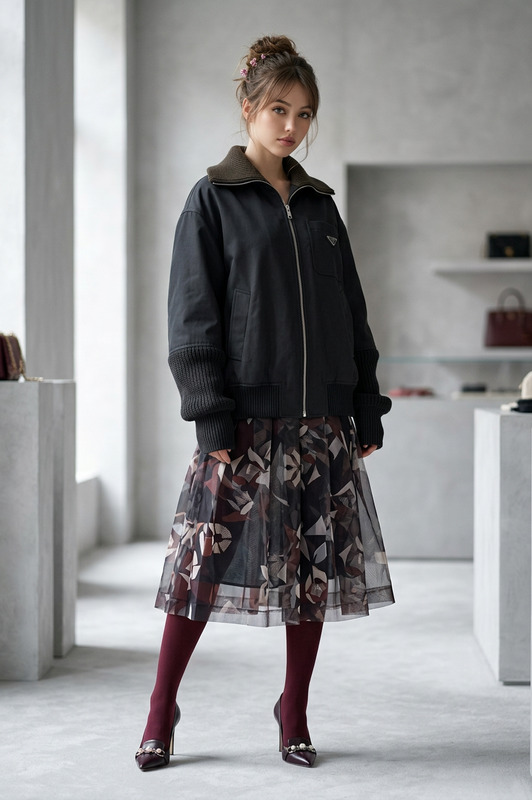
The Quiet Heir template in the AI Image Editor category is designed to craft editorial portraits that exude sophistication and timeless elegance. Utilizing the nano-banana-2 model, this template enables creators to produce high-resolution, magazine-quality images that communicate a narrative of understated luxury and confidence.
What It Does
The Quiet Heir captures the essence of an editorial portrait by focusing on symmetry, negative space, and texture. It positions the subject with intentional posture and natural expression, generating a photorealistic image set against classic English detailing. The use of soft, directional lighting highlights facial features and the leather textures, akin to appearances in renowned magazine covers.
Who It's For
This template is ideal for photographers, magazine editors, and creative professionals who seek to produce high-end portrait imagery. Whether you're crafting content for product launches or developing visuals for personal branding, The Quiet Heir provides the tools necessary for sophisticated, professional-grade output.
Summary
The Quiet Heir isn't just about creating images; it's about crafting stories. It combines the technical prowess of the AI Image Generator with the subtlety of classic portraiture, enabling effortless production of visuals that are both technically sound and narratively rich.
How to Use The Quiet Heir
Choose The Quiet Heir Template

Customize Your Portrait

Generate Your Image

Use Cases
Magazine Covers
- Editorial portraits
- High-end fashion features
Corporate Publications
- Annual reports
- Executive portraits
Artistic Portfolios
- Photography showcases
- Digital art collections
Best Practices
Focus on the Lighting
Ensure that the soft, directional lighting parameters are set properly to illuminate the subject realistically and enhance textures.Maintain Symmetry
Pay attention to the composition's symmetry to uphold a professional, visually appealing layout.Emphasize Textures
Adjust settings to highlight the textures of clothing and background elements, contributing to the photo-realistic quality.