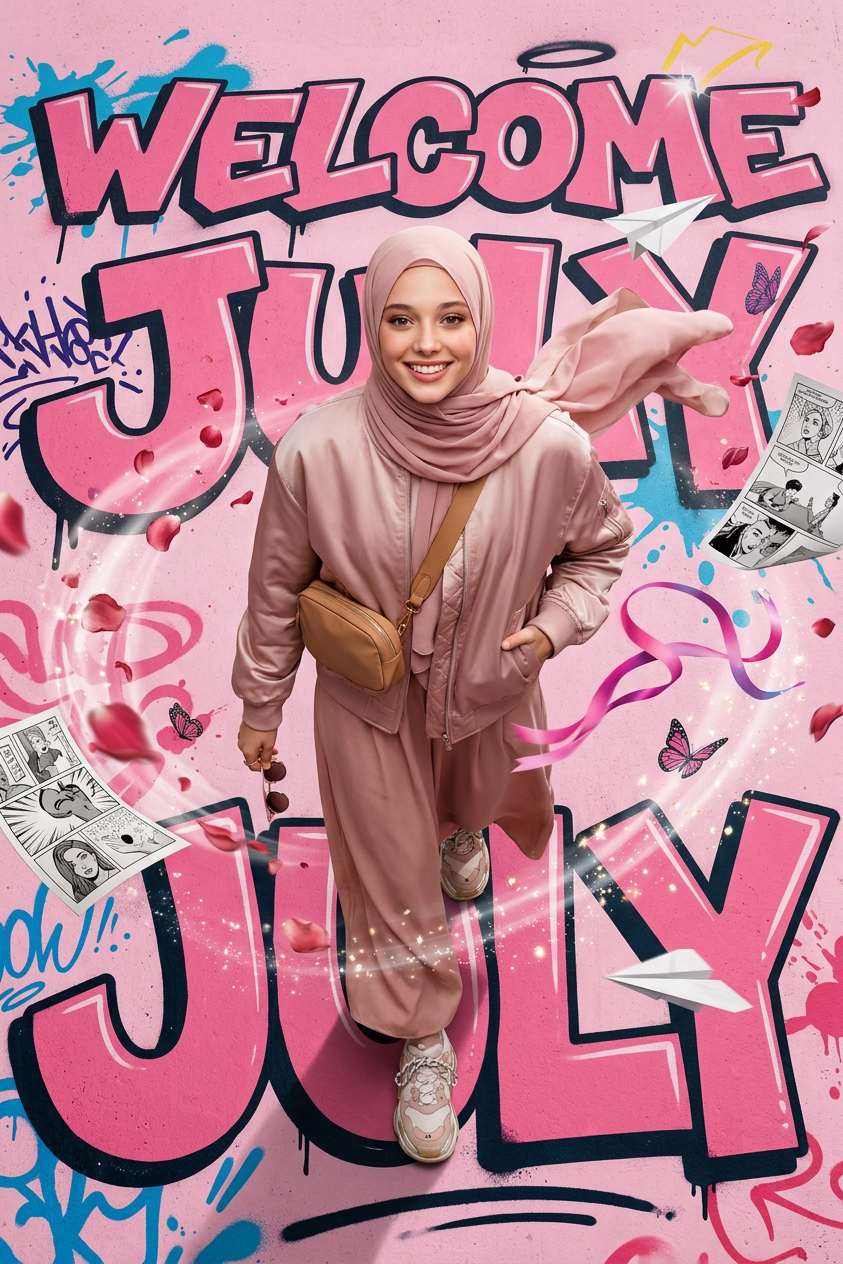
Bird's Eye Fashion
- Model
- Nano Banana 2
- Image
- 843 × 1264 px
Prompt
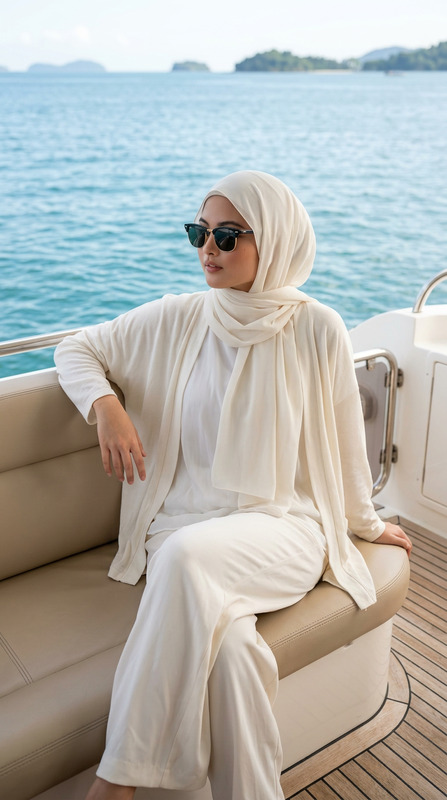
Ultra-realistic editorial portrait of Sutika, face perfectly matching the reference image. Premium blush-pink pashmina hijab styled in luxury swag fashion, oversized satin bomber jacket, elegant flowing skena culotte pants, chunky designer sneakers, layered silver chains, luxury belt bag worn across the chest, multiple bracelets, premium fashion rings. Extreme bird-eye angle from directly overhead. Sutika confidently looks upward toward the camera while walking through an artistic pink street mural. One hand casually holding sunglasses, the other inside the jacket pocket. A strong gust of wind creates dramatic movement in the hijab, bomber jacket, and wide culotte pants. Around her swirl rose petals, comic pages, graffiti paint splashes, butterflies, floating ribbons, sparkling dust, pink smoke, paper airplanes, doodled stars. The street itself becomes a giant comic illustration spelling WELCOME JULY, with bold graffiti typography and surreal mural textures. Canon EOS R5, 35mm lens, cinematic lighting, ultra detailed, fashion magazine cover, luxury streetwear aesthetic, premium realism.
Any aspect ratio
Overview
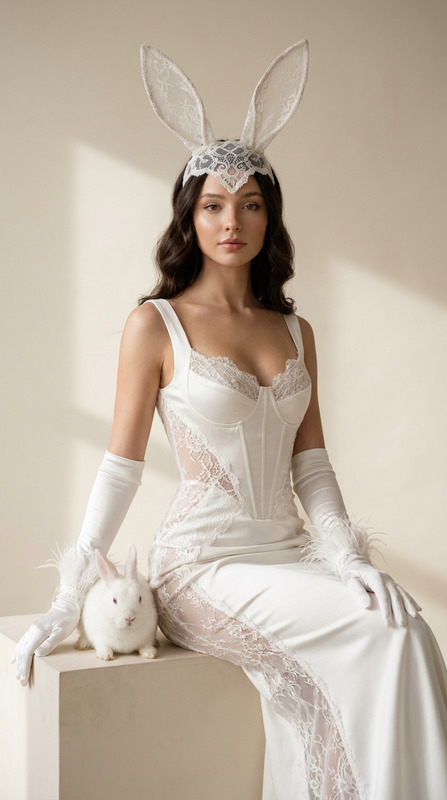
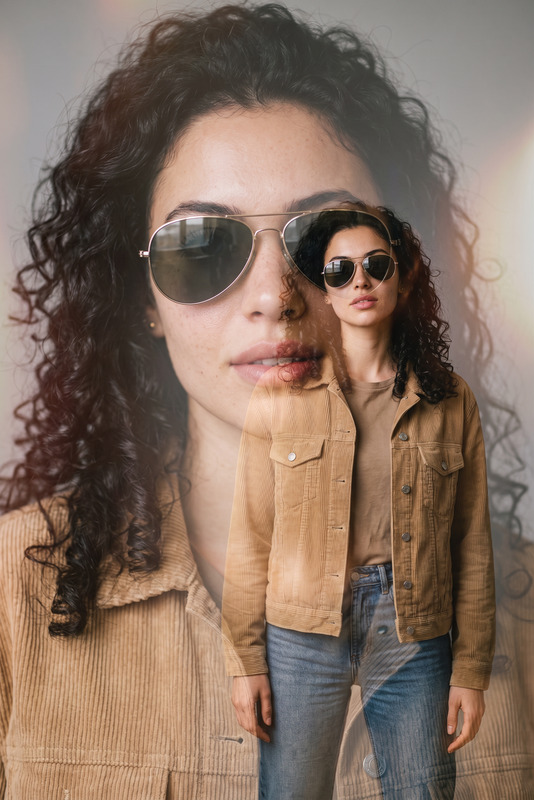
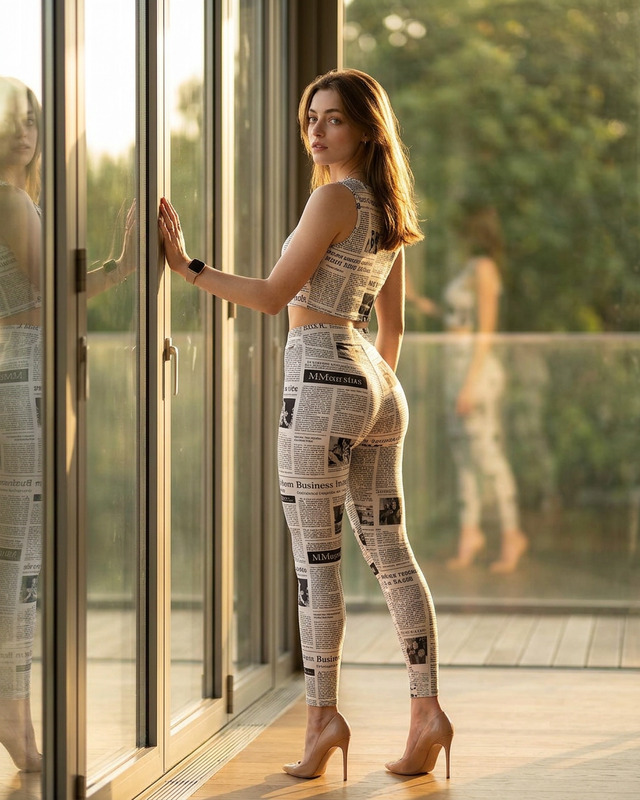
The "Bird's Eye Fashion" template offers an immersive way to elevate editorial images with an extreme bird-eye perspective. This unique AI Image Editor template enhances your visuals with dramatic angles and realistic fashion elements. Perfectly styled with the latest trends in luxury streetwear, it captures an editorial allure.
What It Does
This template utilizes the AI Image Editor capabilities to create ultra-realistic editorial portraits with impeccable fashion details. By leveraging the nano-banana-2 model, it blends cinematic lighting and surreal elements, ensuring each component—from the pashmina hijab to the graffiti typography—stands out in high-quality realism.
Who It's For
The "Bird's Eye Fashion" template is ideal for fashion photographers, magazine editors, and digital artists looking to infuse their work with a modern and edgy aesthetic. Whether you're working on streetwear campaigns or editorial spreads, this tool can substantially amplify your visuals' impact. Combine it with the AI Profile Picture Generator for even more detailed portraits.
Summary
Step into ultra-realistic fashion photography with the "Bird's Eye Fashion" template. Using an overhead angle, this AI Image Editor style emphasizes flowing garments and fine details. The result is a dynamic visual perfect for showcasing luxury streetwear and capturing the essence of fashion-forward imagery. Boost your project's creativity by integrating the AI Product Photography for a comprehensive visual narrative.
How To
Select the Template

Customize Your Inputs

Generate Your Image

Use Cases
Fashion Magazine Covers
- Use in monthly issues
- Enhance thematic presentations
Luxury Brand Campaigns
- Promote new collections
- Engage social media followers
Digital Art Projects
- Showcase in exhibitions
- Use in digital art galleries
Best Practices
Emphasize Key Elements
Focus on contrast between the vibrant clothes and the artistic background. Ensure each element contributes to the narrative.Include Unique Accessories
Maximize visual interest by detailing unique items like multi-layered jewelry and designer sneakers.Utilize Lighting Techniques
Cinematic lighting should be leveraged to highlight the dramatic movement and angles, enhancing the realism of the image.