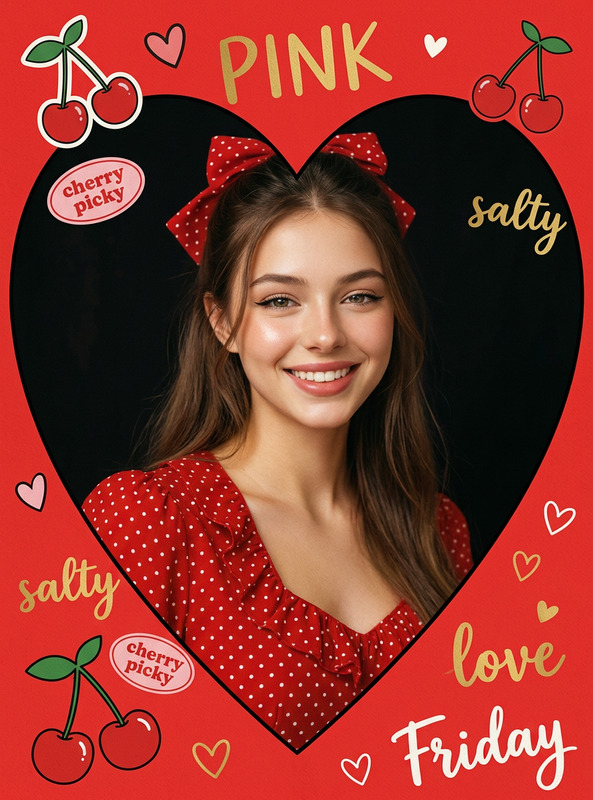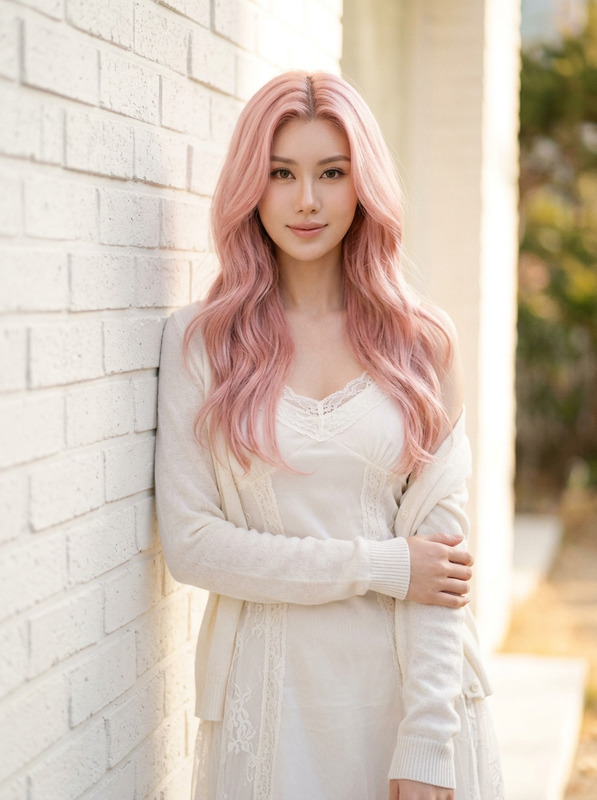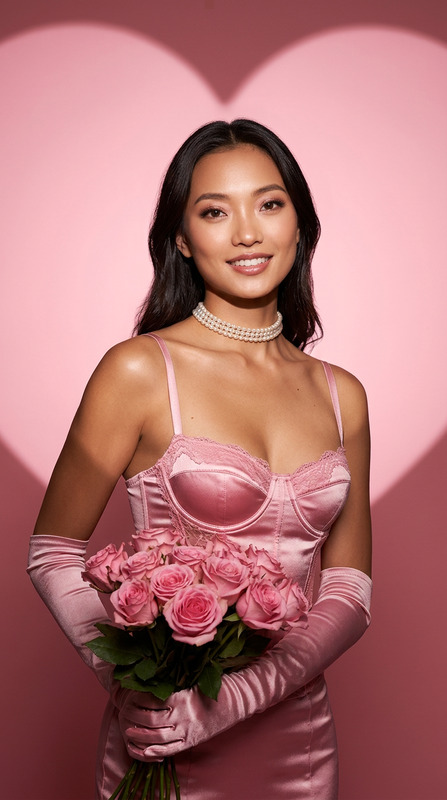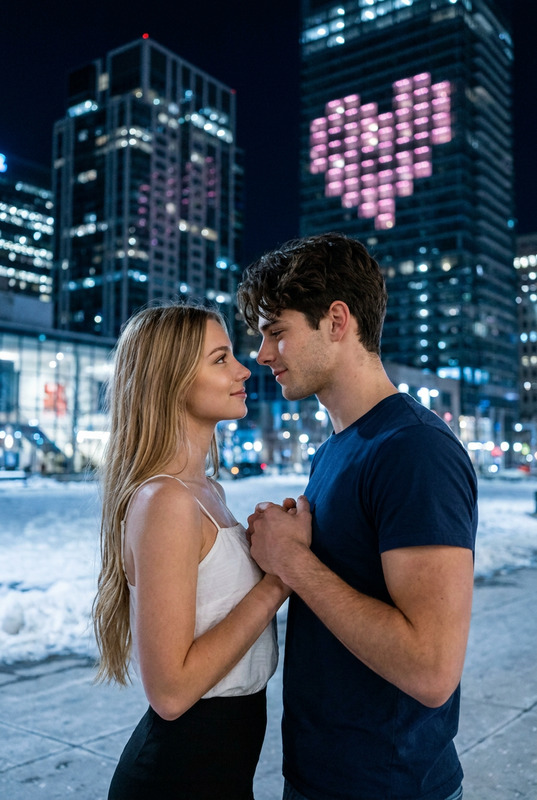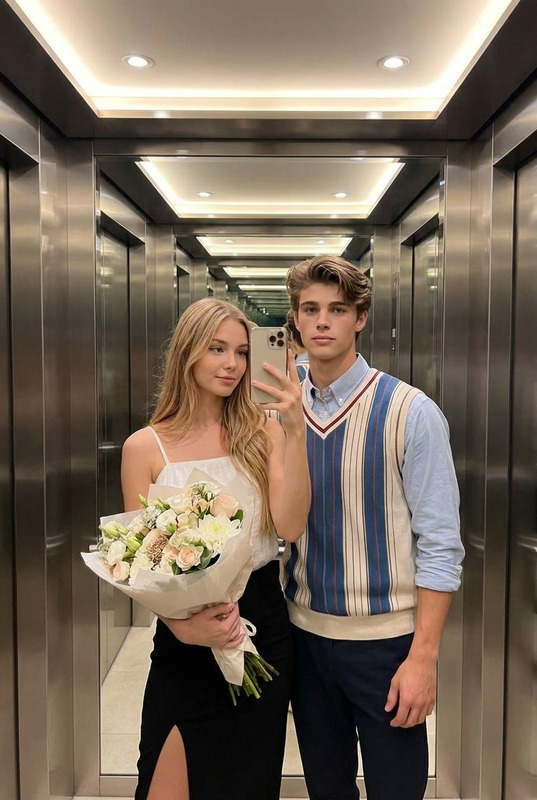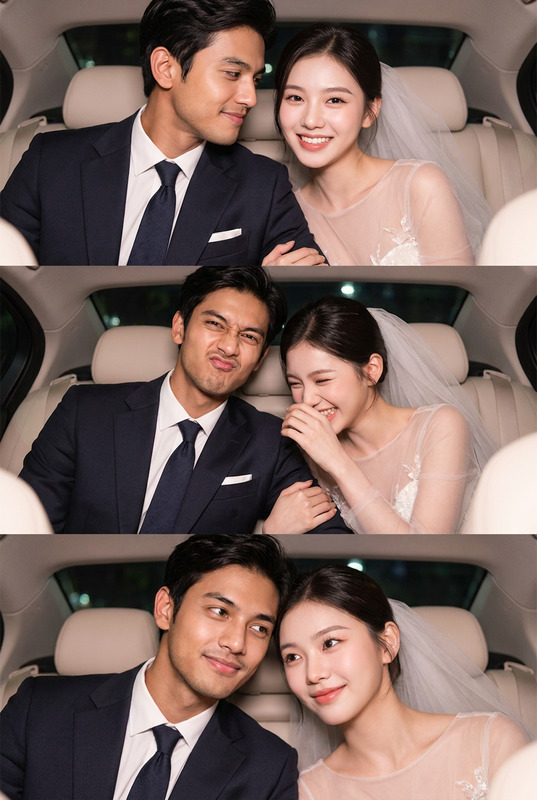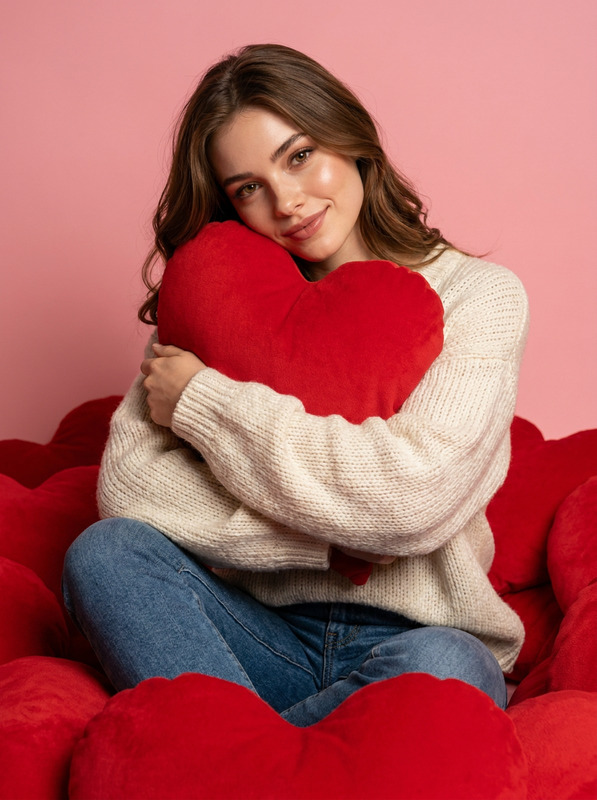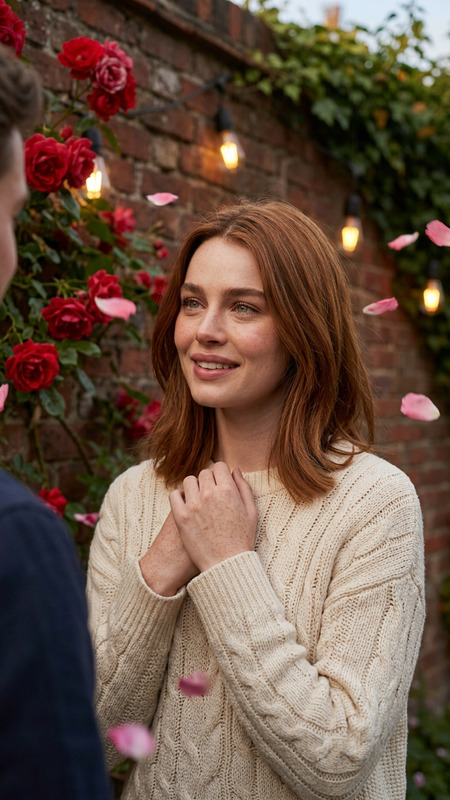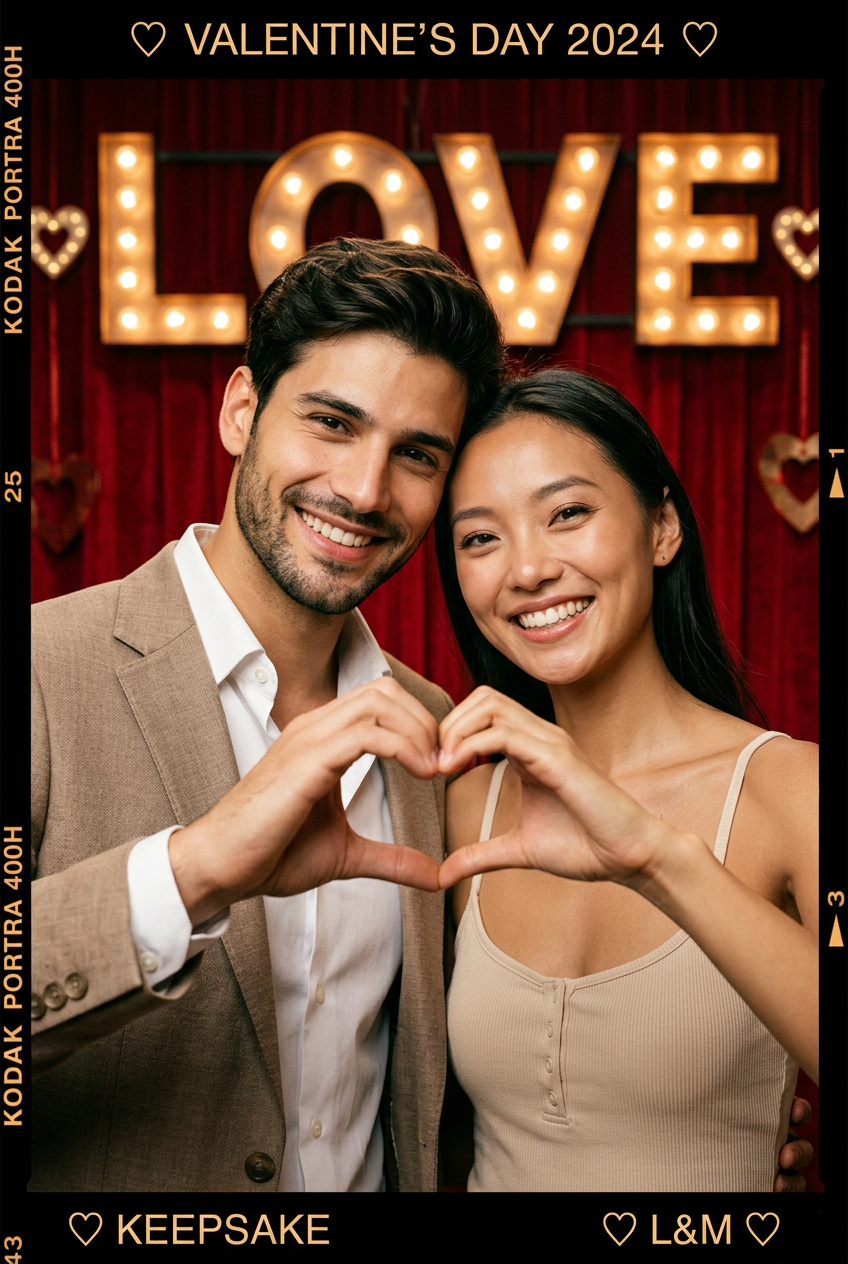
Valentine's Day Film Border Couple
- Model
- Nano Banana 2
- Image
- 848 × 1264 px
Prompt
Recreate a new image based on the subject in the uploaded image. The image is a single, complete vertical composition with a rich cinematic film-photography style, infused with a strong Valentine’s Day atmosphere and a stage-like romantic expression. The subjects are positioned slightly forward at the center of the frame. Their bodies are close together, cheeks touching and heads gently leaning toward each other. The pose feels intimate, natural, sweet, and relaxed. Both subjects face the camera with happy, gentle expressions and a clear sense of happiness. While touching cheeks, they form a heart shape with both hands in front of the camera. The hand gesture is complete, clear, and serves as the core visual focal point, conveying a direct and unmistakable expression of love. The scene is set against a deliberately styled indoor romantic background. The dominant background color is deep red, resembling a stage curtain or studio backdrop, creating a unified and intense festive atmosphere. Illuminated text décor appears in the background, with the word “Kiss” replaced by “Love.” The lettering is clearly legible and has a vintage marquee-light quality. It functions as an environmental decoration rather than the sole focal point, blending naturally into the overall mood. Heart-shaped decorative elements may be added to enhance the Valentine’s Day theme, without obstructing the subjects. The entire image is framed within a visible film border, with noticeable film-edge details surrounding the image. The border includes clearly readable “Valentine’s Day” text, heart symbols, and vintage film markings. The border design is consistent and detailed, enhancing the ceremonial and commemorative quality of the image. The film frame proportions are stable and do not crop the subjects, forming a complete vintage film-style photograph. Lighting is soft, studio-style illumination that evenly lights the subjects. Skin tones appear natural and luminous, with balanced contrast. Colors are saturated but not overexposed, and the overall tone leans warm to reinforce the romantic mood. The image is sharp and clear, blending realistic photography with a vintage cinematic aesthetic. A subtle film grain adds texture and depth to the image. Overall, the image feels like a carefully staged and recorded Valentine’s Day keepsake photograph. The composition is focused, the emotion is clear, and the style is cohesive, delivering a strong sense of elegance, ceremony, and romantic expression.
Any aspect ratio
Overview
Capture the romantic essence of Valentine's Day with the Valentine's Day Film Border Couple template on Magic Hour. Offering a unique combination of cinematic film-photography style and a vintage Valentine's Day theme, this AI Image Editor template transforms your photos into unforgettable keepsakes.
The subjects in your image come to life in a warm, intimate composition that is as elegant as it is personal.
What It Does
This template utilizes the nano-banana-2 model to recreate photos with a rich cinematic style, perfect for Valentine's Day. It emphasizes intimacy between the subjects with a focus on natural expressions and romantic gestures. The scene is enriched with vintage-inspired lighting and decorative elements, ensuring the image exudes a festive and affectionate atmosphere.
The design includes a distinctive film border that adds a commemorative layer, making your Valentine's Day moments truly special.
Who It's For
The template is ideal for couples wanting to preserve memories with a romantic twist. Professional photographers looking to offer clients distinctive Valentine's Day photos will find this template invaluable. It's also perfect for social media enthusiasts aiming to share themed, vintage-style images that stand out, aligning with themes offered in image-to-video transformations.
Summary
Employing the Valentine's Day Film Border Couple template allows users to create images that are less about documentation and more about capturing romance and emotion. The outcomes are visually nostalgic, transporting the viewer into a Valentine’s Day scene that merges artistic cinema with personal expression. Explore other creative possibilities with our AI Image Editor capabilities for even more stunning results.
How to Use
Choose Your Template

Customize Your Image

Generate Your Image

Use Cases
Couple Photographs
- Anniversary gifts
- Valentine's Day cards
- Photo albums
Social Media Content
- Instagram posts
- Facebook shares
- Pinterest boards
Photography Portfolios
- Client sessions
- Digital collections
- Themed exhibitions
Best Practices
Choose the Right Photo
Start with high-quality images where subjects are clearly visible and posed intimately.Be Mindful of Lighting
Ensure the original lighting complements the template's warm, soft-focus design for a cohesive look.Adjust for Each Composition
Tweak prompt details to suit your composition's mood and emotional requirements for the best output.