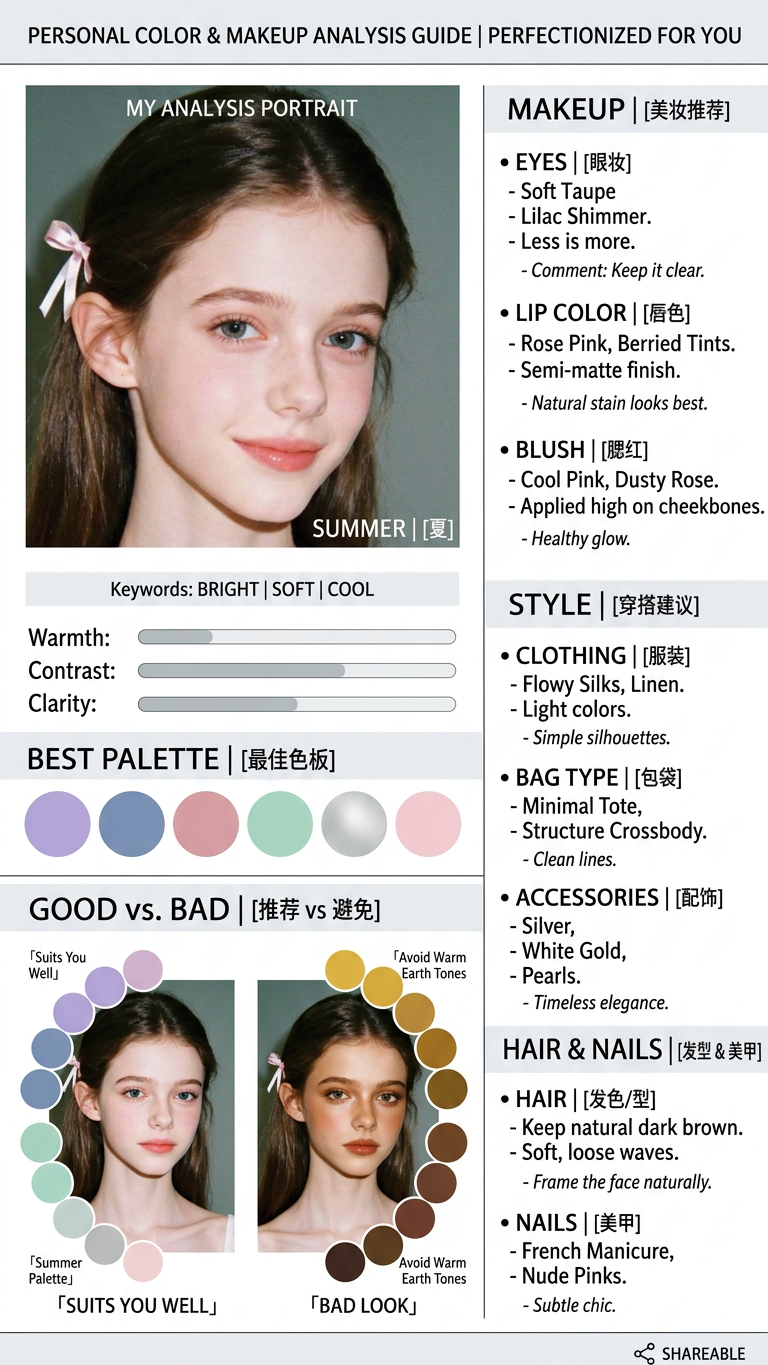
Personal Color Makeup Analysis
- Model
- Nano Banana 2
- Image
- 768 × 1365 px
Prompt
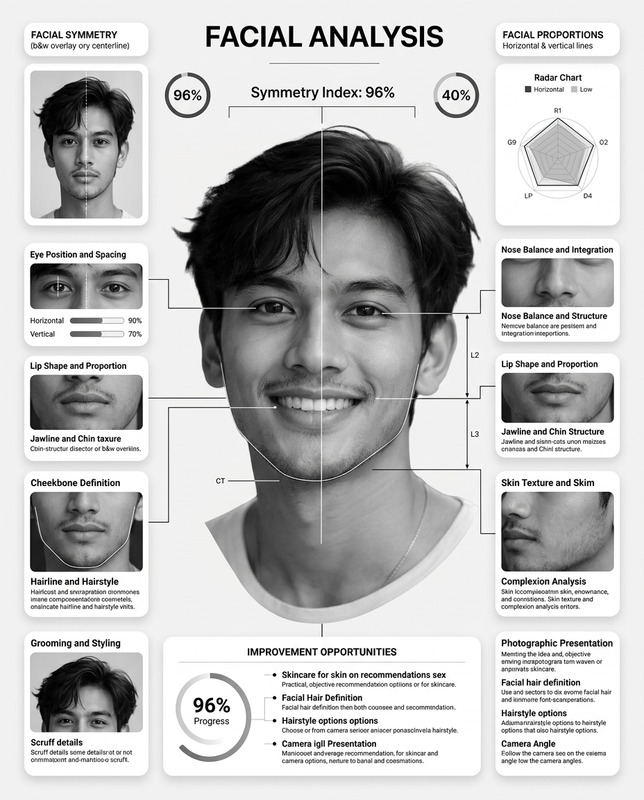
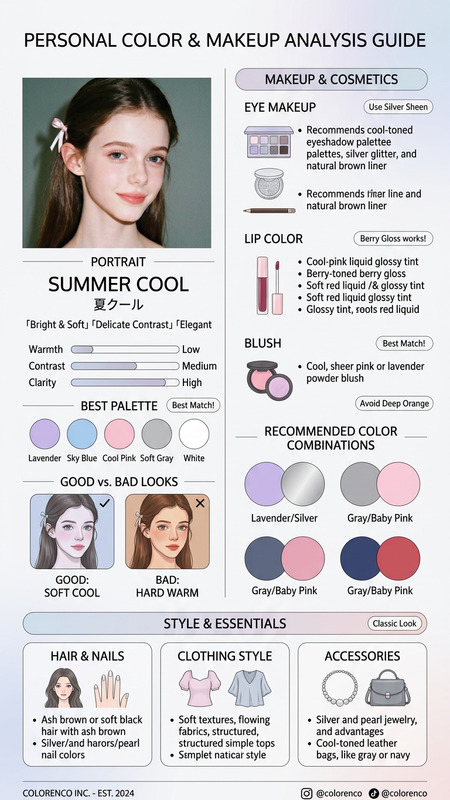
Create a high-quality "Personal Color & Makeup Analysis Guide" infographic based on the uploaded portrait. Design Style: Clean, minimal, aesthetic dashboard UI (Notion-style layout). Professional fashion magazine column vibe. Bilingual: Small english (for advice/comments) + English (for labels/headers). Visual-first design, minimalist, highly shareable. Content Requirements: Portrait Section (Left): The original portrait of the person (maintain authentic facial features and identity, no heavy retouching). Personal Color Type: [Season: Spring/Summer/Autumn/Winter] + English name. Include 3 short keywords (e.g., Bright, Soft, Cool). Simple Metrics: Score bars for "Warmth," "Contrast," and "Clarity." Color Palette: A curated row of circular color swatches (Best Palette). Comparison: A "GOOD vs. BAD" visual section (same face, different color palettes). Detailed Analysis (Right/Bottom): Makeup: Eye makeup, Lip color, Blush (specific color recommendations). Style: Clothing style, Bag type, Accessories. Hair & Nails: Recommended hair style and nail polish colors. Comments: Short, punchy English remarks (e.g., 「Suits You Well」、「Bad Look」). Visual Tone: Sophisticated, airy, editorial layout.
Any aspect ratio
Overview
The Personal Color Makeup Analysis template is a unique offering within our AI Image Editor portfolio. Tailored for fashion enthusiasts and professionals alike, it provides a comprehensive guide to understanding and enhancing personal color profiles through a minimalistic and highly shareable infographic style. The output is designed to resemble a sophisticated fashion magazine column, perfect for both personal use and professional presentation.
What It Does
This template analyzes a portrait to deliver a Personal Color & Makeup Analysis Guide. The output involves identifying the user's personal color type in terms of seasonal palettes like Spring, Summer, Autumn, or Winter, along with advice on makeup, fashion styles, and accessories. The infographic includes intuitive sections such as portrait preservation, personal color classification, color palette comparisons, and detailed styling recommendations. The interface is styled with a clean, Notion-like aesthetic, ensuring clarity and elegance.
Who It's For
This tool is ideal for fashion stylists, personal image consultants, and beauty enthusiasts who wish to upgrade their understanding of color theory in practical applications. Whether you're preparing materials for client presentations or enhancing your personal portfolio, AI Talking Photo can complement your work by integrating dynamic elements into your projects.
Summary
The Personal Color Makeup Analysis template offers a sophisticated way to combine personal portraiture with actionable style recommendations. It is perfect for creating highly polished visual content that speaks to both personal identity and aesthetic preferences. For more comprehensive editing options, you might also consider our AI Face Editor tool.
How-To
Choose Your Template

Customize Your Inputs

Generate Your Guide

Use Cases
Personal Styling Consultations
- Create tailored color and style guides.
- Improve client engagement with visual aids.
Fashion and Beauty Portfolios
- Build a portfolio that highlights your styling prowess.
- Showcase versatility in applying color theory.
Social Media Content
- Develop compelling stories featuring personal color discoveries.
- Increase visibility with engaging visuals.
Best Practices
Maintain Authenticity
Ensure the original portrait remains true to the person’s identity with minimal retouching.Highlight Key Features
Focus on using clear labels and intuitive metrics to convey personal color insights effectively.Combine with Other Tools
Consider using the AI Image Generator to create complementary visuals that enhance your analysis guide.