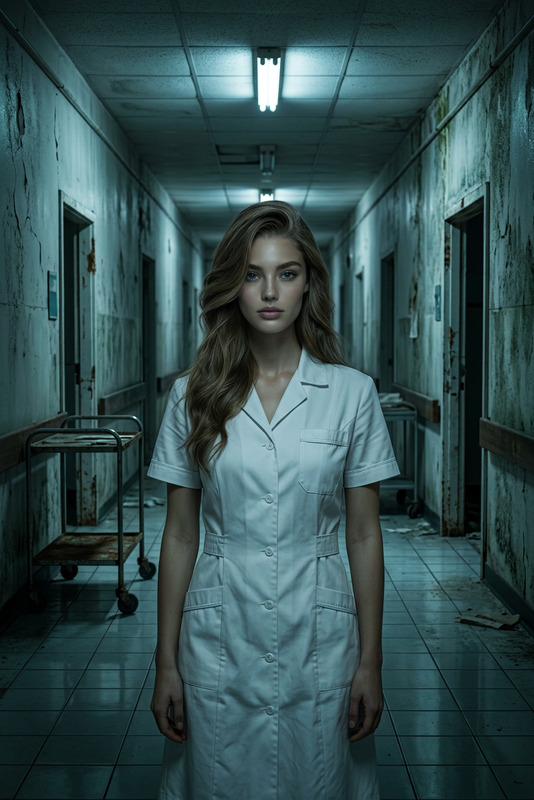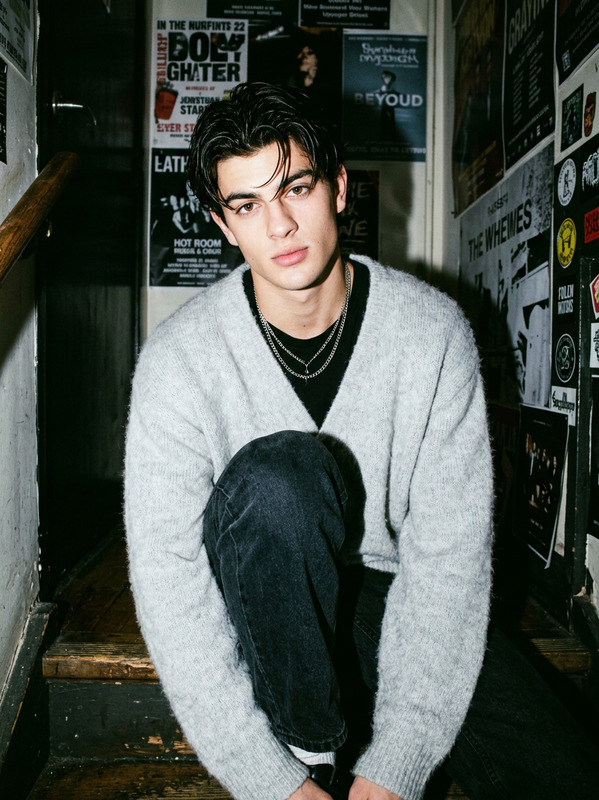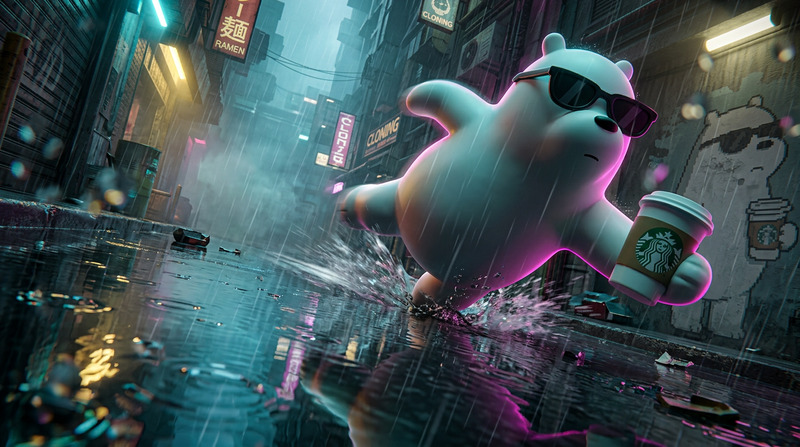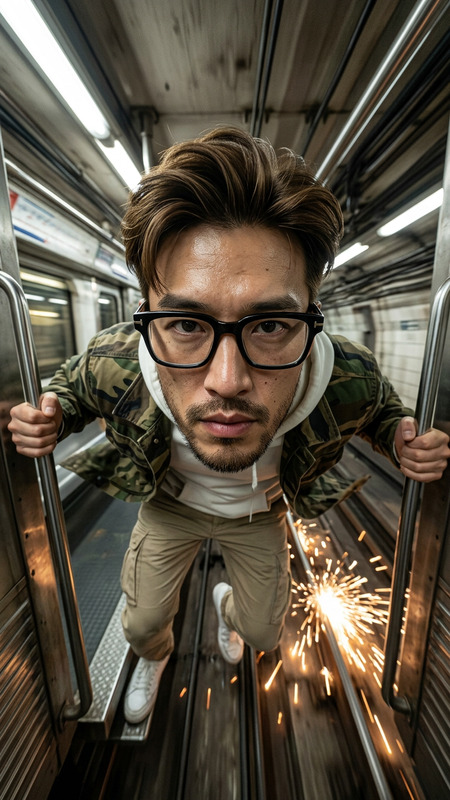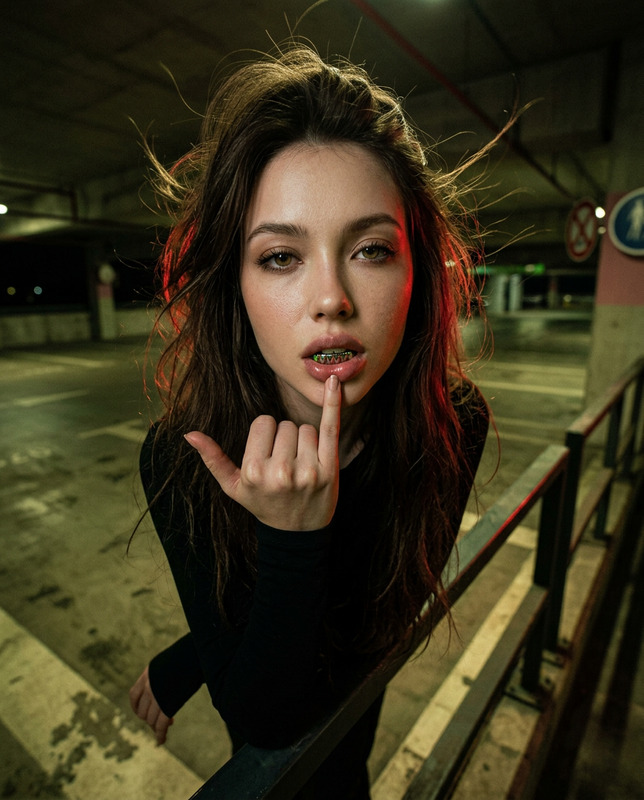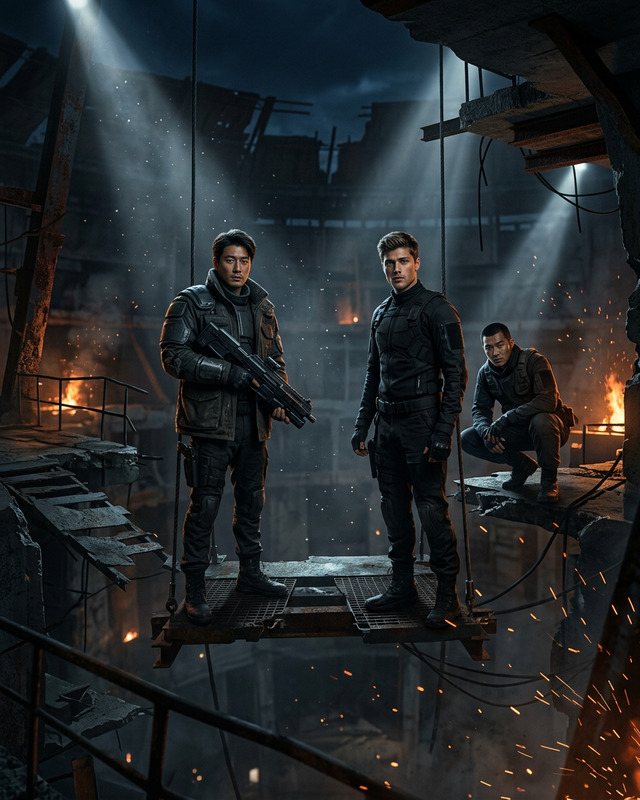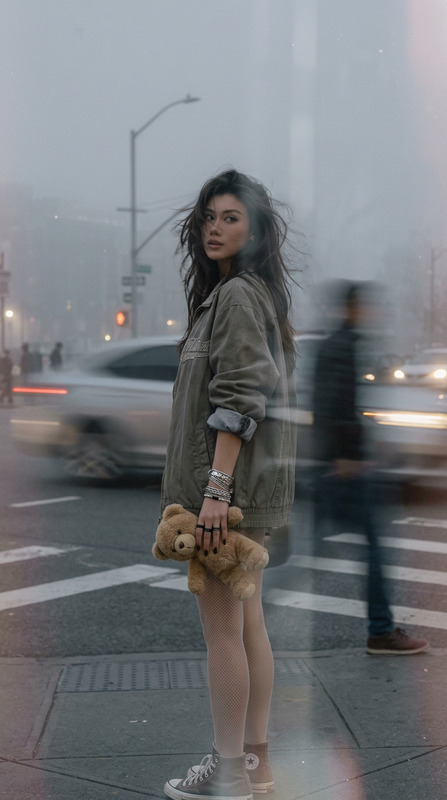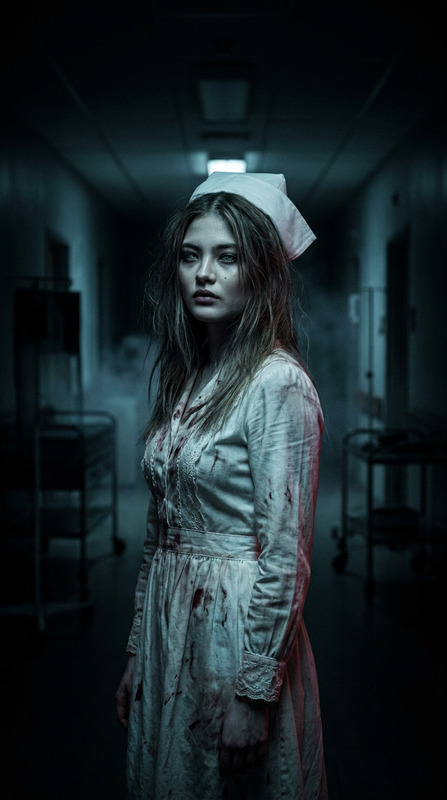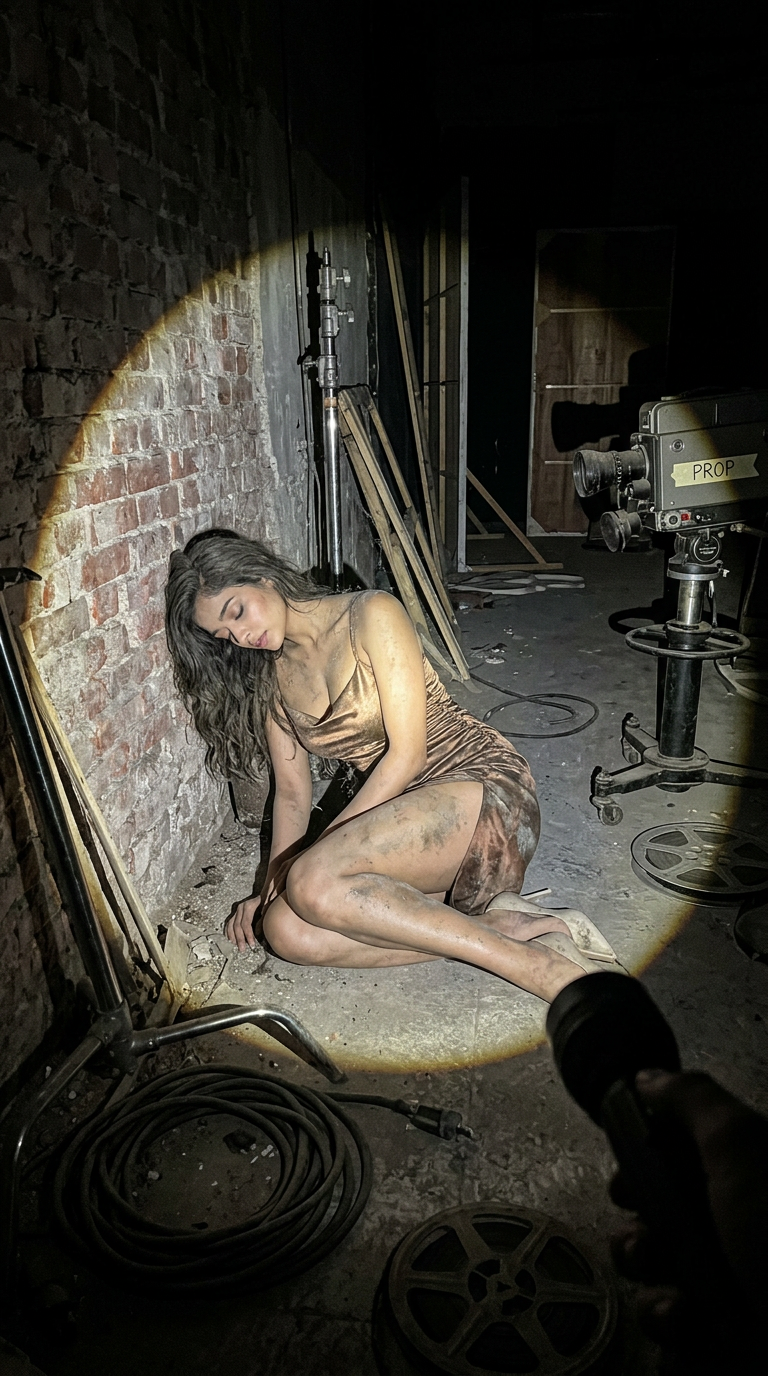
Abandoned Studio
- Model
- Nano Banana 2
- Image
- 768 × 1376 px
Prompt
Use the uploaded image of the character as the exact reference. Preserve the original design without modification, including proportions, facial features, materials, colors, textures, clothing, and all defining details. Do not redesign, stylize, reinterpret, or alter the character in any way. A photorealistic first-person point-of-view scene inside an abandoned **[LOCATION TYPE: television studio / commercial filming set / real production stage / soundstage]**. The viewer is holding a flashlight, creating a single, focused circular beam of light while the rest of the environment remains almost completely engulfed in darkness. Within the flashlight beam, Subject is visible, positioned as though it was left behind after production ended: **[POSITION: lying on the floor / curled up in a corner / leaning against a table / slumped against a wall]**. Subject appears completely lifeless, inactive, and unattended. There is no movement, expression, intentional pose, or sense of awareness. If Subject is a doll, mascot, prop, costume, or animatronic, there must be no visible performer, hands, support rods, strings, harnesses, or any indication that someone is operating it. Subject shows clear signs of long-term abandonment: worn materials, accumulated dust, dirt, stains, discoloration, faded surfaces, creases, flattened padding, minor structural wear, and subtle damage consistent with years of neglect. The environment is unmistakably abandoned, featuring dusty surfaces, aging filming equipment, scattered cables, unused lighting rigs, forgotten props, faded set decorations, neglected production furniture, and signs of long-term disuse. Fine dust particles drift through the flashlight beam, emphasizing the stillness of the space. The atmosphere feels silent, isolated, and untouched for years. Photorealistic flashlight illumination, strong directional lighting, harsh shadows, realistic rough surface textures, cinematic documentary realism, authentic on-location photography, highly detailed environmental storytelling, natural camera perspective, no stylization. **Aspect Ratio:** 9:16
Any aspect ratio
Overview
Step into cinematic realism with the "Abandoned Studio" template using the AI Image Editor powered by the nano-banana-2 model. This template allows you to position characters within a hauntingly detailed scene of an abandoned film production space, capturing the eerie stillness and dilapidated charm of forgotten sets.
What It Does
The "Abandoned Studio" template immerses your character in a lifeless, dusty movie or television studio environment. It focuses on maintaining the original design integrity of your subject while surrounding them with signs of neglect and abandonment. The AI generates photorealistic scenes with precise lighting and environmental storytelling, ensuring every detail reflects years of disuse.
Who It's For
This template is ideal for filmmakers, game developers, and digital artists seeking to add a layer of authentic decay and cinematic history to their characters. Whether you're crafting a mood board for a post-apocalyptic film or developing assets for a suspenseful video game, the AI Image Generator brings a detailed and rich narrative to your visuals.
Summary
"Abandoned Studio" is tailored for those who demand high-detail and authentic environments in their digital projects. By leveraging the AI Image Upscaler and related tools, your characters will inhabit spaces that tell a compelling story of time and neglect, enhancing the viewer's engagement and emotional response.
How-To Steps
Choose Your Template

Customize Your Scene

Generate Your Image

Use Cases
Film Pre-Production Mood Boards
- Create unique visual atmospheres
- Inspire narrative elements
Video Game Asset Development
- Design immersive game levels
- Enhance world-building elements
Digital Artwork and Illustration
- Explore themes of neglect and time
- Develop thematic art series
Best Practices
Maintain Character Integrity
Always ensure that the uploaded character's design is strictly preserved as instructed in the prompt.Optimize Lighting Effects
Leverage the dynamic light features to highlight specific details and textures within the scene.Utilize Environmental Details
Focus on subtle elements like dust and wear to enhance storytelling and immersion.