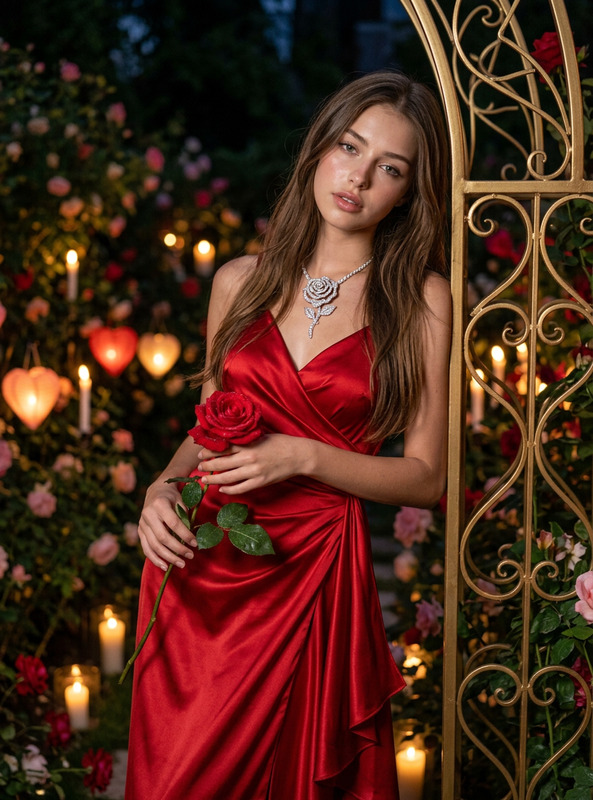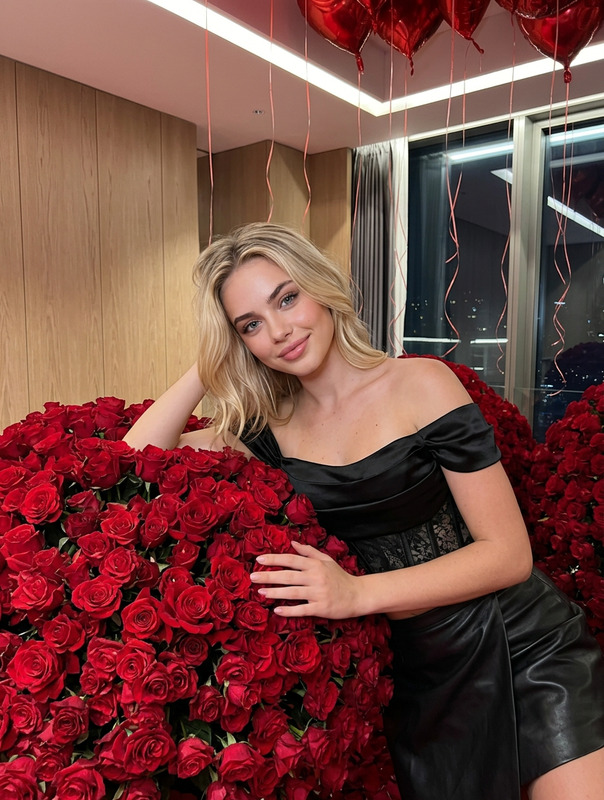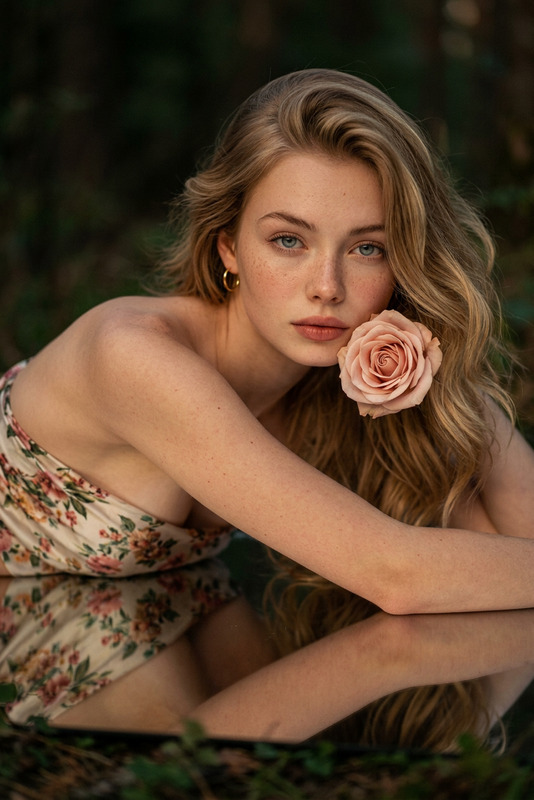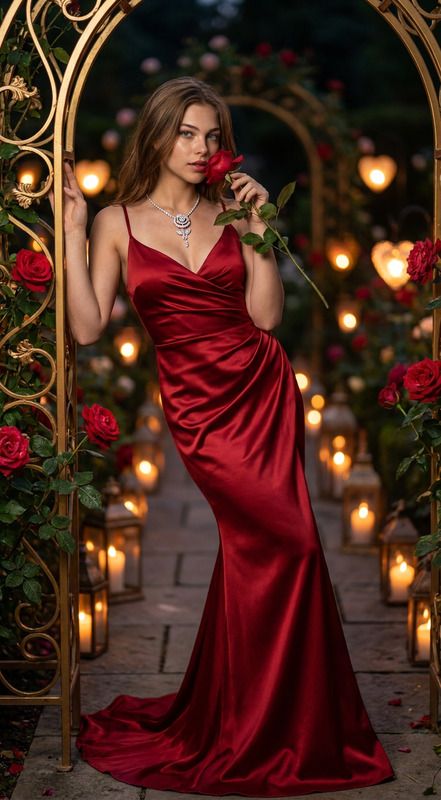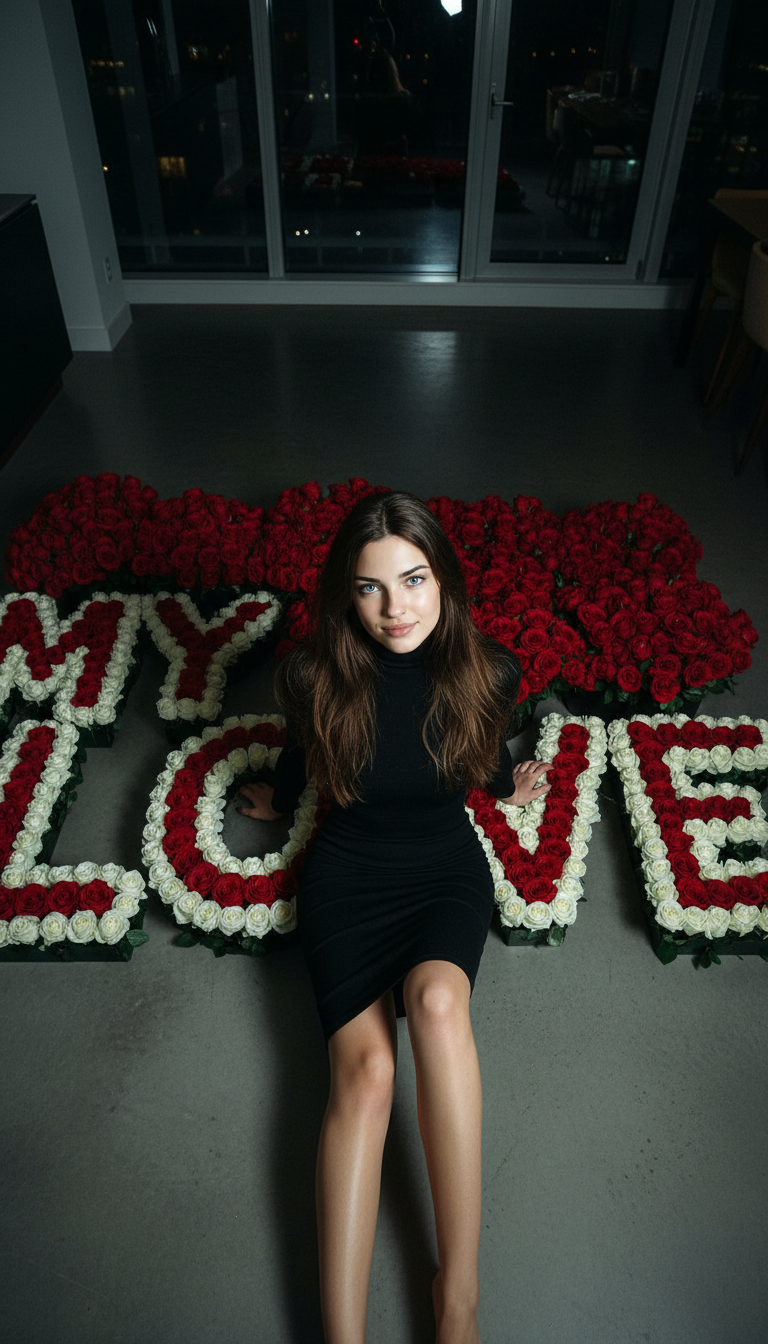
My Love
- Model
- Nano Banana
- Image
- 768 × 1344 px
Prompt
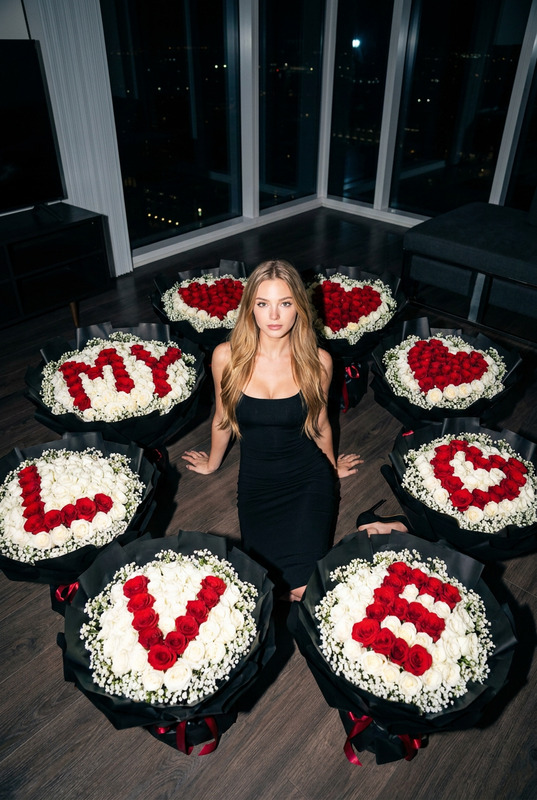
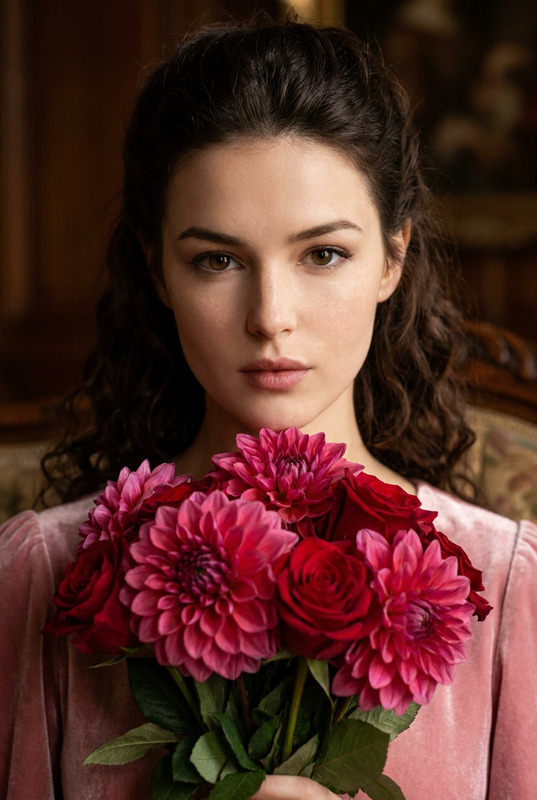
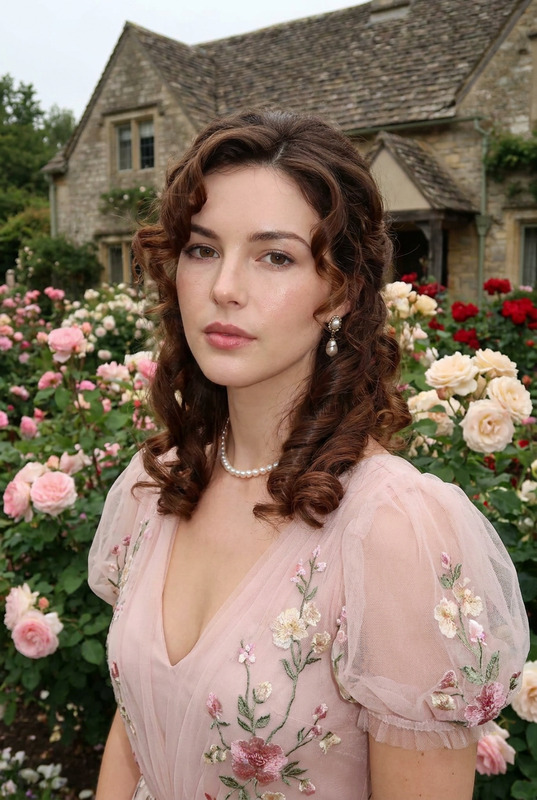
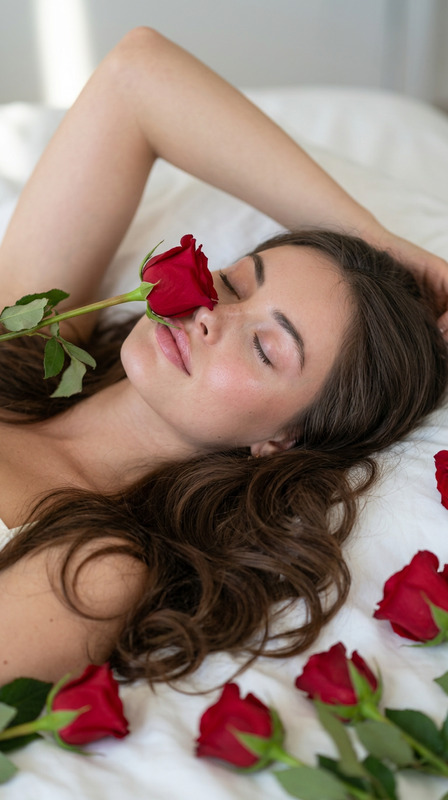
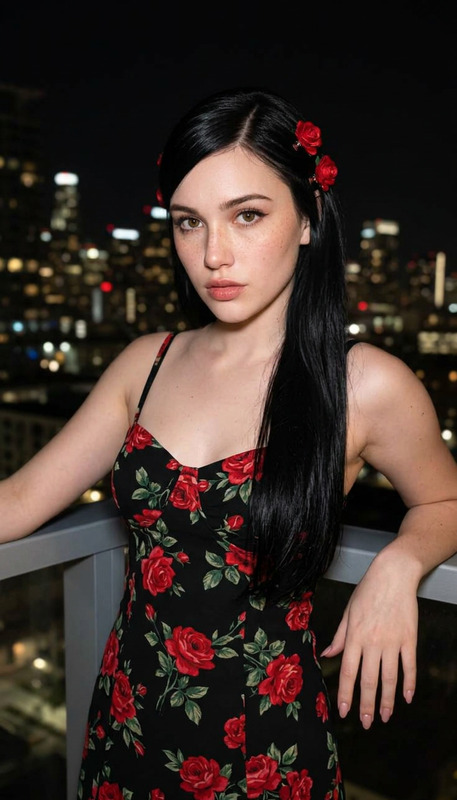
A top-down wide shot of the woman from the reference, seated on the floor of a modern apartment at night, surrounded by oversized bouquets of white and deep red roses. The roses are arranged with precise floral letters spelling “MY LOVE” in red on white rose backgrounds. She wears a sleek black body-hugging dress, maintaining her exact facial features, hairstyle, and skin tone with direct gaze into the camera. The scene is lit with on-camera flash, creating crisp highlights and textured shadows with an analog film aesthetic. The composition is highly detailed, cinematic, and luxurious, emphasizing ultra-realistic petals and refined floral typography in a moody night setting.
Any aspect ratio
Overview
The "My Love" template in the AI Image Editor family utilizes the nano-banana model to craft exquisite, detail-rich images. Through a combination of realistic lighting, cinematic composition, and personalized features, this template transforms your reference photos into opulent visuals that capture the essence of romantic elegance.
What It Does
This template expertly enhances images with a focus on luxury and drama. It takes a top-down photo of the subject and incorporates elements like oversized bouquets and floral typography to spell words artistically. The final result is a cinematic and highly detailed image characterized by realistic textures and lighting effects.
Who It's For
The "My Love" template is ideal for photographers, social media influencers, and digital artists who aim to produce high-impact visual content. Event planners designing romantic settings or marketers promoting luxury products will also find this template invaluable for creating striking, memorable imagery.
Summary
Leverage the "My Love" template to transform standard photographs into cinematic masterpieces. The template is perfect for projects requiring an artistic yet realistic approach, highlighting elements like floral typography and moody film aesthetics. Explore more creative possibilities with our AI Image Generator and AI Image Upscaler for refined results.
How to Use

Customize Inputs

Generate Image

Use Cases
Romantic Celebrations
- Use in invitations and save-the-date cards
- Enhance social media posts with cinematic flair
Luxury Product Photography
- Add an artistic touch to promotional materials
- Create standout visual campaigns
Social Media Content
- Generate visually compelling Instagram stories
- Build a cohesive aesthetic for brand accounts
Best Practices
Reference Image Selection
Choose a high-quality reference image with a clear view of the subject's details to achieve the best results.Lighting Considerations
The template leverages on-camera flash; ensure your reference does not have competing light sources that might alter the intended effect.Typography Precision
Ensure that the floral typography is easily readable by maintaining strong contrasts between the red and white roses.