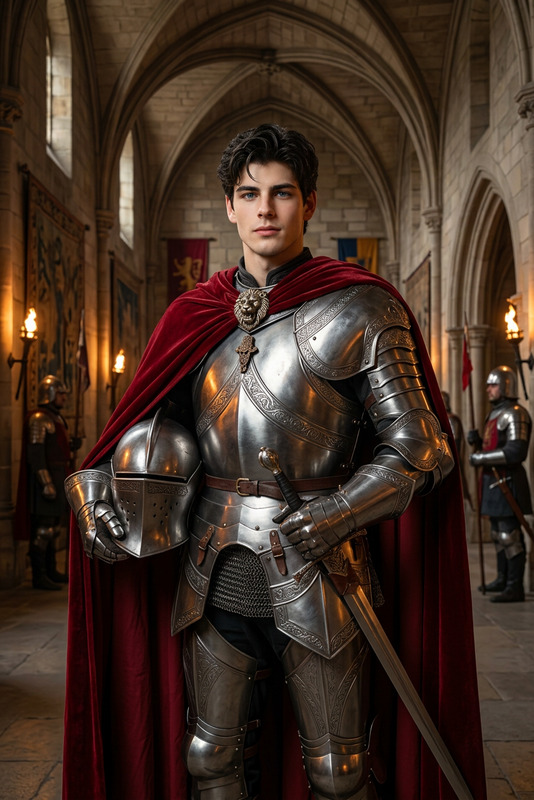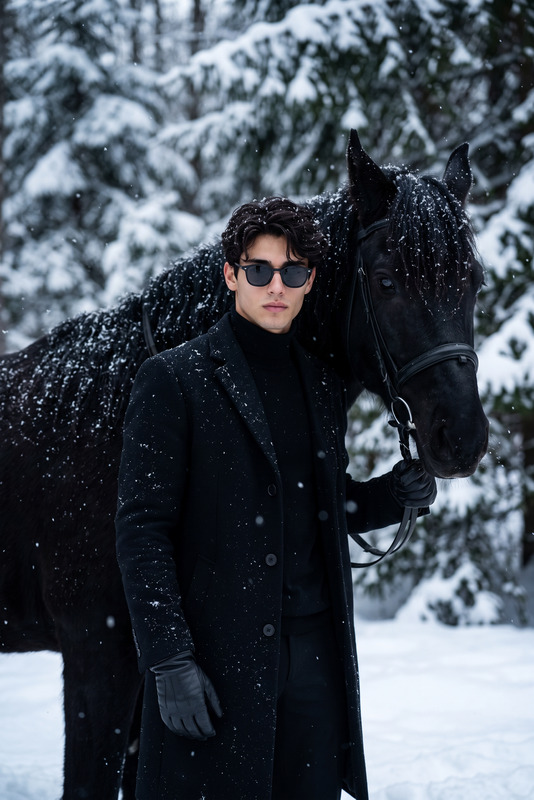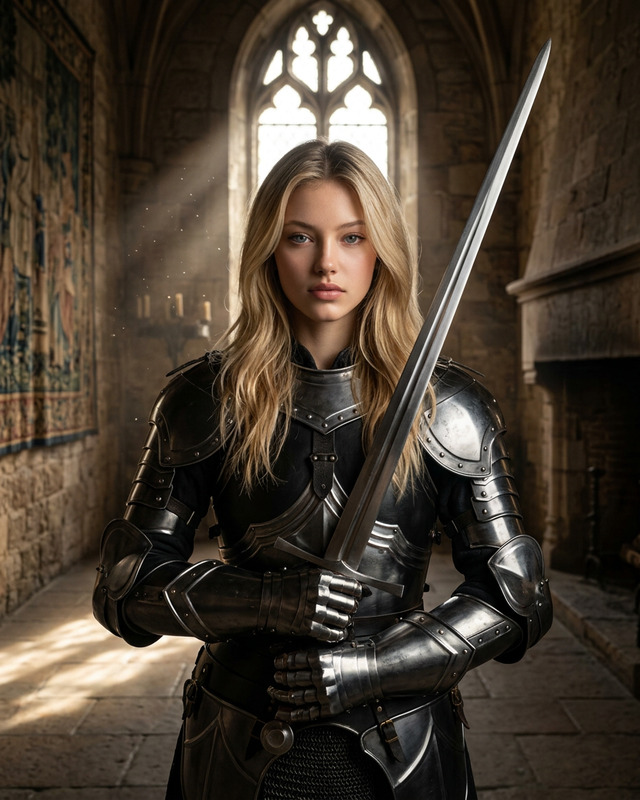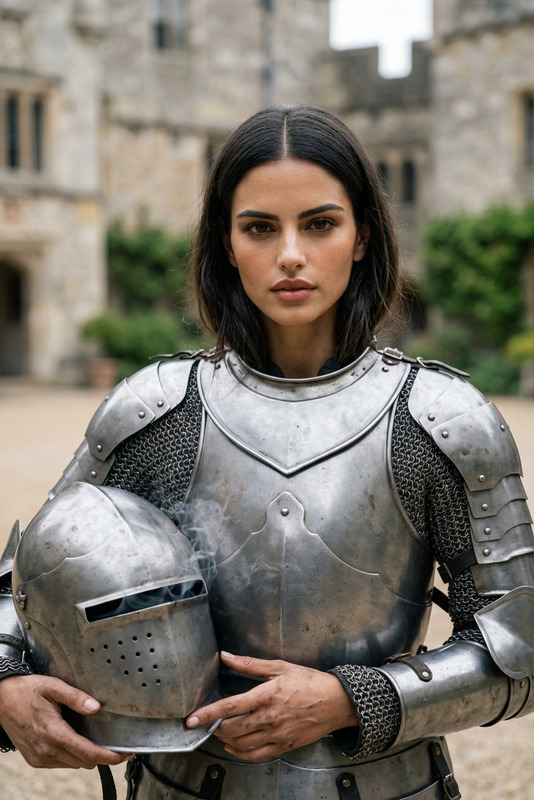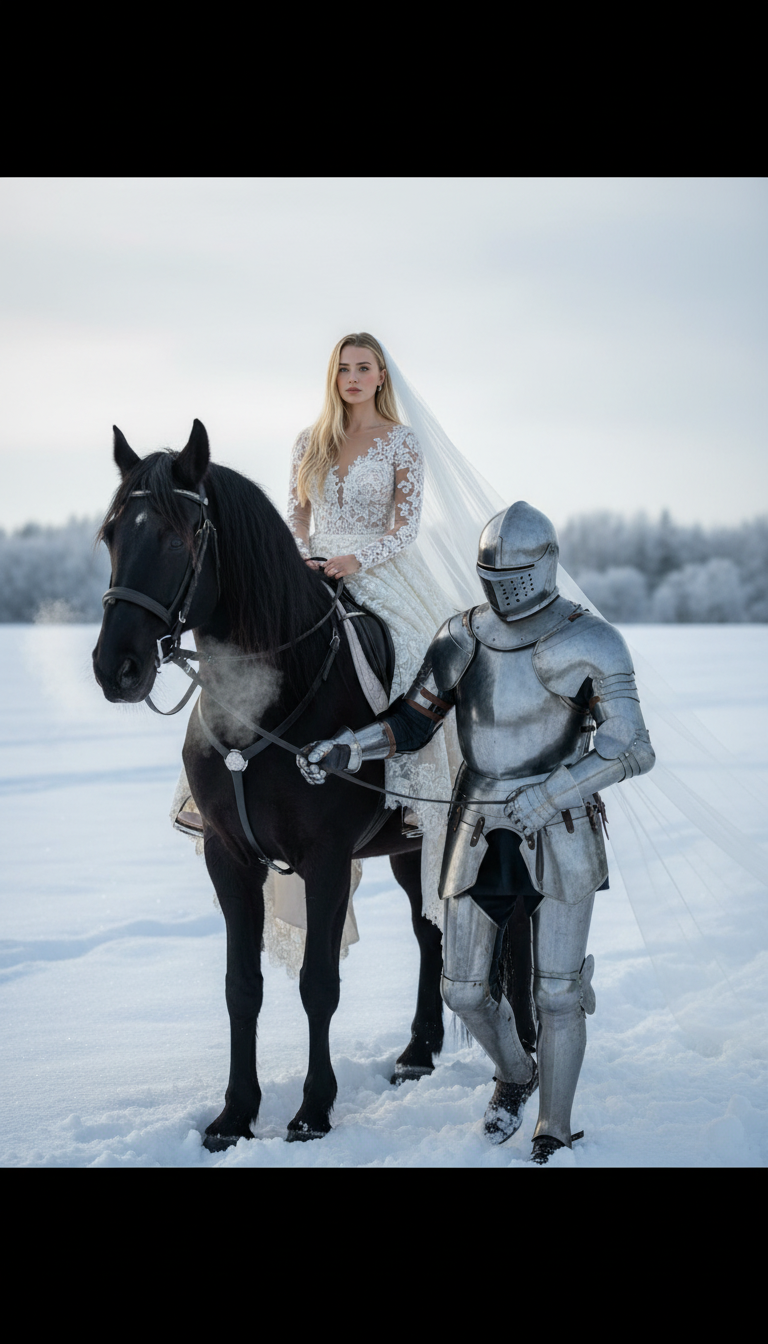
Winter Knight
- Model
- Nano Banana
- Image
- 768 × 1344 px
Prompt
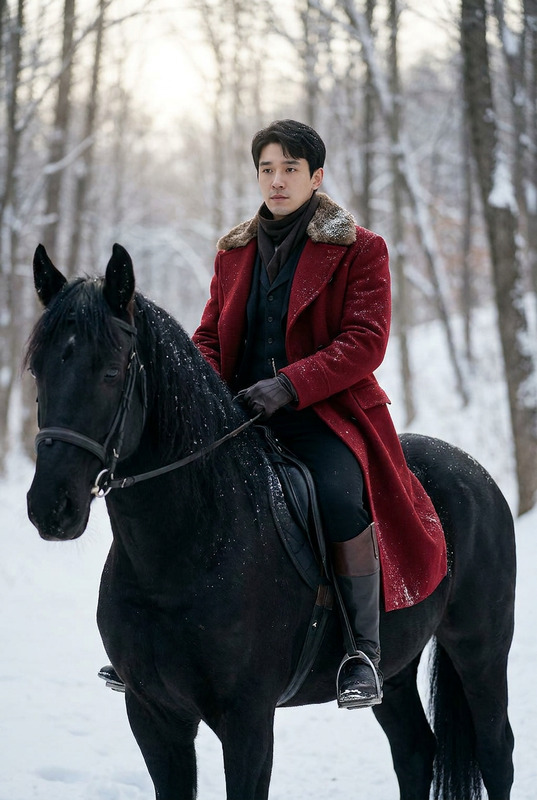
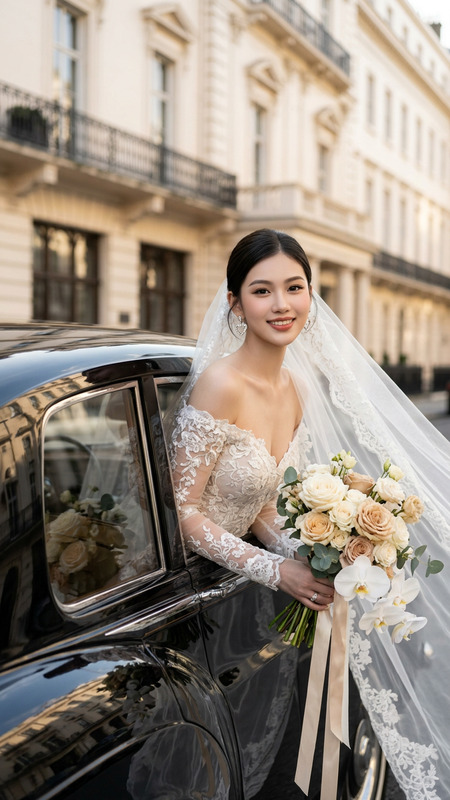
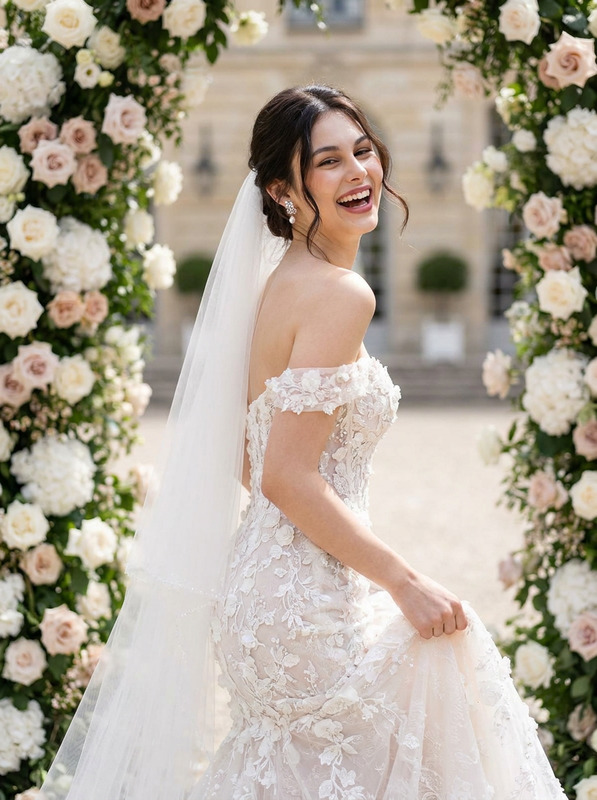
A closer cinematic shot focused on a person dressed as a bride seated on a black horse in a snowy field. The bride’s face, hair, and appearance exactly match the reference, wearing an ivory lace wedding dress with a long flowing veil cascading over the horse’s back, drifting softly in the cold air. Beside the horse, a medieval knight in full steel armor with a fully covered helmet visor holds the reins as they move forward together. The scene is set under a pale winter sky with visible horse breath, using natural cinematic lighting, soft shadows, and muted, realistic winter tones. Both characters are slightly turned toward the camera, with the bride’s face as the main focal point, preserving the exact pose, horse position, armor details, environment, and lighting from the reference.
Any aspect ratio
Overview
The Winter Knight template invites creators into a cinematic world where fantasy and reality converge beautifully in wintry landscapes. Using the AI Image Editor and powered by the advanced nano-banana model, it transforms images into a majestic scene of timeless elegance, complete with intricate details of a bride and knight in a snowy field.
What It Does
This template leverages AI technology to enhance and modify images to resemble a detailed and cinematic scene. It is designed to maintain the reference’s exact features, from the bride's attire to the lighting in the snowy landscape, creating a seamless and realistic transformation. Ideal for crafting scenes with precise visual fidelity, this tool supports the creation of high-quality imagery consistent with thematic directives.
Who It's For
Perfect for filmmakers, digital artists, and creative professionals who need to integrate cinematic elements into their projects, the Winter Knight template offers a specialized toolset. It's particularly beneficial for those producing content that requires meticulous attention to period clothing and environment details, such as in storyboarding or video style transfer.
Summary
With its focus on realistic depiction and subtle nuances, the Winter Knight template in the AI Image Editor provides a robust platform for crafting visually striking images. It's engineered to meet the demands of high-resolution image refinement while preserving the intended aesthetic and narrative intent.
How-To
Choose

Customize

Generate

Use Cases
Fantasy Film Scenes
- Craft storyboards for medieval and fantasy settings
- Develop detailed concept art
Thematic Photography
- Enhance bridal and knight-themed photo shoots
- Adjust lighting and shadows for professional output
Digital Art Creation
- Create components for illustrating fantasy novels
- Develop visual assets for gaming elements
Best Practices
Use High-Resolution References
Ensure that your reference images are high resolution to capture and maintain intricate details during editing.Focus on Lighting
Pay close attention to the lighting settings to achieve the subtle winter tones and the natural cinematic look.Refine the Details
Adjust features precisely to maintain the reference's authenticity, especially in complex scenes involving attire and character positioning.