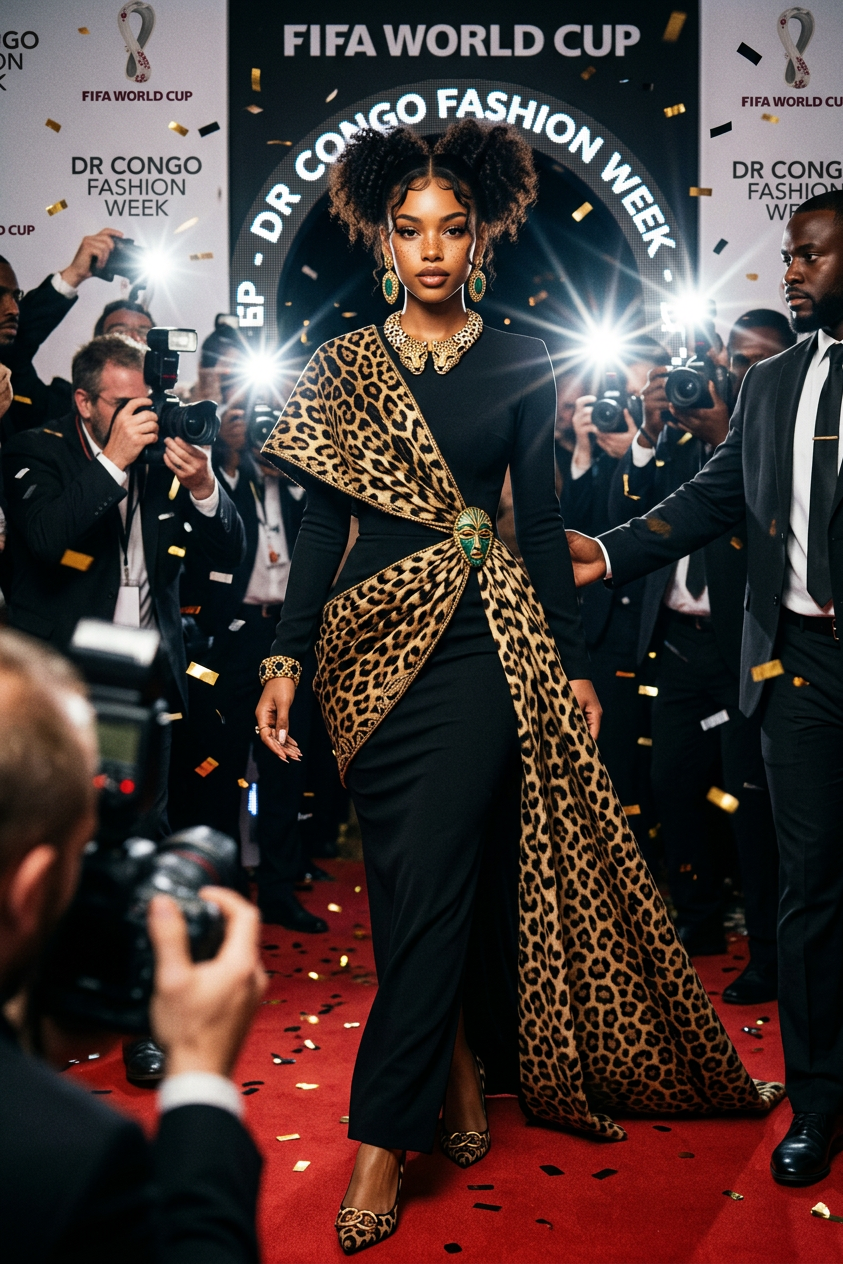
World Cup Supermodel
- Model
- Nano Banana 2
- Image
- 843 × 1264 px
Prompt
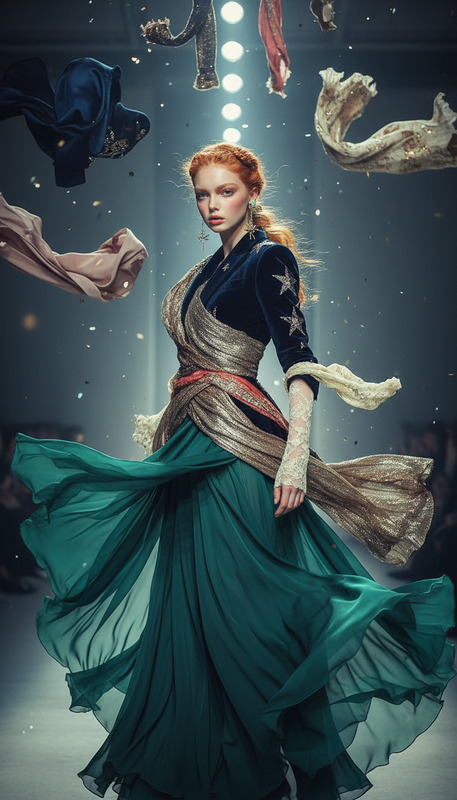
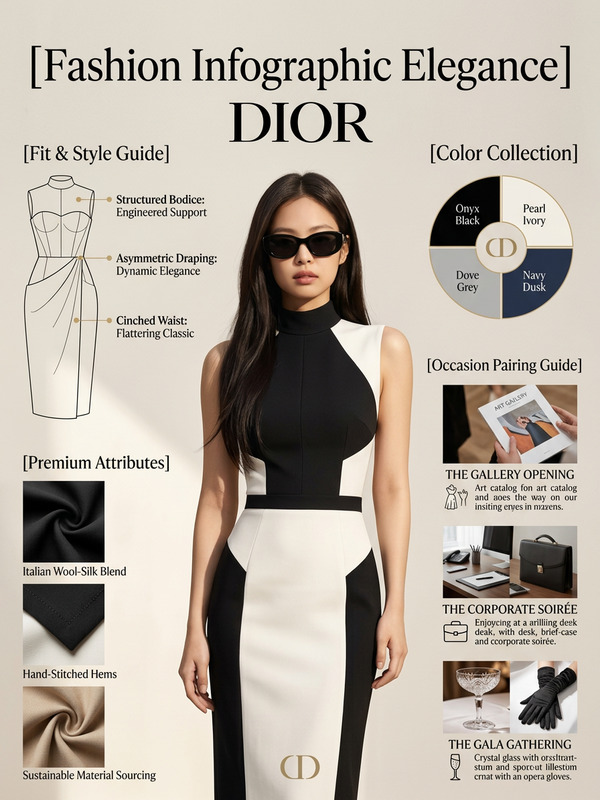
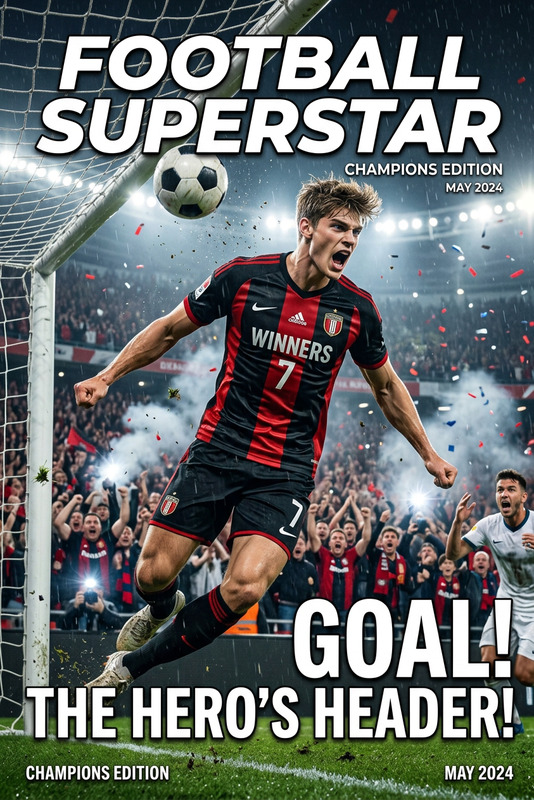
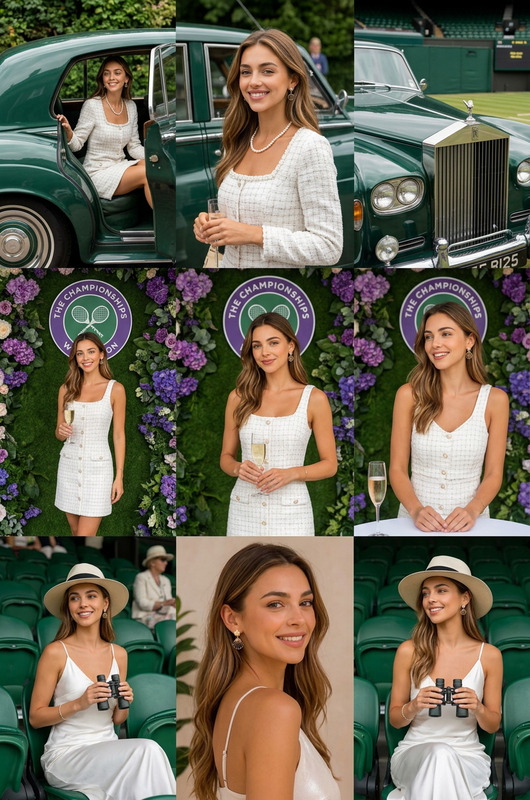
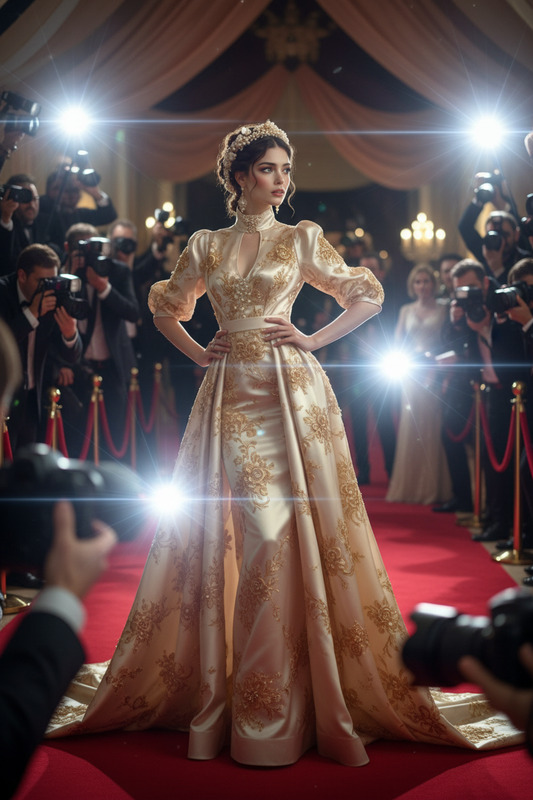
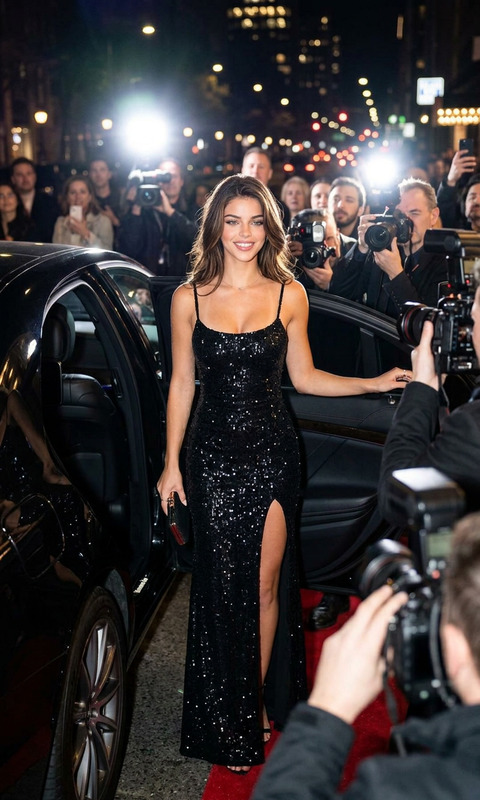
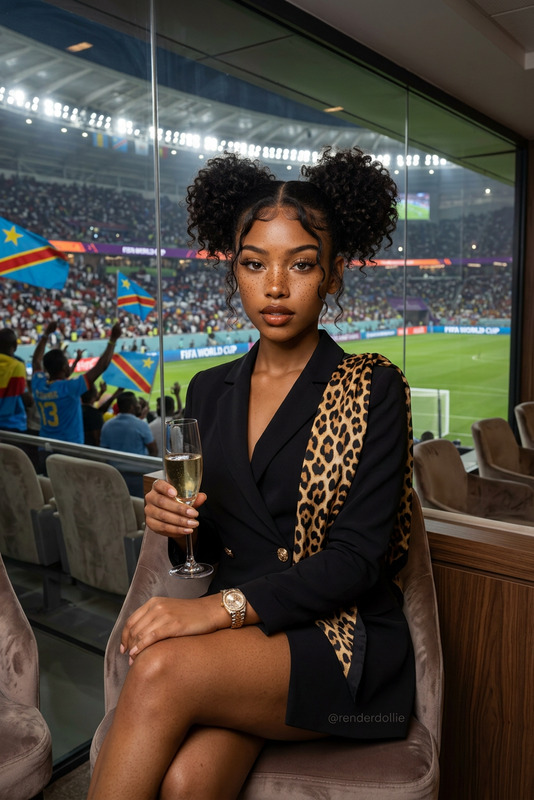
DR Congo World Cup fashion collection, elegant woman walking on a FIFA World Cup red carpet, black fitted dress with signature leopard-print wrap design, luxury jewelry, fashion week atmosphere, paparazzi flashes, luxury couture photography, Dior campaign style, ultra realistic, dynamic movement, editorial masterpiece
Any aspect ratio
Overview
The World Cup Supermodel template offers a striking visual experience for any fashion-oriented project. Using the AI Image Editor powered by the nano-banana-2 model, it delivers ultra-realistic images that capture the elegance of a FIFA World Cup red carpet event.
What It Does
This template allows you to craft a high-fashion moment, simulating a fashion campaign with luxurious details. The prompt creates visuals of an elegant woman in a black, fitted dress with a distinct leopard-print wrap, amidst an atmosphere filled with paparazzi flashes and luxury couture vibes.
For those looking to build stunning photo narratives, this template serves as a perfect solution with a Dior-inspired, editorial finish.
Who It's For
Fashion designers, creative directors, and digital marketing professionals will find this template invaluable. Those involved in product launch campaigns or needing engaging visuals for social media ads will benefit greatly. It's also perfect for brands wanting to convey luxury and style.
Summary
The World Cup Supermodel template embodies elegance and style, ideal for fashion-focused projects. Utilizing AI Image Editor, it offers ultra-realistic images with editorial quality, making it a go-to for professionals aiming to create a high-impact visual narrative.
How to Use
Choose the Template

Customize Your Image

Generate Your Masterpiece

Use Cases
Fashion Campaigns
- Dior-inspired photography
- Paparazzi and editorial style
Social Media Promotions
- Vibrant visuals for social sharing
- Engaging luxury content
Best Practices
Enhance with Details
Fine-tune jewelry and fabric patterns to ensure they match the elite fashion narrative.Lighting Considerations
Emphasize lighting conditions to simulate the dynamic environment of a fashion week, enhancing the overall authenticity.Experiment with Angles
Try different camera angles to capture the dynamic movement of the outfit, giving a more editorial feel.