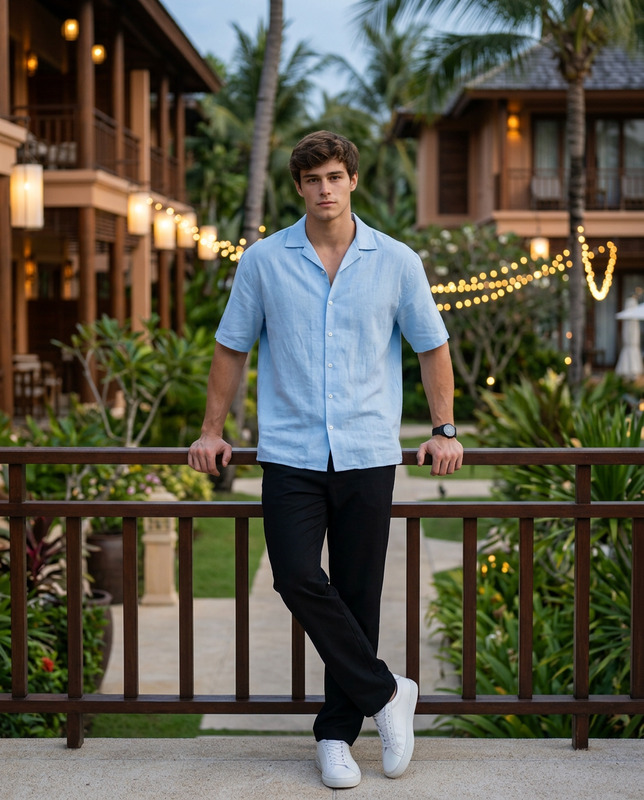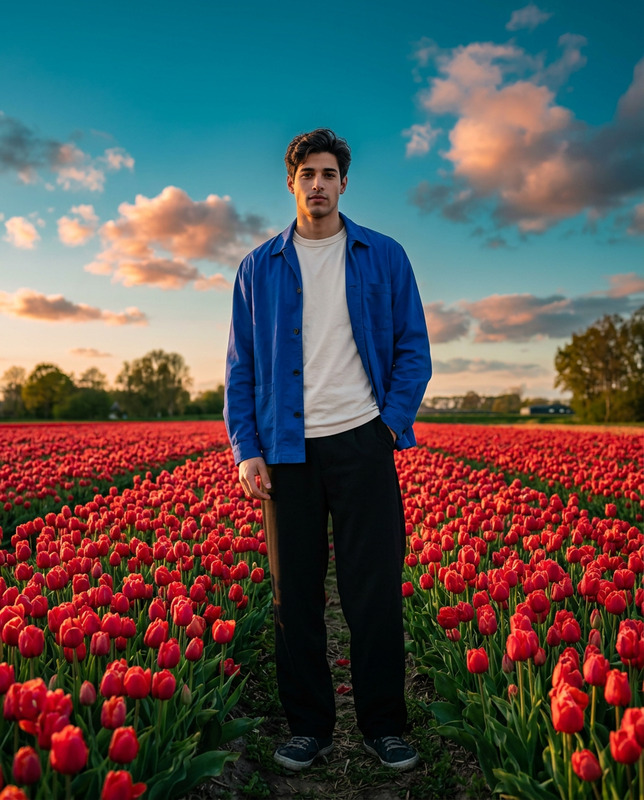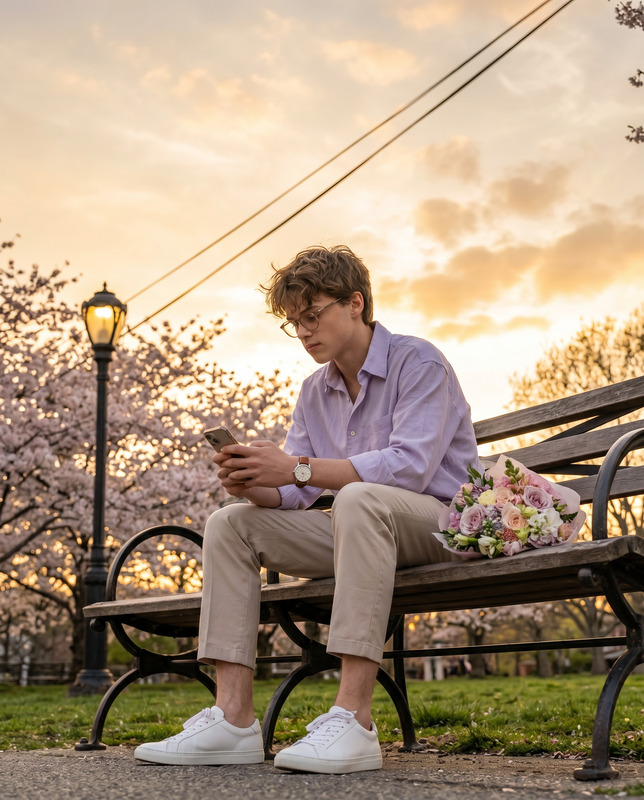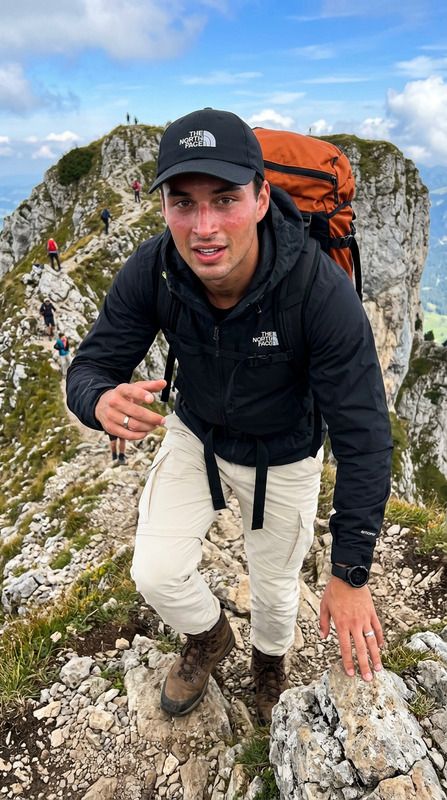
AI Image Editor · 1.8.jpg
- Model
- Nano Banana 2
- Image
- 1856 × 2304 px
Prompt
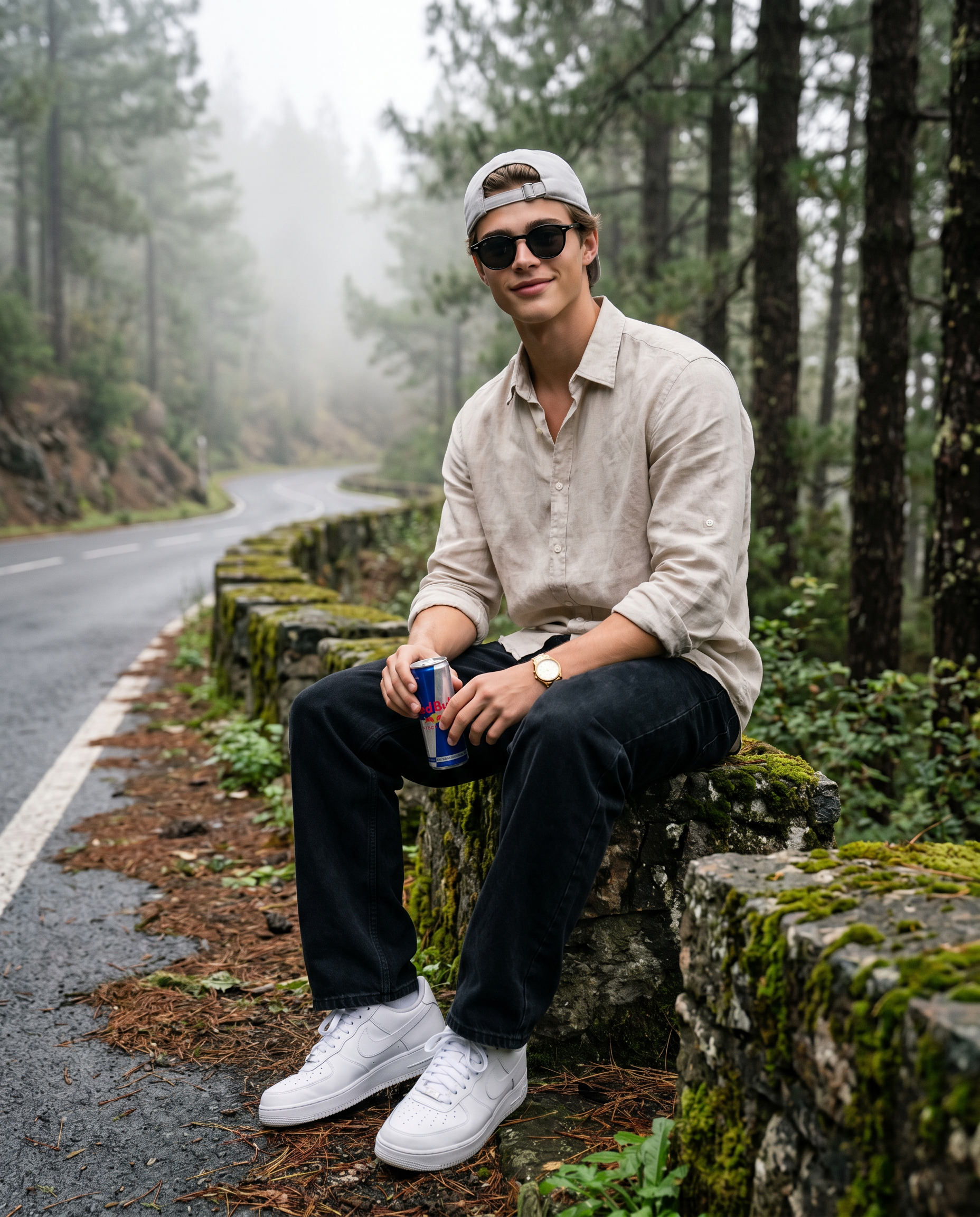
Use the uploaded male image strictly only for face and identity reference. Preserve the person’s real facial features, skin tone, age, hairstyle, and overall likeness accurately. Create an ultra-realistic cinematic travel portrait of a man sitting casually on a moss-covered roadside stone barrier beside a winding mountain road in a misty pine forest. The mood should feel calm, fresh, natural, and emotionally alive — like a peaceful road-trip moment captured candidly in the mountains. The man is seated in a relaxed, natural posture on the stone barrier, with his torso upright but easy, shoulders relaxed, and body angled slightly toward the camera. His legs are placed naturally and comfortably, with one leg extending forward and the other bent in a relaxed seated position. His hands rest naturally near his lap while loosely holding a Red Bull can, with no stiffness in the arms or fingers. The pose should feel effortless, balanced, and realistic, not overly posed. His expression should be happy but natural — a soft genuine smile, relaxed jaw, and an easy, pleasant vibe. Avoid exaggerated smiling or forced expression. The face should feel alive, warm, and candid, as if he is enjoying the quiet mountain atmosphere. He wears a light beige linen button-down shirt with sleeves rolled to the forearms, black loose-fit jeans, clean white Nike Air Force 1 style sneakers, a light grey baseball cap worn backwards, black round sunglasses, and a subtle gold wristwatch. Keep clothing details realistic with soft folds, natural fabric texture, and proper fit. The background should show a quiet curved mountain road fading into fog, surrounded by tall pine trees, wet ground, scattered leaves, small roadside plants, and moss-covered stone textures. Use soft diffused natural light, realistic fog depth, shallow depth of field, sharp focus on the subject, and premium cinematic travel photography styling. Vertical 4:5 aspect ratio, full-body seated composition, realistic perspective, natural body proportions, correct hands, correct posture, and a believable candid travel feel.
Any aspect ratio
Overview
The AI Image Editor template leverages the power of the nano-banana-2 model to create stunning, realistic images based on user-provided references. Perfect for generating lifelike portraits with specific details, this template ensures that all elements come together to capture the desired mood and style, resulting in images that feel alive and authentic.
What It Does
This template allows you to transform a basic image into a cinematic travel portrait, focusing on maintaining the subject's real-life features while placing them in an evocative setting. It expertly balances all visual elements, from correct posture and body proportions to clothing details and environmental ambiance, to deliver a complete and compelling visual narrative.
Who It's For
The AI Image Editor template is ideal for content creators, photographers, and designers who need high-quality, realistic images. Whether you're involved in travel photography, creating social media content, or working on a product photos to video project, this tool provides the means to produce superior visuals without the need for extensive editing skills.
Summary
Capture the essence of natural beauty and realism with the AI Image Editor template. By integrating the latest advancements in AI, the template provides users with the capability to create rich, detailed images that stand out. Explore related tools like the Image to Video and the AI Image Upscaler for expanding creative possibilities.
How-to Guide

Customize Your Inputs

Generate Your Image

Use Cases
Travel Photography
- Capture memorable moments in cinematic style
- Transform everyday photos into visually rich experiences
Social Media Content
- Make profiles stand out with unique visuals
- Leverage travel aesthetics to engage followers
Marketing and Advertising
- Develop eye-catching ads
- Advanced editing for specific demographic targeting
Best Practices
Selecting the Right Reference Image
Ensure the reference image is clear, well-lit, and closely mirrors the person's true features for best results.Adjusting Prompts
Fine-tune the prompt to align with your desired outcome. Be precise about clothing, environment, and mood details.Post-Processing
For optimal quality, utilize the AI Image Editor to make minor tweaks post-generation, ensuring all visual elements are cohesive.