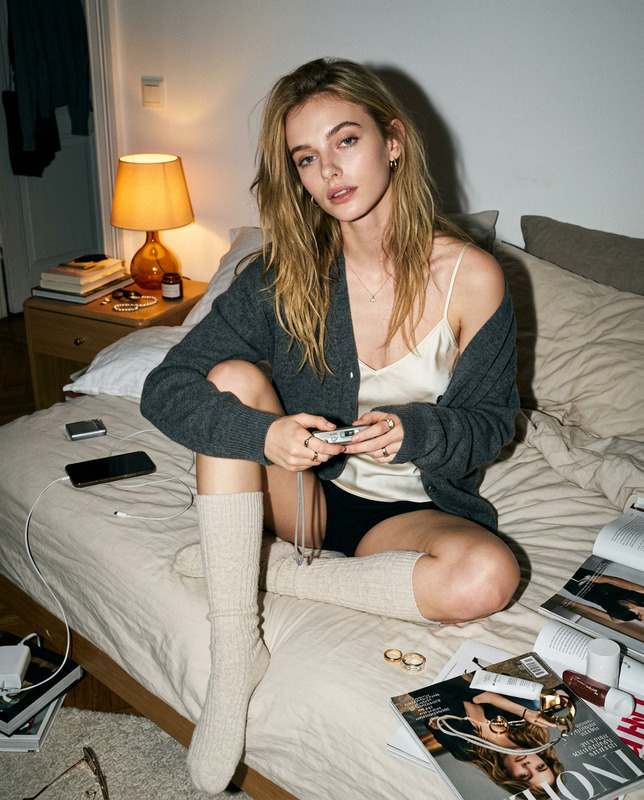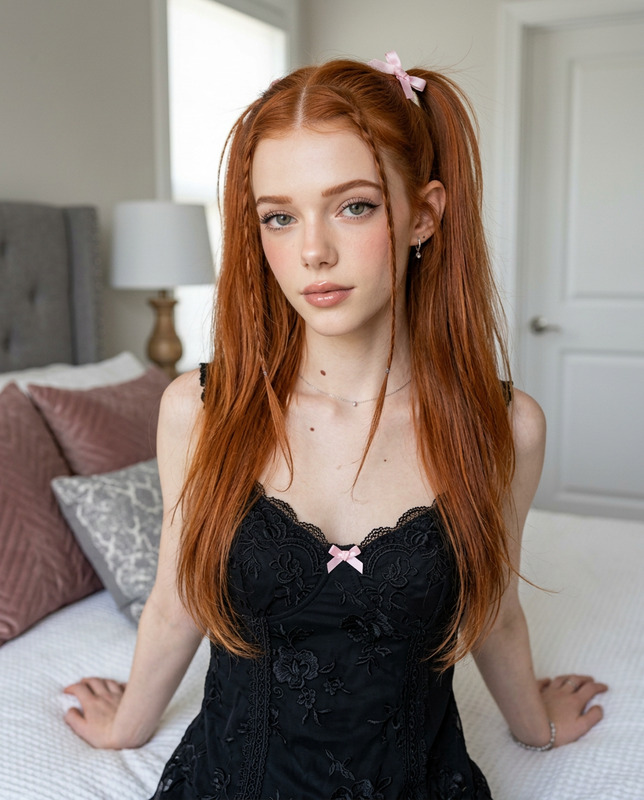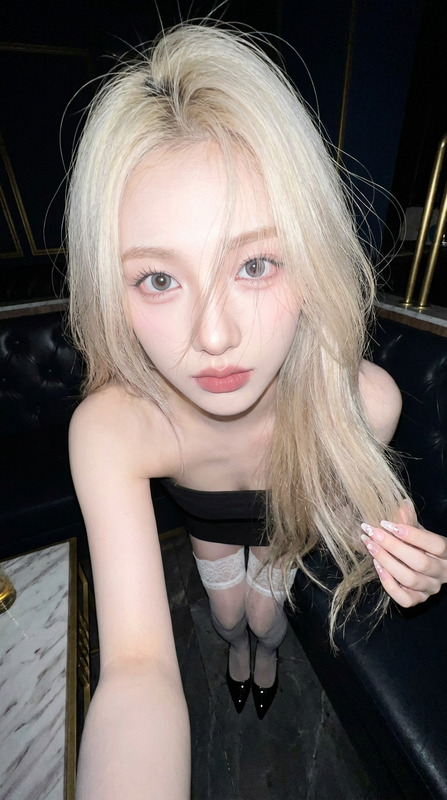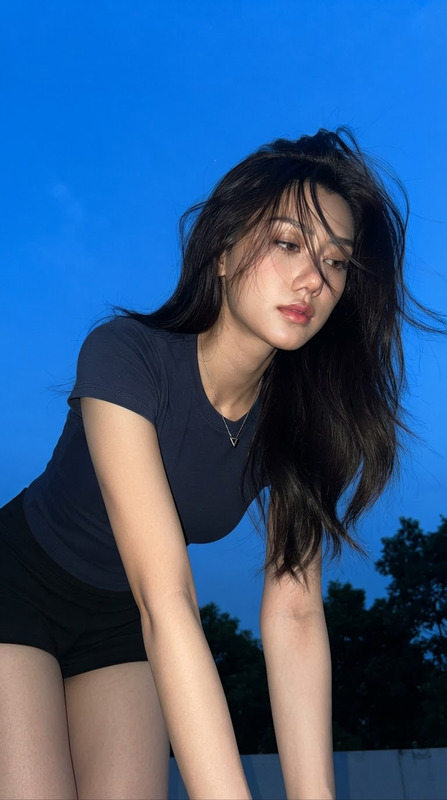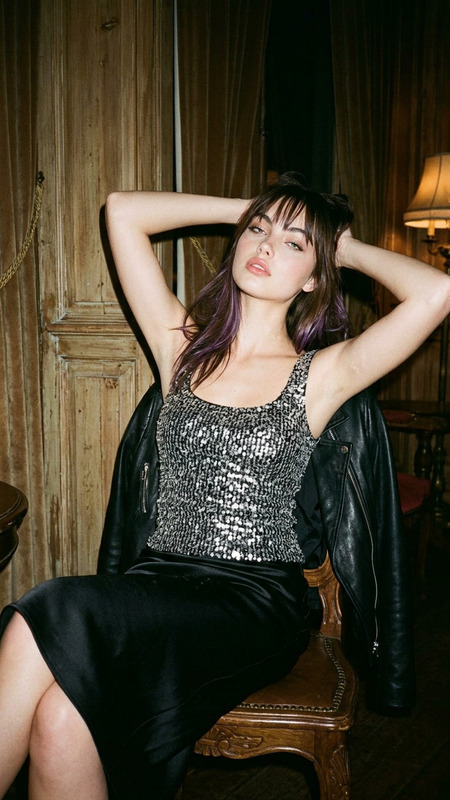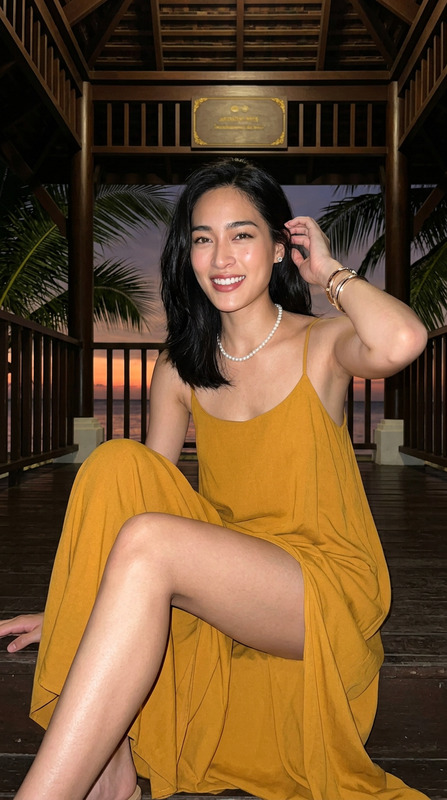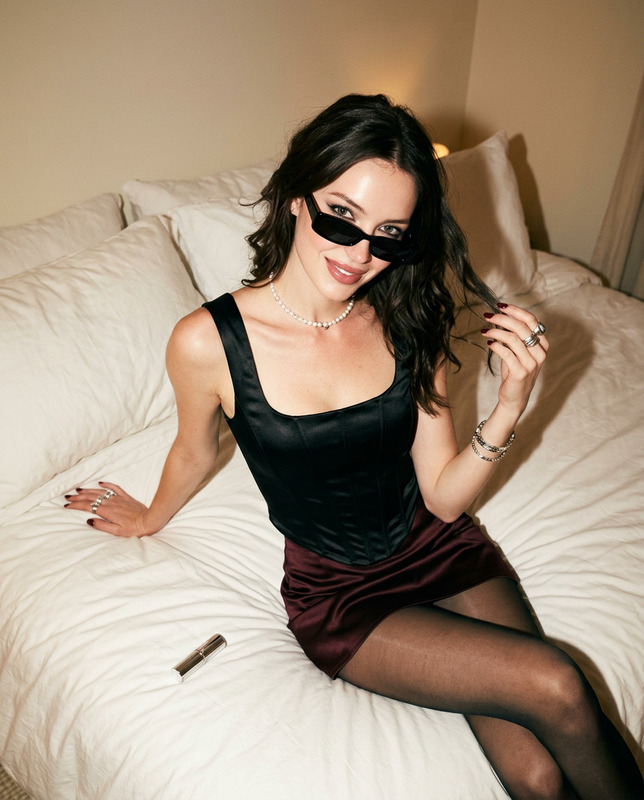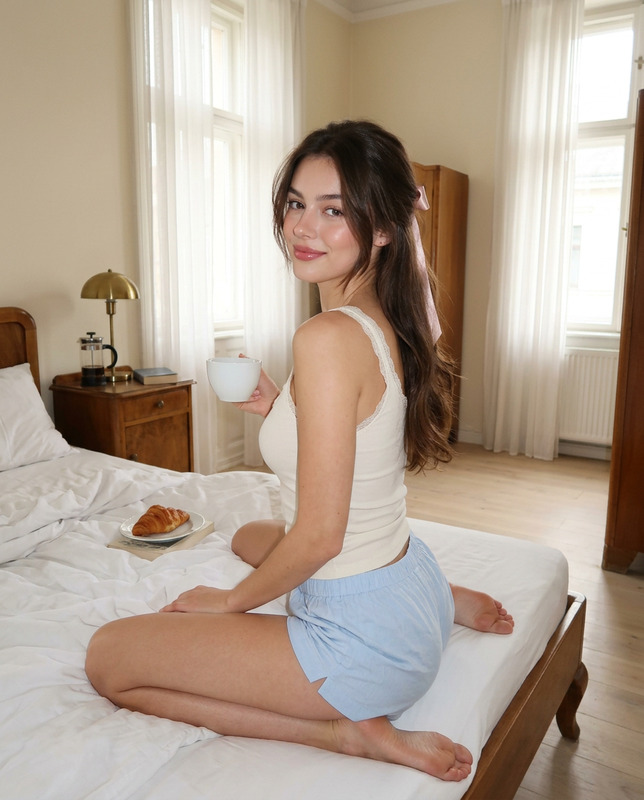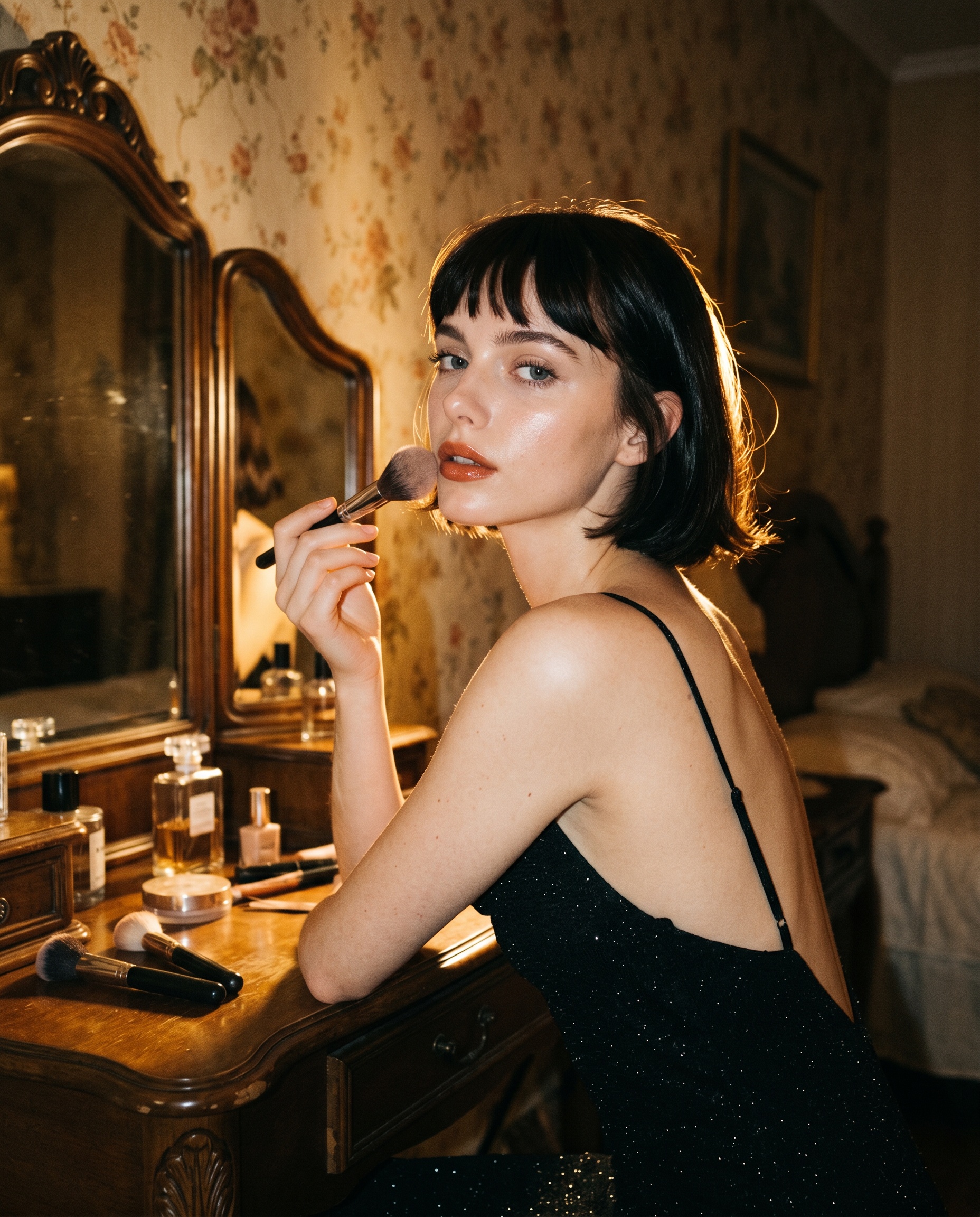
Vanity Flash Glam
- Model
- Nano Banana 2
- Image
- 1856 × 2304 px
Prompt
Create image: use the attached image for facial reference with high precision apply grainy filmish IG lofi dusk flash-photo styling with warm vintage tones, strong warm halo backlighting, and a softly visible bedroom background. Preserve exact facial structure, natural asymmetry, realistic proportions, and clear expressive eyes. SCENE: An adult woman sits at an old wooden vanity late at night while doing her makeup. The room feels intimate, warm, nostalgic, and slightly dreamy — like an accidental old flash photo captured while getting ready in a quiet bedroom. Vintage floral wallpaper and a dark carved vanity mirror stay softly visible in the background. POSE / BODY LANGUAGE: She leans naturally against the vanity in side profile while holding a fluffy makeup brush near her lips. One arm rests casually on the tabletop. Body posture relaxed and imperfect with a soft elegant curve. Expression feels calm and dreamy, naturally caught mid-movement. CAMERA / FILTER LOGIC: Captured like a low-light phone flash photo with IG lofi dusk rendering and subtle CCD texture. Use visible fine digital grain, dense low-light noise, mild JPEG compression, soft haze, reduced contrast, lifted readable shadows, warm muted highlights, and slightly richer reds/oranges. Keep blacks deep in the hair, dress, shadows, and darker corners. EYE FOCUS: Eyes remain crisp, glossy, expressive, and readable. Preserve sharp lashes, iris detail, brows, soft under-eye texture, and natural highlights. LIGHTING: Direct soft warm frontal flash illuminates the face, shoulders, hands, vanity surface, and makeup details. Add strong warm golden backlighting behind her head and shoulders creating a bright visible halo/rim light around the hair and silhouette. The halo should stand out clearly while the room remains softly visible. MAIN SUBJECT / SKIN DETAILS: Creamy warm peach skin tone with realistic texture, visible pores, soft under-eye texture, natural facial asymmetry, and slight flash shine on cheeks, lips, shoulders, and collarbone. MAKEUP: Soft feminine glam with peach-pink blush, warm champagne eyelids, lightly defined brows, wispy lashes, glossy terracotta-peach lips, youthful glow. HAIRSTYLE: Short sleek dark bob with blunt bangs and soft natural movement. Hair catches the strong halo light around the edges. OUTFIT: Black sparkly low-back slip dress with thin straps and soft shimmer texture. DETAILS: Fluffy makeup brush in hand, perfume bottles and cosmetics on the vanity, mirror reflection softly visible. BACKGROUND: Warm vintage floral wallpaper, dark carved vanity mirror, softly lit bedroom atmosphere fading into darker corners. COMPOSITION: Upper body and vanity filling most of the frame, natural side profile, imperfect handheld flash-photo framing, slight tilt, 15–20% headroom, visible strong halo around the hair and shoulders. --ar 4:5 NEGATIVE PROMPT: studio portrait, polished editorial lighting, blurry eyes, bright modern room, plastic skin, washed-out blacks, no halo, stiff pose, over-retouched face, painterly texture, DSLR bokeh, clean commercial photography, distorted hands, extra fingers
Any aspect ratio
Overview
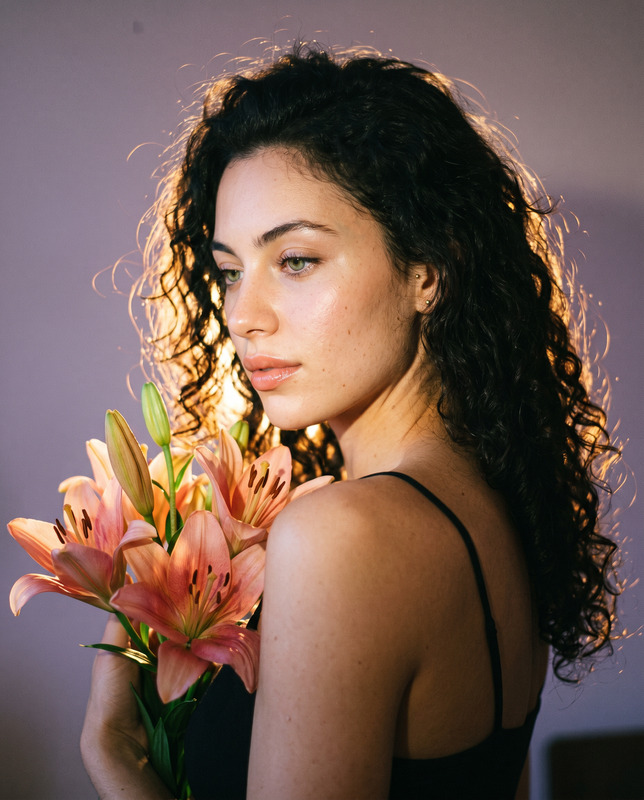
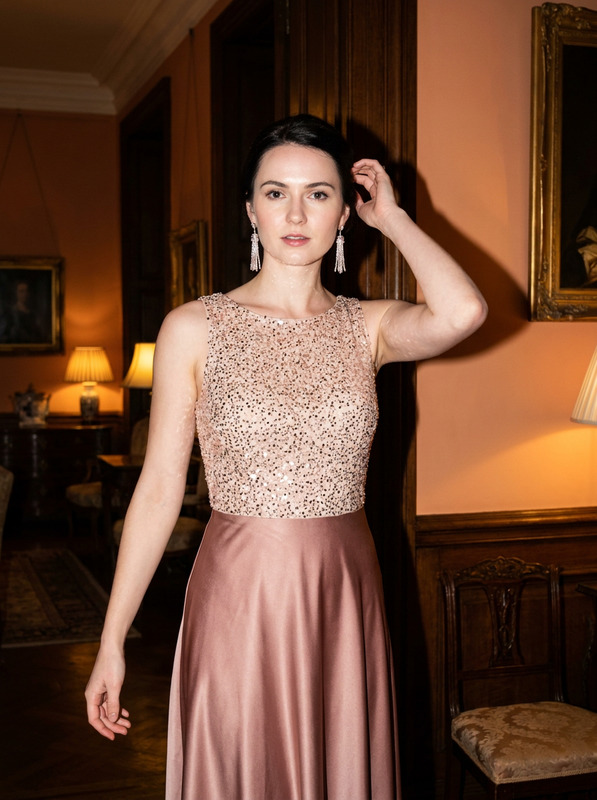
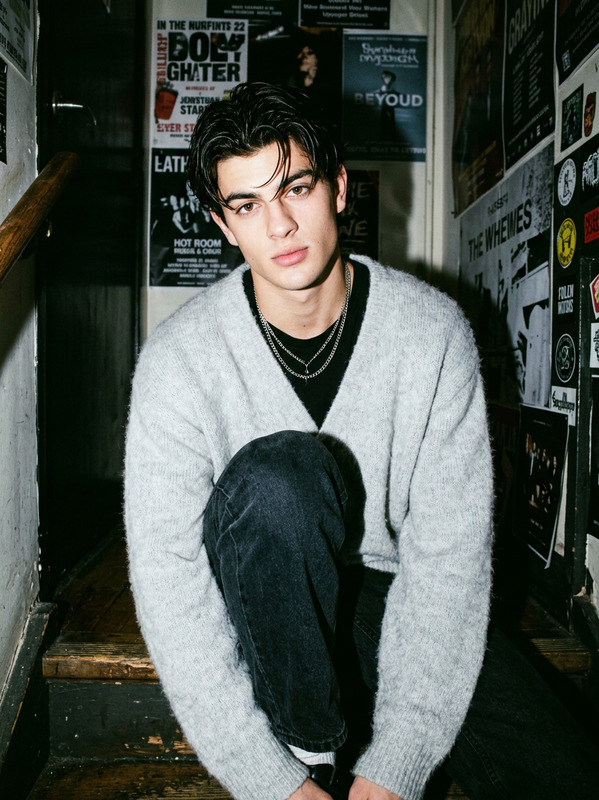
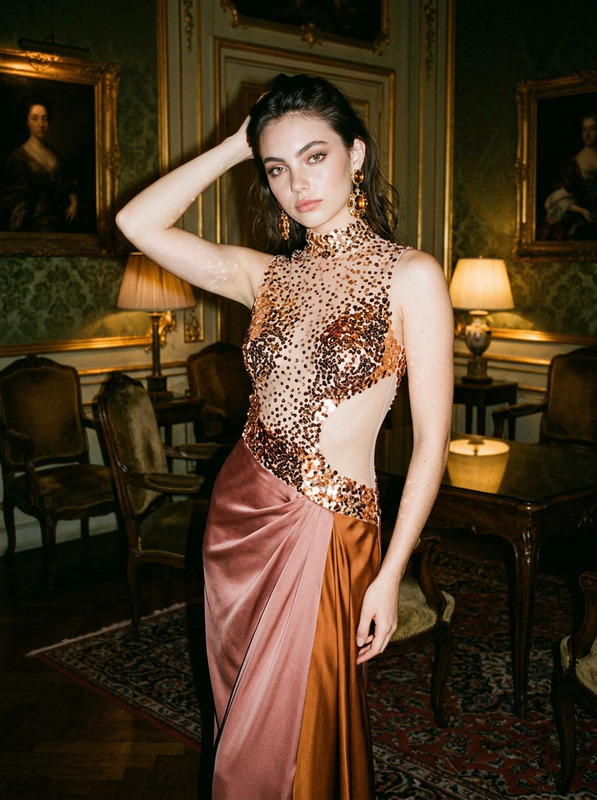
The Vanity Flash Glam template allows users to create unique AI-generated images with a vintage, dreamy aesthetic. Perfect for creators looking to evoke a nostalgic, serene ambiance, this template utilizes the power of the nano-banana-2 model. The result is a flash-inspired, film-like quality enriched with warm tones and a strong halo effect around the subject. Ideal for those seeking an artistic and intimate portrayal in their image projects.
What It Does
This template transforms any standard image into a stylized piece reminiscent of an intimate, late-night photo session. Featuring specific enhancements such as grainy textures and warm lighting, the AI Image Editor template ensures that facial features remain detailed and expressive. A strong golden halo surrounds the subject, emphasizing a dreamy and vintage feel, perfect for personal or professional creative projects.
Who It's For
This tool is perfect for photographers, digital artists, and social media creators looking to add a nostalgic flair to their imagery. Whether you're a professional seeking to expand your portfolio's stylistic range or an influencer aiming to stand out on platforms like Instagram, Vanity Flash Glam provides the tools necessary to achieve that unique aesthetic. It's also useful for content creators in social media ads who want to convey a warm, retro vibe.
Summary
By integrating the skills of the AI Image Editor with the stylistic directives of the Vanity Flash Glam template, users can achieve a sophisticated, vintage look with ease. The template accentuates natural beauty and unique characteristics, using sophisticated lighting and textural detail to create an image that captivates and charms. Those seeking to evoke a warm, nostalgic feeling in their work will find this tool both effective and inspiring.
How to Use Vanity Flash Glam
Choose the Template

Customize Your Image

Generate Your Image

Use Cases
Social Media Content Creation
- Stand out with unique aesthetics
- Appeal to audiences with nostalgic visuals
Photography Projects
- Enhance portfolio pieces
- Offer unique client visuals
Creative Storytelling
- Enhance mood and ambiance
- Bring characters and scenes to life
Digital Art Enhancement
- Create depth with grain and texture
- Integrate seamlessly into compositions
Best Practices
Maintain Facial Details
Ensure facial structures remain clear for a recognizable and detailed outcome.Embrace Natural Asymmetry
Allow natural imperfection to enhance the authenticity of the image.Focus on Lighting and Tone
Adjust settings for lighting to achieve the desired retro and warm tones, enhancing the nostalgic ambiance.