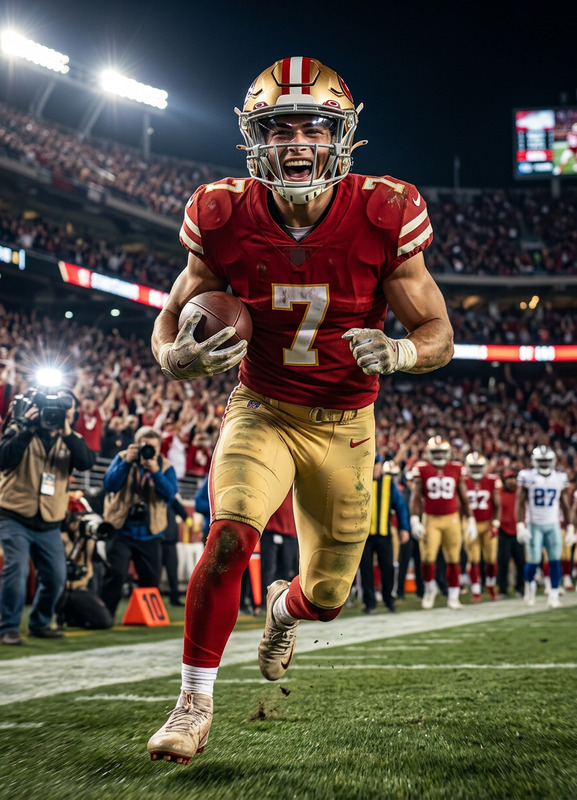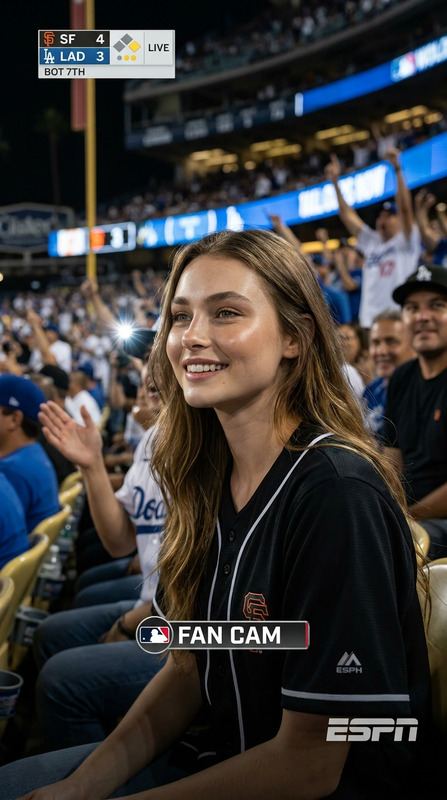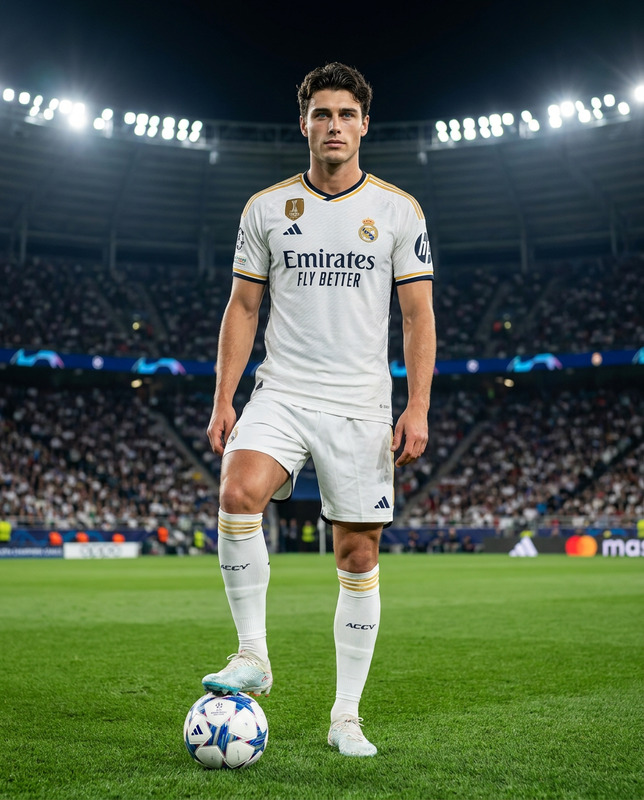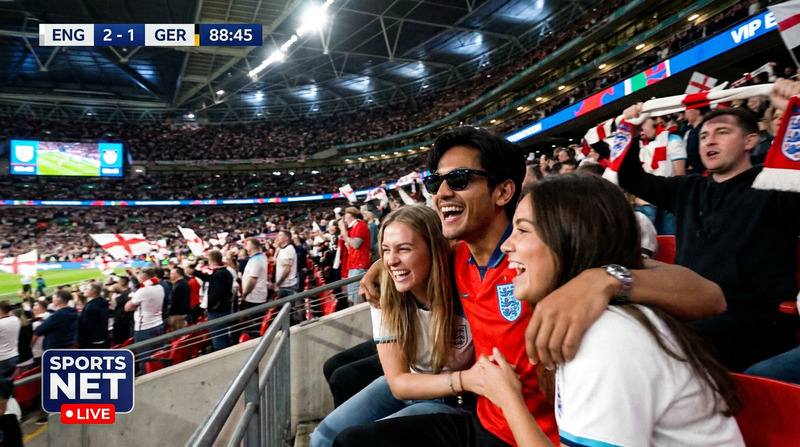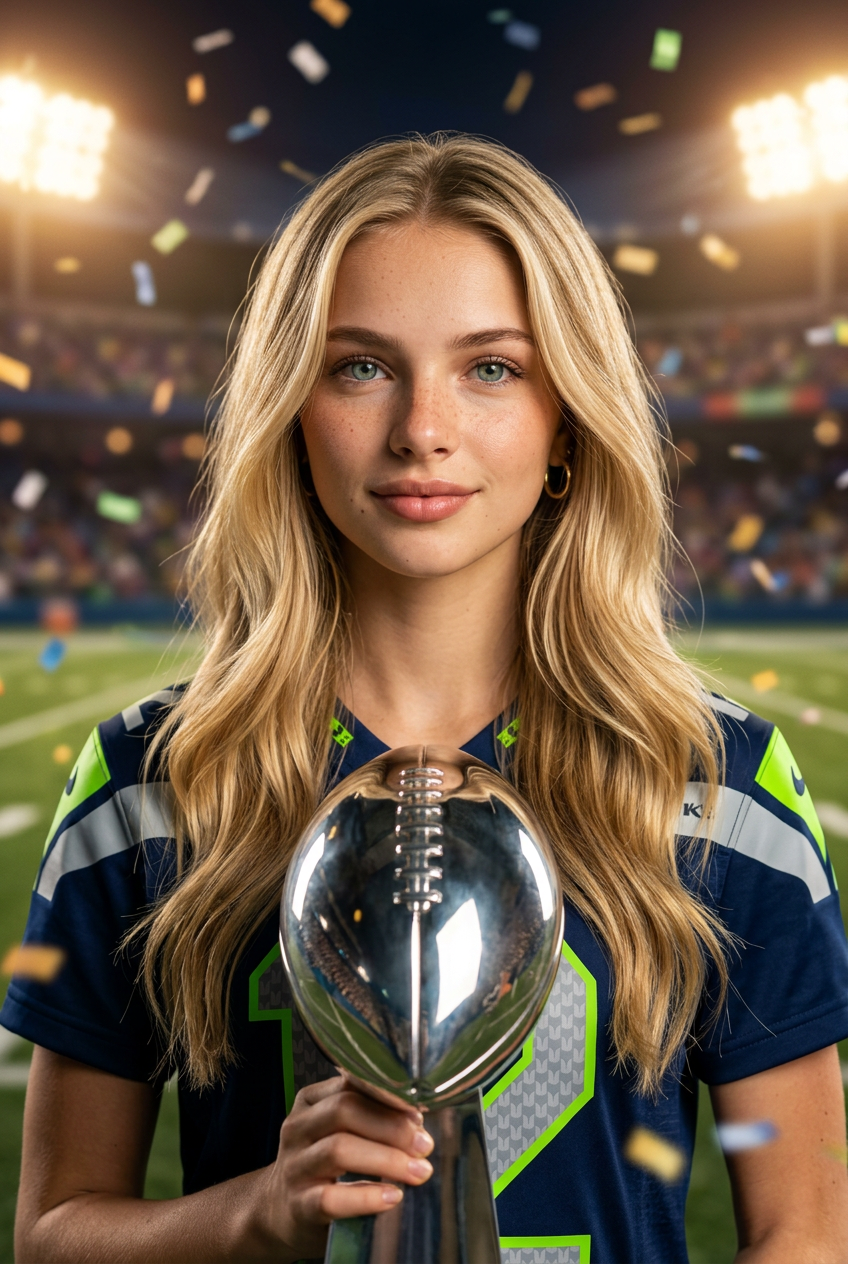
Big Game 2
- Model
- Nano Banana 2
- Image
- 848 × 1264 px
Prompt
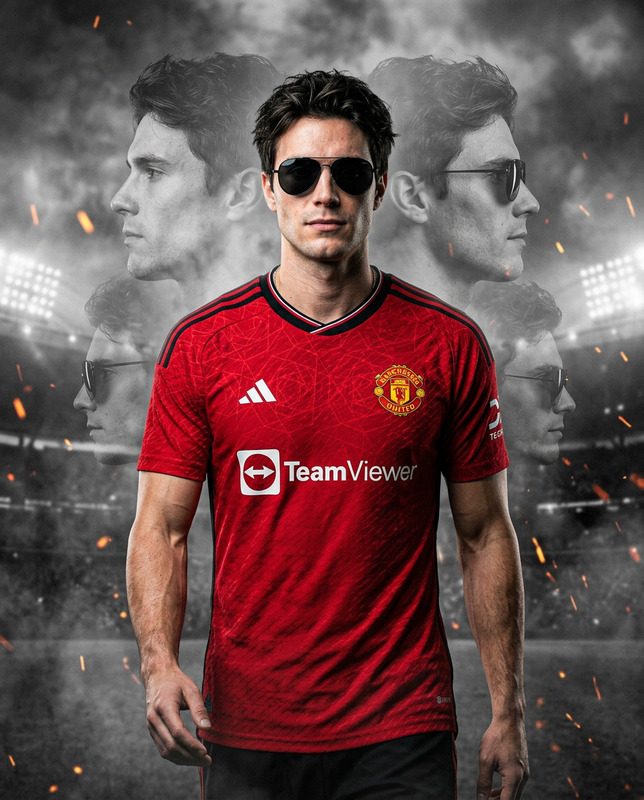
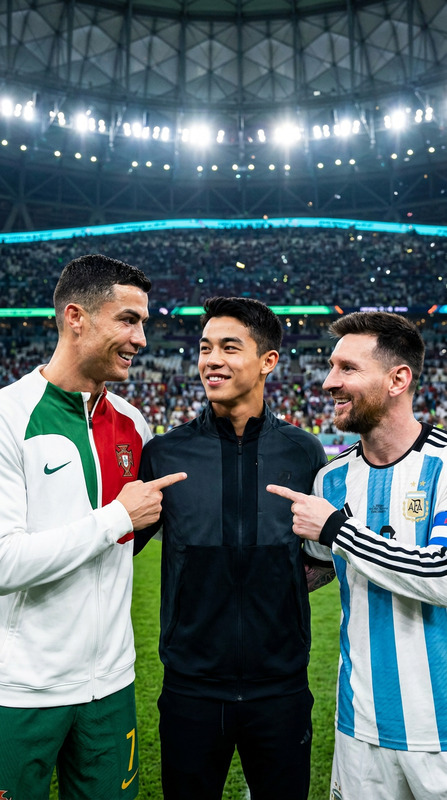
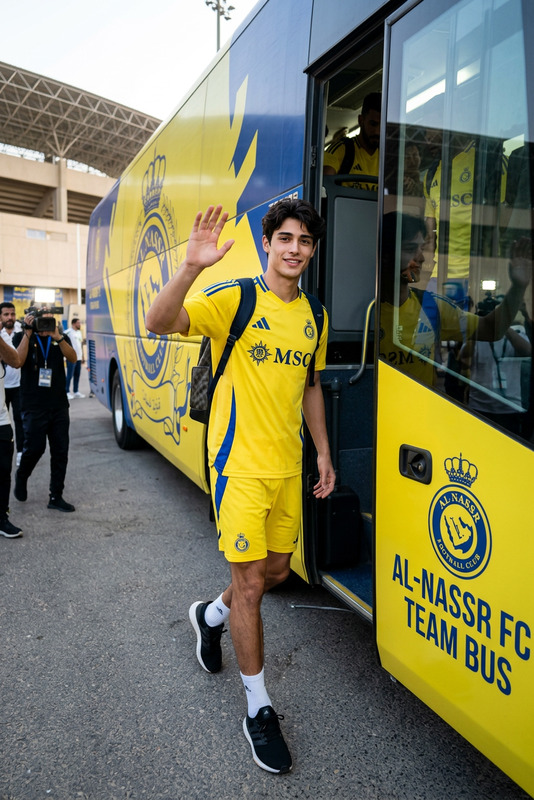
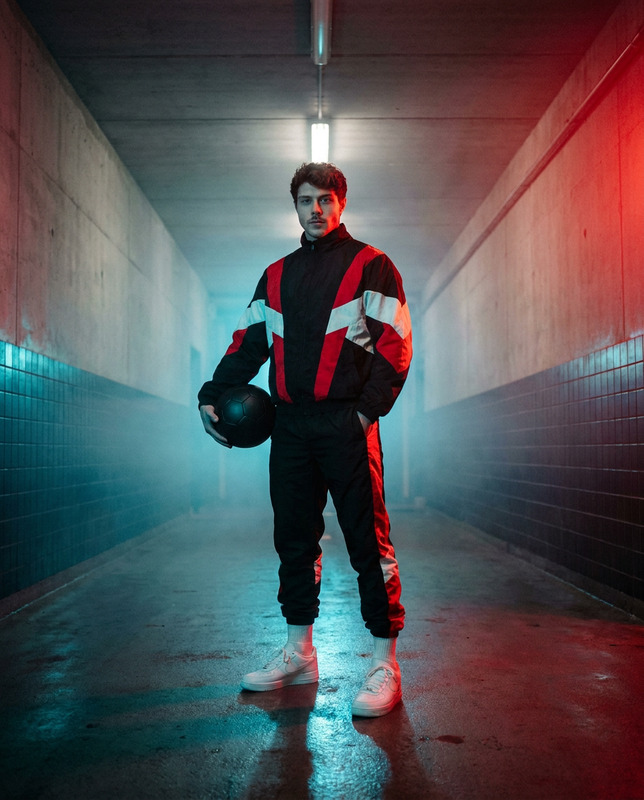
Generate a photorealistic vertical portrait based on the uploaded reference photo, matching the person’s appearance exactly: face, proportions, expression, skin tone, hair, and visible features. The person stands on a professional football stadium field at night in a confident yet relaxed pose, body slightly turned toward the camera. They are holding a silver championship football trophy, clearly visible, realistically scaled, with natural metallic reflections. Confetti floats and falls around the scene at varying depths, with slight motion blur to enhance realism and a celebratory atmosphere. The face is centered and dominant in the frame, with sharp focus on the eyes, shot at eye level in a professional sports portrait style with an 85mm look. Use shallow depth of field with soft stadium lighting creating gentle bokeh, while the field and stands remain slightly out of focus. The outfit is a modern football fan look in deep navy blue and bright neon green accents, featuring a jersey or top with a clearly visible number 12, sporty bottoms, sneakers, and minimal accessories, with ultra-realistic skin texture and natural night stadium lighting.
Any aspect ratio
Overview
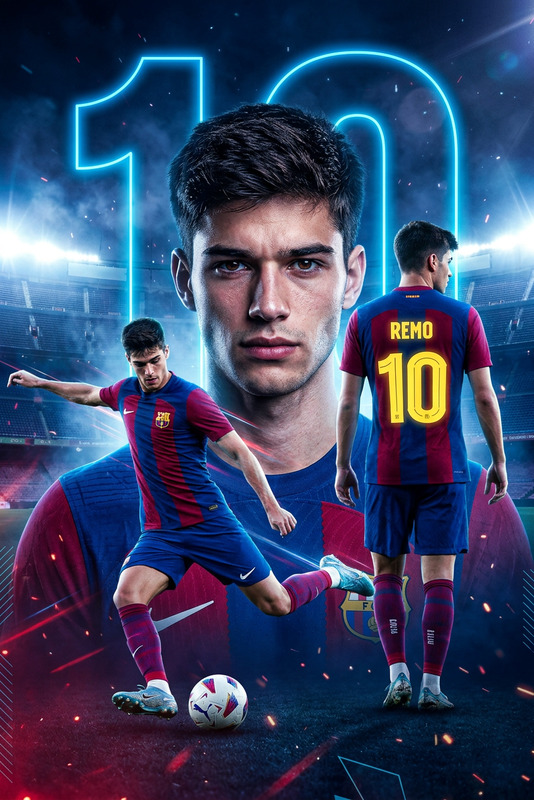
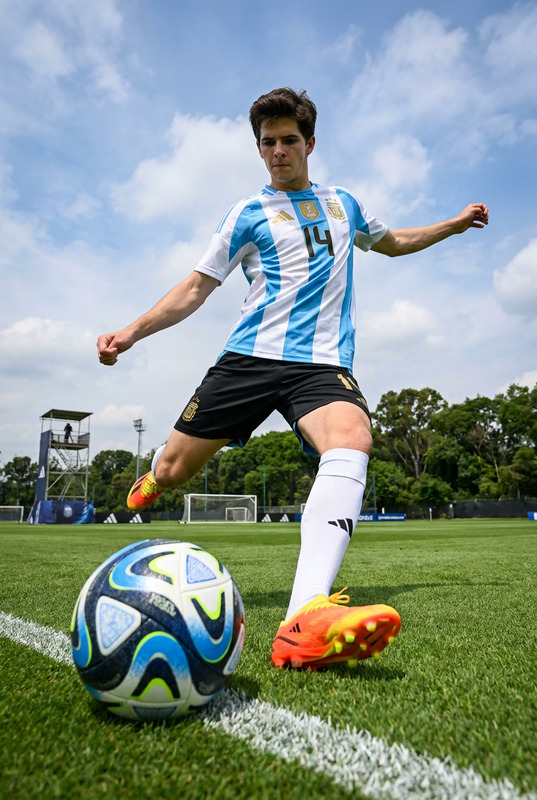
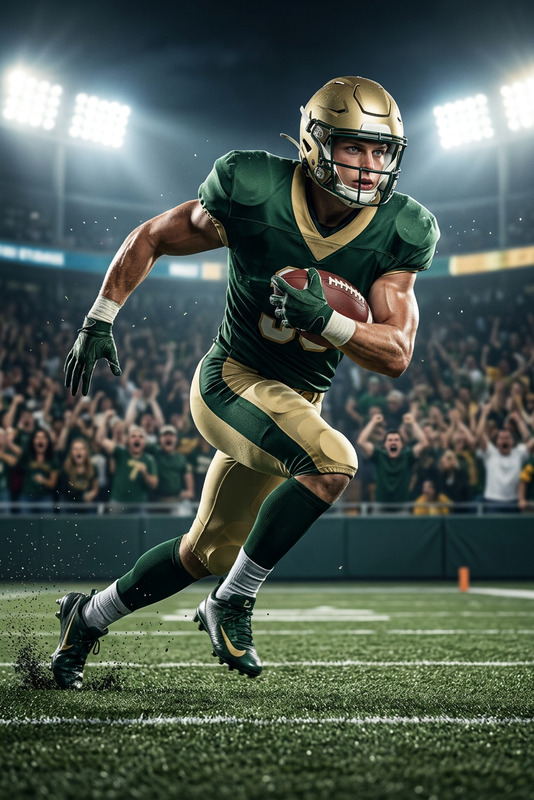
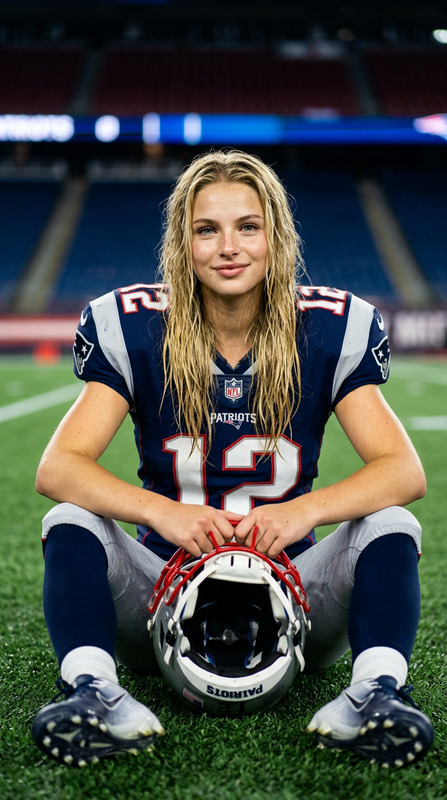
Step into the world of sports photography with the Big Game 2 AI Image Editor template. Designed to deliver striking, photorealistic portraits, this template encapsulates the atmosphere of a nighttime professional football match. By utilizing the advanced nano-banana-2 model, Big Game 2 transforms your reference photo into an ultra-realistic portrait that feels as if it was shot with a high-end DSLR camera.
What It Does
The Big Game 2 template crafts a dynamic sports portrait where every detail, from the facial expression to the faintest reflection on the championship trophy, is rendered with precision. The person in the photo is showcased on a football field, complete with confetti creating a celebratory vibe. This template ensures every element—from pose and attire to lighting and bokeh—is adjusted to reflect a professional sports portrait captured with an 85mm look. For more advanced options, consider our AI Image Editor.
Who It's For
This template is a dream tool for sports enthusiasts, photographers, and content creators aiming to capture the essence of victory in a single image. Whether you're designing a promotional piece, updating a portfolio, or creating social media content, Big Game 2 is perfect for those seeking realistic and vibrant representation. It's also an excellent choice for brands in the sports industry needing dynamic visuals to engage audiences.
Summary
With Big Game 2, turning an ordinary photo into a sports masterpiece is straightforward and effective. The template's focus on realism and professional quality, alongside its ease of use, makes it a valuable tool for various creative projects. Explore more possibilities with our AI GIF Generator and AI Talking Photo products for dynamic content creation.
How to Use
Choose Template

Customize Inputs

Generate Portrait

Use Cases
Sports Branding
- Capture the thrill of victory in promotional materials.
- Design engaging social media graphics for sports campaigns.
Personal Photos
- Celebrate personal achievements with a professional look.
- Create standout images for personal social media profiles.
Marketing & Advertising
- Create eye-catching advertisements for sports events.
- Design posters and digital content with a realistic touch.
Best Practices
Choose High-Quality Photos
Start with a high-resolution reference photo to maximize details and clarity in the final image.Match the Lighting
Ensure the reference photo has lighting similar to that of a stadium at night to match the template settings.Tweak Outfit Details
Customize clothing and accessory colors to align with team or brand themes for more integrated visuals.