zendaya-clear-face
Overview
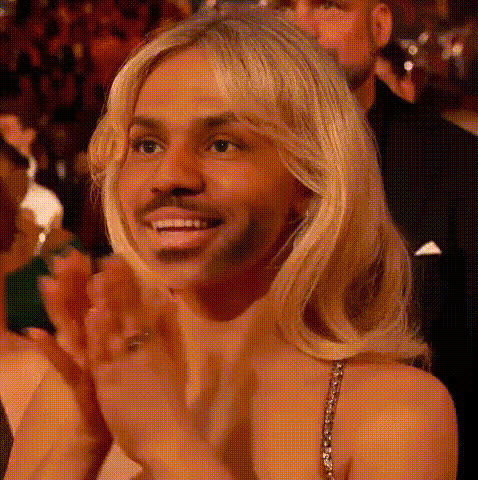
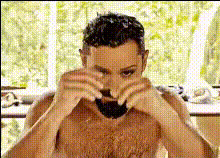
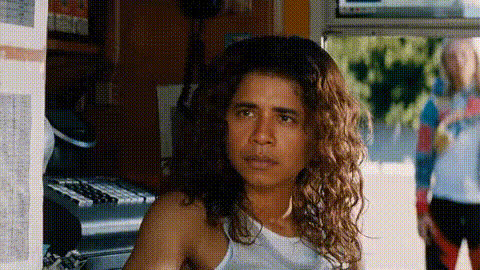
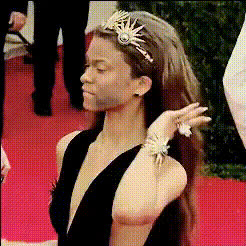
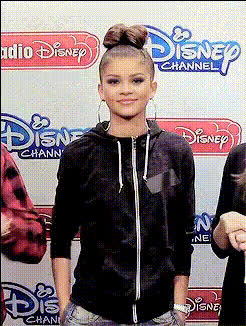
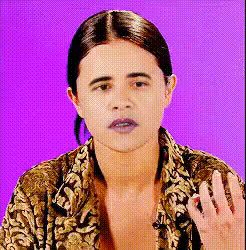
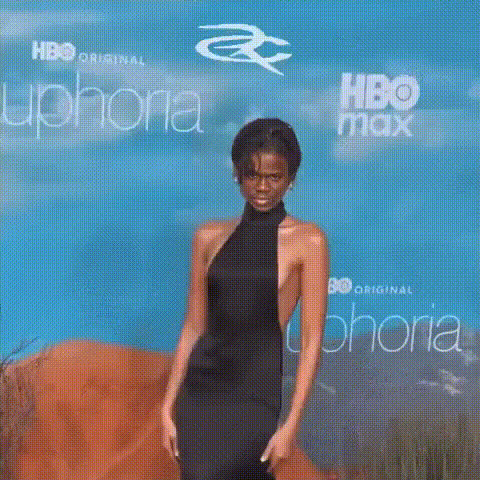
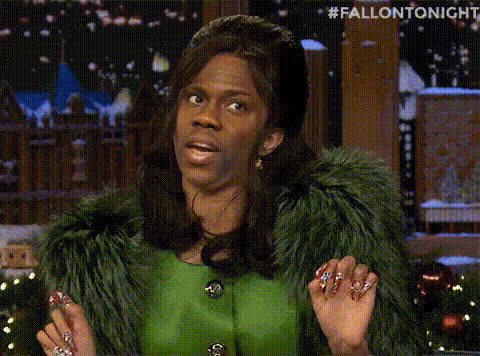
Take your video content to the next level with our Zendaya Video Face Swap template. Perfect for creating engaging and attention-grabbing edits, this template allows you to incorporate Zendaya's face seamlessly into your videos. Whether you're working on a project for social media or a creative portfolio, this tool is designed to deliver professional-looking results in minutes.
What It Does
The Zendaya Video Face Swap template employs advanced face swap technology to replace a face in your video with the likeness of Zendaya. This template supports various video formats, making it versatile for different projects. Ideal for those looking to create entertainment content, highlight reels, or dynamic transformations, it ensures high-quality output compatible with popular editing suites.
For additional face editing capabilities, explore our AI Face Editor and Face Swap products for more creative options.
Who It's For
This template is designed for content creators, social media influencers, and digital marketing professionals who seek to create eye-catching content quickly. It's also ideal for creative video editors looking to spice up personal or promotional videos. With its user-friendly interface, even beginners can achieve impressive transformations, while experts can leverage the tool for more intricate projects.
Summary
Enhance your video content with the Zendaya Video Face Swap template, perfect for quick and easy transformations. This tool not only saves time but also adds a layer of creativity to your projects. Pair it with the AI Image Generator for designing unique thumbnails or head over to the Video Face Swap page for more dynamic video options.
How To
Choose Your Template

Customize Your Inputs

Generate Your Video

Use Cases
Social Media Content
Entertainment Videos
Marketing Campaigns
Best Practices
Source High-Quality Videos
For optimal results, use high-resolution videos to ensure the face swap is seamless and realistic.Manage Lighting and Angles
Ensure consistent lighting and camera angles in your source video to improve face recognition and swap accuracy.Experiment With Short Clips
Test the template with shorter video clips to refine your technique before applying it to longer videos.