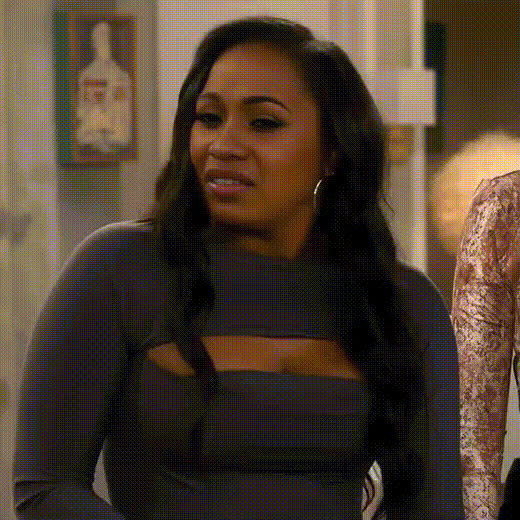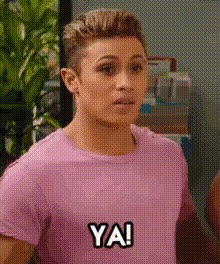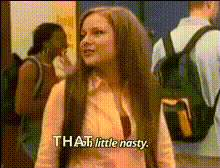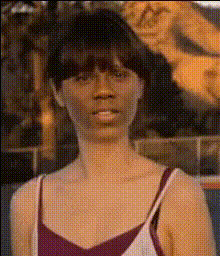
swap_zooey-deschanel-confused-expression
Overview
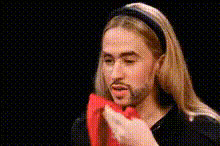
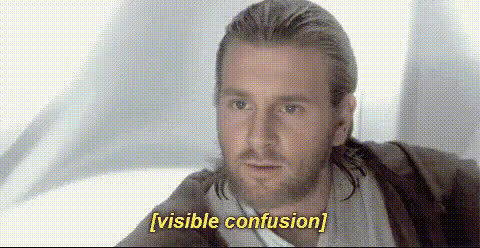
With the Zooey Deschanel Confused Expression video face swap template, you can infuse your videos with a touch of celebrity charm and humor. This template leverages advanced AI for realistic face swapping, allowing you to transform standard footage into quirky, shareable clips.
What It Does
This Video Face Swap template replaces faces in your videos with Zooey Deschanel's distinctive look, creating a confused yet charming expression. Perfect for adding a comedic touch, this tool uses state-of-the-art AI technology available in our Face Swap Video product. Whether it's for memes, social videos, or personalized content, this template helps you create delightful and engaging visuals.
Who It's For
Ideal for content creators, social media enthusiasts, and video producers looking to inject humor into their work. Anyone aiming to boost engagement through clever transformations will find this tool invaluable. It's also a great asset for marketing teams wanting to leverage celebrity likeness in a playful manner, alongside using the AI Meme Generator for viral content creation.
Summary
Combine creativity and technology with this Zooey Deschanel face swap template. Create memorable videos that capture attention, all within our robust AI Video Generator suite. This template ensures easy access to professional-grade transformations, ideal for a wide range of projects.
How To
Choose Template

Customize Inputs

Generate Video

Use Cases
Social Media Content
- Enhance TikTok and Instagram videos
- Create humorous Facebook content
Marketing Campaigns
- Drive customer engagement
- Create memorable ad experiences
Personal Projects
- Swap faces in family videos
- Create personalized birthday messages
Best Practices
Ensure High-Quality Input
For best results, use videos with good lighting and high resolution.Select Appropriate Clips
Choose clips where the subject's face is clear and visible for effective swaps.Preview Before Finalizing
Utilize the preview feature to make any necessary adjustments before finalizing your video.