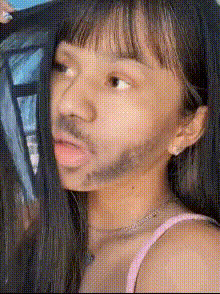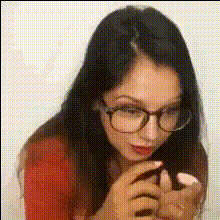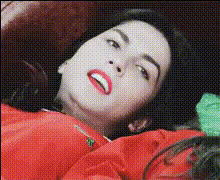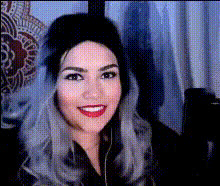
woman-with-red-lipstick
Overview
Our Video Face Swap template featuring a woman with red lipstick lets you transform any video by creatively swapping faces. Ideal for content creators looking to add a personalized touch to their videos, this tool is both powerful and user-friendly.
What It Does
This template seamlessly integrates into your workflow, allowing for realistic and expressive face swaps in video content. By using cutting-edge AI, it accurately replaces faces while preserving natural movements and expressions. Discover similar features in our Video Face Swap and Face Swap GIF products.
Who It's For
Whether you are a social media influencer, a marketing professional, or an independent filmmaker, this template enhances your video editing toolkit. It is perfect for those who want to create engaging, humorous, or stylized content. Explore additional creative possibilities with our AI Video Generator.
Summary
This Video Face Swap template offers a quick and effective way to modify your videos, making them more exciting and shareable. Enhance your projects with our diverse AI Image Editor for comprehensive editing capabilities.
How To
Choose Your Template

Customize the Video

Generate and Export

Use Cases
Social Media Content
- Create eye-catching Instagram stories
- Develop engaging TikTok videos
Marketing Campaigns
- Personalize promotional videos
- Develop shareable content for brand awareness
Creative Projects
- Innovate in short films
- Enrich multimedia presentations
Best Practices
Select Clear Videos
For best results, use high-resolution videos where faces are well-lit and unobstructed.Focus on Matching Angles
Ensure that the faces you want to swap have similar angles and lighting for a realistic transformation.Combine with Other Tools
Complement the face swap with tools like the AI Image Generator to add creative backgrounds or effects.