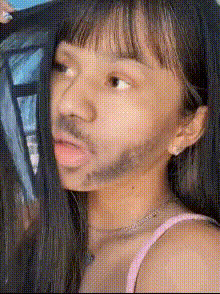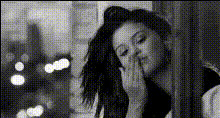
woman-applying-lip-gloss
Overview
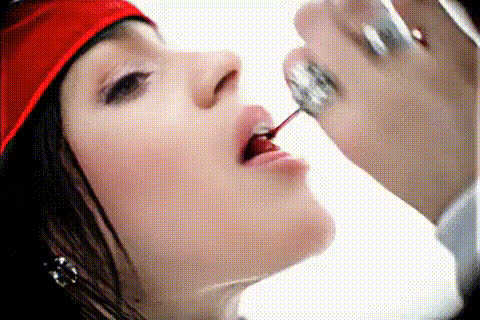
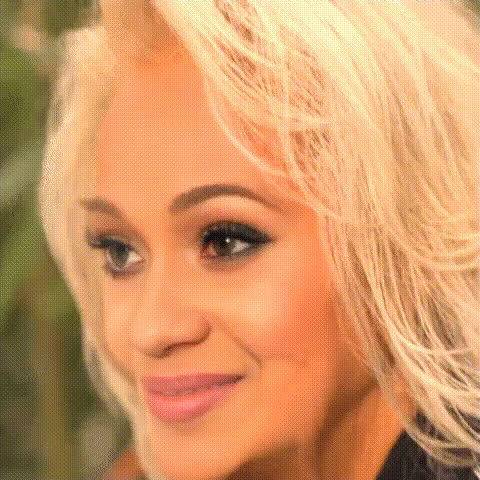
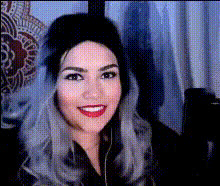
Transform your videos with the "Woman Applying Lip Gloss" face swap template. This dynamic tool allows you to insert a new face into a video of a woman applying lip gloss, offering a playful and transformative way to spice up your content. Ideal for those involved in the beauty and makeup industry, or for anyone looking to create engaging social media clips.
What It Does
The Video Face Swap template swaps a selected face into a video of a woman applying lip gloss. You simply upload an image, and the template integrates the face onto the model in the video seamlessly. This feature is supported by advanced AI models from Magic Hour, ensuring realistic and high-quality transformations. Pair it with other tools like the AI Image Editor for additional tweaks or the AI Voice Changer to add personalized audio content.
Who It's For
This template is perfect for beauty and makeup content creators looking to engage their audience with unique content. It's also suitable for social media enthusiasts and digital marketers who want to explore creative video options. Combine it with AI GIF Generator to create shareable short clips or team it with AI Video Generator for more extensive projects.
Summary
The "Woman Applying Lip Gloss" template is designed to offer an innovative way to create personalized content that stands out. Whether for entertainment, marketing, or creative exploration, this tool is a powerful asset in any digital creator's toolkit. Use alongside products like Image to Video to expand your creativity bounds.
How-To
Choose Your Template

Customize Your Swap

Generate and Download

Use Cases
Beauty Content Creation
Social Media Engagement
Celebrity Spoofs
Best Practices
Select High-Quality Images
For the best results, upload high-resolution images with clear lighting to ensure the face swap looks natural.Utilize Complementary Tools
Consider using tools like the AI Image Upscaler to enhance image quality before uploading.Preview Before Finalizing
Always preview the face swap to make necessary adjustments before generating the final video.