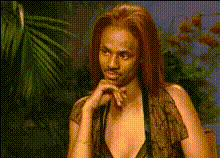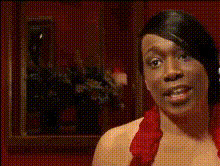
woman-in-red-dress-1
Overview
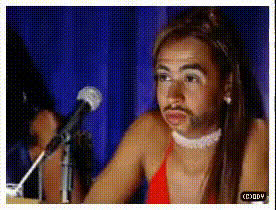
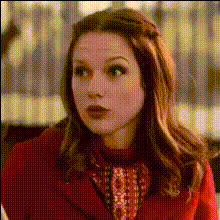
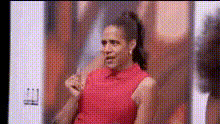
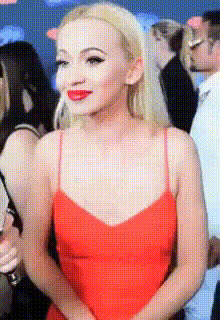
The Woman in Red Dress template offers an engaging way to use video face swap technology for dynamic transformations. Centered around a captivating character in a red dress, this template lets you substitute the face in the video with another, creating truly personalized and entertaining content.
What It Does
This template brings an exciting feature of swapping any face with the one of a woman in a vibrant red dress in a video setting. It supports popular video file formats, ensuring compatibility and easy integration with other video projects. The template is designed for both fun and practical applications, like creating custom video messages or enhancing social media content.
Who It's For
Perfect for digital creators and social media enthusiasts, the template is designed for those who want to add a twist to their video projects. Brands and influencers looking to create captivating content for their audience will find this tool particularly useful. It’s also a great fit for educational and promotional material producers who wish to engage viewers uniquely.
Summary
Swap faces in your videos with ease using the Woman in Red Dress template. This tool is ideal for creating lively, customized videos that stand out. Whether for entertainment, marketing, or instructional videos, this template opens up a world of creative possibilities. Discover other transformative tools in our range, such as the AI Image Editor and AI Video Generator.
How To
Choose the Template

Customize Your Inputs

Generate and Download

Use Cases
Social Media Content
- Personalize trending videos
- Create comedic sketches
Marketing Campaigns
- Enhance brand storytelling
- Produce targeted video ads
Entertainment Projects
- Craft humorous video edits
- Develop unique story-driven clips
Best Practices
Choose High-Quality Inputs
For the best results, use high-resolution video and clear images for the faces you wish to swap.Maintain Consistent Lighting
Ensure the lighting is consistent between the original video and the image being swapped to achieve a natural look.Review and Adjust
After generating the video, review it for any adjustments needs. Use editing tools to refine and enhance the final output if necessary.