woman-in-red-dress
Overview
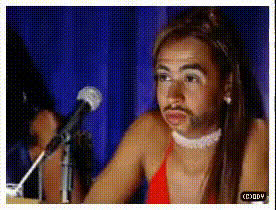
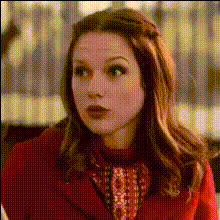
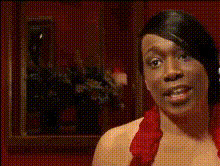
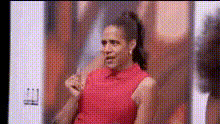
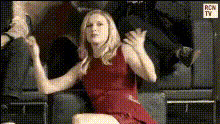
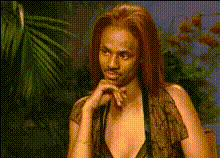
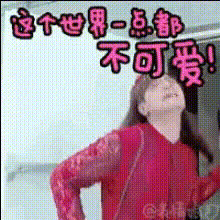
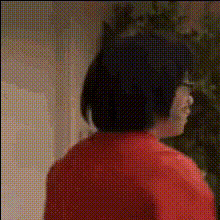
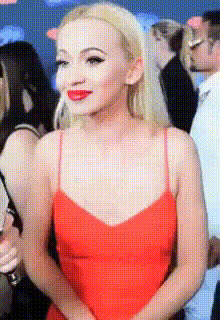
The "Woman in Red Dress" template lets you effortlessly customize videos by integrating a different face into an existing clip of a woman in a red dress. Perfect for content creators and social media enthusiasts looking to add a unique touch to their video projects.
What It Does
This template allows for a smooth transition of a new face onto a woman's body in a video, enhancing your clip with a professional video face swap effect. It maintains the original video's quality and details while allowing you to modify facial features to create personalized content.
For related transformations, explore the Video Face Swap product, and if you're interested in expanding your creative toolkit, consider checking out the Body Swap and AI Clothes Changer options.
Who It's For
Individuals working in creative industries such as marketing, film production, and social media management will find this template invaluable. It's also great for hobbyists looking to experiment with digital face swapping in their personal projects. Those involved in creating personalized ads or social media ads will appreciate its capabilities.
Summary
The "Woman in Red Dress" template is a powerful tool for anyone needing to perform a video face swap efficiently and creatively. It is compatible with various video formats and is tailored to fit professional and personal uses. With related tools like the AI Talking Photo and AI Video Generator, your creative potential is limitless.
How to Use
Choose Your Template

Customize Your Inputs

Generate Your Video

Use Cases
Personalized Social Media Content
- Instagram stories showcasing transformations
- Engaging video posts for Facebook and TikTok
Marketing and Advertisements
- Targeted advertising campaigns
- Localized marketing strategies
Film and Video Production
- Post-production face swaps
- Character alterations for storytelling
Best Practices
High-Quality Images
Use high-resolution images for the face swap to ensure a polished result.Consistent Lighting
Ensure that the lighting in the face image aligns with the video to maintain a natural appearance.Test Different Angles
Experiment with various angles for the face image to see what fits best.