tv-show-character-close-up
Overview
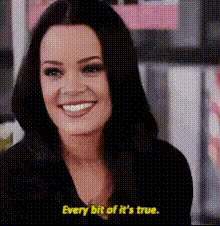
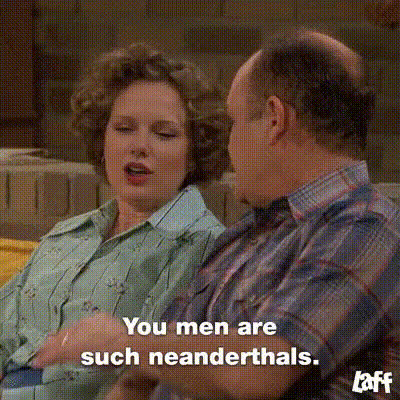
The TV Show Character Close-Up template brings the magic of video face swap technology to your fingertips. This tool is perfect for those looking to inject humor and creativity into their content by swapping faces with iconic TV show characters. Dive into a world of fun and entertainment with this versatile template.
What It Does
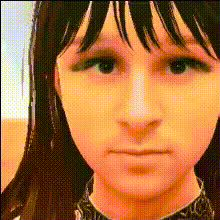
This template allows users to perform a face swap in video format, specifically with TV show characters. It processes your input video and seamlessly integrates the chosen faces onto the original characters, maintaining realistic expressions and movements. This tool builds on cutting-edge technology similar to products like Video Face Swap and AI Talking Photo, providing an immersive and hilarious outcome.
Who It's For
Whether you're a content creator, video editor, or simply someone looking to have a laugh, this template caters to a broad audience. It's ideal for social media influencers and marketers who want to engage their audience with creative and sharable content. It also serves well for the casual user aiming to add a humorous twist to personal videos.
Summary
The TV Show Character Close-Up template harnesses the power of video face swap to transform your video projects with engaging and dynamic content. It's easy to use, quick to render, and integrates smoothly with other Face Swap products, offering endless possibilities for customization and fun.
How-To
Choose Your Template

Customize Your Inputs

Generate Your Video

Use Cases
Social Media Content
- Engage followers with funny, shareable videos
- Create themed challenges or quizzes
Marketing & Promotions
- Create memorable promotions
- Utilize character recognition for brand recall
Entertainment
- Liven up home videos
- Invent quirky narratives
Best Practices
Select Clear Videos
Choose high-resolution videos with good lighting for the best results in face swapping.Match Face Angles
Try to select character faces that closely match the angles and expressions in your base video for seamless integration.Preview Before Finalizing
Use the preview function to check face positioning and adjust as necessary before finalizing your video.