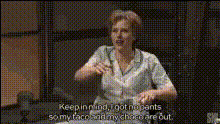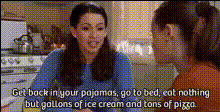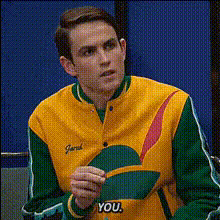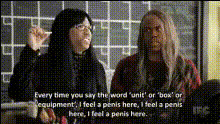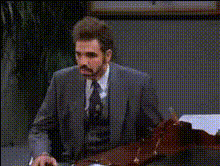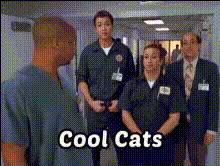
tv-show-screenshot
Overview
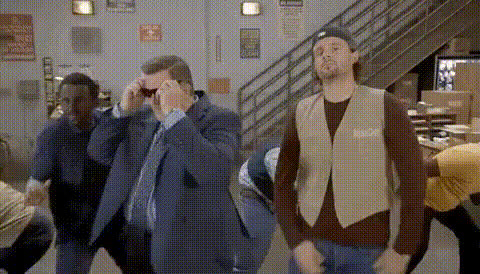
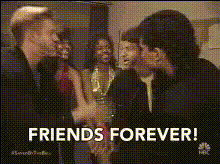
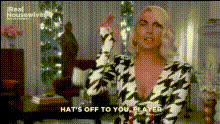
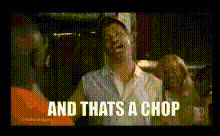
Enhance your video with our Video Face Swap template and make every scene a canvas for creativity. This tool allows users to integrate their face into popular TV show screenshots, turning ordinary videos into memorable content pieces. Ideal for creators wanting to add a fun twist to their projects.
What it Does
The TV Show Screenshot template takes your video clips and overlays your facial features onto clips from well-known TV shows. By automatically adjusting facial expressions to match the scene, your swapped faces fit perfectly into the narrative of the show. Consider using this with our Video Face Swap for seamless transitions.
Who It's For
This template is ideal for comedic content creators, social media enthusiasts, and anyone who enjoys experimenting with videos. It pairs seamlessly with solutions like our AI Image Editor or the AI GIF Generator to further enhance visual content.
Summary
The TV Show Screenshot template is your gateway to producing engaging and fun content that resonates with audiences. Integrate your visuals with iconic TV scenes and see your content come alive. To maximize results, consider using it in conjunction with AI Video Generator to explore additional transformations.
How To
Choose the Template

Customize Your Inputs

Generate Your Video

Use Cases
Comedy Sketches
- Great for short skits
- Boosts engagement with familiar content
Social Media Clips
- Ideal for shareable content
- Fits into current meme trends
Advertising and Promotions
- Catch audience attention
- Differentiate from standard ads
Best Practices
Choose the Right Clips
Opt for TV show scenes that are widely recognized to maximize audience connection.Ensure Expression Match
Make use of facial expression adjustments for seamless integration.Combine with Other Tools
Pair with AI Talking Photo for dynamic content that speaks directly to viewers.