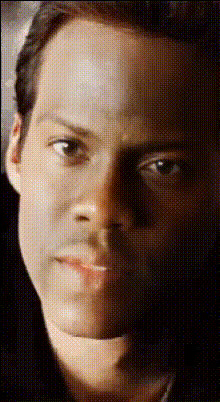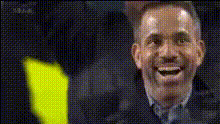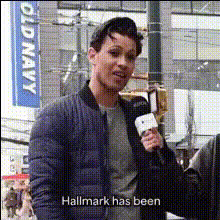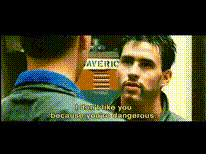
tom-hiddleston-holding-microphone
Overview
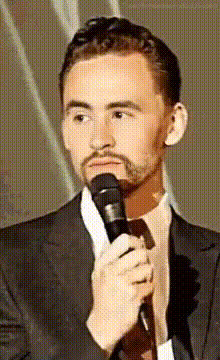
Inject a dose of humor into your media projects with the Tom Hiddleston Holding Microphone video face swap template. Ideal for adding a playful twist to your content, this template allows you to replace faces in a video while retaining Tom Hiddleston's charismatic presence. Whether you're creating memes or entertaining videos, this template offers a fun way to engage your audience.
What It Does
This Video Face Swap template enables you to swap the face of a person in a video with Tom Hiddleston's image holding a microphone. The results are high-quality and fit seamlessly into your video content, maintaining the integrity of the original scene. Perfect for comedic projects or engaging audience content.
Who It's For
Content creators looking to spice up their social media or marketing videos will find this template invaluable. It's also an excellent tool for meme creators, video editors, or anyone interested in adding a humorous element to their projects. This template is a great choice for all levels of video editing expertise.
Summary
With the Tom Hiddleston Holding Microphone template, achieve a captivating transformation of your video content. Explore other powerful tools like the AI Image Editor and Body Swap for more creative possibilities. Whether you're driving engagement or just looking to entertain, this face swap feature will delight viewers and boost your content's appeal.
How-To
Choose the Template

Customize Your Inputs

Generate and Download

Use Cases
Social Media Content
- Entertaining Instagram Reels and TikTok Videos
- Fun Twitter and Facebook posts
Meme Creation
- Replace faces in classic movie scenes
- Craft original meme formats
Video Marketing
- Enhance engagement with novelty content
- Capture viewer interest with humor
Best Practices
Select High-Quality Source Material
For the best results, use high-resolution videos as your source. This ensures that the face swap appears natural and seamless.Align Faces Correctly
Make sure the alignment settings match the orientation and expressions of the faces in both the source and destination videos to achieve a realistic effect.Experiment with Different Videos
Try the template with various videos to discover what achieves the funniest or most creative results. Consider testing it alongside the AI GIF Generator for dynamic content.