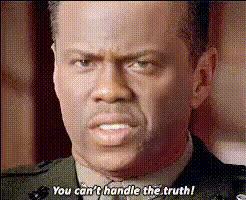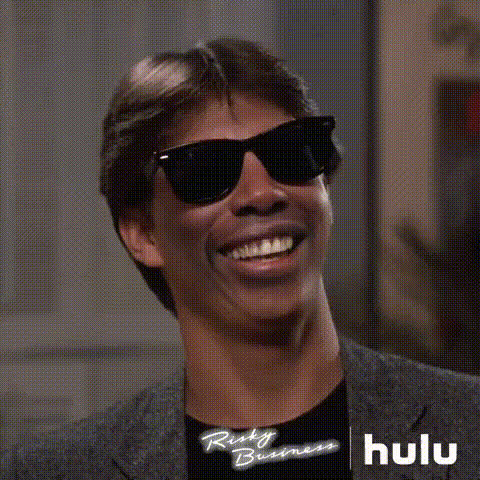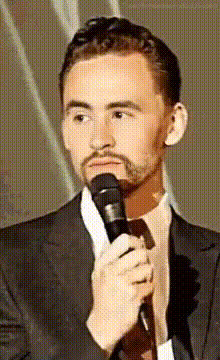
Close Up Of Tom Hiddleston
Overview
Experience the thrill of swapping faces with your favorite celebrity using the Close Up Of Tom Hiddleston video template. This tool allows you to create unforgettable video content by superimposing Tom Hiddleston's face onto your footage. Ideal for creators looking to infuse a touch of Hollywood glamour into their work, this template is part of our suite of innovative Face Swap solutions.
What It Does
This Video Face Swap template seamlessly integrates Tom Hiddleston's likeness into your videos, ensuring high-quality output that remains true to his iconic features. It utilizes advanced AI Video Generator technology to ensure perfect alignment of facial expressions, making your swaps not only convincing but also entertaining. Pair it with our Image to Video tool for expanded creative possibilities.
Who It's For
Whether you're a social media influencer, a marketing professional, or just a fan wanting to create unique content, this template caters to all creative minds. It's perfect for anyone aiming to produce viral clips or amuse their audience with a touch of celebrity likeness. Professional editors and hobbyists alike will find it useful for various meme videos and other social media ad formats.
Summary
The Close Up Of Tom Hiddleston template offers a straightforward path to enhancing your video projects with world-class celebrity face swap technology. By incorporating this tool into your editing process, you leverage our comprehensive AI Face Editor capabilities for impeccable results. Get started today to make your content stand out.
How To
Choose Your Template

Customize Your Inputs

Generate Your Video

Use Cases
Social Media Content
- Create engaging TikTok or Instagram Reels
- Boost engagement with celebrity-themed content
- Stand out with unique prank ideas
Marketing Campaigns
- Run celeb-themed ad campaigns
- Increase views on Facebook and YouTube
- Ideal for seasonal promotions and events
Entertainment Productions
- Spice up your short films
- Create engaging community theatre trailers
- Develop fun, interactive live shows
Best Practices
Select High-Quality Source Videos
To achieve the best face swap results, use high-resolution videos with clear lighting and minimal obstructive elements.Experiment with Different Settings
Don't hesitate to tweak different settings for optimal face alignment and expression matching.Combine Tools for Greater Effect
Use in tandem with other resources like the AI Voice Changer for more comprehensive edits.