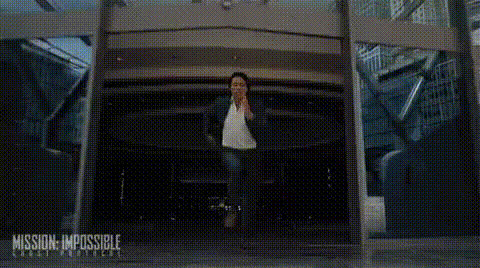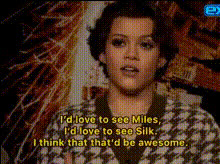
tom-holland-crying
Overview
The Tom Holland Crying template for Video Face Swap offers a unique twist by allowing you to superimpose Tom Holland's crying face onto any video. Capture comedic moments by transforming any scene into something unexpected and humorous.
What It Does
This template specializes in delivering entertaining video edits through advanced face swap technology. It seamlessly integrates a well-known meme—Tom Holland crying—into your chosen clips, perfect for creating viral content or light-hearted fun. With the help of AI, the technology ensures that the face fits naturally onto the selected scenes, maintaining realistic expressions and movement.
Who It's For
This template is ideal for content creators aiming to produce humorous clips quickly. Whether you're a social media influencer, a digital marketer creating fun ads, or someone who just loves memes, this tool will add a playful twist to your projects. Perfect for those involved in social media advertising and meme video creation.
Summary
With the Tom Holland Crying face swap, juxtaposing humor with everyday situations becomes incredibly easy. Use this tool to create viral content and to engage audiences through comedic visuals. Visit AI Image Editor for additional editing options, or explore the AI Video Generator for further creative possibilities.
How To
Choose Your Template

Customize Your Input

Generate Your Video

Use Cases
Social Media Content
- Quickly adapt to trending memes.
- Drive engagement with amusing posts.
Marketing Campaigns
- Increase ad recall with unexpected visuals.
- Appeal to a broader audience through humor.
Personal Projects
- Entertain friends with hilarious clips.
- Make family gatherings more memorable.
Best Practices
Choose Suitable Clips
For the best effect, pick scenes where the character is in a similar pose or expression to enhance realism.Fine-tune Adjustments
Immediately review the face alignment to ensure that the swap looks natural and convincing before finalizing your video.Leverage Other Tools
Consider using the AI GIF Generator for creating GIFs from the video to share easily across different platforms.