tom-cruise-in-zero-gravity
Overview
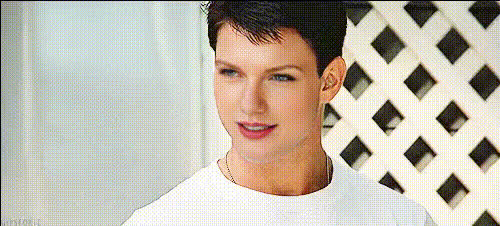
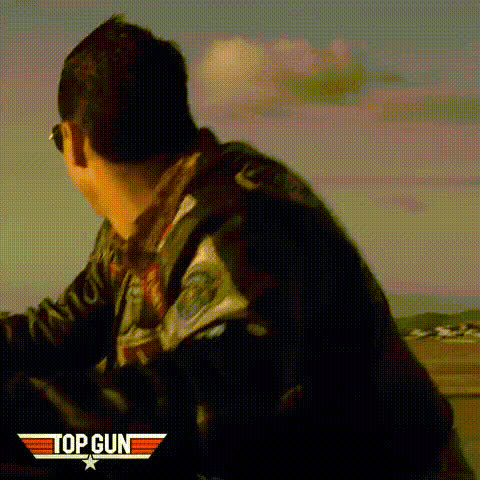
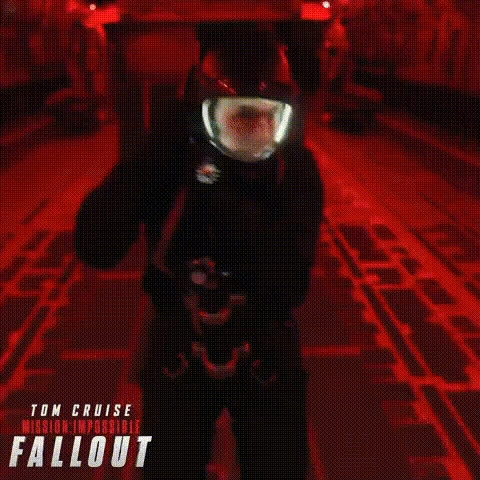
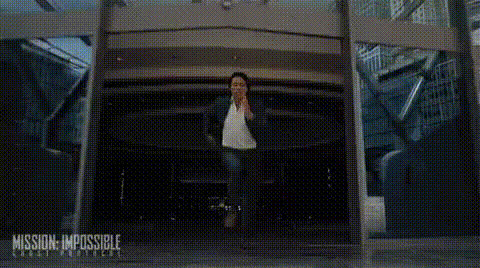
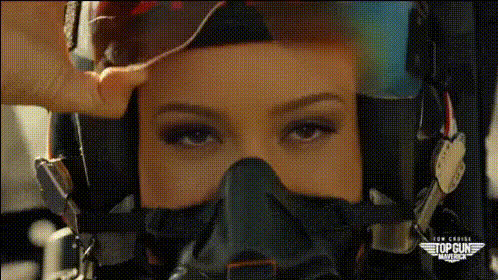
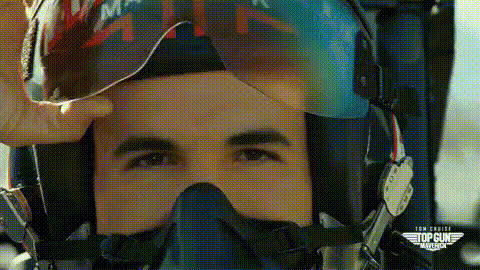
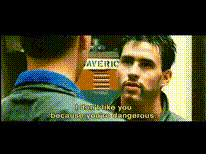
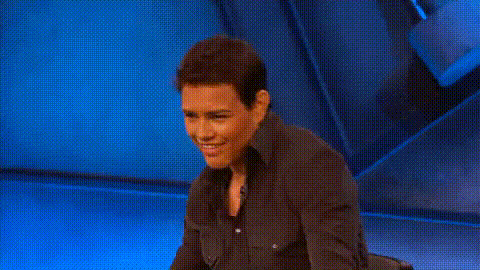
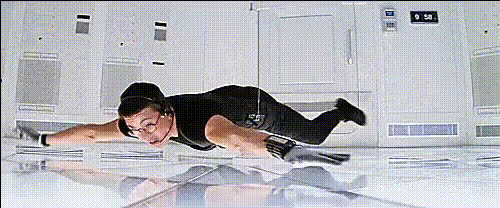
Step into the world of film magic with our "Tom Cruise in Zero Gravity" video template. This Video Face Swap tool lets you merge your or any chosen face with Tom Cruise's famous persona in a breathtaking zero-gravity scene. Perfect for creators looking to add a cinematic touch to their content.
What It Does
This template allows you to overlay a face of your choice onto Tom Cruise's in a zero-gravity setting. Using advanced AI Video Generator technology, it preserves realistic facial expressions and dynamic movements, creating a convincing illusion. It's designed for both novice users and seasoned creators who want a quick, impactful result.
Who It's For
The "Tom Cruise in Zero Gravity" template is ideal for content creators, social media managers, and filmmakers who want to grab attention with high-quality face swap technology. If you're aiming to enhance your content for platforms like Instagram or TikTok, or just want to experiment with creative storytelling, this is your go-to tool.
Summary
With a focus on ease of use and stunning results, the template is built using robust AI models. It's part of our extensive range, including AI Image Generator and AI Clothes Changer. Swap faces seamlessly and enjoy a virtual journey to the stars.
How-To
Choose the Template

Customize Your Inputs

Generate Your Video

Use Cases
Social Media Content
- Instagram posts & reels
- TikTok videos
- YouTube shorts
Marketing Campaigns
- Product launches
- Social media ads
Personal Projects
- Birthday videos
- Graduation highlights
Best Practices
Ensure Quality Uploads
Use high-resolution images for the most realistic face swap results.Select Appropriate Lighting
Ensure both the template video and the face image have similar lighting conditions for a seamless blend.Experiment with Angles
Try different angles in the swap to find the most convincing look.