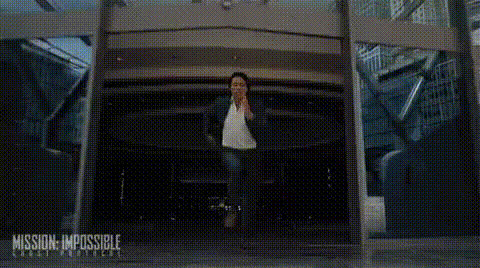
tom-cruise-smiling-forward
Overview
With the 'Tom Cruise Smiling Forward' video face swap template, transform your videos by seamlessly integrating Tom Cruise's iconic smile onto any face you choose. This template is part of our Face Swap series, designed for fun and engaging video transformations.
What It Does
This template allows you to replace any face in your video with Tom Cruise's smiling visage. By employing our advanced Video Face Swap technology, your output retains realistic expressions and movements, enhancing the overall impact of your creative projects.
Who It's For
Ideal for content creators, social media influencers, and filmmakers, this template aids in producing amusing and shareable content. Use it to add a touch of Hollywood to personal projects or to create attention-grabbing social media posts. With tools like AI GIF Generator, you can extend your creative possibilities beyond videos.
Summary
Transform your media with Tom Cruise's iconic smile using our specialized Image to Video technologies. Perfect for creating captivating and entertaining content, this template provides an easy way to customize your visuals with AI Clothes Changer for even more personal touches.
How To
Choose

Customize

Generate

Use Cases
Social Media Content
- Capture audience attention
- Viral content potential
Entertainment Projects
- Create parodies or skits
- Great for comedy channels
Promotional Materials
- Boost ad appeal
- Stand out in presentations
Best Practices
Ensure High-Quality Source Videos
Use high-resolution footage for best results, particularly for facial features and expressions.Alignment Matters
Carefully align the face swap to ensure natural-looking results. Adjust size and rotation settings if needed.Combine with Other Tools
Use alongside products like the Lip Sync tool for synchronized audio and enhanced realism.