tom-cruise-as-maverick-2
Overview
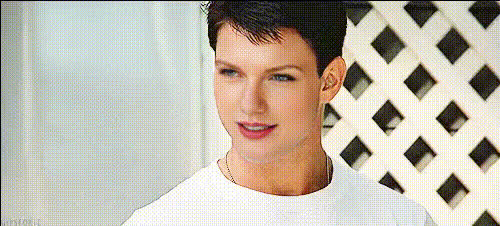
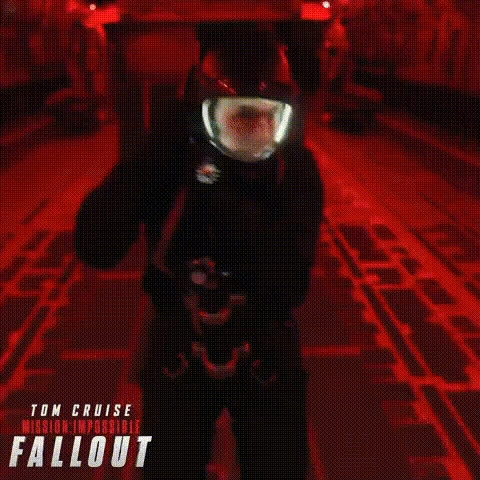
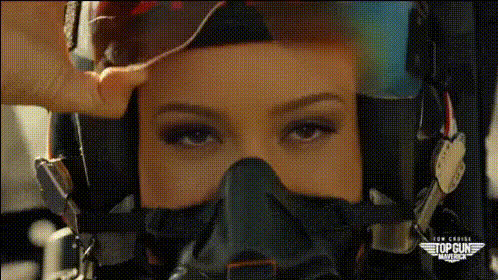
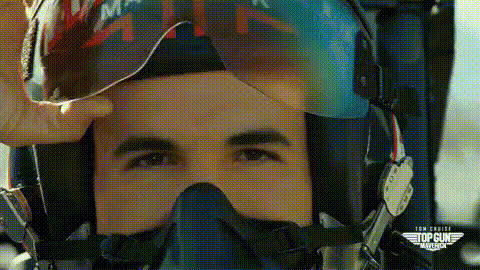
The "Tom Cruise as Maverick" Video Face Swap template brings a touch of Hollywood magic to your projects. By integrating the latest in face swap technology, this template allows users to place Tom Cruise's iconic face from Maverick into any video scene. Perfect for content creators looking to punch up their productions with a familiar cinematic twist, this tool is both captivating and easy to use.
What It Does
The template utilizes advanced facial mapping technology to accurately swap Tom Cruise's face onto a chosen subject within your video. The result is a seamless blend that maintains the original video's audio and motion while delivering the striking visage of the "Top Gun" star. This tool is compatible with various video formats, enhancing its utility for professional video editors and casual creators alike.
Who It's For
This template is ideal for filmmakers, social media influencers, and marketers looking to add a unique hook to their content. Whether you're producing a product launch video or a playful personal project, this template helps elevate your narrative. It’s also well-suited for creative agencies aiming to deliver standout content for eCommerce ads or promotional materials.
Summary
With the "Tom Cruise as Maverick" Video Face Swap template, you can effortlessly transform your video projects. By leveraging cutting-edge AI tools like the Face Swap, you can create memorable scenes that captivate viewers. This template promises not only fun but also a professional finish, making it a valuable addition to your social media campaigns.
How To
Choose the Template

Customize Your Project

Generate Your Video

Use Cases
Cinematic Parodies
- Great for meme creation
- Ideal for film school projects
- Perfect for social media engagement
Marketing Pitches
- Boosts engagement
- Increases shareability
- Adds a professional touch
Training Videos
- Keeps content interesting
- Facilitates better retention
- Breaks the monotony
Best Practices
Select High-Quality Source Material
Ensure the video used for the face swap is high-resolution to maximize the quality of the final output.Refine Parameters
Use adjustable parameters to fine-tune the face swap for a natural and integrated look.Review Before Finalizing
Always preview the face swap effect before downloading to make any necessary adjustments.