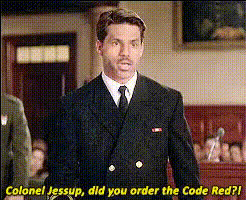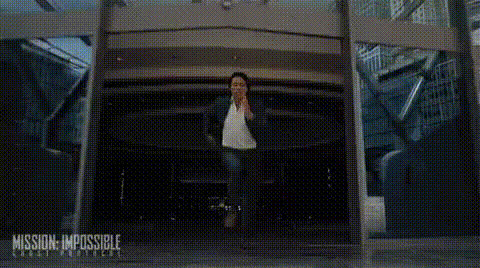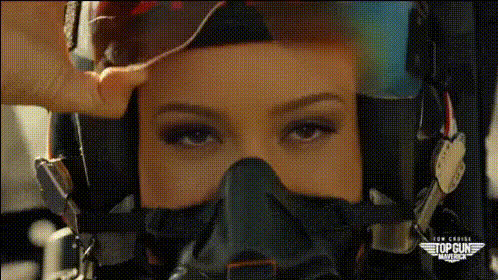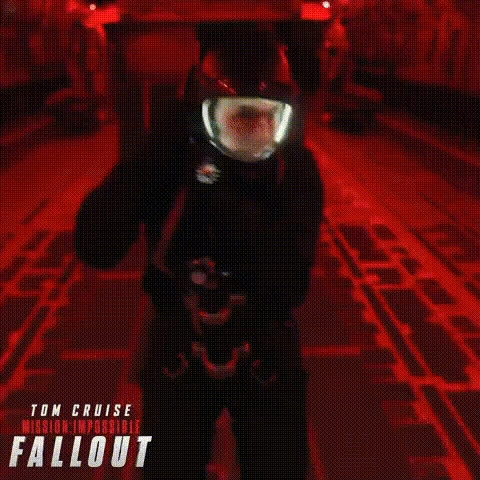
tom-cruise-in-helmet
Overview
Our "Tom Cruise in Helmet" Video Face Swap template brings your creativity to life by allowing you to swap any face with the famous actor Tom Cruise, giving him a comical twist by placing him in a helmet. Whether you're creating comedy skits or intending to draw laughter, this template transforms ordinary videos into viral sensations. Production-friendly and efficient, it complements workflows that aim for quick turnaround with high impact.
What It Does
This Video Face Swap template lets you overlay Tom Cruise's face onto existing video clips, complete with a helmet that adds a humorous touch. By leveraging advanced AI, it ensures the face swap is realistic and integrates seamlessly into your video, allowing for precise synchronization and expression matching. Output formats include popular video formats compatible with various social media platforms.
Who It's For
Designed for content creators, social media influencers, and digital marketers looking to inject humor into their content. This template is ideal for those eager to produce engaging meme videos and viral content. It's also suitable for agencies focusing on light-hearted promotional content and anyone interested in manipulating video for entertainment purposes.
Summary
Stand out in the crowded digital landscape with the "Tom Cruise in Helmet" Video Face Swap template. By transforming the face of one of Hollywood's icons into a light-hearted act, this tool increases engagement and expands reach for creators aiming to go viral. Explore further possibilities by integrating it with tools like the AI Meme Generator and AI Video Generator to amplify your content strategies.
How To
Choose Your Template

Customize Your Video

Generate Your Swap

Use Cases
Social Media Content
- Instagram stories and reels
- TikTok videos
- Facebook posts and videos
Meme Creation
- Add to trending memes
- Create your unique meme format
- Engage communities with humor
Marketing Campaigns
- Attention-grabbing ad creatives
- Promotional video content
- Campaigns targeting Gen Z and Millennials
Best Practices
Choose High-Quality Source Videos
Higher resolution videos lead to more convincing swaps and seamless integration.Align the Features Accurately
Proper alignment of the features is essential to maintain the effectiveness and realism of the swap.Leverage Humor
Utilize the template in situations where humor is key to increase engagement and shareability.