tom-cruise-close-up-face
Overview
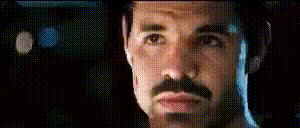
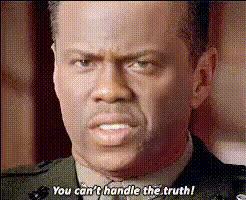
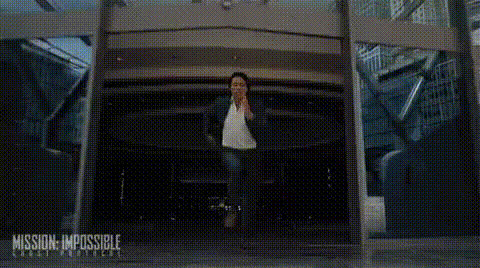
Imagine turning heads with a convincing video face swap featuring one of Hollywood's most recognizable personalities. The "Tom Cruise Close-Up Face" template allows creators to seamlessly integrate Tom Cruise's face into their footage for a dramatic close-up effect. Whether you're producing a parody or giving a cinematic tribute, this template can elevate your project.
What It Does
This Video Face Swap template focuses on enhancing your footage by overlaying Tom Cruise's likeness with precision. The tool tracks facial movements, ensuring that expressions remain lifelike. Ideal for creating viral content, it handles everything from minute facial nuances to bold head movements. Use it to amplify any project, making it memorable and engaging.
Who It's For
This template is perfect for content creators, film enthusiasts, and marketers eager to include a bit of star power in their productions. Whether you're working on parody clips, marketing campaigns, or educational videos, embedding a familiar face like Tom Cruise can significantly boost viewer engagement. It's also a great choice for short films and viral TikTok content. Delve into our use cases to see more possibilities.
Summary
With the "Tom Cruise Close-Up Face" template, Magic Hour provides a powerful tool for transformative video editing, easing the process of integrating a celebrity's face into your creations. Tailored for filmmakers, marketers, and creative influencers, this template ensures high-quality, realistic outcomes that viewers will love. Explore more transformation options like our AI Talking Photo tool or the AI Face Editor for your next project.
How to Use
Choose Your Template

Customize Your Footage

Generate Your Video

Use Cases
Parody Videos
Marketing Campaigns
Educational Content
Best Practices
Choose Clear Footage
Opt for well-lit, high-resolution source videos for the most convincing face swap results.Refine Settings
Use the adjustable settings to ensure that the face aligns seamlessly with movements and expressions.Preview Before Finalizing
Always preview the footage in different settings or scenes to ensure quality and natural integration throughout.