rupauls-drag-race-contestant
Overview
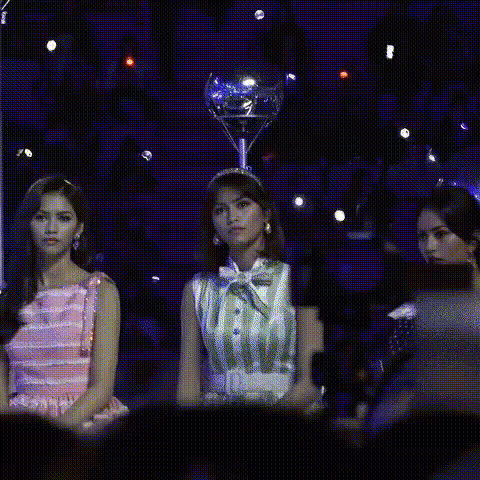
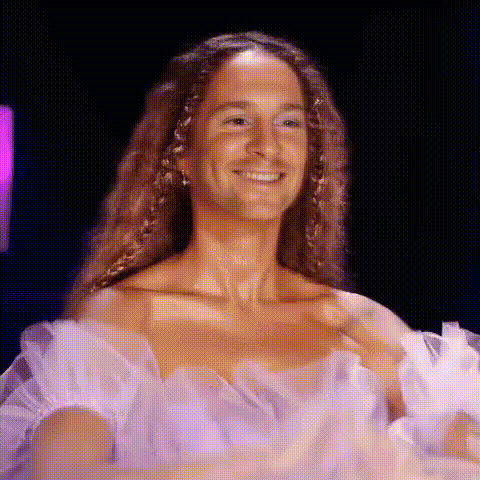
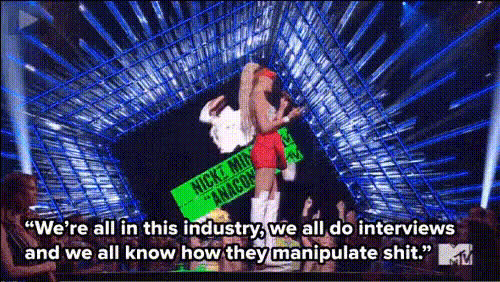
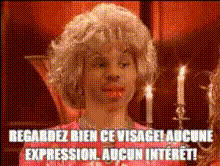
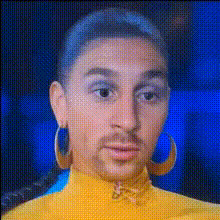
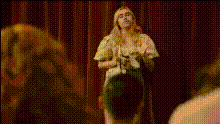
Entertain and amaze with our Video Face Swap template featuring iconic RuPaul's Drag Race contestants. This template allows you to seamlessly integrate your face into your favorite drag performances, creating a fun and dazzling video experience. Perfect for adding a unique twist to your content.
What It Does
The RuPaul's Drag Race Contestant template uses advanced face-swapping technology to replace faces in video clips with those of RuPaul's Drag Race contestants. Transform scenes with beloved drag characters and see your face in incredible performances. Ideal for creative video projects, this tool provides a unique way to redefine your video content.
Explore other transformation tools with our Body Swap and Head Swap products.
Who It's For
This template is tailored for content creators, social media influencers, and fans of RuPaul's Drag Race who want to spice up their video content with a bit of glam and humor. Whether you're crafting social media clips or working on promotional videos, this face swap tool is your go-to for injecting personality and charm into your projects.
For broader creative needs, our AI Image Editor and Text to Video tools offer additional customization options.
Summary
With the RuPaul's Drag Race Contestant video template, you can bring the charisma, uniqueness, nerve, and talent of our beloved drag queens to your own footage. Utilize our state-of-the-art face-swapping technology for a professional and polished final product that is both entertaining and engaging.
Also consider exploring our AI GIF Generator for more dynamic and shareable content options.
How To
Choose

Customize

Generate

Use Cases
Social Media Content
- Instagram reels
- TikTok videos
- Facebook stories
Fan Tributes
- Birthday videos
- Fan compilations
Creative Projects
- Short films
- Music videos
Best Practices
High-Quality Video
Ensure your source video is of high quality for the best swapping results. Low-resolution videos can diminish the final output's clarity.Lighting Consistency
Try to match the lighting and complexion of the original videos with your own to make the face swap appear more authentic.Experiment with Angles
Review different video angles to find the best match for the face swap, improving realism in the final product.