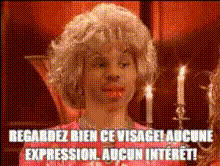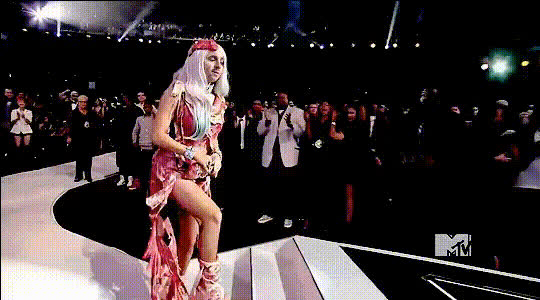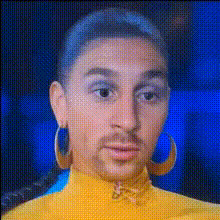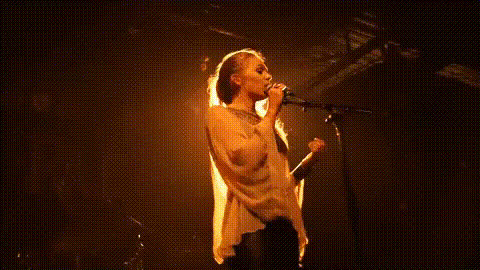
Drag Queen Performing On Stage
Overview
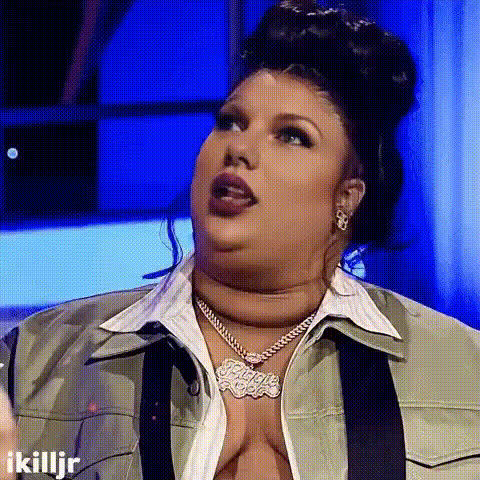
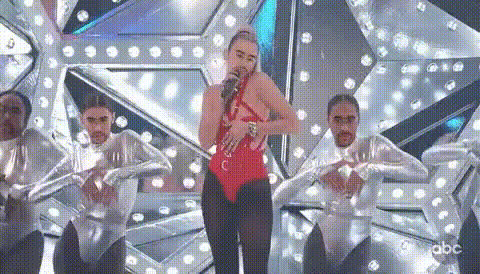
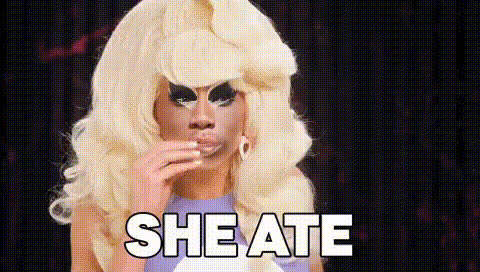
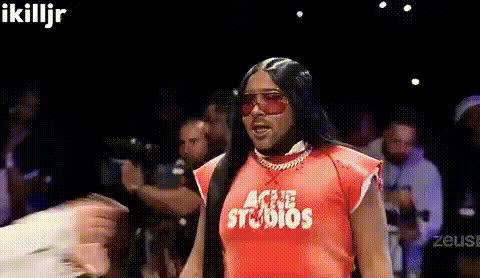
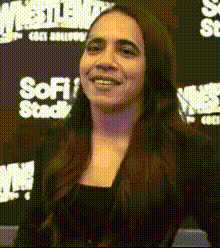
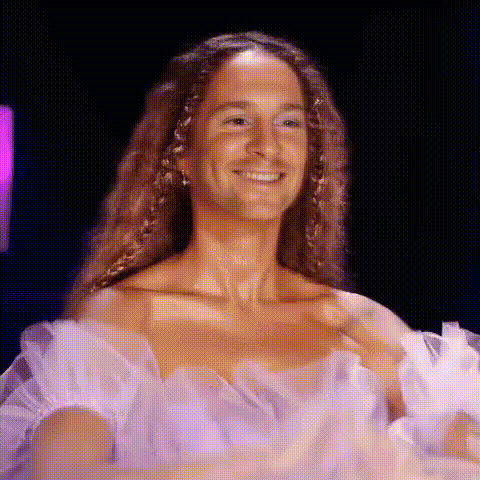
The "Drag Queen Performing On Stage" template brings the enchanting world of drag performances right to your projects. This Video Face Swap tool allows you to experience the thrill of transformation by placing a new face onto a captivating drag queen already captivating the stage.
What It Does
This template focuses on swapping facial features onto a drag queen, enhancing your content with stunning performance art. Transform your video footage with ease by leveraging advanced AI technology to ensure each face swap is seamless and convincing.
Pair with our AI Face Editor to refine your results or explore more visual transformations with the AI Image Generator for complementary imagery.
Who It's For
This template is ideal for creators looking to add flair and creativity to their videos. Content creators, social media marketers, and even event organizers can make use of this tool to showcase unique transformations, entertain audiences, or promote events.
Those involved in Social Media Ads can greatly benefit by incorporating dynamic visual content that captivates viewers and increases engagement.
Summary
Unleash your creativity with the "Drag Queen Performing On Stage" Video Face Swap template. Perfect for injecting energy and originality into your media, this tool transforms your video content into a show-stopping spectacle.
Enhance your projects further by exploring other transformation tools like the Video Face Swap and AI Video Generator.
How To
Choose Your Template

Customize Your Inputs

Generate and Download

Use Cases
Theatrical Production Enhancement
- Boost audience engagement
- Create compelling trailers
- Add character depth
Social Media Spectacles
- Amuse your audience
- Drive viral sharing
- Enhance brand identity
Event Promotions
- Create buzz with unique visuals
- Highlight key event moments
- Invite engagement and interaction
Best Practices
Select High-Quality Input
For optimal results, ensure the images used for face swapping are of high quality and well-lit.Check Alignment
Before generating the final video, adjust alignment settings to ensure that the faces match naturally in perspective and expression.Experiment with Styles
Combine this face swap template with other tools like the AI Talking Photo for dynamic presentations and innovative content.