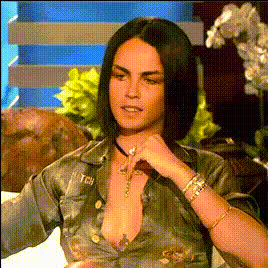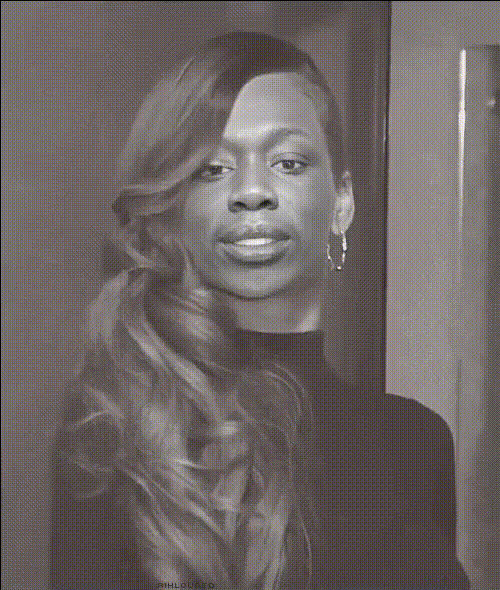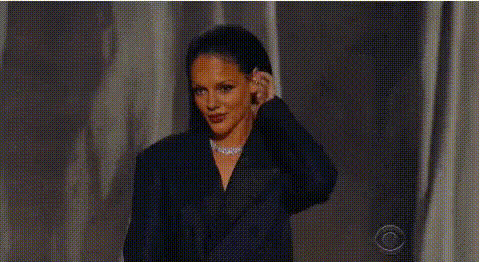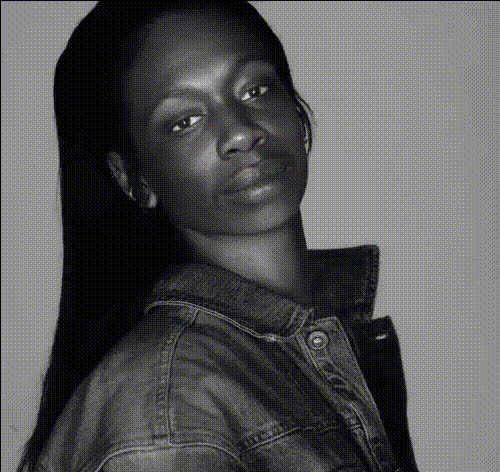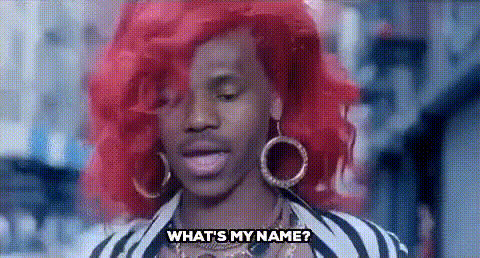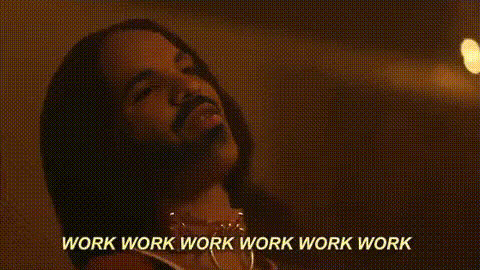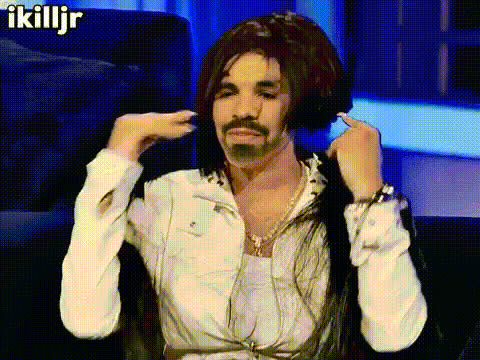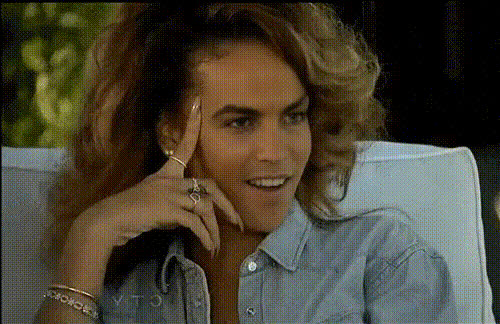
rihanna-portrait-high-quality
Overview
Experience the ultimate transformation with our Video Face Swap template, designed to let you step into the shoes of pop icon Rihanna. This tool provides high-quality detail in every swap, making it perfect for adding a creative touch to your projects. Whether you're crafting a music video or spicing up personal content, this template delivers exceptional results without fuss.
What It Does
The Rihanna Portrait High-Quality template allows you to replace a face in a video with Rihanna's, maintaining the video's original expressions and nuances. Leveraging advanced AI technology, this tool aligns to facial movements for a convincing and realistic look. It's an opportunity to explore innovative content creation, akin to our other tools like the AI Clothes Changer and Lip Sync.
Who It's For
This tool is ideal for content creators, social media influencers, and video editors who wish to introduce a celebrity touch to their videos. It's also perfect for marketing professionals looking to craft dynamic content for campaigns. Similarly, educators can use it to engage students in media literacy courses, alongside creating engaging content with tools like the AI Video Generator.
Summary
Integrating Rihanna's iconic presence into your video projects is easier than ever with this face swap solution. Providing high-quality, accurate transformations, it's your gateway to creating standout content. Explore other transformation tools like the Video Face Swap for expanding your creative repertoire.
How To
Choose the Template

Customize Your Input

Generate the Video

Use Cases
Social Media Content
- Instagram reels
- TikTok videos
Marketing Campaigns
- Product launch videos
- Personalized video ads
Entertainment Projects
- Music video parodies
- User-generated content
Best Practices
Select High-Quality Source Videos
For the best results, use high-resolution videos as input to maintain clarity and definition.Optimize Video Length
Shorter clips result in faster processing, enabling you to test different styles quickly.Refine with Additional Tools
Combine with the AI Image Editor to enhance the video post-processing. This ensures the swap blends seamlessly into your project.