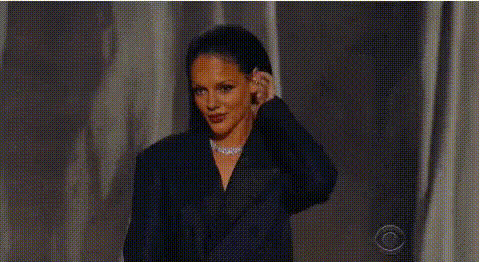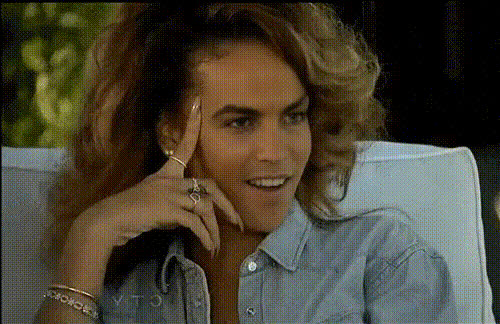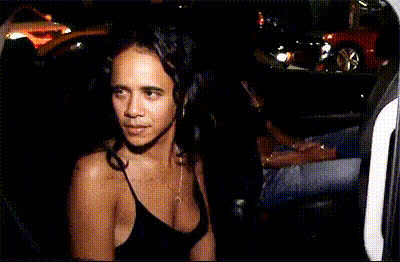
rihanna-angry-face-closeup
Overview
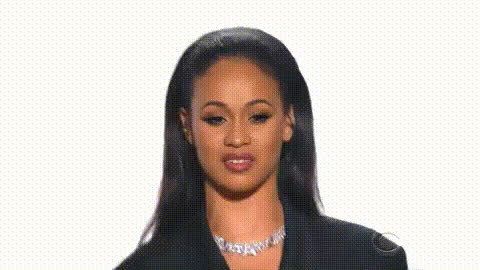
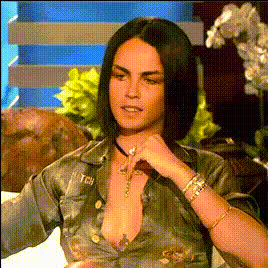
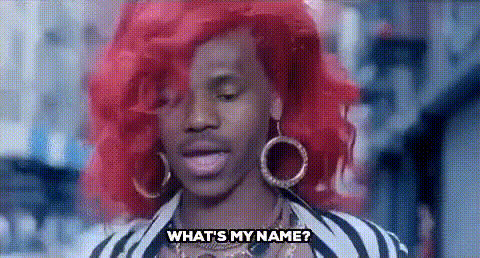
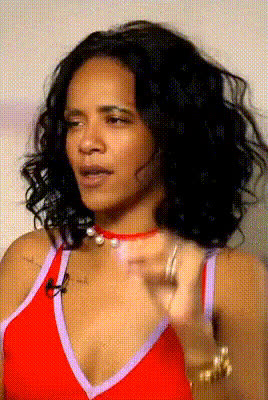
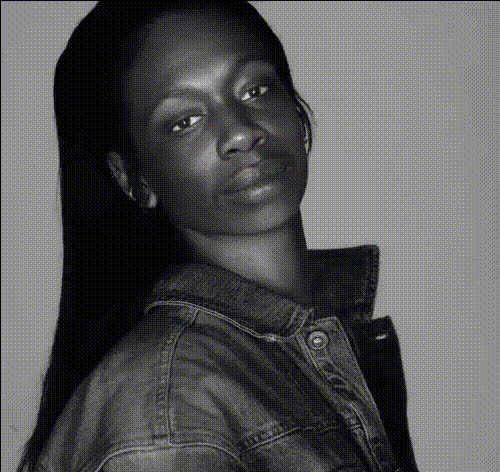
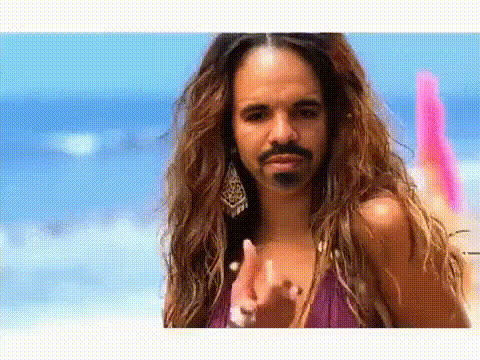
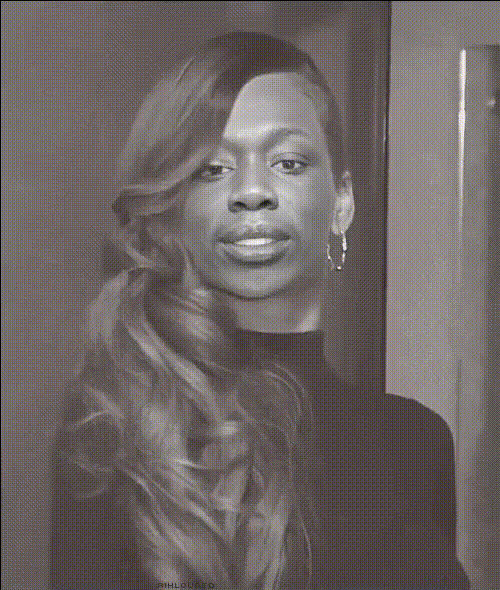
Step into the shoes of a pop icon with the Rihanna Angry Face Closeup template. This Video Face Swap template allows you to transform your videos by swapping your face with the iconic and fierce expression of Rihanna. Perfect for creating fun and engaging content for your social media or entertainment projects.
What It Does
This template enables creators to swap their face with Rihanna's. The focus is on capturing her famous angry closeup expression, adding a touch of celebrity flair to your videos. Once you import the template, you can easily integrate it into your workflow to produce dynamic and amusing visuals.
Who It's For
Whether you are a social media influencer, a digital marketing expert, or simply someone who likes to create entertaining content, this template is a fantastic fit. If your projects frequently involve visual transformations and celebrity mimicry, you will find this tool indispensable. Pair it with the AI GIF Generator for short animated clips, or the AI Video Generator for longer edits to keep your audience engaged.
Summary
Incorporating Rihanna's distinctive look into your projects is made easy with this Video Face Swap template. It's designed for quick transformation with professional results. For a broader range of effects, consider exploring our AI Clothes Changer or AI Voice Changer to fully customize your character portrayal.
How To
Choose the Template

Customize Your Input

Generate the Video

Use Cases
Social Media Content
- Create engaging Reels and Stories
- Boost follower engagement
- Stand out with celebrity face swaps
Entertainment
- Enhance comedy skits
- Include in personal video projects
- Offer unique visuals in presentations
Best Practices
Experiment with Lighting
Ensure your source video has good lighting to match the quality and clarity of the Rihanna face closeup.Align Faces Carefully
Use the alignment tools to ensure the best match between your face and Rihanna's features for a realistic swap.Post-Edit for Perfection
Consider using an AI Image Editor for any necessary touch-ups after generating your video.