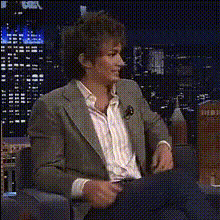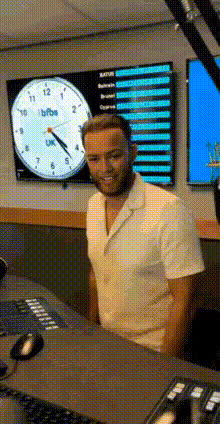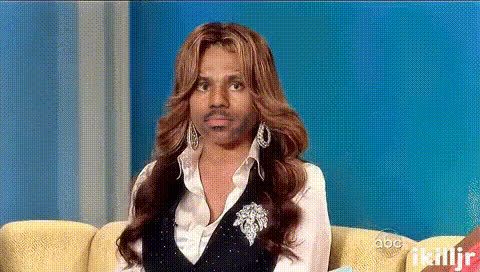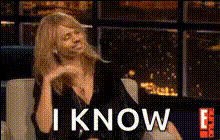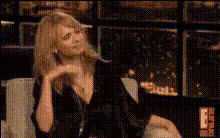
radio-show-hosts-chatting
Overview
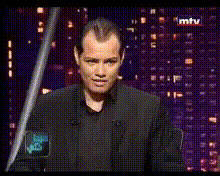
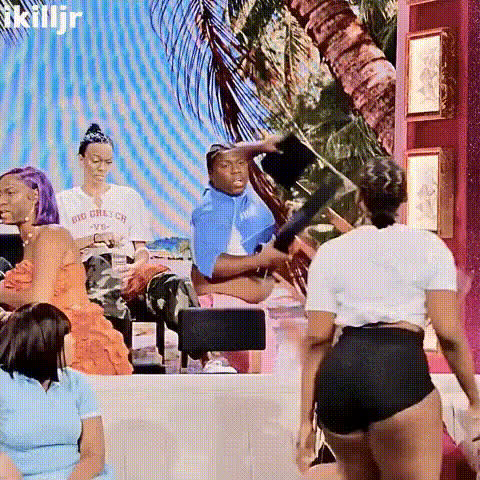
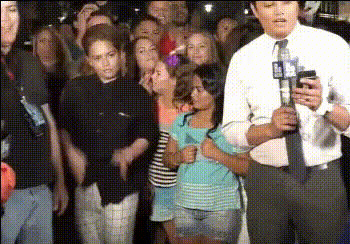
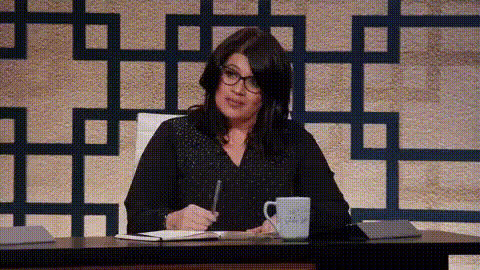
Transform your videos into engaging content with the Radio Show Hosts Chatting Video Face Swap template. This tool allows you to bring humor and creativity to your projects, swapping faces onto animated radio show hosts as they chat and entertain.
What It Does
This Video Face Swap template uses advanced AI to seamlessly replace faces in your chosen footage. You can use this feature to generate funny or unique videos that capture the lively back-and-forth of radio show hosts. The template supports several video formats, making it an ideal option for various platforms.
Who It's For
This template is perfect for video creators, social media managers, and marketers looking to add a playful twist to their content. It's also a great fit for educators and trainers aiming to liven up their instructional videos. Additionally, if you're into creating content for humor-driven platforms like AI Meme Generator, this tool is a perfect choice.
Summary
The Radio Show Hosts Chatting Face Swap template offers a creative solution for anyone eager to experiment with video transformations. By utilizing AI-powered face swapping, you can enhance your videos with humor and dynamic elements. Explore similar tools like the Image to Video tool for more transformation options.
How-To Guide
Choose the Template

Customize Your Input

Generate and Download

Use Cases
Social Media Promotion
- Short, engaging face-swapped clips
- Playful content for brand promotion
Content Creation for Comedy
- Generate humor-centric videos
- Engage audiences with funny scenarios
Training and Educational Videos
- Add engagement to otherwise dry content
- Increase viewer retention
Best Practices
Choose High-Quality Footage
Ensure the video and images you use are clear and high resolution to get the best swap results.Pay Attention to Lighting
Good lighting on the original and target faces improves the swap quality and makes transitions look seamless.Experiment with Expressions
Select frames where the expressions complement the scene, enhancing the comedic effect.