radio-host-in-studio
Overview
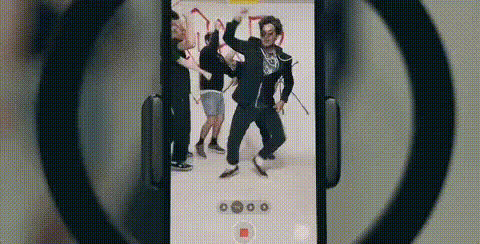
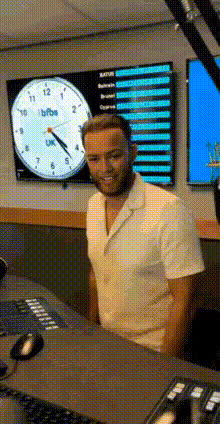
Dive into the world of broadcasting with the Radio Host in Studio video face swap template. This tool allows you to transform your video to look like you're in a professional studio setting. Perfect for enhancing your podcast covers or catching attention with your promotional materials.
What It Does
This template leverages advanced Video Face Swap technology to replace your face in a predefined radio studio video. It generates high-quality videos suitable for a wide range of formats and platforms. This template integrates seamlessly with other Magic Hour tools like the Face Swap and AI GIF Generator, offering diverse content outputs.
Who It's For
This template is designed for podcasters, social media influencers, and marketers who want to create compelling content. It's also ideal for agencies creating branded promotional videos. Those already utilizing tools like the Audio to Video converter can seamlessly integrate it into their existing workflow.
Summary
The Radio Host in Studio template is a powerful tool for content creators looking to establish a professional presence. By utilizing Magic Hour's innovative technology, you can easily create striking video content, complementing other tools such as AI Talking Photo and AI Image Editor for an enhanced digital strategy.
How To
Choose Your Template

Customize Your Video

Generate and Download

Use Cases
Podcast Promotion
- Enhance social media engagement
- Create eye-catching intros
Marketing Videos
- Personalized branded content
- Stand out in ad campaigns
Social Media Content
- Increase follower engagement
- Create share-worthy videos
Best Practices
Optimize Lighting
Ensure that your source video has good lighting to achieve the best face swap results.Clear Audio
For engaging content, pair your video with clear and professional-grade audio.Pair with Other Tools
Utilize tools like the AI Voice Changer for a more complete transformation, ensuring your voice matches your new look.