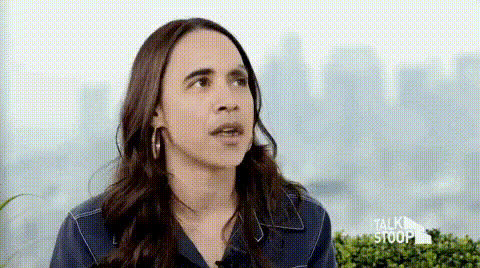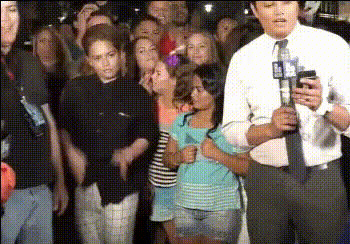
News Reporter Live On Air
Overview
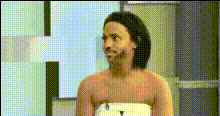
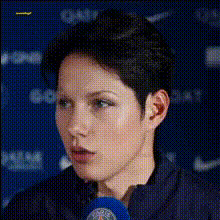
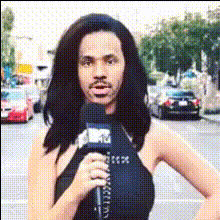
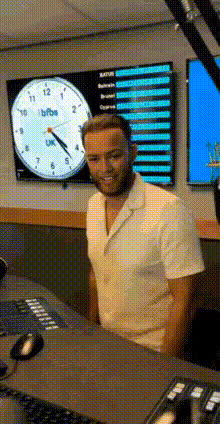
Bring a humorous twist to news broadcasting with the News Reporter Live On Air video face swap template. This template enables you to superimpose different faces onto a news anchor, creating playful and engaging content. Ideal for capturing attention on social media platforms, this playful twist on traditional news reporting can dramatically boost viewer interaction.
What It Does
This Video Face Swap template offers a creative way to generate engaging content by swapping out the face of a live news reporter. The seamless integration into any standard video file format allows for easy customization and quick deployment. It's perfect for creating entertaining content that captivates audiences on platforms like Instagram and TikTok.
For further creativity, combine it with our AI Voice Changer to modify the audio and AI Talking Photo for static image applications.
Who It's For
This template is tailored for content creators, social media managers, and marketing professionals who want to enhance their brand's digital presence. It's also a great tool for comedians, vloggers, and influencers looking to add a quirky flair to their videos.
Additionally, businesses aiming to create lighthearted internal communications can benefit from this creative application.
Summary
The News Reporter Live On Air template is a powerful tool for transforming how you engage with audiences through video. By swapping faces in real-time broadcast scenarios, it delivers not just humor but a unique viewing experience. Maximize your creativity by incorporating other features like the Lip Sync template or explore additional options like the AI Video Extender for adding length to your creations.
How To
Choose the Template

Customize Your Video

Generate and Review

Use Cases
Social Media Engagement
- Instagram Reels
- TikTok Videos
- Facebook Stories
Marketing Campaigns
- Promotional Videos
- Brand Awareness
- Viral Campaigns
Event Promotions
- Product Launches
- Webinars
- Live Streams
Best Practices
Ensure High-Resolution Inputs
Select high-quality videos and face images to achieve the best visual results.Balance Humor and Context
While humor is key, ensure that the swapped faces are suitable for the audience and context.Combine with Other Tools
Use in conjunction with the AI Image Editor to fine-tune visuals post-creation.