Nicki Minaj Performing Live
Overview
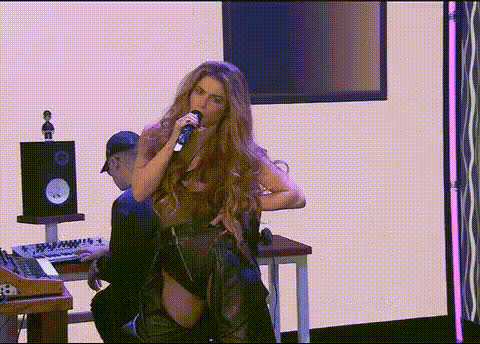
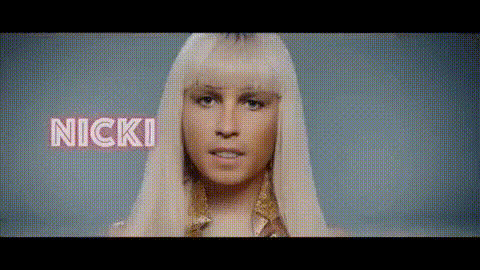
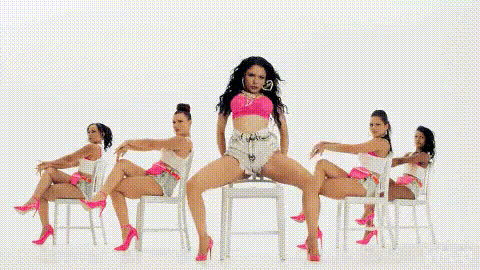
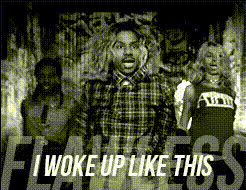
Imagine putting Nicki Minaj front and center in any video. With the Nicki Minaj Performing Live template, you can transform ordinary video content into a compelling live performance, making it perfect for social media, marketing, or personal projects. This template is part of our advanced Video Face Swap suite, designed to ensure quality and realism.
What It Does
This template utilizes sophisticated face swap technology, allowing you to replace any face in a video with that of Nicki Minaj. It's ideal for crafting eye-catching visuals without complex editing. This tool supports various video formats, ensuring compatibility and ease of use.
For those interested in expanding their video editing capabilities, consider our AI Video Generator and AI Image Editor to complement your projects.
Who It's For
Content creators, marketers, and fans of Nicki Minaj will find this template invaluable. Whether you're crafting videos for social media ads or aiming to boost engagement on digital platforms, integrating such a high-profile figure can significantly elevate your content's impact. This tool is also perfect for fans looking to add a personalized touch to their favorite videos.
Summary
Incorporating the Nicki Minaj Performing Live template into your creative process enables the transformation of standard videos into dynamic performances. It’s a powerful tool for producing engaging, shareable content effortlessly.
To enhance your video projects even further, try our Image to Video and AI GIF Generator products.
How-To
Choose Your Template

Customize Your Video

Generate and Download

Use Cases
Social Media Content
- Boost post engagement and views
- Ideal for Instagram Reels and TikTok videos
Marketing Campaigns
- Reach wider audiences
- Enhance brand image with celebrity endorsements
Fan Creations
- Create unique fan videos
- Share on fan forums and groups
Best Practices
Ensure High-Quality Source Material
Use high-resolution videos for the best results. Clear footage leads to more realistic face swaps.Adjust Lighting and Angles
Align your source video’s lighting and angles with the template to achieve seamless integration.Review and Refine
Take advantage of the preview function to make necessary adjustments before finalizing your video.