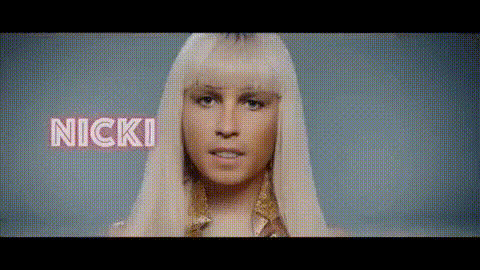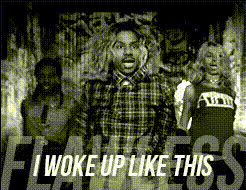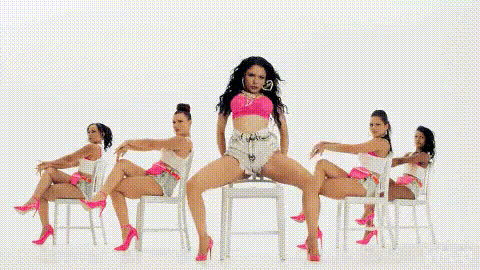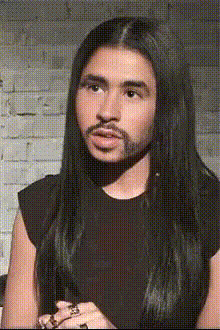
Nicki Minaj Close Up
Overview
The Nicki Minaj Close Up template allows you to create personalized videos by swapping your face with Nicki Minaj's in a close-up format. This template focuses on precision and quality, ideal for capturing the essence of eye-catching content creation. Whether you're creating content for social media or other platforms, this template offers a high-quality, engaging experience.
What It Does
This Video Face Swap template replaces the face in an existing Nicki Minaj video with one of your own choosing. By preserving facial expressions and features, it ensures a realistic and captivating transformation. This makes it perfect for not only producing entertaining videos but also for demonstration in the creative use of AI technology.
Who It's For
Content creators, social media influencers, and fans who want to engage their audience can benefit from this tool. It's also suitable for marketers looking to create unique promotional materials. Additionally, creators exploring the transformation capabilities of AI technologies will find this template particularly interesting. Use it in conjunction with the AI Video Generator to boost your creative projects even further.
Summary
Combine your video skills with the allure of a celebrity face swap. The AI Face Editor ensures that every detail is preserved for authenticity. This template is versatile for various applications, offering high-quality outputs that maintain the original content's integrity. If you're looking to expand further, check out the Face Swap product for more capabilities.
How To
Choose Your Template

Customize Your Video

Generate Your Video

Use Cases
Social Media Content
- Stand out on TikTok with creative face swaps.
- Enhance your Instagram stories with unique content.
Promotional Materials
- Create video ads for e-commerce platforms.
- Enhance brand storytelling and reach.
Entertainment
- Participate in fun viral challenges.
- Create content for video streaming platforms.
Best Practices
Choose High-Quality Images
To ensure the best result, upload clear and high-resolution images for more realistic face swaps.Perfect the Alignment
Take time to adjust the alignment settings carefully so that the facial features match up seamlessly with the video template.Check Lighting Consistency
Ensure that the lighting of your uploaded image matches the video template for better blending and realism.